5.01 months ago
“Review”
this is so good, i pasted a youtube link of 40 mins long video and it gave me a clean text nice to read and i didn’t find any mistakes. best part it only took 2 mins maybe less
beni1

Erase image backgrounds instantly with AI.
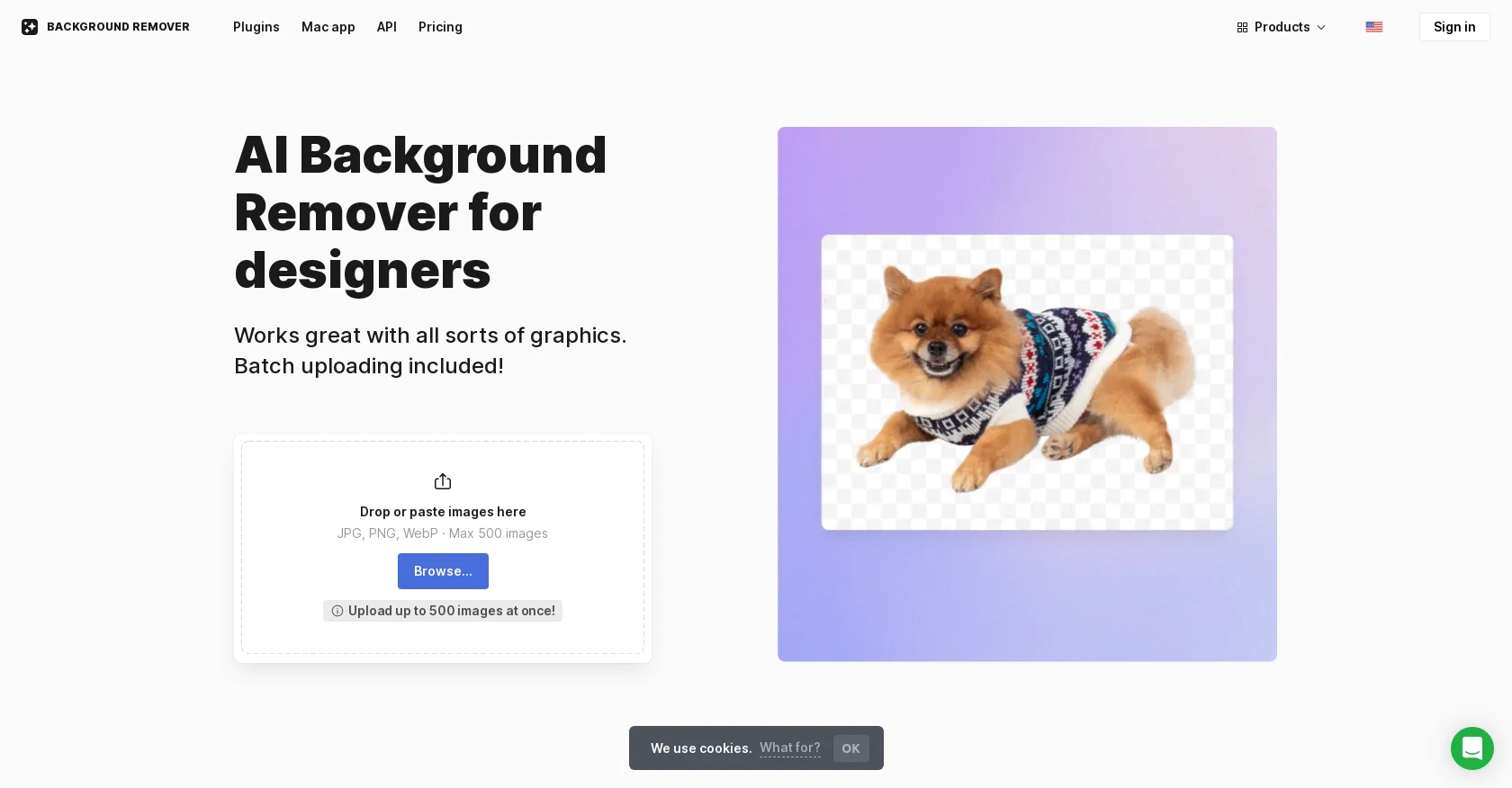
The AI Background Remover is a tool designed to remove the backgrounds from images using artificial intelligence. It can erase backgrounds from various types of graphics, including logos, illustrations, lettering, signatures, and more. The tool allows users to drop or paste images in formats such as JPG, PNG, and WebP, with a maximum limit of 500 images. It also supports batch uploading for efficient processing.Compared to similar tools that are mainly focused on photos, the AI Background Remover goes further by working accurately with different types of graphics. It offers an option to compare its performance with other background removal tools. The tool is available as a web-based solution or as a Mac app called GoProd, which provides faster and more convenient background removal.Additionally, the AI Background Remover offers an API that allows integration into third-party products. This API access eliminates the need to outsource background removal tasks.Although the tool works well on most images, it may occasionally struggle with intricate details like hair blowing in the wind. Furthermore, it is important to note that the AI Background Remover does not alter the dimensions or improve the overall quality of the photos. For enlarging and enhancing photos, users can utilize the Smart Upscaler tool.The AI Background Remover offers a free version that allows users to remove backgrounds from three images. However, for processing more images, a subscription or prepaid package is required. All plans include priority processing, email support, and 60-day storage of uploaded images. The tool securely stores uploaded images, enabling users to access their image history and re-download files without requiring additional background removal processing. Help other people by letting them know if this AI was useful. Add your own prompts and outputs to help others understand how to use this AI.
When considering Icons8 Background Remover for integration into your organizational workflow, we recommend deploying a structured score card across three critical operational pillars: Security & Compliance, Integration Friction, and long-term Price Scalability. Rather than looking only at basic feature lists, modern procurement teams must assess how a software platform behaves under high load and how well it fits into the team's data security guidelines.
Depending on your operating region and field, ensure that Icons8 Background Remover supports standard security layers such as SOC 2 Type II certifications, GDPR compliance, or HIPAA-compliant database encryption. If the tool connects directly to client database tables or handles user passwords, verify that they implement multi-factor authentication (MFA), single sign-on (SSO) integrations, and end-to-end data encryption in transit and at rest.
Siloed data is the primary cause of operational friction. Evaluate if Icons8 Background Remover has native connectors for your current project trackers, messaging hubs, and customer communication channels. For custom developer requirements, check if they provide a fully documented REST API with reasonable rate limits, comprehensive Webhooks support, and robust SDK packages in your language. A flexible API layer saves hundreds of hours of manual copy-paste overhead.
SaaS pricing packages are often deceptively simple. When reviewing Icons8 Background Remover's billing structure, map out your team's projected expansion over the next 12 to 24 months. Determine how costs scale as your customer database increases or as you add team members. Factor in setup costs, mandatory support plan upgrades, API access fees, and storage overage rates to understand the true cost before committing to a contract.
By combining verified user reviews from our directory with internal workflow pilot tests, your procurement team can make an informed decision that drives productivity without creating capital waste.
Overall rating
Based on 24 reviews
this is so good, i pasted a youtube link of 40 mins long video and it gave me a clean text nice to read and i didn’t find any mistakes. best part it only took 2 mins maybe less
beni1
I completely agree with the previous comment. I first purchased the $5 package and then upgraded to the Pro package, hoping to create videos longer than 3.5 minutes. However, I was disappointed to find out that I needed to purchase the $99 package to create longer videos. It was not clear that the 5000 characters of script only equated to 3.5 minutes of video. To make things worse, the company has a strict no-refund policy, which feels unfair. They seem more focused on taking your money than providing quality service. I would highly recommend avoiding this service at all costs.
Yannis P.
filters my spam calls
Robin Haw
I would highly recommend for researches and students. useful to manage your articles and use AI to get the key points.
Hamed Mousavi
"Brilliant AI solution—making life easier."
Catherine Leblanc
At first glance, this will save me hours of keyword research. I can't wait for the pro plan to be released to get access to more keywords. Much more user-friendly than traditional keyword research tools
Enzo Snyman
Useful tool for visualizing traffic flowing through your website. Does what GA4 does but without the headache and unnecessary learning curve.
Nic Miller
Zero GPT which is supposed to be covered detects it with 100% certainty. So... No.
Stephan Tual
I think the software is really good.
Jiahui Zhou
@KeywordSearch creates AI Ad Targeting audiences for YouTube
Aleric Heck
We will give you guys a go! thanks!
Silent Co
No other tool quite like this, it's pretty straightforward. Needed to extract a long interview from YouTube and it extracted everything, providing it in different meaningful formats in less than two minutes. Awesome
Juan Sierra
I already have another transcription tool, but this one is much better. I love the different features such as the summary, quiz, and chapters. It does a great job of them. I've only done one transcript so far to try it out, but I'm truly impressed and am going to grab another code. A couple things that would make it even better are: - the ability to rename the files and organize them through folders. - the ability to download a copy of the other features as well as the transcript. Copying and pasting it works, but doesn't keep the format.
dunn
Undetectable.wtf is better bypasses everything maintaining thee integrity of the text.
LiteEagle
It's really frustrating when you try to select something you want, only to be immediately redirected to a subscription-based payment model. There's no opportunity to even test things out, which kills the enthusiasm right away. It seems like everything is geared towards subscriptions nowadays, and it's a turn-off. Companies should prioritize transparency and give customers a chance to try out products before committing to a subscription. Practices like these erode consumer trust and deter many potential customers.
X X
After my first use, I think it's surprisingly good. The only drawback so far is the PDF export option for the report which is formatless.
Alejandro Correa
I think it's the best @Image Generator I ever found on the net. It gives more accurate image according to the prompt. And thank you for keeping it for free.
My Sawsiri
@Removal.ai is fast and easy to use, especially useful when removing backgrounds in batches. However, with complex backgrounds, manual adjustments are sometimes required. Overall, this is a useful tool that is fast and saves time.
Seol Jeon
still background removing accuracy is required. it only 80% not 100%
Krutika Creations
Thank you for your support. We value your feedback. If you have any questions or suggestions, please send us your feedback.
picsman
It works! It is fast and you have many choices for the background. Also the pricing seems to be ok
Fabio Ferraris
Use it daily and the results are incredibly good…
Hrach Tamrazyan
calling this freemium feels like a stretch as the free version is extremely limited. results are covered in watermarks and the upscaling isn't great either...
Jason Bowers
Would be nice to try some other feature without paying even if only 5 trys
gale eras
Starting Price
Free plan available
Free tier available with optional paid upgrades.


