5.01 months ago
“Review”
typed in my prompts and boooooom. clean descriptions in secs lol. handy if you suck at writing (like me). lowkey a cheat code (no san andreas)
Liam Therrien

Supercharge your work with AI-powered workflows.
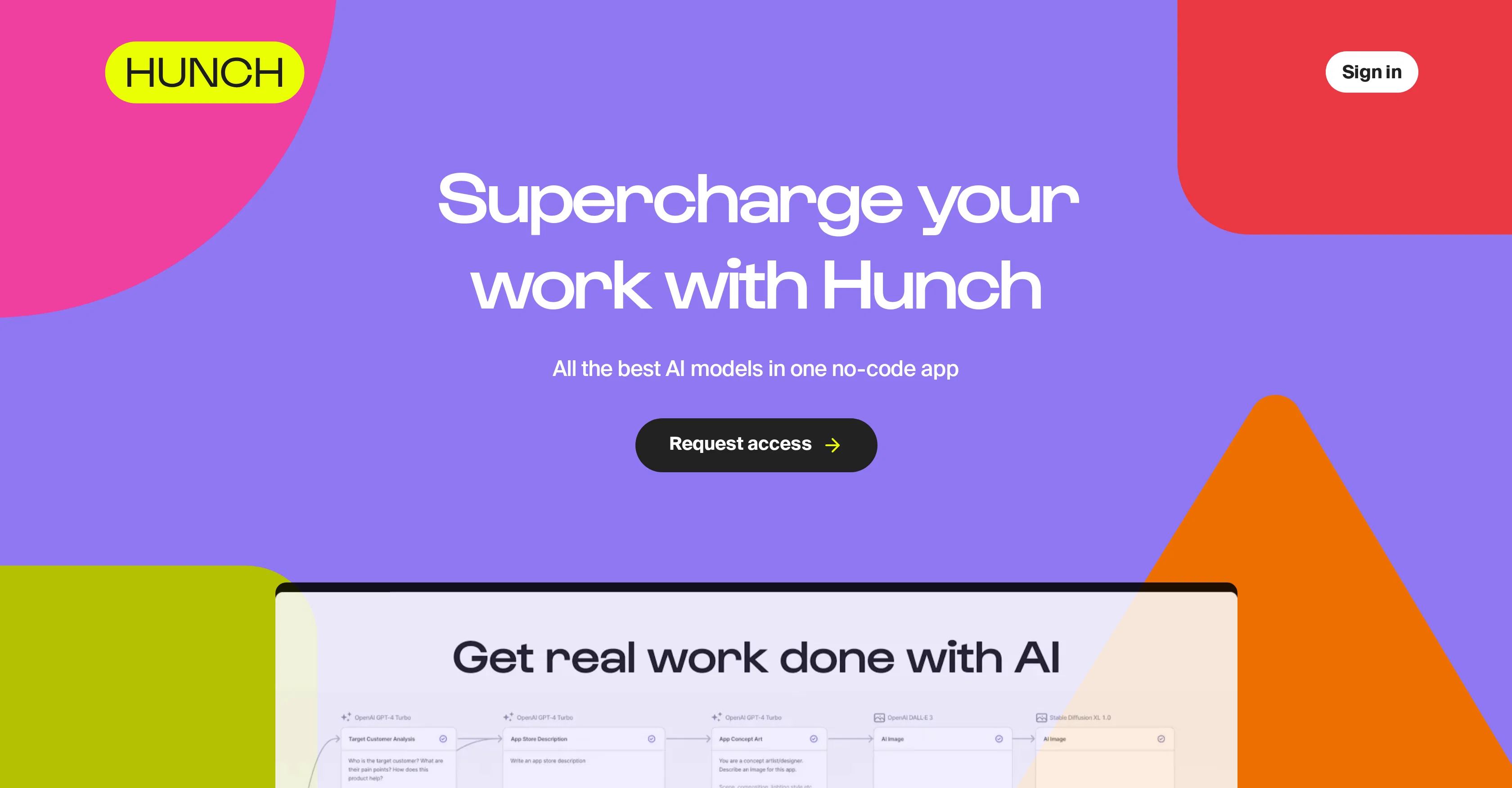
Hunch is a no-code app that harnesses the power of the leading AI models, providing a platform to visually build workflows and improve both productivity and creativity. With its user-friendly interface, Hunch facilitates the chaining of AI tasks in a visual workspace, thus creating powerful and reusable workflows. In a paradigm shift towards making AI accessible and efficient, the app includes a range of pre-existing AI models from text and code such as OpenAI GPT-4 Turbo and Anthropic Claude 3, to image like OpenAI DALL-E 3. It also extends its reach to include other models such as transcription, and knowledge models like Perplexity Sonar Online. The intuitive nature of the Hunch platform also ensures that these AI tasks can be shared across teams and organizations, encouraging a more efficient and collaborative work environment. Importantly, Hunch gives the option to publish these workflows as easy-to-use tools for the team, helping the entire team leverage the power of AI to work smarter. The mission of Hunch is to make AI accessible to every user, seamlessly bridging the gap between intricate AI functionalities and daily tasks. Help other people by letting them know if this AI was useful. Add your own prompts and outputs to help others understand how to use this AI.
When considering Hunch for integration into your organizational workflow, we recommend deploying a structured score card across three critical operational pillars: Security & Compliance, Integration Friction, and long-term Price Scalability. Rather than looking only at basic feature lists, modern procurement teams must assess how a software platform behaves under high load and how well it fits into the team's data security guidelines.
Depending on your operating region and field, ensure that Hunch supports standard security layers such as SOC 2 Type II certifications, GDPR compliance, or HIPAA-compliant database encryption. If the tool connects directly to client database tables or handles user passwords, verify that they implement multi-factor authentication (MFA), single sign-on (SSO) integrations, and end-to-end data encryption in transit and at rest.
Siloed data is the primary cause of operational friction. Evaluate if Hunch has native connectors for your current project trackers, messaging hubs, and customer communication channels. For custom developer requirements, check if they provide a fully documented REST API with reasonable rate limits, comprehensive Webhooks support, and robust SDK packages in your language. A flexible API layer saves hundreds of hours of manual copy-paste overhead.
SaaS pricing packages are often deceptively simple. When reviewing Hunch's billing structure, map out your team's projected expansion over the next 12 to 24 months. Determine how costs scale as your customer database increases or as you add team members. Factor in setup costs, mandatory support plan upgrades, API access fees, and storage overage rates to understand the true cost before committing to a contract.
By combining verified user reviews from our directory with internal workflow pilot tests, your procurement team can make an informed decision that drives productivity without creating capital waste.
Overall rating
Based on 25 reviews
typed in my prompts and boooooom. clean descriptions in secs lol. handy if you suck at writing (like me). lowkey a cheat code (no san andreas)
Liam Therrien
It's not even usable anymore, their website is literally a sponsor and that's it
LazyBones The Third
I wasn't able to use this one (I have my API key)
Pauline LeBlanc
It seems to be working fine right now. Maybe try again and double check if you’re using the book’s original or most recognized title. That might make a difference.
Alexandru Bostina
Works but I cannot understand what's the use. I was expecting it to give me some videos
Samartha Venkatramana
Thanks for the feedback, and also for the tip for the community. One more tip: if you upload an image directly, you can add context that might be missing in the image. For example, the duration is 3 hours or prefix every event title with Name:
Caren Cioffi
Great idea, but does not find what you are looking for-about the same as Google Scholar
Andy
Suppppeeeeerrr! Wowwww! @Mindsmith is absolutely fantastic! It is incredibly useful, easy to use, and very professional.
Claudia Scilletta
I tried using it but the website has too many bugs.
João Neiva
The website is pretty good but there are only a limited number of responses
Probal Roy
superb, e gratis, merge blana, in EN se aude ideal
jon doe
It is not free. So i couldnt test anything
Isa Venancio
i would say it gives the mind a sense of clarity
Emmanuella Marshall
I joined Kin's beta program on my iPhone XR. After upgrading to an iPhone 13, I found that I couldn't log into my existing account on the new phone, forcing me to create a new account. Now, I have two separate Kin accounts on different phones. Today, when I accessed the beta version of Kin, I got a notification stating that the test version ended on Monday, September 23rd. It instructed me to back up my data and move to the official Kin app. I did as advised—backed up my data, confirmed, uninstalled the beta app via TestFlight, and installed the official Kin app. However, when I attempted to “log in”, I was still unable to access my existing account. This issue hasn't been resolved yet. I have been trying desperately to get in contact with the support team. I left feedback through the test flight app and sent emails. No response. Now trying to find a forums, Reddit posts, TAAFT comments☻
Desiree Miller
Amazing tool to get things done! Trully amazing use of AI
Andres
I'm new in using AI tools, but i found @COACH quite helpful! It follows you step by step both analyzing your situation and finding resources... thanks!
Gabriele Orsini
I think it's the best @Image Generator I ever found on the net. It gives more accurate image according to the prompt. And thank you for keeping it for free.
My Sawsiri
great app, very useful to share your complete topic analysis with others.
CatalanYT
The app is good
Abiola Valentine, Taiwo
Best AI for almost everything. Specially for research and summaries.
FLUOX
Used it for PPT generation and performed extremely well, especially the numbers and data part.
Salina Hook
I’ve been using @Collate to go through technical PDFs, and it’s been surprisingly handy. Summarizing docs and being able to ask questions directly saves me time, especially when I’m skimming through research or API references. No sign-ups, works offline, and everything stays on my device — which I appreciate.
Harman
Miro has massively improved how we collaborate and execute. The AI features have made a real difference in day-to-day productivity, helping us structure ideas quickly and get to decisions faster. What really surprised me is the new prototyping feature: it’s now much easier to turn a workshop board into an actual prototype and iterate with the team. If you’re running product work, workshops, roadmaps, or even GTM planning, Miro is worth it.
Joran Hofman
Works well and connects with my apps easily. I’m considering using it for daily reports and posts
Ron Hardman
Great tool! Was very helpful in content production
Duck Typer
Starting Price
Free plan available
Free tier available with optional paid upgrades.


