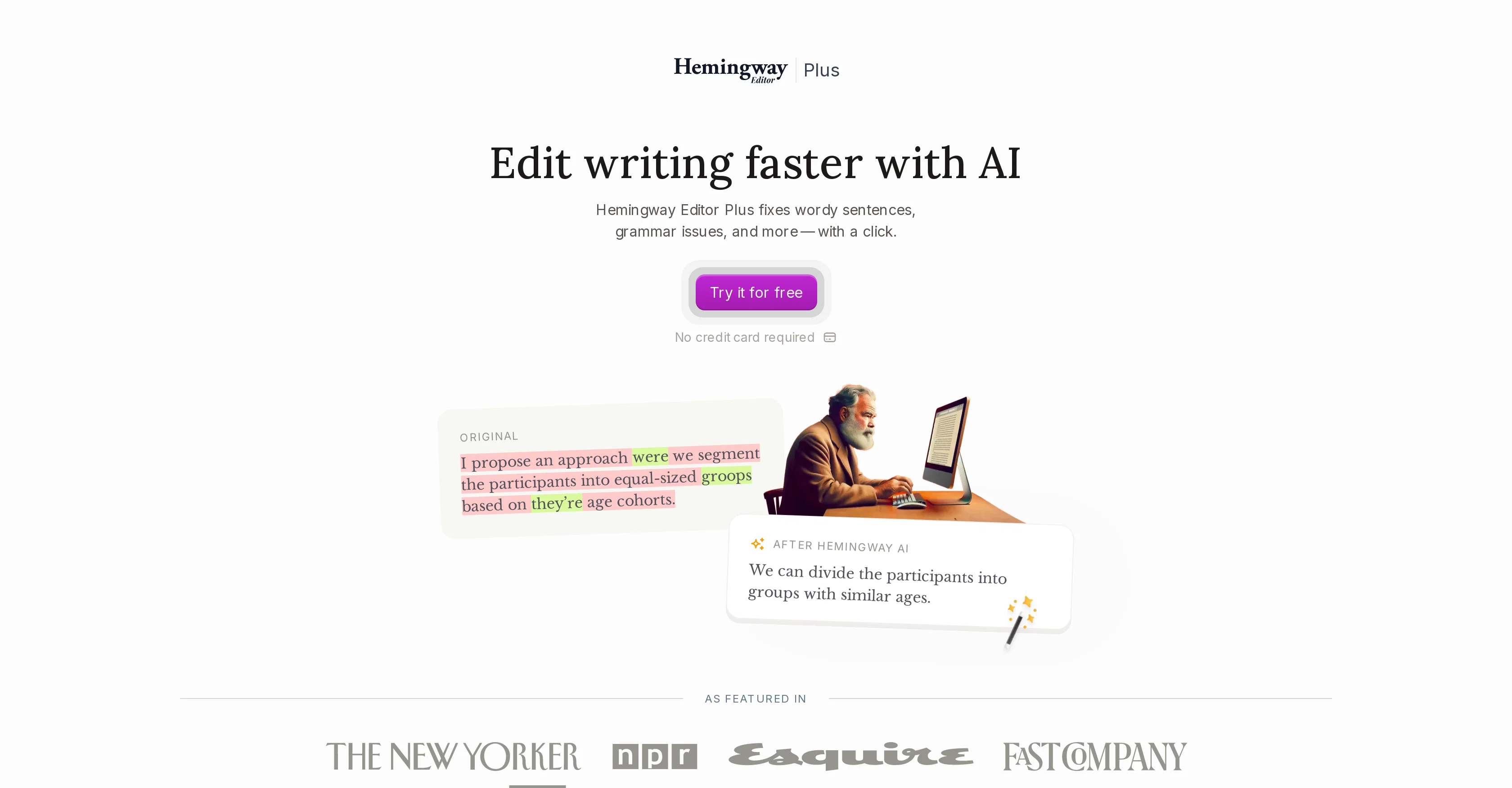
Hemingway Editor Plus is an AI-powered writing tool designed to enhance the clarity, brevity, and overall readability of text. It fixes common grammar issues, wordy sentences, and passive voice constructions to produce more engaging and understandable content.
In addition to basic grammatical corrections, the tool identifies and corrects for weak phrases and convoluted language that may obscure the intended meaning or impact of a piece of writing.
It also suggests instant rewrites of sentences that sound overly complex or formal, thus saving writers considerable editing time. Hemingway Editor Plus also boasts an advanced feature that matches the tone and word choice of rewritten sentences to the original, ensuring that the revised text still sounds like the original author's voice.
The tool further offers style options, enabling users to adjust the tone and formality of their texts based on their specific needs and the preferences of their intended readers.
It also offers inspiration for new ways to phrase text, which could be immensely helpful for overcoming writer's block. The tool is built with a strong commitment to user privacy and ensures that users' data will not be used for advertising or training AI systems.
Help other people by letting them know if this AI was useful.
Add your own prompts and outputs to help others understand how to use this AI.
Screenshot gallery
Pros & Cons
Pros
+Improves content readability
+Fixes common grammar issues
+Reduces wordiness in sentences
+Corrects passive voice constructions
+Identifies weak phrases
+Corrects convoluted language
+Offers instant sentence rewrites
+Saves considerable editing time
+Matches tone in rewrites
+Preserves author's original voice
+Offers style adjustment options
+Helps modify tone of text
+Helps modify formality of text
+Offers phrasing inspirations
+Supports overcoming writer's block
+Commitment to user privacy
+Does not use data for advertising
+Listed in major publications
+Improves content enjoyment
+Improves content understanding
+Improves content accessibility
+Advanced grammar correction feature
+Multiple style and tone options
+Offers shortcut to desired result
+Synonym suggestions feature
+Option to set target reading level
+Highlights wordy and weak language
+Provides readability grading
+Supports import and export files
+Free trial available
+Multiple pricing plans
+Offers group subscriptions
+Equipped with dark mode
+Has clear instructions
+User-friendly
+Best value options available
+Secure user data protection
+Unbiased content improvement
+Does not affect content uniqueness
+Improves professional writing
+Suitable for academic use
+Understands and maintains text context
+Fairly charged services
+Stellar reputation among users
+Provides confident writing results
+Makes writing formal or friendly
+Makes writing more casual or persuasive
+Compatible with Google account
+Does not involve credit card for trial
Cons
−Expensive, especially for teams
−Doesn't support real-time collaboration
−No enterprise version
−No API for integration
−No multiple user support on individual plan
−Lacks priority email support for individual plans
A Professional Framework to Evaluate Hemingway Editor Plus
When considering Hemingway Editor Plus for integration into your organizational workflow, we recommend deploying a structured score card across three critical operational pillars: Security & Compliance, Integration Friction, and long-term Price Scalability. Rather than looking only at basic feature lists, modern procurement teams must assess how a software platform behaves under high load and how well it fits into the team's data security guidelines.
1. Security and Database Compliance
Depending on your operating region and field, ensure that Hemingway Editor Plus supports standard security layers such as SOC 2 Type II certifications, GDPR compliance, or HIPAA-compliant database encryption. If the tool connects directly to client database tables or handles user passwords, verify that they implement multi-factor authentication (MFA), single sign-on (SSO) integrations, and end-to-end data encryption in transit and at rest.
2. API Coverage and Custom Integrations
Siloed data is the primary cause of operational friction. Evaluate if Hemingway Editor Plus has native connectors for your current project trackers, messaging hubs, and customer communication channels. For custom developer requirements, check if they provide a fully documented REST API with reasonable rate limits, comprehensive Webhooks support, and robust SDK packages in your language. A flexible API layer saves hundreds of hours of manual copy-paste overhead.
3. Total Cost of Ownership (TCO)
SaaS pricing packages are often deceptively simple. When reviewing Hemingway Editor Plus's billing structure, map out your team's projected expansion over the next 12 to 24 months. Determine how costs scale as your customer database increases or as you add team members. Factor in setup costs, mandatory support plan upgrades, API access fees, and storage overage rates to understand the true cost before committing to a contract.
By combining verified user reviews from our directory with internal workflow pilot tests, your procurement team can make an informed decision that drives productivity without creating capital waste.
Features of Hemingway Editor Plus
AI Writing Tool
Writers Tool
Content Clarity
Grammar Correction
Sentence Rewriting
Content Improvement
Free + From $8.33/Mo
SaaS1to10 verified reviews for Hemingway Editor Plus
Overall rating
★★★★★5.0
Based on 17 reviews
★★★★★5.01 months ago
“Review”
AI Notebook does what it promises, it's a decent on the go note-taking app. I like the automated tweak of these newer note-taking apps. I can just throw in pdfs, voice memos or youtube videos, and it'll generate all type oof different format like summaries, mind maps or flashcards. Extremely useful for students and professionals as it digest lengthy materials into small chunks of text. Recommended for anyone looking for a no-frills note taker tool
John Hong
★★★★★5.01 months ago
“Review”
T shirt description
Adrita Jahan Afrin
★★★★★5.01 months ago
“Review”
very impressive, will use again
josh Rawlinson
★★★★★5.01 months ago
“Review”
I love this extension, mobile app and desktop software! I use it everyday and everywhere. Generated text are amazing. Well done to the team and continue your incredible work! For me, Voilà is the best AI assistant, copilot and AI writer on the market. I stopped my ChatGPT plus subscription since I discoverer it.
Lane Wood
★★★★★5.01 months ago
“Review”
Absolutely in love. I could create my own custom AI and shared it with my colleuges to get instant support from me, i mean digital AI of me :)
Derek W.
★★★★★5.01 months ago
“Review”
It's a really great tool. I've used it for many different stories and brainstorms.
Justin Patterson
★★★★★5.01 months ago
“Review”
Really nice app with free audio guides
Max Sveshnikov
★★★★★5.01 months ago
“Review”
I've been playing around with this for a few hours. It's made me say "WOW" too many times than i wish to admit. I'm going to follow this and see how it evolves. For now, i managed to create quite a nice Expenses app for personal use. | It did have some problems when it came to moving some components on other pages, but for how short the prompts it uses can be, it is really impressive. With some proper prompts it can generate some strong stuff.
Bernard
★★★★★5.01 months ago
“Review”
Really like how it finds connection in the content that I save. I don't think any other tool can do that.
amix ffx
★★★★★5.01 months ago
“Review”
This tool i found is super cool, I created 5 books from this tool to sell them online, which gives me great profit. I am creating more valuable books to spread knowledge, and earn some bucks as well 🤑.
Bilal Ashraf
★★★★★5.01 months ago
“Review”
your answer is much too general, so useless. You could have just tell me to ask Perplexity.
Ta
★★★★★5.01 months ago
“Review”
Great tool! Was very helpful in content production
Duck Typer
★★★★★5.01 months ago
“Review”
I think it's the best @Image Generator I ever found on the net. It gives more accurate image according to the prompt. And thank you for keeping it for free.
My Sawsiri
★★★★★5.02 months ago
“Review”
works wonderfully, really good for cleaning up writing. just wish the monthly plan was a bit cheaper.
Roberto Hennessy
★★★★★5.02 months ago
“Review”
Says I submitted inappropriate content. It's a freeking report on Puerto Rico.
N. M.
★★★★★5.02 months ago
“Review”
This keyboard app stands out as one of the top choices thanks to its built-in AI assistants. It's not only user-friendly but also exceptionally helpful and distinctive. Whether you're correcting grammar or using writing assistants, I can also create any assistants for fast typing. I created one for my customer support service. This app simplifies the process of accessing LLM directly, eliminating the need to open a browser.
Anjal
★★★★★5.02 months ago
“Review”
Not sure what I'm doing wrong but I downloaded the extension to my chrome browser and then highlighted my email copy and then clicked on the extension link but there is no button to provide updated copy.