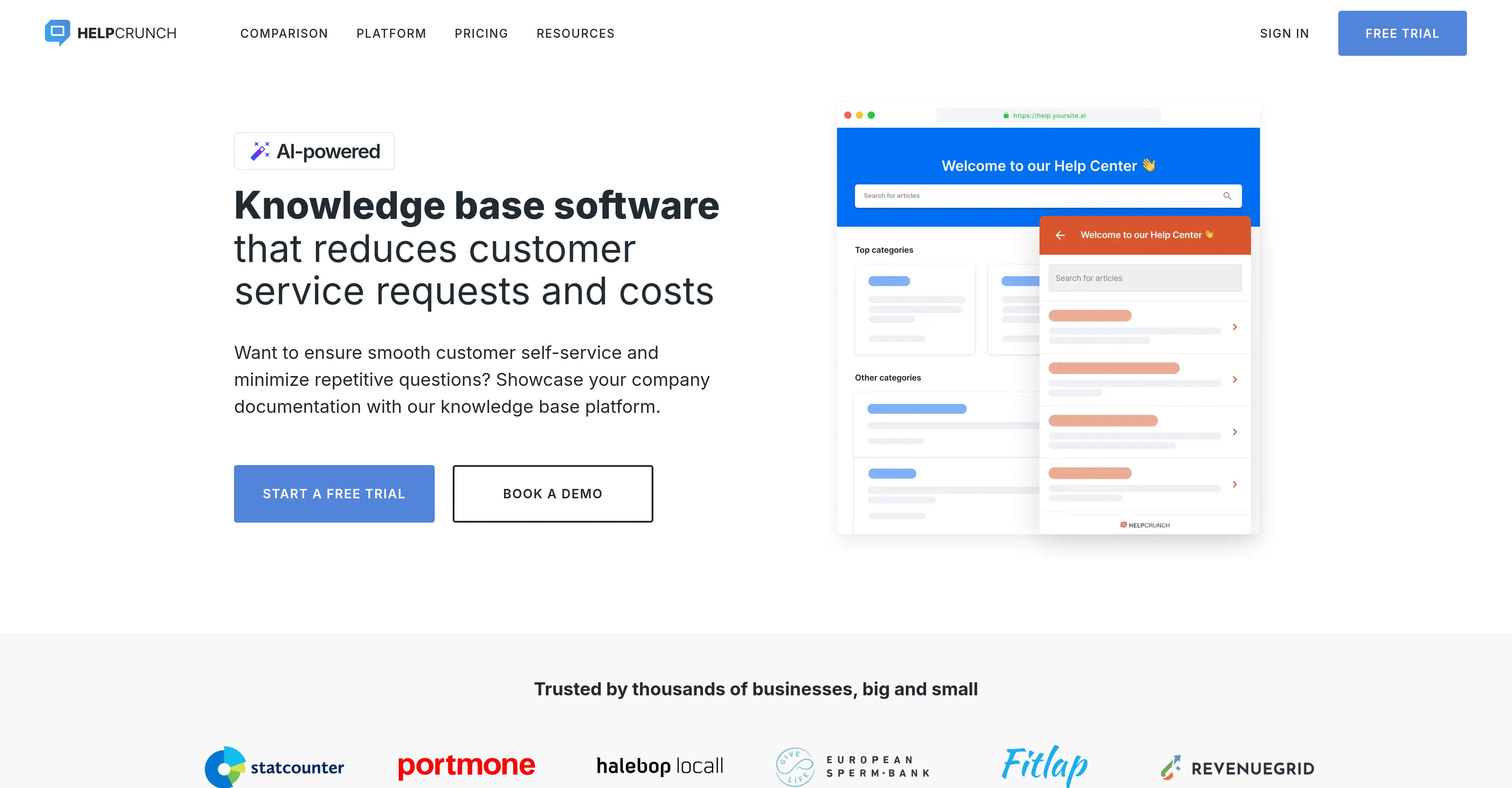
HelpCrunch's Knowledge Base Software tool allows businesses to create an accessible online platform for customer self-service support. Its features are designed to simplify customer support tasks while easing the burden on the businesses' support team.
It permits the creation of structured help centers with SEO-optimized articles, using a What You See Is What You Get editor, which helps ensure that customers find exactly what they need.
The software also provides an option for integrating the knowledge base into a widget, which can enable customers to search for help before contacting the support team.
There is an in-built feature that allows tracking of views per article and their rating by customers, to gain insights on the performance of individual help articles.
The software also includes an AI Editor to help in the creation and management of documentation content. In addition, the knowledge base tool comes with customization features that allow the use of own domain, logo, and color scheme among others.
An integrated FAQ chatbot can suggest relevant knowledge base articles to customers based on provided scenarios. The tool also supports multiple languages for its articles to cater to a global audience, providing automatic translations.
Help other people by letting them know if this AI was useful.
Add your own prompts and outputs to help others understand how to use this AI.
Screenshot gallery
Pros & Cons
Pros
+Structured help centers creation
+Uses WYSIWYG editor
+SEO-optimized articles
+Widget Integration option
+Article performance tracking
+Custom branding options
+FAQ chatbot integration
+Multi-language support
+Automatic Translations
+Mobile-friendly
+24/7 Customer self-service
+Domain customization
+Logo customization
+UI Color customization
+Widget color customization
+Cognitive load reduction
+Articles Auto-translation
+Real-time support chat integration
+Custom CSS and JavaScript support
+Powerful search function
+Personalized search suggestions
+Widget provides additional help
+Smart search suggestions
Cons
−Limited customization options
−No explicit API documentation
−May require SEO knowledge
−Dependent on widget integration
−Automatic translations may be inaccurate
−Limited control over chatbot responses
−Requires manual metrics tracking
−Multiple languages not fully supported
A Professional Framework to Evaluate HelpCrunch
When considering HelpCrunch for integration into your organizational workflow, we recommend deploying a structured score card across three critical operational pillars: Security & Compliance, Integration Friction, and long-term Price Scalability. Rather than looking only at basic feature lists, modern procurement teams must assess how a software platform behaves under high load and how well it fits into the team's data security guidelines.
1. Security and Database Compliance
Depending on your operating region and field, ensure that HelpCrunch supports standard security layers such as SOC 2 Type II certifications, GDPR compliance, or HIPAA-compliant database encryption. If the tool connects directly to client database tables or handles user passwords, verify that they implement multi-factor authentication (MFA), single sign-on (SSO) integrations, and end-to-end data encryption in transit and at rest.
2. API Coverage and Custom Integrations
Siloed data is the primary cause of operational friction. Evaluate if HelpCrunch has native connectors for your current project trackers, messaging hubs, and customer communication channels. For custom developer requirements, check if they provide a fully documented REST API with reasonable rate limits, comprehensive Webhooks support, and robust SDK packages in your language. A flexible API layer saves hundreds of hours of manual copy-paste overhead.
3. Total Cost of Ownership (TCO)
SaaS pricing packages are often deceptively simple. When reviewing HelpCrunch's billing structure, map out your team's projected expansion over the next 12 to 24 months. Determine how costs scale as your customer database increases or as you add team members. Factor in setup costs, mandatory support plan upgrades, API access fees, and storage overage rates to understand the true cost before committing to a contract.
By combining verified user reviews from our directory with internal workflow pilot tests, your procurement team can make an informed decision that drives productivity without creating capital waste.
Features of HelpCrunch
Self Service
Knowledge Base Software
Customer Service
Customer Support
Article Metrics Tracking
Multi Language Support
Free + From $15/Mo
SaaS1to10 verified reviews for HelpCrunch
Overall rating
★★★★★5.0
Based on 14 reviews
★★★★★5.02 months ago
“Review”
@Filex AI seems useful for people dealing with too many documents and scattered files daily. I like tools that make finding and organizing information feel faster instead of turning file management into another chore.
Fredric Luna
★★★★★5.02 months ago
“Review”
good for creating posts
WEB5LAB
★★★★★5.02 months ago
“Review”
Hi TAAFT! I'm Henry, the founder of CartoMind. CartoMind offers a fully automated AI workflow to help you quickly organize text content and generate the perfect infographics to match. 【Why did I build this?】 When creating infographics with AI today, users are often forced to choose between two extremes. You either use generic AI image SaaS tools that trap you in complex prompt engineering and steep design learning curves with zero knowledge management, or you use products like NotebookLM. While they are fantastic for knowledge management, their infographic generation is just an afterthought, lacking design freedom and rich templates. 【Here is where CartoMind stands out:】 1. Lightweight knowledge & note management: We support uploading multiple file formats and automatically parsing text, allowing you to freely select the exact knowledge snippets you want to visualize. 2. Fully automated workflow: Based on your selected content, our AI automatically distills the key text elements and instantly matches you with the ideal infographic design from over 500 professional combinations. 3. Massive template library: A rich selection of infographic templates offering a true what-you-see-is-what-you-get experience. 【Who is using it?】 Marketers, educators, social media creators... In fact, anyone who needs to make their domain knowledge "visible" and loves to share it will find it incredibly useful. 【I can't wait for you all to try it out!】
Henry
★★★★★5.02 months ago
“Review”
Hey everyone, I’m Evaldas, co-founder of @Guideless, the fastest way to turn any browser workflow into a polished, AI-narrated video guide in minutes. No screen recording. No tedious editing. Just turn on the extension, click through your process as you normally would, and instantly get a share-ready guide. We recently shipped a major update: a sleeker UX and new high-quality AI voiceover characters — making guides sound and feel more vibrant than ever. Give @Guideless a try and see how effortless creating high-quality tutorials can be 🪄
Evaldas Bieliūnas
★★★★★5.02 months ago
“Review”
👋 Hey, I'm the founder of Flowova! We built this because we were tired of spending hours dragging boxes in traditional flowchart tools. A few things you might not know: - Works with anything — text, images, PDFs, Word, PPT, Excel, even photos of whiteboard sketches - 40+ themes designed for presentations - Full Mermaid code support for developers Happy to answer any questions! 🚀
Jimmy
★★★★★5.02 months ago
“Review”
@Choosaro makes it much easier to compare options and make decisions with more clarity. I like that it gives structured analysis, scores, reasoning, strengths and weaknesses, and a clear recommendation instead of a generic AI answer. Very useful for reducing overthinking and choosing the best option faster.
Olivia Grace
★★★★★5.02 months ago
“Review”
We're live folks! Do check us out and drop your feedback or requests.
Shubh Saras
★★★★★5.02 months ago
“Review”
No good at pdfs
Chris Cox
★★★★★5.02 months ago
“Review”
It works nicely. The autodraw function works really well, it easily detects what I’m trying to go for. W tool!
Orit Paredes
★★★★★5.02 months ago
“Review”
I like the way I can read, search, write, take note and organize in one seamless place.
ali. market
★★★★★5.02 months ago
“Review”
Interesting and futuristic concept :)
nhta
★★★★★5.02 months ago
“Review”
Works for me
Aramis
★★★★★5.02 months ago
“Review”
A groundbreaking tech project in the AI sector
Shreeram Bharadwaj
★★★★★5.02 months ago
“Review”
Really like how it finds connection in the content that I save. I don't think any other tool can do that.