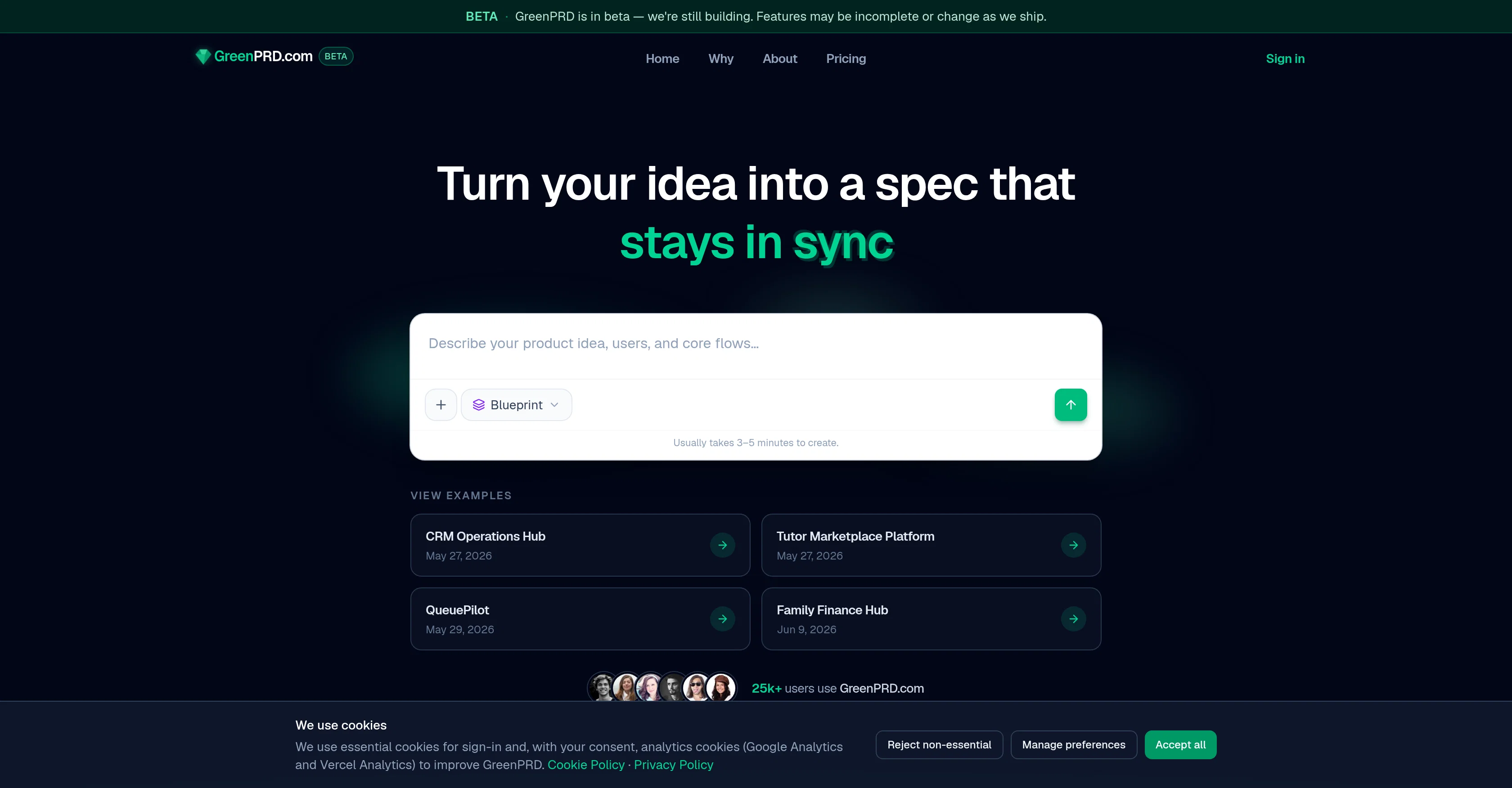
GreenPRD.com is an AI tool designed to help transform ideas into specific, cohesive product requirements that remain consistently synchronized. The tool facilitates the creation of complex workflows, enabling users to model triggers, branches, and actions on a canvas intimately connected with their product specifications.
This removes the risk of a drifting diagram that isn't in sync with the evolving product. In addition to handling workflow, GreenPRD.com assists in mapping out screens, routes, and UI flows before coding, aiding a shared understanding among designers and engineers of the product's architecture.
GreenPRD.com also serves as a centralised hub for documenting APIs, webhooks, and third-party services. This hub-and-spoke graph approach provides clear ownership and understanding of component interactions, and ensures that the documentation remains consistent as the product specifications evolve.The tool integrates directly with your IDE and GitHub, offering a one-time repo import to map code to its canvas.
Live two-way GitHub sync is available with an upgrade to Pro. Throughout its function, GreenPRD.com maintains a tight coupling between every workflow module, documentation, and the MCP.
This ensures all elements are in sync, delivering a tool that supports the development of well scoped, effectively managed products.
Help other people by letting them know if this AI was useful.
Add your own prompts and outputs to help others understand how to use this AI.
Screenshot gallery
Pros & Cons
Pros
+Detailed synchronized specifications
+Complex workflow handling
+Virtual canvas modeling
+Allows condition chaining
+Designs pages, navigation elements
+Pre-coding UI flow structuring
+API, webhook, third-party documentation
+Hub-and-spoke graph feature
+Responsibility clarity
+Integration capabilities
+Two-way GitHub synchronization
+Repository import functionalities
+Specification graph integration
+Facilitates collaborative work
+Beta phase improvements
+Product Mapping
+Workflow Automation
+Product development support
+Product architecture understanding
+Code Mapping
+Consistent documentation
+IDE integration
+Evolution synced diagram
+Designers, engineers shared understanding
+Centralized Documentation Hub
+One-time repo import
+Live GitHub sync upgrade
+Workflow module synchronization
+Technical & architecture views
+Screen nodes and routes
+Canvas connected to product spec
+Comprehensive API Documentation
+Inbound and outbound API calls
+Central app node with services
+Maintains spec consistency.
Cons
−Limited IDE integration
−Requires Pro upgrade for full features
−Beta version instability
−Limited repository import options
−Consistent updates may cause confusion
−Complex for beginner users
−Unclear documentation for third-party services
−No real-time collaboration noted
−Uncertain long-term support
−Changes may affect existing workflows
A Professional Framework to Evaluate GreenPRD
When considering GreenPRD for integration into your organizational workflow, we recommend deploying a structured score card across three critical operational pillars: Security & Compliance, Integration Friction, and long-term Price Scalability. Rather than looking only at basic feature lists, modern procurement teams must assess how a software platform behaves under high load and how well it fits into the team's data security guidelines.
1. Security and Database Compliance
Depending on your operating region and field, ensure that GreenPRD supports standard security layers such as SOC 2 Type II certifications, GDPR compliance, or HIPAA-compliant database encryption. If the tool connects directly to client database tables or handles user passwords, verify that they implement multi-factor authentication (MFA), single sign-on (SSO) integrations, and end-to-end data encryption in transit and at rest.
2. API Coverage and Custom Integrations
Siloed data is the primary cause of operational friction. Evaluate if GreenPRD has native connectors for your current project trackers, messaging hubs, and customer communication channels. For custom developer requirements, check if they provide a fully documented REST API with reasonable rate limits, comprehensive Webhooks support, and robust SDK packages in your language. A flexible API layer saves hundreds of hours of manual copy-paste overhead.
3. Total Cost of Ownership (TCO)
SaaS pricing packages are often deceptively simple. When reviewing GreenPRD's billing structure, map out your team's projected expansion over the next 12 to 24 months. Determine how costs scale as your customer database increases or as you add team members. Factor in setup costs, mandatory support plan upgrades, API access fees, and storage overage rates to understand the true cost before committing to a contract.
By combining verified user reviews from our directory with internal workflow pilot tests, your procurement team can make an informed decision that drives productivity without creating capital waste.
Features of GreenPRD
Product Requirements
Product Specification
Specification Design
Product Development Support
Centralized Documentation Hub
Idea To Specification
Free + From $7.67/Mo
SaaS1to10 verified reviews for GreenPRD
Overall rating
★★★★★5.0
Based on 11 reviews
★★★★★5.02 months ago
“Review”
Hey! My name is Domantas and I invite all fellow solopreneurs, business and product owners to try Hostinger Horizons. Using it is super simple - you are creating a website or application just by prompting - chatting with AI. No struggle, code or design skills are needed. You can literally have your website live in few minutes. Looking forward for your feedback!
Domantas Patinskas
★★★★★5.02 months ago
“Review”
Instantly goes live without hassle
E
★★★★★5.02 months ago
“Review”
a friend sent me this the other day. veo, grok, seedance all run from one upload and it's actually fast. ui doesn't fight me. no complaints.
owen_reeves
★★★★★5.02 months ago
“Review”
This is a great overview! It clearly explains how the AI simplifies the entire process, from design to content creation. Perfect for anyone looking to launch a business quickly.
Smart Solution
★★★★★5.02 months ago
“Review”
ThumbnailCreator lets you generate YouTube Thumbnails using AI! 🚀
Aleric Heck
★★★★★5.02 months ago
“Review”
Very interesting
Béatrice Duval
★★★★★5.02 months ago
“Review”
This tool i found is super cool, I created 5 books from this tool to sell them online, which gives me great profit. I am creating more valuable books to spread knowledge, and earn some bucks as well 🤑.
Bilal Ashraf
★★★★★5.02 months ago
“Review”
Intersting. need to research
Citelity.com
★★★★★5.02 months ago
“Review”
Wow, so good
Neskwusss
★★★★★5.02 months ago
“Review”
The most humanly AI i have used so far but the problem is as soon as you start piling up messages in single chat session , it starts getting slow and at some point it starts freezing and also uses a lot of resources. For time being its okay to do 3 4 messages but as soon as we continue it has messages limitation and also starts getting very very slow . For the price of £18 per month this is unacceptable and with the newly introduced feature called project, if we start new chat within the project we cannot continue with the context we provided in other chats within same project. There are lot of improvements for them to work on. And to start with the its speed and its price
Bibash Katel
★★★★★5.02 months ago
“Review”
Build plan was highly detailed, and the tool suggested a lot of good new ideas based on my original input. PRD structure is straightforward, and CSV download makes it easy to share and upload to Jira.