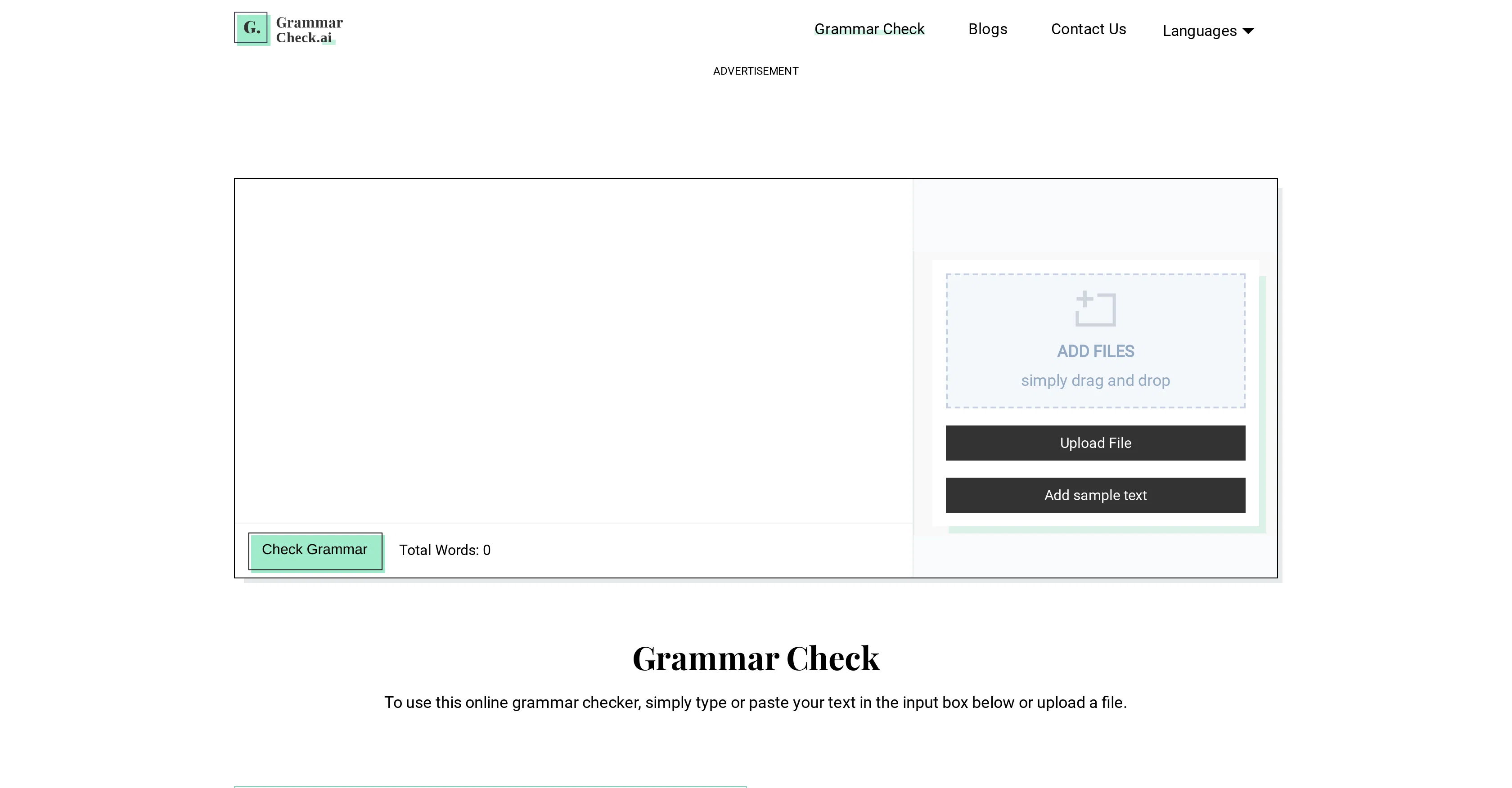
Grammar Check is an AI-empowered online tool that automatically scans and fixes grammatical mistakes, including spelling, tense, and punctuation errors.
It facilitates the creation of grammatically perfect content by providing users instant suggestions to improve writing. Users can type or paste their text into the tool, or upload documents directly from their computer, Google Drive, or Dropbox, for real-time grammatical analysis.
The tool highlights all the grammatical errors and provides respective correct suggestions, which could be used to replace the specified error with just a single click.
It also features a one-click correction capability, where all identified errors can be fixed simultaneously. Another key feature is the ability to process an unlimited word count, saving users from dividing their content into segments.
Notably, Grammar Check supports multiple languages like English, Spanish, French, Italian, and Dutch. It is particularly useful for students, authors, bloggers, and any individuals seeking to produce error-free text.
Help other people by letting them know if this AI was useful.
Add your own prompts and outputs to help others understand how to use this AI.
Screenshot gallery
Pros & Cons
Pros
+Online accessibility
+Real-time grammatical analysis
+One-click correction feature
+Unlimited word count processing
+Supports multiple languages
+Document upload from computer and cloud
+Instant suggestions to improve writing
+Highlights grammatical errors
+Replace errors with single click
+Useful for various professions
+Free to use
+Accurate grammar correction
+Easy to use interface
+Check unlimited word count
+Automated correct suggestions
+Manual correction option
+Simultaneous multiple error correction
+Supports document upload
+Helps for writing improvement
+Proofreading feature included
+Educational tool
+Content creation tool
+Designed for multilingual support
+Specific guidance for error fixes
+Compatible with cloud storage services
+Supports international dialect variations
+Improves overall writing skills
+Multi-platform compatible apps
+User-friendly interface
+Reliable results
+Time efficient
+Identifies complex grammatical errors
+Instant error highlighting
+Provides detailed error explanations
+Coverage of language nuances
+Enhanced punctuation correction
+Contextual spelling check
+Provides writing style enhancement
+Works on long texts
+Literary style correction
+Detailed error reports
+Offers language-specific checks
+Interactive correction process
+Adapts to user's writing style
+Designed for professional use
+Preserves semantic content integrity
+Corrects syntax errors
+Highlights repetition and redundancies
Cons
−No offline mode
−Overly simplistic suggestions
−No native apps
−READ external storage requirement
−No context-based suggestions
−Lacks integrations with other platforms
−No plagiarism detection
−No sdk available
−No advanced style suggestions
A Professional Framework to Evaluate Grammar Check
When considering Grammar Check for integration into your organizational workflow, we recommend deploying a structured score card across three critical operational pillars: Security & Compliance, Integration Friction, and long-term Price Scalability. Rather than looking only at basic feature lists, modern procurement teams must assess how a software platform behaves under high load and how well it fits into the team's data security guidelines.
1. Security and Database Compliance
Depending on your operating region and field, ensure that Grammar Check supports standard security layers such as SOC 2 Type II certifications, GDPR compliance, or HIPAA-compliant database encryption. If the tool connects directly to client database tables or handles user passwords, verify that they implement multi-factor authentication (MFA), single sign-on (SSO) integrations, and end-to-end data encryption in transit and at rest.
2. API Coverage and Custom Integrations
Siloed data is the primary cause of operational friction. Evaluate if Grammar Check has native connectors for your current project trackers, messaging hubs, and customer communication channels. For custom developer requirements, check if they provide a fully documented REST API with reasonable rate limits, comprehensive Webhooks support, and robust SDK packages in your language. A flexible API layer saves hundreds of hours of manual copy-paste overhead.
3. Total Cost of Ownership (TCO)
SaaS pricing packages are often deceptively simple. When reviewing Grammar Check's billing structure, map out your team's projected expansion over the next 12 to 24 months. Determine how costs scale as your customer database increases or as you add team members. Factor in setup costs, mandatory support plan upgrades, API access fees, and storage overage rates to understand the true cost before committing to a contract.
By combining verified user reviews from our directory with internal workflow pilot tests, your procurement team can make an informed decision that drives productivity without creating capital waste.
Features of Grammar Check
GrammarCorrection
PunctuationCheck
SpellingCheck
RealTimeAnalysis
LanguageProcessing
Education
Free + From $7/Mo
SaaS1to10 verified reviews for Grammar Check
Overall rating
★★★★★5.0
Based on 16 reviews
★★★★★5.02 months ago
“Review”
Very, very short “free” leash of 200 words. I didn’t give it a second whirl after that. Smh. Maybe limit free to about 1,000 Words. Or limit functions instead of characters. But I don’t know… I’m nothing but a chump layman here so don’t mind me
Thomas-Derek Byers
★★★★★5.02 months ago
“Review”
Text limit is ridiculously low.
alnessphotostudio steve
★★★★★5.02 months ago
“Review”
A vibrant and dynamic YouTube channel banner in 2560x1440 resolution, featuring a stylish young girl as the central character. She has short wavy brown hair, round glasses, honey-colored eyes, black eyebrows, and is wearing casual sporty clothes like a hoodie and sneakers. She's posing confidently in an urban street background with neon lights and graffiti, holding a camera or laptop to represent content creation. The style is modern digital art with high contrast, vibrant colors, and motivational text overlay like 'Adventure Awaits' in bold fonts. Focus on the center for mobile view, high detail, cinematic lighting, ultra HD."
maryam rahymabady
★★★★★5.02 months ago
“Review”
This is a simple, private, free tool that helps me unload my thought stack to decompose and solve any creative tasks. I love to use this app as an alternative to the official ChatGPT to conveniently apply my frequent prompts to the results of my brainstorming.
Artemy Krylov
★★★★★5.02 months ago
“Review”
Sketch to Logo part is BROKEN
Berkay KARACAN
★★★★★5.02 months ago
“Review”
As a longtime namecheap customer, I got to say, this tool is... just ok. One I can use in a pinch for a slide deck / pitch / MVP, but nothing worth sharing. I doubt anyone will be vowed with the logos made here.
Vineet Sinha
★★★★★5.02 months ago
“Review”
Great idea, but does not find what you are looking for-about the same as Google Scholar
Andy
★★★★★5.02 months ago
“Review”
Really like how it finds connection in the content that I save. I don't think any other tool can do that.
amix ffx
★★★★★5.02 months ago
“Review”
State of the Art
Dmitry G.
★★★★★5.02 months ago
“Review”
The website is pretty good but there are only a limited number of responses
Probal Roy
★★★★★5.02 months ago
“Review”
I'm still testing the tool yet it looks very promising. I tested it with a 5.5k words Academic text that I had previously red. I tested the Key points feature, it does work!
Ivana González
★★★★★5.02 months ago
“Review”
your answer is much too general, so useless. You could have just tell me to ask Perplexity.
Ta
★★★★★5.02 months ago
“Review”
I think it's the best @Image Generator I ever found on the net. It gives more accurate image according to the prompt. And thank you for keeping it for free.
My Sawsiri
★★★★★5.02 months ago
“Review”
Good tool for academic writing.
Grammar Tips
★★★★★5.02 months ago
“Review”
Every time i switch to a new mac -> this is the first tool i install
Robert Lukoshko
★★★★★5.02 months ago
“Review”
The fact that it's available as a Chrome and Firefox extension makes it super convenient to integrate into my workflow. I love how it not only helps with proofreading and editing but also tracks changes, which is incredibly useful.