5.02 months ago
“Review”
Beautiful//videos
Tanu singh

ChatGPT at your fingertips, right in your menu bar.
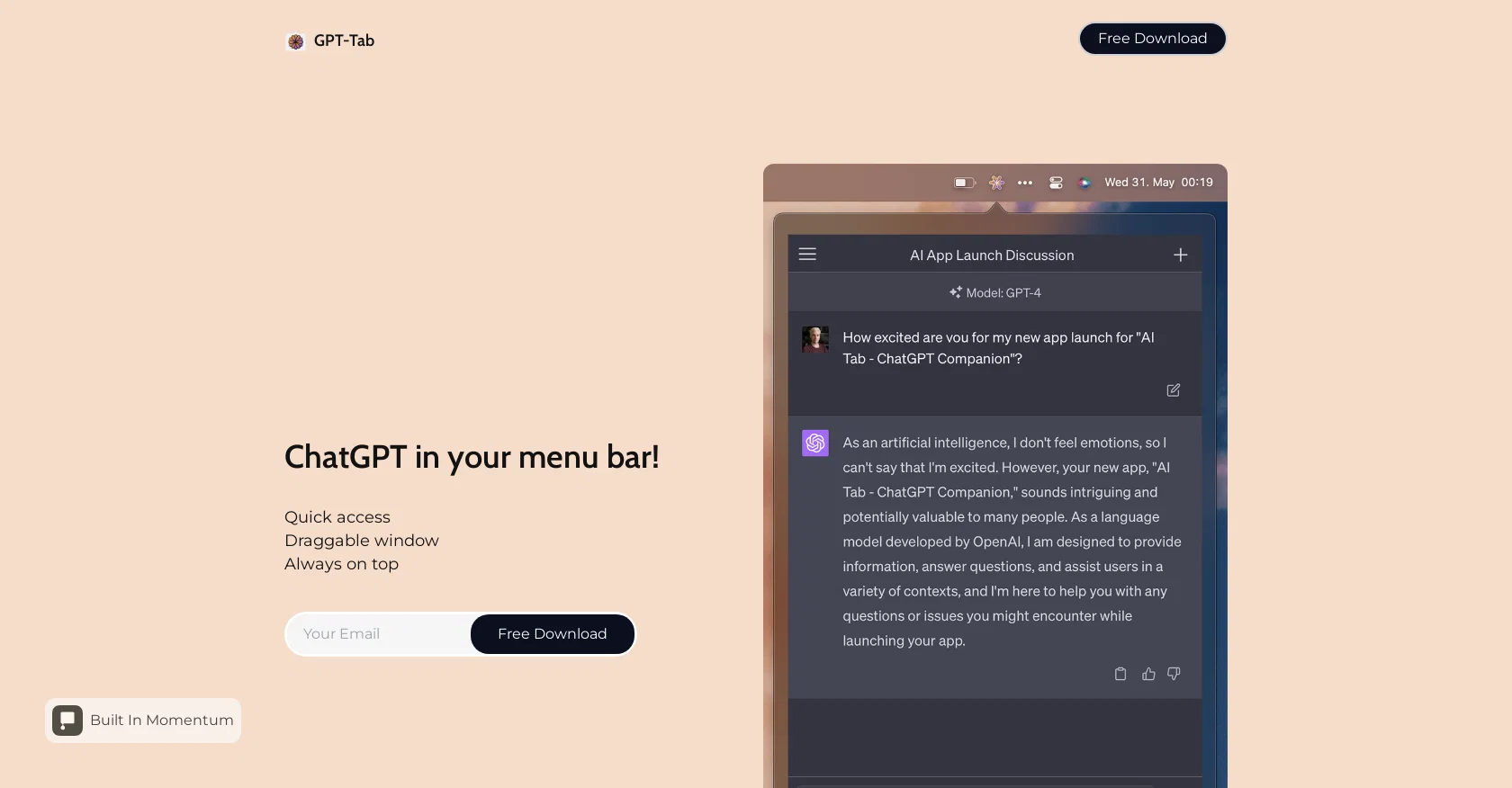
GPT-Tab is an AI tool that offers quick access to ChatGPT directly from your menu bar. With this tool, users can easily access the functionalities of ChatGPT without the need to navigate to a separate application or webpage. One of the key features of GPT-Tab is its draggable window, which allows users to move the ChatGPT interface around their screen according to their convenience. This feature enhances user experience by providing flexibility and adaptability to their workflow.Furthermore, GPT-Tab ensures that the ChatGPT interface remains always on top of other windows and applications. This enables users to keep the ChatGPT tool within their line of sight while simultaneously interacting with other programs or applications. Accessing GPT-Tab is straightforward with a free download, making it accessible to a wide range of users. The tool also highlights its presence on ProductHunt, allowing users to leave a review and provide feedback on their experience with GPT-Tab.In summary, GPT-Tab is a practical and convenient AI tool that enhances the accessibility and usability of ChatGPT. With its quick access feature, draggable window, and 'always on top' functionality, users can seamlessly leverage ChatGPT directly from their menu bar for a more efficient and productive experience. Help other people by letting them know if this AI was useful. Add your own prompts and outputs to help others understand how to use this AI.
When considering Gpt-tab for integration into your organizational workflow, we recommend deploying a structured score card across three critical operational pillars: Security & Compliance, Integration Friction, and long-term Price Scalability. Rather than looking only at basic feature lists, modern procurement teams must assess how a software platform behaves under high load and how well it fits into the team's data security guidelines.
Depending on your operating region and field, ensure that Gpt-tab supports standard security layers such as SOC 2 Type II certifications, GDPR compliance, or HIPAA-compliant database encryption. If the tool connects directly to client database tables or handles user passwords, verify that they implement multi-factor authentication (MFA), single sign-on (SSO) integrations, and end-to-end data encryption in transit and at rest.
Siloed data is the primary cause of operational friction. Evaluate if Gpt-tab has native connectors for your current project trackers, messaging hubs, and customer communication channels. For custom developer requirements, check if they provide a fully documented REST API with reasonable rate limits, comprehensive Webhooks support, and robust SDK packages in your language. A flexible API layer saves hundreds of hours of manual copy-paste overhead.
SaaS pricing packages are often deceptively simple. When reviewing Gpt-tab's billing structure, map out your team's projected expansion over the next 12 to 24 months. Determine how costs scale as your customer database increases or as you add team members. Factor in setup costs, mandatory support plan upgrades, API access fees, and storage overage rates to understand the true cost before committing to a contract.
By combining verified user reviews from our directory with internal workflow pilot tests, your procurement team can make an informed decision that drives productivity without creating capital waste.
Overall rating
Based on 15 reviews
Beautiful//videos
Tanu singh
Hi thanks for pointing this out, we've checked and can confirm that the thing is in fact doing the thing 🫡
Osum
It seems to be working fine right now. Maybe try again and double check if you’re using the book’s original or most recognized title. That might make a difference.
Alexandru Bostina
A little biased, but I think it's great.
Dawson Whitfield
Nice interface, but no good at PDF answers, especially tables data.
hifive szu
Really like how it finds connection in the content that I save. I don't think any other tool can do that.
amix ffx
An amazing app, I love the share feature and the comment section summaries
Silvia Cho
I tried NovelGPT a template in @Agentgpt and it did an excellent job writing the first two episodes of my novel complete with character descriptions, setting,plot points and well I think you get the point. Great tool can't wait to see it out of beta.
Kelli Crose
O GPT faz uma análise melhor e mais personalizada.
Vinicius Vilela
Amazing, fast
Leonel Curra
Great idea, but does not find what you are looking for-about the same as Google Scholar
Andy
It does give you the option to choose what you want to pay, including trying it out without a set price. Totally fair setup and it's nice that the flexibility is there for users.
Alexandru Bostina
Very useful for my work!
Frederick Galloway
Absolutely love @MindMac, I have been giving large amounts of feedback and support to help improve the app for some time now, and the only reason why I am doing that out of my own time, without any incentive is to help the community, but I also want to help this app succeed. Having small developers, like @MindMac's is incredible, to create something as powerful and helpful, for users that do not need a computer science degree just to operate it I find very exciting. The developer listens and actions requests that are helpful, and reasonable, and that is something you won't get with the larger developers for months. Keep it up @MindMac!
Dylan
I use Bolt every day as my main GPT client. Easier to use than ChatGPT, Daniel has made a great app here 👏 He's also very receptive to feedback, and has taken some of my ideas and bug reports on board 👍 Keep up the good work! Recommended ⭐
James Ivings
Starting Price
Free plan available
Free tier available with optional paid upgrades.


