5.02 months ago
“Review”
Much too expensive
Bunyathiporn Sawamini

Turn text into lifelike speech in 220+ voices and 40+ languages.
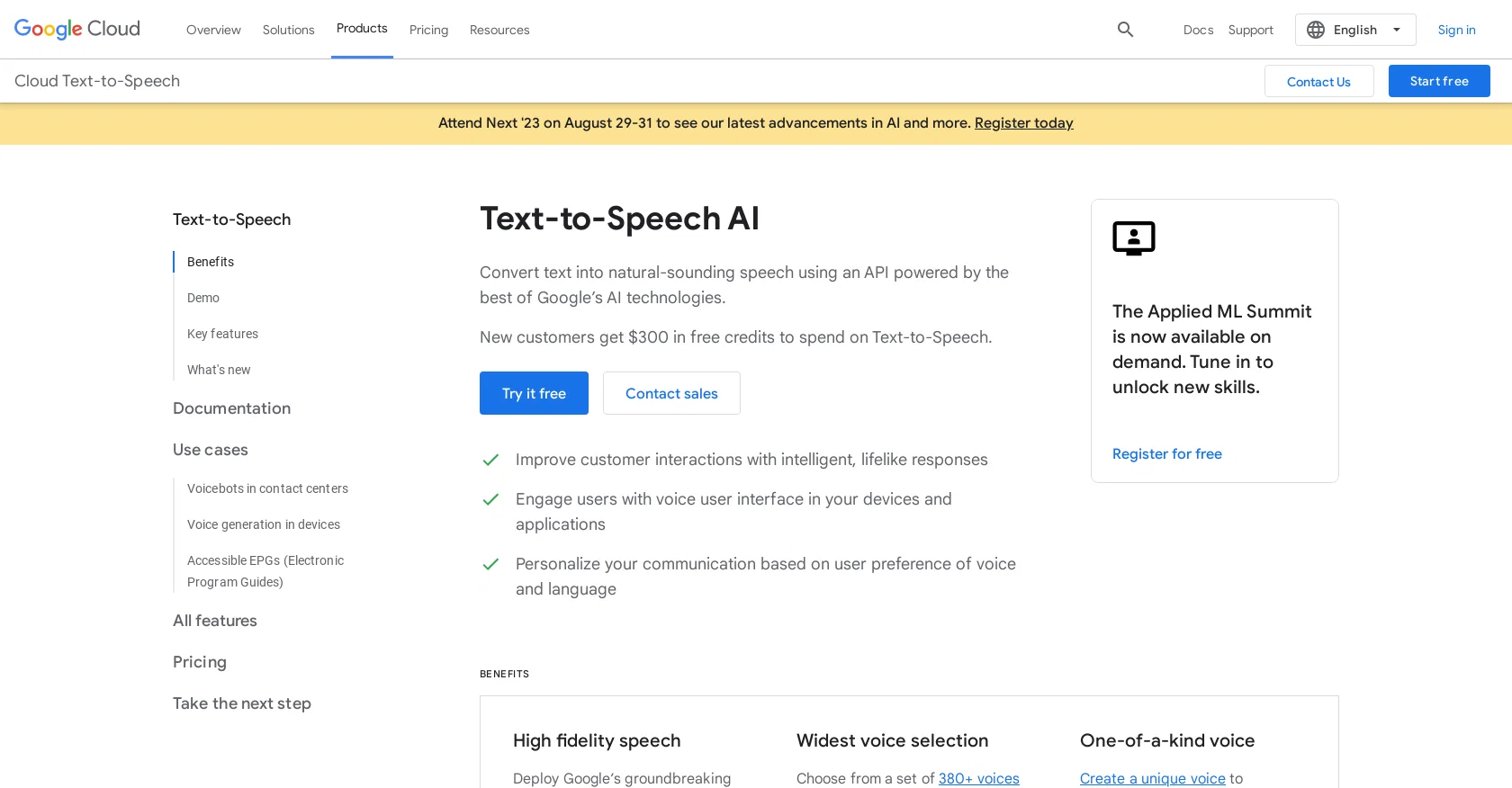
The Text-to-Speech AI tool offered by Google Cloud allows users to convert text into natural-sounding speech. It utilizes an API powered by Google's machine learning technology and offers a wide range of voices in more than 40 languages and variants. With this tool, users can enhance customer interactions by providing intelligent and lifelike responses. It also enables the creation of voice user interfaces in devices and applications, allowing for increased user engagement. Additionally, users can personalize their communication by selecting the preferred voice and language for their audience.One of the key benefits of this tool is its high fidelity speech generation, utilizing Google's groundbreaking technologies to produce speech with humanlike intonation. It is built on DeepMind's expertise in speech synthesis, resulting in voices that are near human quality.The tool provides the widest voice selection, with over 380 voices available across more than 50 languages and variants. This includes popular languages such as Mandarin, Hindi, Spanish, Arabic, and Russian. Users can choose the voice that best suits their application and user preferences.Another unique feature offered by this tool is the ability to create a custom voice that represents a brand across all customer touchpoints. This avoids using a common voice shared with other organizations and allows for a more unique and personalized user experience.Overall, the Text-to-Speech AI tool by Google Cloud offers high-quality speech synthesis with a wide range of voices and the ability to create custom voices, enabling users to improve customer interactions and engage users in a more personalized and natural way. Help other people by letting them know if this AI was useful. Add your own prompts and outputs to help others understand how to use this AI.
When considering Google text to speech for integration into your organizational workflow, we recommend deploying a structured score card across three critical operational pillars: Security & Compliance, Integration Friction, and long-term Price Scalability. Rather than looking only at basic feature lists, modern procurement teams must assess how a software platform behaves under high load and how well it fits into the team's data security guidelines.
Depending on your operating region and field, ensure that Google text to speech supports standard security layers such as SOC 2 Type II certifications, GDPR compliance, or HIPAA-compliant database encryption. If the tool connects directly to client database tables or handles user passwords, verify that they implement multi-factor authentication (MFA), single sign-on (SSO) integrations, and end-to-end data encryption in transit and at rest.
Siloed data is the primary cause of operational friction. Evaluate if Google text to speech has native connectors for your current project trackers, messaging hubs, and customer communication channels. For custom developer requirements, check if they provide a fully documented REST API with reasonable rate limits, comprehensive Webhooks support, and robust SDK packages in your language. A flexible API layer saves hundreds of hours of manual copy-paste overhead.
SaaS pricing packages are often deceptively simple. When reviewing Google text to speech's billing structure, map out your team's projected expansion over the next 12 to 24 months. Determine how costs scale as your customer database increases or as you add team members. Factor in setup costs, mandatory support plan upgrades, API access fees, and storage overage rates to understand the true cost before committing to a contract.
By combining verified user reviews from our directory with internal workflow pilot tests, your procurement team can make an informed decision that drives productivity without creating capital waste.
Overall rating
Based on 24 reviews
Much too expensive
Bunyathiporn Sawamini
I was able to produce some really stunning QR codes that consistently scan on my phone and it's the easiest tool I've found that makes it simple to do this without needing to worry about the AI behind it.
Robert Moore
best tts tool ❤️
Henry Yerkes
Now here's an application where ML can shine. Translation quality is usually excellent, especially if the target language is English. Probably the closest you can get to a decent translation short of hiring a professional translator.
Daniel Saner
Its amazing.. I can find almost everything
alexandra matos
It's too complicated for a beginner
Giti Mortazavi
"Brilliant AI solution—making life easier."
Catherine Leblanc
Only available on the iphone... doesn't seem super intuitive to use.
Mental Forge Media
State of the Art
Dmitry G.
An amazing app, I love the share feature and the comment section summaries
Silvia Cho
Really amazing! Makes learning content and engaging with things so much easier!
Jamie McDonald
hmm it is un-real...literally...sounds robotic....far awy from Real
Dhhaval Joshi
Video editing
Amrit kuli Amrit kuli
Really like how it finds connection in the content that I save. I don't think any other tool can do that.
amix ffx
I think it's the best @Image Generator I ever found on the net. It gives more accurate image according to the prompt. And thank you for keeping it for free.
My Sawsiri
They're dreaming if they think I'd give them my credit card info just for a free trial. Most useless thing ever...
Noeffen Way
WE USE @D-ID AT THE COLORADO VIRTUAL CREATIVE FACTORY...AND LOVE IT.
Franco Arteseros
I didn't get to the voices. I don't give my credit card information up front. I clicked away as soon as I saw that. It's a shame too, the pricing structure looked great.
David Marshall
Great video!
Andrei
superb, e gratis, merge blana, in EN se aude ideal
jon doe
At last, we have a voice AI hub that works like OpenRouter.
Hank Darren
Great AI voices, though still monotonous and robotic, or rather too neutral, with almost zero voice inflections! Excellent to read news, articles, essays, and any nonfiction books. BTW, computers should be allowed to TALK to us for free, like in the Star Trek TV series. Our future grandchildren will laugh at us for "paying" to use this everyday option, biting the hook to "monthly subscriptions" like gullible fish and then getting up to 1,000 words per month" under the so-called Pro version ;-) This is crazy!
Timeship
too expensive for me, I just want to make memes, not pay that much
Grzegorz Rolnik
It works nicely. The autodraw function works really well, it easily detects what I’m trying to go for. W tool!
Orit Paredes
Starting Price
Contact vendor for pricing
Pricing may vary based on team size and features selected.


