5.02 months ago
“Review”
An amazing app, I love the share feature and the comment section summaries
Silvia Cho

Your AI creative studio by Google.
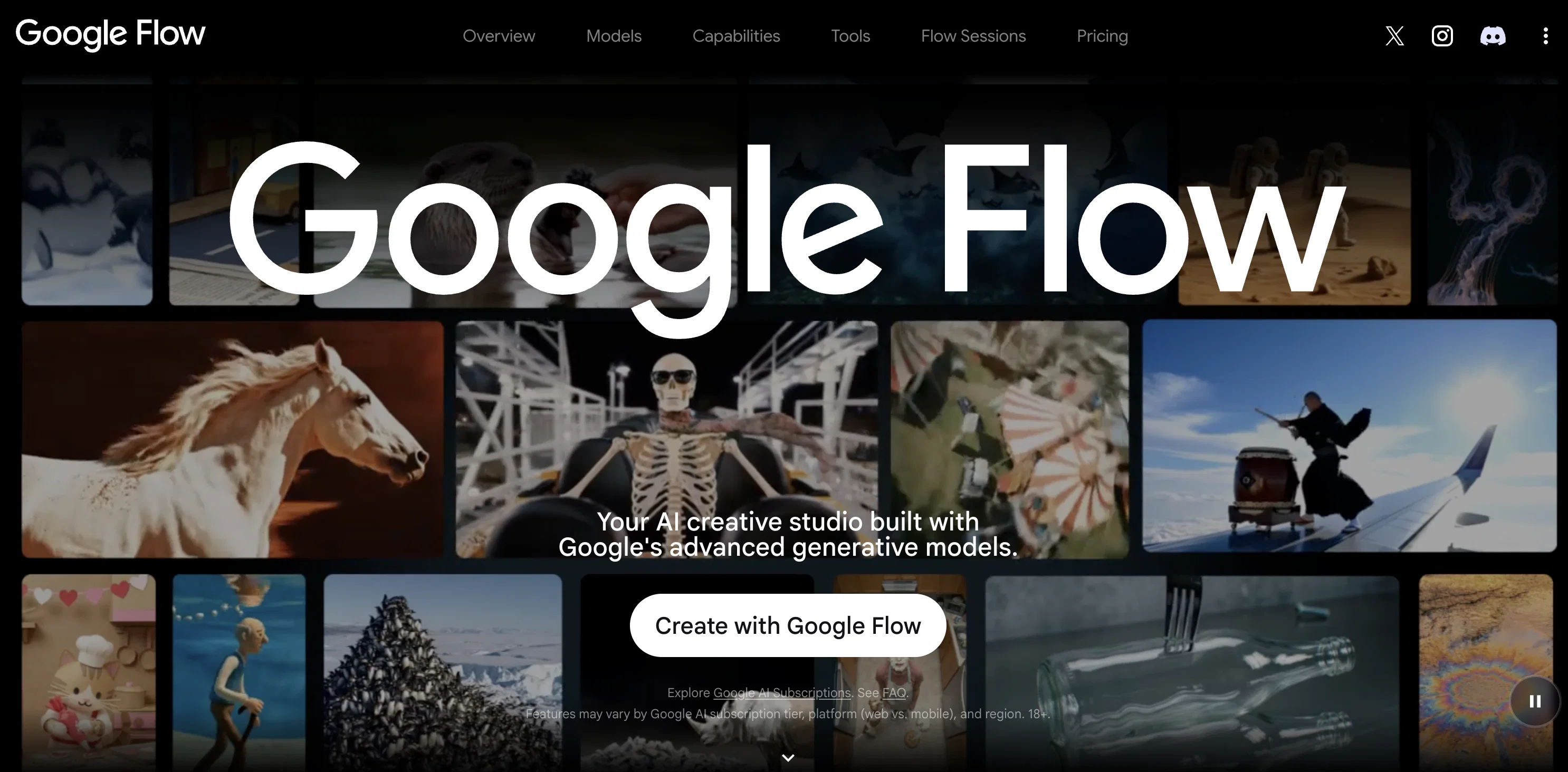
Google Flow is an AI creative studio that harnesses the capability of Google's advanced generative models. The tool is designed to transform creative ideas into a tangible reality, with a focus on cinematic video creation, image editing, and the development of personalized tools. A notable feature of Google Flow is its array of models, including Gemini Omni, Nano Banana, and Veo 3.1. Gemini Omni facilitates the creation and editing of videos from any input, offering advancements in world understanding, multimodality, and conversational editing. Nano Banana champions image generation by offering precise editing control, excelling in aspects such as subject consistency, text rendering, and enhanced reasoning. To amplify creativity, Veo 3.1 delivers expanded creative controls, native audio, and quality videos. Central to the functionality of Google Flow is an AI 'agent' that serves as an intelligent, creative partner to facilitate project planning and execution, aiding users in their creative work. Moreover, Google Flow provides a platform for the creation of custom tools using natural language, extending its versatility to cater to specific creative workflows. The refined capability to perform complex, iterative edits, tweak individual assets with professional controls, and scale changes across the entire project aligns with the concept of fostering creativity 'without bounds.' ✨ Updated interface for seamless workflows 🖼️ Easier way to create with images and videos, together 🗣 Seamless prompting and editing with natural language Help other people by letting them know if this AI was useful. Add your own prompts and outputs to help others understand how to use this AI.
When considering Google Flowv2.0 for integration into your organizational workflow, we recommend deploying a structured score card across three critical operational pillars: Security & Compliance, Integration Friction, and long-term Price Scalability. Rather than looking only at basic feature lists, modern procurement teams must assess how a software platform behaves under high load and how well it fits into the team's data security guidelines.
Depending on your operating region and field, ensure that Google Flowv2.0 supports standard security layers such as SOC 2 Type II certifications, GDPR compliance, or HIPAA-compliant database encryption. If the tool connects directly to client database tables or handles user passwords, verify that they implement multi-factor authentication (MFA), single sign-on (SSO) integrations, and end-to-end data encryption in transit and at rest.
Siloed data is the primary cause of operational friction. Evaluate if Google Flowv2.0 has native connectors for your current project trackers, messaging hubs, and customer communication channels. For custom developer requirements, check if they provide a fully documented REST API with reasonable rate limits, comprehensive Webhooks support, and robust SDK packages in your language. A flexible API layer saves hundreds of hours of manual copy-paste overhead.
SaaS pricing packages are often deceptively simple. When reviewing Google Flowv2.0's billing structure, map out your team's projected expansion over the next 12 to 24 months. Determine how costs scale as your customer database increases or as you add team members. Factor in setup costs, mandatory support plan upgrades, API access fees, and storage overage rates to understand the true cost before committing to a contract.
By combining verified user reviews from our directory with internal workflow pilot tests, your procurement team can make an informed decision that drives productivity without creating capital waste.
Overall rating
Based on 23 reviews
An amazing app, I love the share feature and the comment section summaries
Silvia Cho
As the service was in beta-testing stage, I created there a dozen of AI-generated courses for free. I wanted to use them. Those courses remained in my account as they started subscription tiers. But recently I have found out that they were deleted. The support didn't answer to my e-mail at all.
Oldfag TV
While i don't like the AI voice, i like that it can generate reels directly from a blog or article, not just needing my own prompt to get a result. Plus, you have some nice editing options, along with being able to publish reels on social media sites. V nice
Sienna Sparkle
It's $47/mo after a short free trial
Vivek Patel (Meaningful Ideas)
This is phenomenal. I demo it in my sessions all the time.
Beth Ziesenis
This tool i found is super cool, I created 5 books from this tool to sell them online, which gives me great profit. I am creating more valuable books to spread knowledge, and earn some bucks as well 🤑.
Bilal Ashraf
I'm still testing the tool yet it looks very promising. I tested it with a 5.5k words Academic text that I had previously red. I tested the Key points feature, it does work!
Ivana González
pros options free ChatGPT integration Cons no animation
martin nolan
This video generator did much better than I expected on complex subjects. Unfortunately, it isn't as free as I wished. I could not iterate my creation to create a resolved result.
Gamaliel yd
Suppppeeeeerrr! Wowwww! @Mindsmith is absolutely fantastic! It is incredibly useful, easy to use, and very professional.
Claudia Scilletta
It's really frustrating when you try to select something you want, only to be immediately redirected to a subscription-based payment model. There's no opportunity to even test things out, which kills the enthusiasm right away. It seems like everything is geared towards subscriptions nowadays, and it's a turn-off. Companies should prioritize transparency and give customers a chance to try out products before committing to a subscription. Practices like these erode consumer trust and deter many potential customers.
X X
O GPT faz uma análise melhor e mais personalizada.
Vinicius Vilela
Its amazing.. I can find almost everything
alexandra matos
I think it's the best @Image Generator I ever found on the net. It gives more accurate image according to the prompt. And thank you for keeping it for free.
My Sawsiri
tried @Veo 3 today and it honestly feels like a sneak peek into the future. one short prompt and it gave me a crisp 4K video with perfect audio and cinematic camera moves. not flawless yet, but wow.
Lark Cube
Great use case, exactly what i was looking for.
Mathew
it's not free
Sr Nim
They're dreaming if they think I'd give them my credit card info just for a free trial. Most useless thing ever...
Noeffen Way
easy onboarding, quick to set up.
Pluto Radigund
You get 300 credits upon signing up, which is enough to test out the app and see its potential. I had a bit of fun with it. It takes a few minutes to generate content, but the results are impressive. There are many styles, modifiers, and customization options available. I would definitely use this for content creation or storytelling.
Daniel Garaiacu
WE USE @D-ID AT THE COLORADO VIRTUAL CREATIVE FACTORY...AND LOVE IT.
Franco Arteseros
The concept is great.
kanawati
It works nicely. The autodraw function works really well, it easily detects what I’m trying to go for. W tool!
Orit Paredes
Starting Price
From $16.00/user/month
Pricing may vary based on team size and features selected.


