5.01 months ago
“Review”
The K2.5 Agent mode itself is giving up on a particular small task
Riddhesh Patil

Code collaboratively in the cloud.
Google Colab is an online platform developed by Google that offers a cloud-based Python programming environment. The tool serves as an interactive notebook allowing collaborative coding and programming based on Jupyter notebooks. Utilizing Google Colab, developers have access to a free compute environment, enabling them to write and execute code, and share their results. With its integration to Google Drive and several other cloud services, it offers a flexible workspace. The users can leverage pre-installed machine learning libraries, making it preferred for machine learning and data science applications. Additionally, Colab provides GPU and TPU (Tensor Processing Units) support to accelerate computationally intensive tasks. While the tool works best with Google's ecosystem, it also supports scripting, markdown, visualizations, forms, widgets, and interactive outputs. It comes with several useful features for prototyping, data analysis and interactive machine learning research, giving a boost to collaborative projects with real-time co-editing and comments. Furthermore, it simplifies the process of setting up the development environment and promoting reproducible research. However, as it is browser-based, users need internet connectivity for operation. Google Colab is a comprehensive tool for machine learning development and other data-driven tasks, ideal for both beginners and experts in the field. Help other people by letting them know if this AI was useful. Add your own prompts and outputs to help others understand how to use this AI.
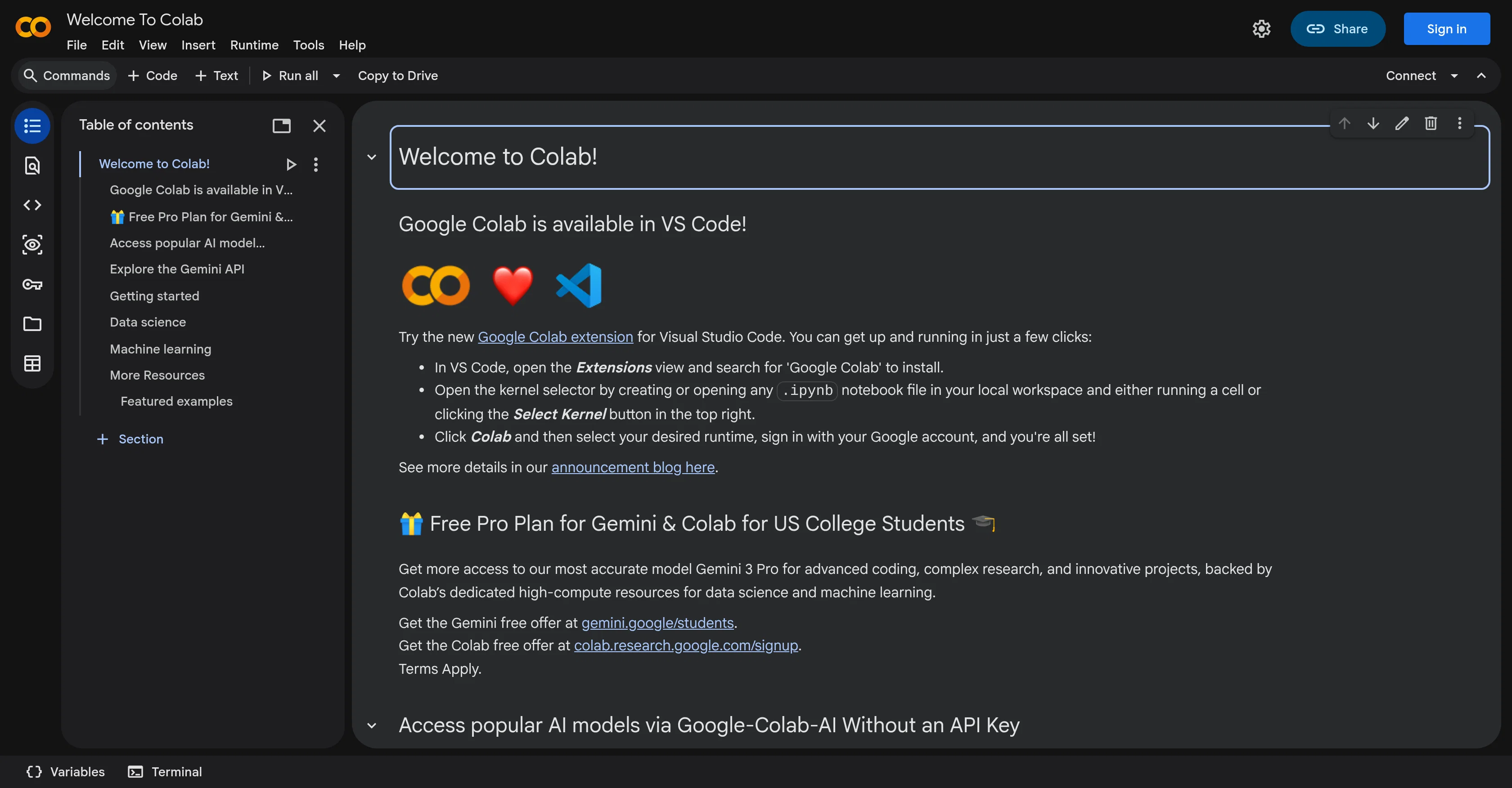
When considering Google Colab for integration into your organizational workflow, we recommend deploying a structured score card across three critical operational pillars: Security & Compliance, Integration Friction, and long-term Price Scalability. Rather than looking only at basic feature lists, modern procurement teams must assess how a software platform behaves under high load and how well it fits into the team's data security guidelines.
Depending on your operating region and field, ensure that Google Colab supports standard security layers such as SOC 2 Type II certifications, GDPR compliance, or HIPAA-compliant database encryption. If the tool connects directly to client database tables or handles user passwords, verify that they implement multi-factor authentication (MFA), single sign-on (SSO) integrations, and end-to-end data encryption in transit and at rest.
Siloed data is the primary cause of operational friction. Evaluate if Google Colab has native connectors for your current project trackers, messaging hubs, and customer communication channels. For custom developer requirements, check if they provide a fully documented REST API with reasonable rate limits, comprehensive Webhooks support, and robust SDK packages in your language. A flexible API layer saves hundreds of hours of manual copy-paste overhead.
SaaS pricing packages are often deceptively simple. When reviewing Google Colab's billing structure, map out your team's projected expansion over the next 12 to 24 months. Determine how costs scale as your customer database increases or as you add team members. Factor in setup costs, mandatory support plan upgrades, API access fees, and storage overage rates to understand the true cost before committing to a contract.
By combining verified user reviews from our directory with internal workflow pilot tests, your procurement team can make an informed decision that drives productivity without creating capital waste.
Overall rating
Based on 12 reviews
The K2.5 Agent mode itself is giving up on a particular small task
Riddhesh Patil
Sucks because you have to set up an AWS account, which I had, but it was discontinued. Too many hurdles to try "Q" so forget it. ChatGPT4 and other platforms have very low barriers for entry and use.
Rob Nokes
gave it a shot with a small full-stack idea and it got surprisingly far before I had to step in. The setup is nice, but I’d still want to test it on a bigger repo before trusting it with anything serious.
Jakir Kousik
Hi Bob, we have added top ups, now you can buy individual credits instead of a subscription too. Let us know if there is anything else we can do to improve the experience!.
luka gamulin
This is actually amazing. It has all the main features I need to be very efficient at my work.
Abroad in China
@Relay.app fills the gap between AI and actually using it. It allows you to build your own custom flows and agents, unlocking a level of customisation that was previously only achievable through custom code. It's a game changer, and the free plan is so generous - go try it!
Abe Blackburn
Used this tool to fix my compliance issues in a day.
Zack Fediay
@Cursor is underrated.
Vanessa
magnificent. perfect. no errors.
Mino F16
This is my best bro! I communicate with him like my best friend, he always helps to direct my thoughts and ideas in the right direction, always tells me how to improve something and always gives detailed instructions during the conversation. Thanks to him, I’m launching a new project, in which he helps me take my ideas to a new level, just communication, during which you reassemble your concept and rethink your original idea, because you didn’t know how it would be better and more correct. @DeepSeek is my best assistant today, my creative inspiration, who gives me support and confidence in my business, guiding me to realize my dreams)
Gamer TOTORO
This tool i found is super cool, I created 5 books from this tool to sell them online, which gives me great profit. I am creating more valuable books to spread knowledge, and earn some bucks as well 🤑.
Bilal Ashraf
It works nicely. The autodraw function works really well, it easily detects what I’m trying to go for. W tool!
Orit Paredes
Starting Price
Contact vendor for pricing
Pricing may vary based on team size and features selected.