GeoSeer

5.0(25 reviews)

Find photo locations using AI geolocation technology.

Freemium

GeoSeer Overview

What is GeoSeer?

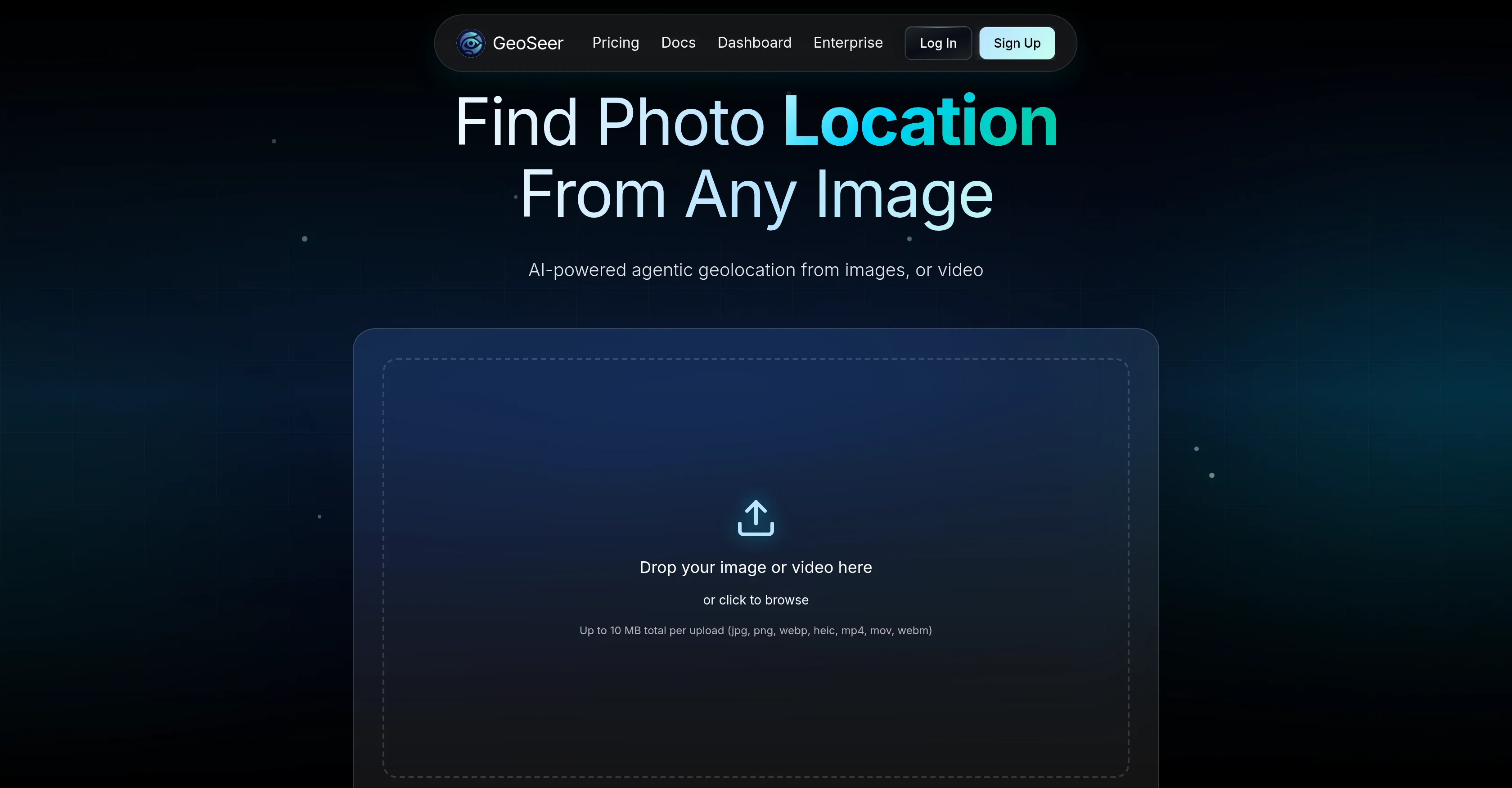
GeoSeer is an AI-powered tool designed to identify the location where a photo or video was taken. It allows users to upload up to three images or one video and it generates predictions of the geographical details of where the image or video was shot - GPS coordinates, the city, and the country. It does not require EXIF data from the uploaded files for its workings. GeoSeer makes use of a parallel multi-agent AI architecture to analyze the uploads and estimate the location. This is achieved through different steps including EXIF analysis, reverse image searching, visual analysis, area estimation, and finally ranking the results. GeoSeer prides itself on state-of-the-art performance, providing real-time processing of uploads, geolocation services that cover the entire globe, and a privacy-first policy that does not store the images or videos uploaded. Designed with a developer API, GeoSeer can be integrated easily into other platforms. The tool caters to a variety of users with different quota needs and provides different pricing plans accordingly. GeoSeer has a user-friendly interface and is recognized for its accuracy. Help other people by letting them know if this AI was useful. Add your own prompts and outputs to help others understand how to use this AI.

Screenshot gallery

GeoSeer screenshot

Pros & Cons

Pros

  • Identifies photo or video location
  • Doesn't require EXIF data
  • Performs EXIF analysis
  • Performs reverse image searching
  • Performs visual analysis
  • Area estimation
  • Ranks results
  • Real-time processing
  • Privacy-first policy
  • Doesn't store uploads
  • Developer API for integration
  • Flexible pricing plans
  • User-friendly interface
  • Global geolocation coverage
  • Recognized accuracy
  • State-of-the-art performance
  • Supports multiple image/video uploads
  • Three-step location estimation
  • Allows cross-platform integration
  • Offers different user quota
  • Analyzes clear landscapes
  • Analyzes readable text imagery
  • Works on incident details
  • Different processing modes
  • Outperforms competitors
  • High accuracy rate
  • Low cost
  • Fast results delivery
  • In partnership with known brands
  • Provides GPS coordinates of location
  • Predicts city and country
  • Handles both rural and urban scenes
  • Doesn't require public self-serve access
  • Scalable for professionals across industries
  • Understandable benchmark measures
  • Supports various file formats
  • No hidden fees
  • Priority processing queue
  • White-label API access

Cons

  • Limited to three images
  • Single video limitation
  • Requires clear landscape images
  • 10 MB upload limit
  • Performance dependent on text clarity
  • Accuracy varies across terrain types
  • Costly for high usage
  • No mobile app

A Professional Framework to Evaluate GeoSeer

When considering GeoSeer for integration into your organizational workflow, we recommend deploying a structured score card across three critical operational pillars: Security & Compliance, Integration Friction, and long-term Price Scalability. Rather than looking only at basic feature lists, modern procurement teams must assess how a software platform behaves under high load and how well it fits into the team's data security guidelines.

1. Security and Database Compliance

Depending on your operating region and field, ensure that GeoSeer supports standard security layers such as SOC 2 Type II certifications, GDPR compliance, or HIPAA-compliant database encryption. If the tool connects directly to client database tables or handles user passwords, verify that they implement multi-factor authentication (MFA), single sign-on (SSO) integrations, and end-to-end data encryption in transit and at rest.

2. API Coverage and Custom Integrations

Siloed data is the primary cause of operational friction. Evaluate if GeoSeer has native connectors for your current project trackers, messaging hubs, and customer communication channels. For custom developer requirements, check if they provide a fully documented REST API with reasonable rate limits, comprehensive Webhooks support, and robust SDK packages in your language. A flexible API layer saves hundreds of hours of manual copy-paste overhead.

3. Total Cost of Ownership (TCO)

SaaS pricing packages are often deceptively simple. When reviewing GeoSeer's billing structure, map out your team's projected expansion over the next 12 to 24 months. Determine how costs scale as your customer database increases or as you add team members. Factor in setup costs, mandatory support plan upgrades, API access fees, and storage overage rates to understand the true cost before committing to a contract.

By combining verified user reviews from our directory with internal workflow pilot tests, your procurement team can make an informed decision that drives productivity without creating capital waste.

Features of GeoSeer

  • API
  • GeoGuessr
  • Geoguessr Solver
  • Real Time Processing
  • AI Geolocation
  • Parallel Multi Agent AI
  • Free + From $19/Mo

SaaS1to10 verified reviews for GeoSeer

Overall rating

5.0

Based on 25 reviews

5.02 weeks ago

Review

I like that you get to try it for free, and then when you run out of AI minutes, you can buy more. It didn't save my reading in the Journal but maybe because I was using the Freebee. I bought 20 more minutes and poked around a bit. You do have to wait while the ai bot 'thinks' and I would like to shorten the wait time. Idk if takes long to answer question because it's actually processing, but it feels like it's just a way to eat into the purchased minutes and get folks like me to buy more.

Rita Ryan

5.02 weeks ago

Review

All I can say is WoW! I don't know too terribly much about Tarot, but my reading was 110% spot on. And I am not referring only to the fact of the cards drawn couldn't have come closer if I hand-picked them but it was the analysis of each card individually, as well as overall. I'll be using this regularly from now on.

Jenna Hamilton

5.02 weeks ago

Review

A very clean website — simple, clear, and fast to generate results.

yiming zhou

5.02 weeks ago

Review

very useful AI tool for those who need to work with pdf docs. Thnak you very to the team for offering it free

S RAMA NARAYANA REDDY

5.02 weeks ago

Review

This ai tool is awesome because I did figure out last Christmas when I was was lucky enough but thanks for sharing a tarot reading. But now I will be using this as often as I can. This may my Christmas a miracle for me.

Lauren music

5.02 weeks ago

Review

Although not very detailed, the key points are almost all included. Not only can PDFs be uploaded, but other text files as well, and can be translated into the specified language, Overall, it's quite practical!

Chen Ye

5.02 weeks ago

Review

i love it i use it to teach me Italian and ukranian and programing ! and it awesome , because it allows you in the free version send many prints of your screen , not having to explain all the errors by typing diferent from gpt that you can only send 3 photos in the free version. i also use @Grok to study i frist make the exercise in my book then i take a photo of my exercise then i ask it to see if there is any mistake and dissipate my terryble handwriting it understands

fernand Lopes

5.02 weeks ago

Review

I’ve been using @Collate to go through technical PDFs, and it’s been surprisingly handy. Summarizing docs and being able to ask questions directly saves me time, especially when I’m skimming through research or API references. No sign-ups, works offline, and everything stays on my device — which I appreciate.

Harman

5.02 weeks ago

Review

10 MB Limit does limit usability best if .pdf contains NO images.

Steve Bastiman

5.02 weeks ago

Review

Selamat siang saya akan membagikan tutorial gimana caranya mengedit video di aplikasi capcut

Rhyben Rinto

5.02 weeks ago

Review

After not even ONE try, it asks for Pro. No success, just imo developer hyper-greed. Avoid!

Katrina Silas

5.02 weeks ago

Review

The most humanly AI i have used so far but the problem is as soon as you start piling up messages in single chat session , it starts getting slow and at some point it starts freezing and also uses a lot of resources. For time being its okay to do 3 4 messages but as soon as we continue it has messages limitation and also starts getting very very slow . For the price of £18 per month this is unacceptable and with the newly introduced feature called project, if we start new chat within the project we cannot continue with the context we provided in other chats within same project. There are lot of improvements for them to work on. And to start with the its speed and its price

Bibash Katel

5.02 weeks ago

Review

Really like how it finds connection in the content that I save. I don't think any other tool can do that.

amix ffx

5.02 weeks ago

Review

Went from a C to an A in Cognitive Psychology using @Thea!!

Sarah White

5.03 weeks ago

Review

I tried their agent mode. Super accurate.

Zhuokai Chen

5.03 weeks ago

Review

I randomly picked a spot on Google maps and it found the right place. Would recommend.

Cody

5.03 weeks ago

Review

I feel like this is the only geolocation tool that uses satellite images.

Sickle

5.03 weeks ago

Review

This takes pretty long to analyze ngl. But indeed the most accurate geolocation tool I've seen so far.

Lil Dumb

5.03 weeks ago

Review

Excellent experience with agent mode. It gives clear and useful insights, and performs reliably.

William Jonathan

5.03 weeks ago

Review

surprised on how well it works

Mobile Entot

5.03 weeks ago

Review

best one I've used so far, looking forward to future releases

CJ Mix

5.03 weeks ago

Review

Didn't even get the country right. The place looked nothing like the location on my image. :/

L Sz

5.03 weeks ago

Review

I tried other tools aswell, this was the only accurate. Other ais didn't even get the country right. Compared to the others it had the advantage that I could specify the area in which the location was. I only tried it once so far but I am satisfied.

L Sz

5.03 weeks ago

Review

This thing is actually insane. I uploaded a picture from a random hike I did years ago, and it guessed the location exactly. Not just the country but the exact trail. I have no idea how it works, but its pretty impressive.

James Mcgill

5.03 weeks ago

Review

UI looks impressive, but accuracy is not as advertised

Sickle

Pricing

Starting Price

Free plan available

Free tier available with optional paid upgrades.

Where can GeoSeer be deployed?

  • Cloud, SaaS, Web-Based

Recommended for you