5.02 months ago
“Review”
I feel it is very baseline and useless. Any AI chatbot could do better. I found no creativity or inspiration. Mediocre for me.
Andrew Schoucair

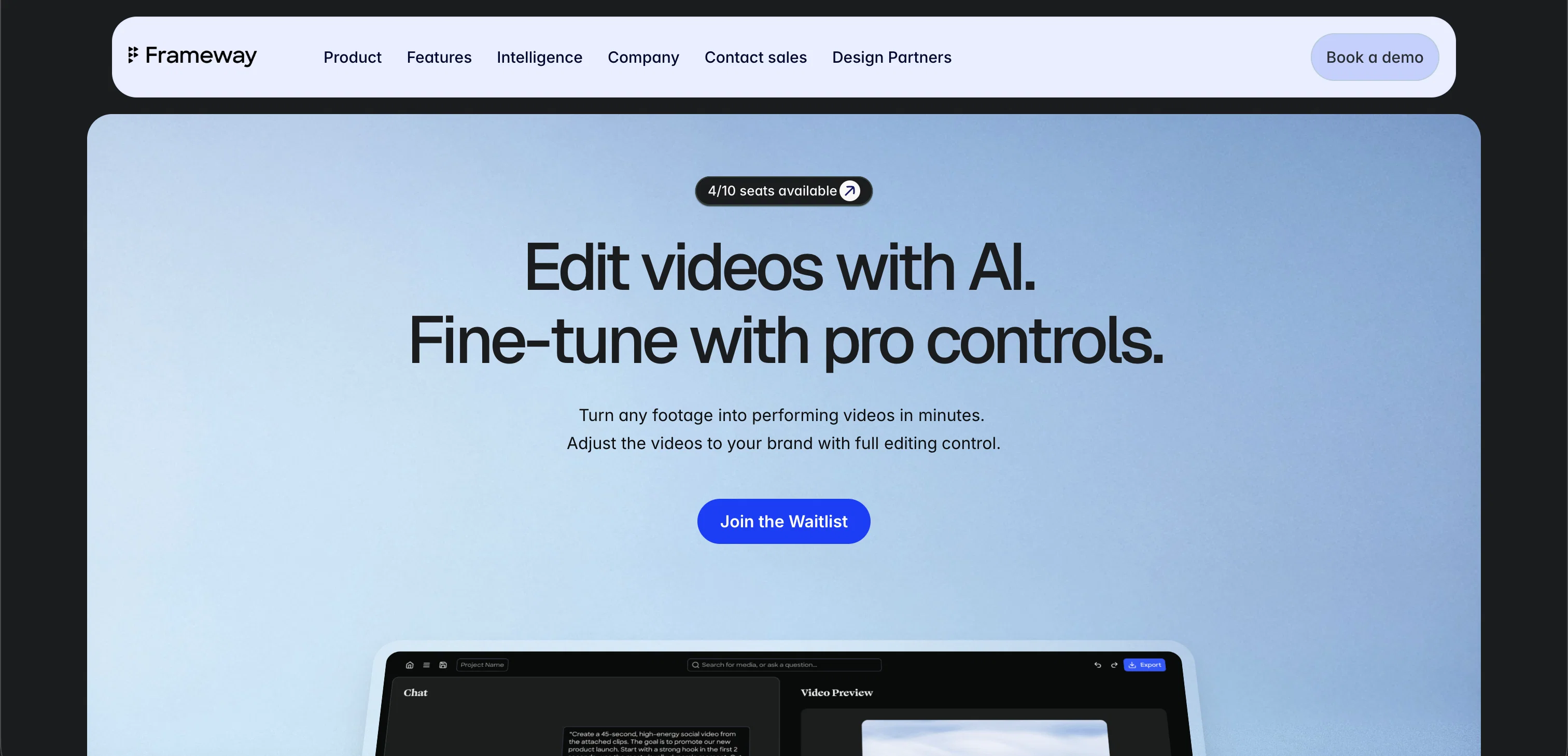
Edit videos with AI. Fine-tune with pro controls.
Frameway AI is a chat-first video editing tool designed to automate the video editing process using artificial intelligence (AI). The tool provides professional controls to refine videos ensuring that the output aligns with the user's brand aesthetics. Frameway uniquely combines AI agents, intent-based editing, and pro-level controls, enabling users to quickly create on-brand videos without sacrificing creative control. Notable features include AI-powered clipping, chat-based editing, automatic caption creations in over 80 languages, multi-format exports, and team collaboration. Users can upload a long video and obtain numerous short, social media-ready clips in a matter of minutes based on key moments in the uploaded video. Frameway also allows users to describe what they desire in their videos in simple language and the tool turns their raw assets into a first draft swiftly with no timeline requirements. The tool also offers customizations such as brand kits, color presets, caption styles, and templates that make the videos resonate with the user's brand. The tool supports exporting videos in any ratio, making them optimised for social media platforms like TikTok, Instagram, LinkedIn, YouTube, and more. Another unique feature is the AI agents that carry out various tasks in the background like face tracking, object detection, and mood detection, ensuring that the videos are succinct, engaging, and aesthetically accurate. An upcoming feature is the MOOD Analysis that will be able to read the emotional arc and energy of a video to select moments that make the most impact. Help other people by letting them know if this AI was useful. Add your own prompts and outputs to help others understand how to use this AI.
When considering Frameway for integration into your organizational workflow, we recommend deploying a structured score card across three critical operational pillars: Security & Compliance, Integration Friction, and long-term Price Scalability. Rather than looking only at basic feature lists, modern procurement teams must assess how a software platform behaves under high load and how well it fits into the team's data security guidelines.
Depending on your operating region and field, ensure that Frameway supports standard security layers such as SOC 2 Type II certifications, GDPR compliance, or HIPAA-compliant database encryption. If the tool connects directly to client database tables or handles user passwords, verify that they implement multi-factor authentication (MFA), single sign-on (SSO) integrations, and end-to-end data encryption in transit and at rest.
Siloed data is the primary cause of operational friction. Evaluate if Frameway has native connectors for your current project trackers, messaging hubs, and customer communication channels. For custom developer requirements, check if they provide a fully documented REST API with reasonable rate limits, comprehensive Webhooks support, and robust SDK packages in your language. A flexible API layer saves hundreds of hours of manual copy-paste overhead.
SaaS pricing packages are often deceptively simple. When reviewing Frameway's billing structure, map out your team's projected expansion over the next 12 to 24 months. Determine how costs scale as your customer database increases or as you add team members. Factor in setup costs, mandatory support plan upgrades, API access fees, and storage overage rates to understand the true cost before committing to a contract.
By combining verified user reviews from our directory with internal workflow pilot tests, your procurement team can make an informed decision that drives productivity without creating capital waste.
Overall rating
Based on 11 reviews
I feel it is very baseline and useless. Any AI chatbot could do better. I found no creativity or inspiration. Mediocre for me.
Andrew Schoucair
it integrates so well with my workspace, could be more responsive though!
Ajay Rae
Feels like an important moment in consumer AI. I installed it this past weekend and played with it a bit (in a sandboxed environment). Still rough around the edges, but feels like it will become something big. Onwards!
Tudor Iliescu
Just like ideabrowser but free.
Stephen Kaplan
ooo spooky!!! this will come in very handy now that spooky season is approaching, great
Matthew Dexx
I work on the @Tendem team, so take this with that context — but I also use the product constantly for my own work. I've used @Tendem to research AI directories — finding relevant ones, pulling submission requirements, organizing everything into a spreadsheet I could act on. I've also used it for copy edits — sending over drafts and getting back tightened, polished versions without going back and forth with a prompt ten times. The thing that keeps me coming back is how little I have to think about the handoff. I describe what I need, send it, and move on to something else. It's slower than getting a ChatGPT response, sure. But I get something finished — not a starting point I still need to rework. When you use AI tools for this kind of work, you trade waiting time for cleanup time. @Tendem flips that. I'd rather wait and get a result I can use than get a fast draft I have to fix myself.
Vladimir Gromozdin
awesome, beets relationships...
Robert Shumway
Bro, @Captions is actually straight fire for short-form content. Script in, clean @Captions and edits out, and it makes talking-head clips feel way more polished in minutes. Big w for creators
Chris Studioz
Selamat siang saya akan membagikan tutorial gimana caranya mengedit video di aplikasi capcut
Rhyben Rinto
makes actually good clips
fourleafclover
Video editing
Amrit kuli Amrit kuli
Starting Price
Contact vendor for pricing
Pricing may vary based on team size and features selected.


