5.01 months ago
“Review”
Very similar to Krea, which was what I came here for.
George K.

Convert text to AI-generated images instantly
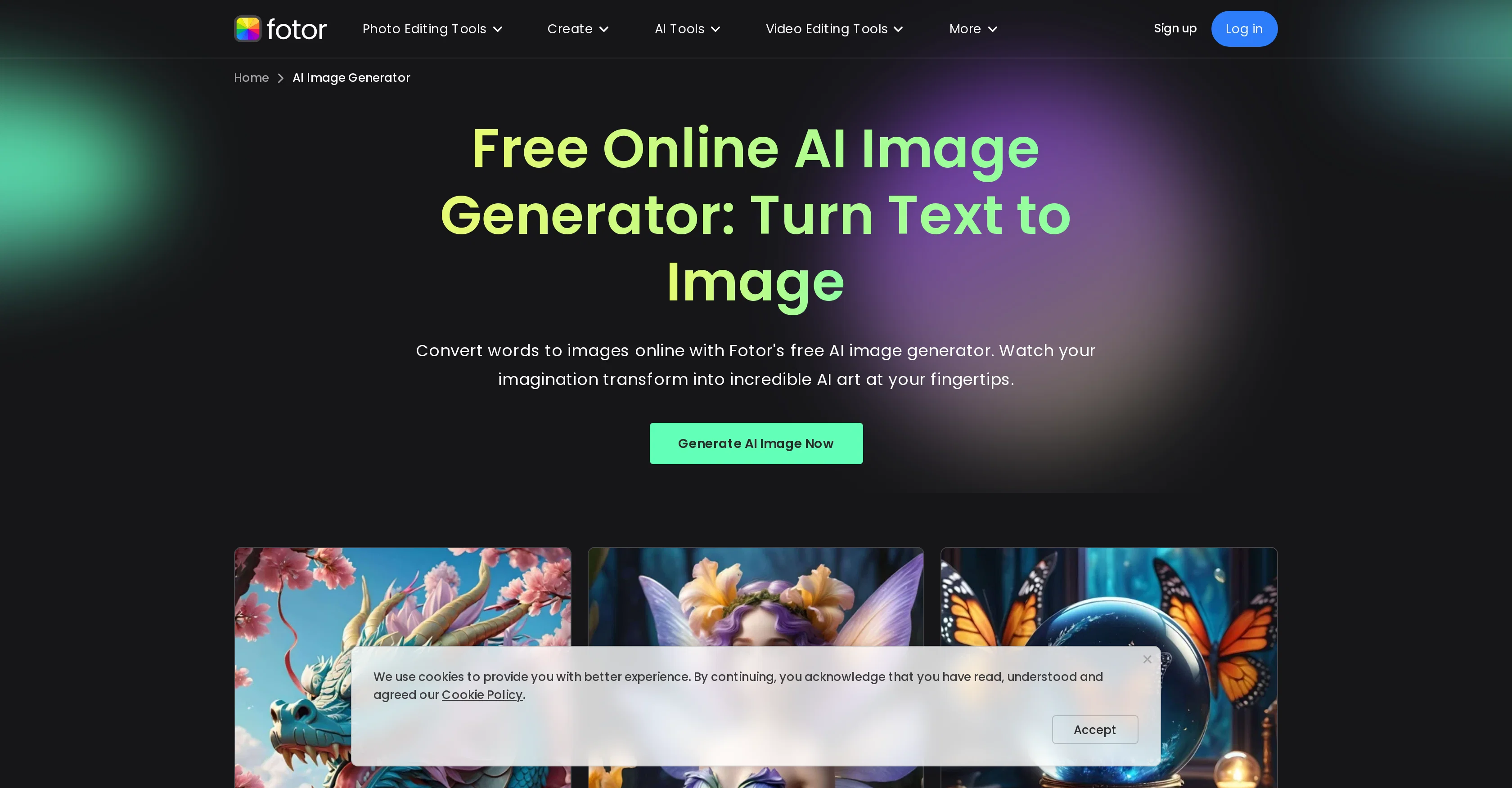
Fotor's AI Image Generator is an online tool designed to generate images from text prompts. It allows users to visualize ideas almost instantly by creating AI-generated art and images based on the input. In addition to the AI-powered image generation feature, Fotor also offers a comprehensive suite of image editing tools. These include resizing, cropping, blurring, sharpening, and adding text or borders to images. Apart from traditional edits, users may transform photos into sketches or cartoons, create collages, merge images, and change photo backgrounds. The platform also provides tools to manipulate facial features, upscale images, and even generate PNG files. Fotor's capabilities extend to the creation of logos, flyers, and posters for marketing, as well as social media assets like YouTube thumbnails or Instagram post designs. The platform covers a wide range of applications, such as editing text in images, colorizing photos, and removing objects or backgrounds from images. In addition to photo editing, Fotor offers similar AI tools for generating and enhancing videos and GIFs, also allowing users to remove watermarks or objects. Fotor provides platform-specific applications for Windows, Mac, and mobile devices. Help other people by letting them know if this AI was useful. Add your own prompts and outputs to help others understand how to use this AI.
When considering Fotor for integration into your organizational workflow, we recommend deploying a structured score card across three critical operational pillars: Security & Compliance, Integration Friction, and long-term Price Scalability. Rather than looking only at basic feature lists, modern procurement teams must assess how a software platform behaves under high load and how well it fits into the team's data security guidelines.
Depending on your operating region and field, ensure that Fotor supports standard security layers such as SOC 2 Type II certifications, GDPR compliance, or HIPAA-compliant database encryption. If the tool connects directly to client database tables or handles user passwords, verify that they implement multi-factor authentication (MFA), single sign-on (SSO) integrations, and end-to-end data encryption in transit and at rest.
Siloed data is the primary cause of operational friction. Evaluate if Fotor has native connectors for your current project trackers, messaging hubs, and customer communication channels. For custom developer requirements, check if they provide a fully documented REST API with reasonable rate limits, comprehensive Webhooks support, and robust SDK packages in your language. A flexible API layer saves hundreds of hours of manual copy-paste overhead.
SaaS pricing packages are often deceptively simple. When reviewing Fotor's billing structure, map out your team's projected expansion over the next 12 to 24 months. Determine how costs scale as your customer database increases or as you add team members. Factor in setup costs, mandatory support plan upgrades, API access fees, and storage overage rates to understand the true cost before committing to a contract.
By combining verified user reviews from our directory with internal workflow pilot tests, your procurement team can make an informed decision that drives productivity without creating capital waste.
Overall rating
Based on 22 reviews
Very similar to Krea, which was what I came here for.
George K.
Watch out! I canceled the trial period 2 or 3 days before its end but I was still charged.
Dorota Jurek
made a few random social visuals with it and the results came out pretty clean. not every generation hit, but the good ones were definitely usable. decent tool for quick ideas.
Daniel Galatioto
Diffusion pulls out extremely good images from simple prompts. Renders were a little slow on higher quality, but totally worth it for the results. The controls feel clear enough and the outputs look legit. Good one here!
Harsh Nether
Litterally the worst AI art i've seen yet, takes forever and the quality is worse than ever
GMLegende
It's just like Canva and Canva is easier...
Brittany Stainton
O GPT faz uma análise melhor e mais personalizada.
Vinicius Vilela
As the service was in beta-testing stage, I created there a dozen of AI-generated courses for free. I wanted to use them. Those courses remained in my account as they started subscription tiers. But recently I have found out that they were deleted. The support didn't answer to my e-mail at all.
Oldfag TV
Looks promising and allows free image generation after signing up (with a daily limit).
Jaroslav Osicka
It's pretty cool. There is a free plan/membership.That means that you get free 100 image credits every month that will refresh (on the date you created the account, not on every first of month). Seems to have relatively mild filters. Faces of celebs seem to be blocked. You can type in the name of a celeb and it will create a picture but the face will be a fragmented colorful mess. It has a in-painting function and you can enlarge the canvas (both are separate functions that will cost as much credits as the generation of an image. However it is possible to create NSFW images, if you're into that.
Marshmallowfroggy
Hi everyone, @PromeAI has updated to a new domain: https://www.@Promeai.pro/
Kostja
Horror, disaster. I do not recommend.
Libor Jiránek
Doesn't change anything other than the requested changes, even when changes are the ones not requested. black to blonde hair when requesting redhead, e.g.. Only changes hair, but doesn't give you the prompt you put in consistently
Roman LaPier
Beautiful beautiful application ♥️
Didi adam
@Pixelcut is not free if you want to generate AI images (5$). They lie about it on their website.
Gökhan Bülbül
This one gives some pretty decent logo directions quickly. The first concepts are useful, but I’d still want finer control over typography and spacing before calling anything final.
Josh KUMAR
Such a great place to start out!
Helli Lang
Love how it offers stuff for both free and premium users. huge thanks to the devs and keep it up!
Burner Cruz
Free Start with a Free Experience $0 /mo
Vitus Bering
It's not free, it forces you to input an email before shoving a price tag in your face.
Arvoly XSL
I think it's the best @Image Generator I ever found on the net. It gives more accurate image according to the prompt. And thank you for keeping it for free.
My Sawsiri
this is not free at all
Minipekka
Starting Price
Free plan available
Free tier available with optional paid upgrades.


