5.01 months ago
“Review”
The new AI engine is quite good
Bhaz Eguzer

Streamline business with AI: Eliminate manual data extraction.
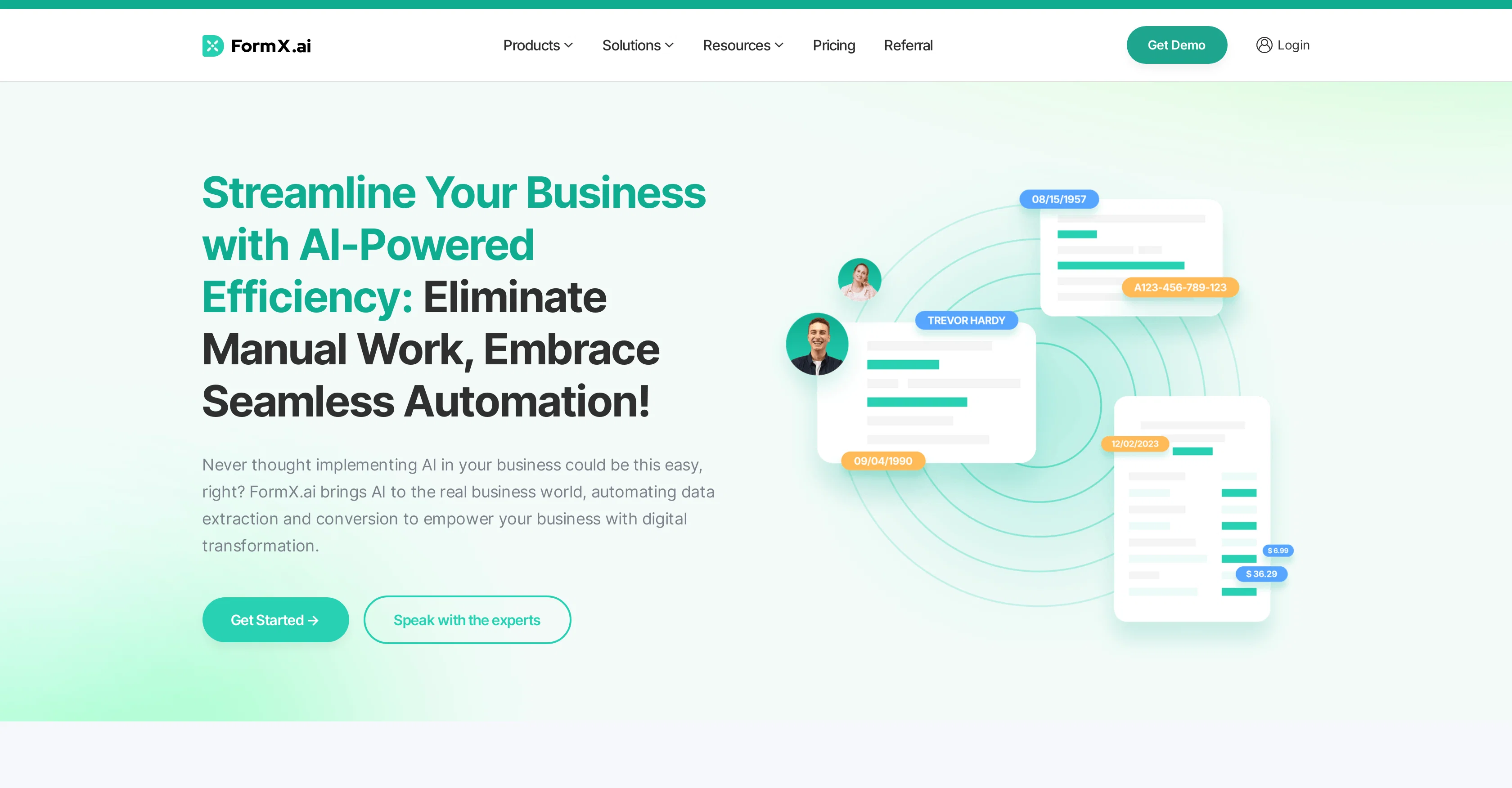
FormX.ai is an AI-powered tool designed for automating data extraction, thus enabling businesses to streamline their processes, minimize errors, and enhance efficiency. The system uses Intelligent Document Processing (IDP) and Optical Character Recognition (OCR) to extract data from various types of documents such as invoices, receipts, ID cards, address proofs, business certificates, and more. The extracted data can be effectively utilized across various sectors such as insurance, finance, retail, human resources, logistics, and healthcare. For instance, insurance companies can automate document handling and data extraction, protect sensitive information, automate outpatient claims, and analyze asset portfolios. Similarly, businesses in the retail sector can automate receipt data extraction, centralize customer information, and make accurate product recommendations. FormX.ai also offers API-ready data extraction, allowing seamless integration of the tool into existing systems. For developers, the tool provides a low-code environment, simplifying data extraction and reducing the need for manual entry. Additionally, FormX.ai enables businesses to automate and digitize medical records in the healthcare industry to ensure data accuracy, improved patient care, and eliminate human errors. The tool is trusted by international companies and supports various document formats including invoices, receipts, purchase orders, bank statements, contracts, applications, shipping orders, membership applications, annual reports, certificates, licenses, and bookkeeping. Help other people by letting them know if this AI was useful. Add your own prompts and outputs to help others understand how to use this AI.
When considering FormX for integration into your organizational workflow, we recommend deploying a structured score card across three critical operational pillars: Security & Compliance, Integration Friction, and long-term Price Scalability. Rather than looking only at basic feature lists, modern procurement teams must assess how a software platform behaves under high load and how well it fits into the team's data security guidelines.
Depending on your operating region and field, ensure that FormX supports standard security layers such as SOC 2 Type II certifications, GDPR compliance, or HIPAA-compliant database encryption. If the tool connects directly to client database tables or handles user passwords, verify that they implement multi-factor authentication (MFA), single sign-on (SSO) integrations, and end-to-end data encryption in transit and at rest.
Siloed data is the primary cause of operational friction. Evaluate if FormX has native connectors for your current project trackers, messaging hubs, and customer communication channels. For custom developer requirements, check if they provide a fully documented REST API with reasonable rate limits, comprehensive Webhooks support, and robust SDK packages in your language. A flexible API layer saves hundreds of hours of manual copy-paste overhead.
SaaS pricing packages are often deceptively simple. When reviewing FormX's billing structure, map out your team's projected expansion over the next 12 to 24 months. Determine how costs scale as your customer database increases or as you add team members. Factor in setup costs, mandatory support plan upgrades, API access fees, and storage overage rates to understand the true cost before committing to a contract.
By combining verified user reviews from our directory with internal workflow pilot tests, your procurement team can make an informed decision that drives productivity without creating capital waste.
Overall rating
Based on 17 reviews
The new AI engine is quite good
Bhaz Eguzer
B12 exceeded my expectations especially after I tried a few similar tools. Signing up took under a minute and because I offer a very specific set of services as a consultant, I didn't expect the AI to be able to capture my work, but it did a great job with creating content for me. I only had to make a few edits, add my bio, and was able to publish that same day. Now I get lots of compliments on my site and I've even tried their other tools like email marketing, which is great because the emails match my site's appearance. Overall I would recommend B12 as an effective, affordable, and easy to use website solution.
Katie G
After my first use, I think it's surprisingly good. The only drawback so far is the PDF export option for the report which is formatless.
Alejandro Correa
It's not free, it forces you to input an email before shoving a price tag in your face.
Arvoly XSL
I'm still testing the tool yet it looks very promising. I tested it with a 5.5k words Academic text that I had previously red. I tested the Key points feature, it does work!
Ivana González
It is only free for 7 days, then it is $149 per month.
Trent Blakely
Amazing tool
Francisco Angel V
not bad, but few templates
Sonya Salenko
worked insanely well and super fast. lots of customization options too. honestly just a W tool all around.
Daniel Galatioto
very accurate transcription. summaries are spot on. and can transcribe conversations in real-time. easy to use
Jeff Matteus
No good at pdfs
Chris Cox
A whole new way of learning how to code
Francisco Silverio
Very expensive for most common pages, no way you pay that
Leandro Conti
Good idea, but full of bug. It removed my lunch to put a working task, the report bug form doesn't let you write anything. I'm out
Maxime
Had several issues with app, beginning with a refresh needed to find the upload (figured out while waiting for help desk). Relatively straightforward conversion, rearranged fields, merged integer and text field. Conversion was Ok on first 30 lines and 2 pages, second 25 lines needed more manual editing. Was going to rate lower, tried Parseur was even worse.
Richard Green
The tool worked really well for us. It was easy to upload our first PDFs and set up an automated flow through the API
Eduardo
Highly recommend it for anyone dealing with high-volume document processing. Simplifies the process of extracting data from multiple PDFs into clean, accurate spreadsheets.
Tarang
Starting Price
Free plan available
Free tier available with optional paid upgrades.


