5.01 months ago
“Review”
It's genius. Amazing tool. PDF generation might be improved, but apart from that is amazing.
Aleksander Lukashou

Build apps fast without coding
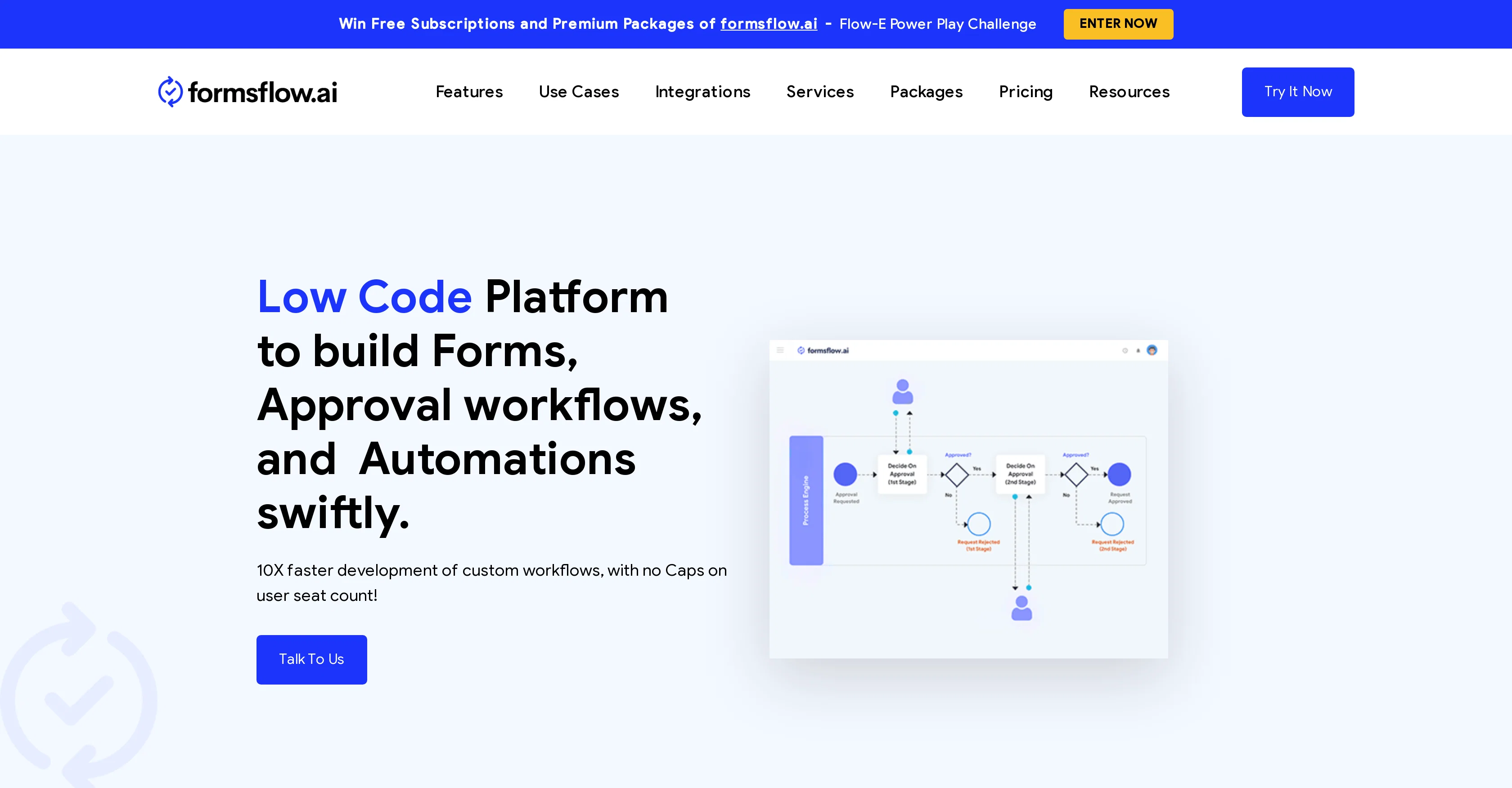
FormsFlow.ai is a low-code platform that enables the creation of business applications without necessitating a vast coding background. This tool combines form building, workflow management, and analytics components into one integrated suite. With AI-assisted development, it minimizes the common complexities of customizing forms and implementing workflows in businesses. Utilizing its drag and drop feature, users can construct functional forms for a variety of tasks. Its intuitive workflow builder allows coupling those forms with simple to complex workflows, facilitating optimal task orchestration. The platform also features an analytics module that provides valuable insights to drive decision making. Supplementary features include an array of integrations, a DMN compliant rules engine, identity management, world class security, mobile application support, multi-tenancy infrastructure, and form bundling. The platform serves multiple industry verticals such as Education, Government, Healthcare, Manufacturing, and various departmental use-cases including Administration, Customer Service, Finance, Human Resources, and Legal Department. The tool also emphasizes an excellent user experience by providing tutorial resources, community support, consulting services, and training. FormsFlow.ai therefore acts as a comprehensive solution for businesses looking to simplify their process automation and data analytics. Help other people by letting them know if this AI was useful. Add your own prompts and outputs to help others understand how to use this AI.
When considering FormsFlow for integration into your organizational workflow, we recommend deploying a structured score card across three critical operational pillars: Security & Compliance, Integration Friction, and long-term Price Scalability. Rather than looking only at basic feature lists, modern procurement teams must assess how a software platform behaves under high load and how well it fits into the team's data security guidelines.
Depending on your operating region and field, ensure that FormsFlow supports standard security layers such as SOC 2 Type II certifications, GDPR compliance, or HIPAA-compliant database encryption. If the tool connects directly to client database tables or handles user passwords, verify that they implement multi-factor authentication (MFA), single sign-on (SSO) integrations, and end-to-end data encryption in transit and at rest.
Siloed data is the primary cause of operational friction. Evaluate if FormsFlow has native connectors for your current project trackers, messaging hubs, and customer communication channels. For custom developer requirements, check if they provide a fully documented REST API with reasonable rate limits, comprehensive Webhooks support, and robust SDK packages in your language. A flexible API layer saves hundreds of hours of manual copy-paste overhead.
SaaS pricing packages are often deceptively simple. When reviewing FormsFlow's billing structure, map out your team's projected expansion over the next 12 to 24 months. Determine how costs scale as your customer database increases or as you add team members. Factor in setup costs, mandatory support plan upgrades, API access fees, and storage overage rates to understand the true cost before committing to a contract.
By combining verified user reviews from our directory with internal workflow pilot tests, your procurement team can make an informed decision that drives productivity without creating capital waste.
Overall rating
Based on 17 reviews
It's genius. Amazing tool. PDF generation might be improved, but apart from that is amazing.
Aleksander Lukashou
B12 exceeded my expectations especially after I tried a few similar tools. Signing up took under a minute and because I offer a very specific set of services as a consultant, I didn't expect the AI to be able to capture my work, but it did a great job with creating content for me. I only had to make a few edits, add my bio, and was able to publish that same day. Now I get lots of compliments on my site and I've even tried their other tools like email marketing, which is great because the emails match my site's appearance. Overall I would recommend B12 as an effective, affordable, and easy to use website solution.
Katie G
I'm still testing the tool yet it looks very promising. I tested it with a 5.5k words Academic text that I had previously red. I tested the Key points feature, it does work!
Ivana González
after playing around with it for a bit, i am now aware of how much i need this. i can already feel the hours of sleep coming back to me <3
Bru no no no
It missed my expectations, because I got smth completely different.
Dmitry Ts
Love that it’s open source. I built a whole GPT content pipeline in a weekend.
John Macy
SheetAI was very handy in sorting, fixing and all sorts of tools. This tool is also well documented, so if you need help figuring something out, chances are they will have the info you need.
Jorelle Joseph
Really cool tool. Looking forward to new updates
Daniel A.
interesting ai tool, quickly let you create a good looking website.. thumbs up
avoda mehabait
I've been playing around with this for a few hours. It's made me say "WOW" too many times than i wish to admit. I'm going to follow this and see how it evolves. For now, i managed to create quite a nice Expenses app for personal use. | It did have some problems when it came to moving some components on other pages, but for how short the prompts it uses can be, it is really impressive. With some proper prompts it can generate some strong stuff.
Bernard
O GPT faz uma análise melhor e mais personalizada.
Vinicius Vilela
I use Sourcetable for quick data analysis and visualizations with natural-language queries. I'm working with Excel files and our Postgres database. It feels like an AI analyst built into a spreadsheet for turning raw data into clear reports. (Like ChatGPT + Excel, but better.)
Eoin McMillan
Highly recommend it for anyone dealing with high-volume document processing. Simplifies the process of extracting data from multiple PDFs into clean, accurate spreadsheets.
Tarang
I've known @WebFill for a while, I use it almost every day, the interface is pretty good, what I like the most is that it solves any MCQ. Congratulations on the launch!
Takata 54
I’ve added the newest OpenAI models to @n8nChat! - gpt-4.1-nano - gpt-4.1-mini - o4-mini - gpt-4.1 - o3 This update is currently live in the Firefox version, however the Chrome version is still pending Google approval for the update.
Cameron Wills
@BotDojo is one of the most powerful AI Agent builders I've found out there. As a non-technical marketer, it took me a minute to get familiar with the designer, but using the preexisting templates is super helpful! I am now running outreach 100% on autopilot. @BotDojo personalizes the copy for each contact we reach out to by email and LI. It also takes care of the drip campaign that I run through Lemilist. LOVE IT! I really hope to see more templates coming up soon!
Antoine Vial
Looks like an interesting project with complete focus on ease of use and no-code environment! 🤩 #NoCode #Project #Software #Development #EaseOfUse
Ameya Joshi
Starting Price
Free plan available
Free tier available with optional paid upgrades.


