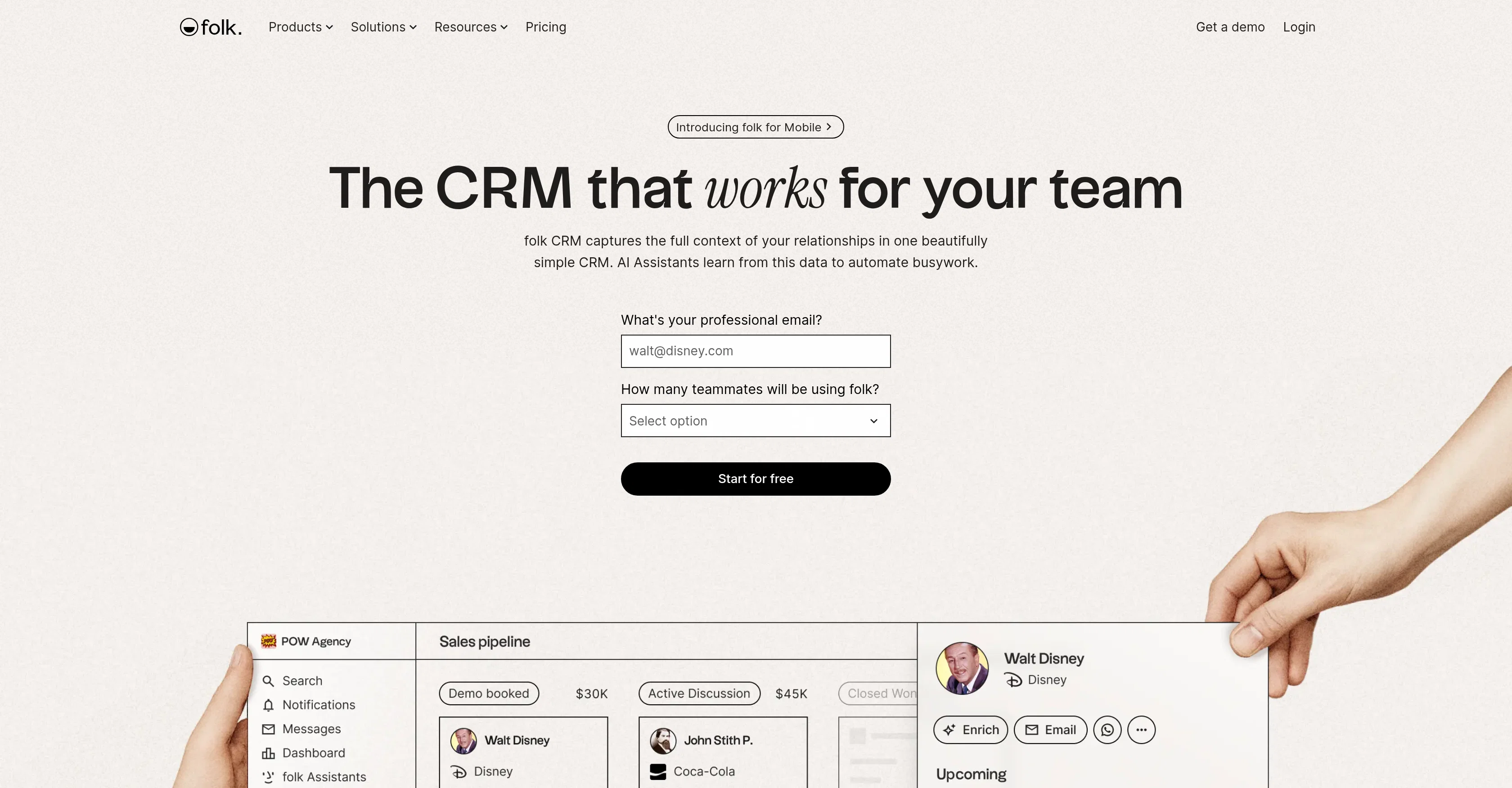
folk is a Customer Relationship Management (CRM) tool designed to optimize business operations by consolidating multi-channel data into one integrated platform.
Aimed to reduce the burden of busywork and create efficiency in growing businesses, folk's AI capabilities assist in augmenting sales efforts. Key features include 1-click enrichment, which aids in uncovering missing contact details, and a messaging system that facilitates sending bulk email campaigns and scheduling sequences.
The AI-powered sales assistant operates round-the-clock, further enabling growth and sales generation. On the platform, you can visualize your entire sales cycle and analyze your sales funnel for strategic business insights through comprehensive dashboards.
folk also provides a mobile app, expanding CRM functions to a portable, convenient space, enabling deal capture and closure from anywhere. The AI assistants in folk help automate your work by identifying optimal follow-up timing, drafting emails, summarizing notes and interactions, and performing detailed research automatically.
Folks CRM tool also gives you control of determining when a conversation is considered inactive, which contacts or groups are included in specific activities, and where you will receive notifications, maintaining user control while enhancing work productivity.
Help other people by letting them know if this AI was useful.
Add your own prompts and outputs to help others understand how to use this AI.
Screenshot gallery
Pros & Cons
Pros
+Multi-channel data consolidation
+1-click contact enrichment
+Bulk email campaign facilitation
+Scheduling sequence capability
+Sales cycle visualization
+Sales funnel analysis
+User-controllable notifications
+Optimal follow-up timing
+Automated email drafting
+Interaction summary creation
+Automated business research
+Inactive conversation identification
+Mobile app available
+Customizable workflow automation
+Task automation
+User-controlled activity settings
+Detailed research notes
+Collaborative pipelines
+Automated email personalization
+Sales outreach tracking
+Fast contact capture
+Smart fields for data
+Integration with 6000+ tools
+Shared pipelines
+Customizable roles and permissions
+FolkX Chrome extension for LinkedIn
+Integration with multiple email clients
+Workflow settings control via credits
+Deal stage visualization
+Custom CRM data model
+Messaging system
+Round-the-clock support
+Email generation based on triggers
+Trigger-based workflows
+Web scan for company data
Cons
−No on-premises installation option
−No third-party integrations mentioned
−Lacks customization options
−No clear data export tools
−Dashboarding options may be limited
−No 24/7 customer support
−May not support all email providers
−Absence of explicit data security features
−No transparency on learning curve required
A Professional Framework to Evaluate folk
When considering folk for integration into your organizational workflow, we recommend deploying a structured score card across three critical operational pillars: Security & Compliance, Integration Friction, and long-term Price Scalability. Rather than looking only at basic feature lists, modern procurement teams must assess how a software platform behaves under high load and how well it fits into the team's data security guidelines.
1. Security and Database Compliance
Depending on your operating region and field, ensure that folk supports standard security layers such as SOC 2 Type II certifications, GDPR compliance, or HIPAA-compliant database encryption. If the tool connects directly to client database tables or handles user passwords, verify that they implement multi-factor authentication (MFA), single sign-on (SSO) integrations, and end-to-end data encryption in transit and at rest.
2. API Coverage and Custom Integrations
Siloed data is the primary cause of operational friction. Evaluate if folk has native connectors for your current project trackers, messaging hubs, and customer communication channels. For custom developer requirements, check if they provide a fully documented REST API with reasonable rate limits, comprehensive Webhooks support, and robust SDK packages in your language. A flexible API layer saves hundreds of hours of manual copy-paste overhead.
3. Total Cost of Ownership (TCO)
SaaS pricing packages are often deceptively simple. When reviewing folk's billing structure, map out your team's projected expansion over the next 12 to 24 months. Determine how costs scale as your customer database increases or as you add team members. Factor in setup costs, mandatory support plan upgrades, API access fees, and storage overage rates to understand the true cost before committing to a contract.
By combining verified user reviews from our directory with internal workflow pilot tests, your procurement team can make an informed decision that drives productivity without creating capital waste.
Features of folk
CRM
Business Optimization
AI Powered
Sales Automation
Data Consolidation
Email Campaigns
SaaS1to10 verified reviews for folk
Overall rating
★★★★★5.0
Based on 19 reviews
★★★★★5.01 months ago
“Review”
Good idea on democratization of AHP based Multiple Criteria Decision Making / Analysis (MCDM / MCDA). Helping common people to get AI powered MCDA at own mobile phone, otherwise only available expencive software with enterprises.
Shashi Bhattarai
★★★★★5.02 months ago
“Review”
At first glance, this will save me hours of keyword research. I can't wait for the pro plan to be released to get access to more keywords. Much more user-friendly than traditional keyword research tools
Enzo Snyman
★★★★★5.02 months ago
“Review”
Only available for Apple users
Santa Claus
★★★★★5.02 months ago
“Review”
Hey Dillon, email me at bobby@revmo.ai and let’s see if we can figure out what’s going on.
Revmo
★★★★★5.02 months ago
“Review”
A valuable resource. I think I will be using this site quite regularly.
Slavica Voss
★★★★★5.02 months ago
“Review”
I joined Kin's beta program on my iPhone XR. After upgrading to an iPhone 13, I found that I couldn't log into my existing account on the new phone, forcing me to create a new account. Now, I have two separate Kin accounts on different phones. Today, when I accessed the beta version of Kin, I got a notification stating that the test version ended on Monday, September 23rd. It instructed me to back up my data and move to the official Kin app. I did as advised—backed up my data, confirmed, uninstalled the beta app via TestFlight, and installed the official Kin app. However, when I attempted to “log in”, I was still unable to access my existing account. This issue hasn't been resolved yet. I have been trying desperately to get in contact with the support team. I left feedback through the test flight app and sent emails. No response. Now trying to find a forums, Reddit posts, TAAFT comments☻
Desiree Miller
★★★★★5.02 months ago
“Review”
It is the ease of use for me. @DataSquirrel is fast, the UI is super intuitive, and the guided analysis feature is highly convenient. I have officially moved from uploading CSV files from Google sheet to @DataSquirrel. Within minutes, I can visualize my data and interpreting it becomes super simple.
Aakriti Mahajan
★★★★★5.02 months ago
“Review”
I’ve tried many AI writing tools in the past, but this one actually delivers content that sounds human and ranks. I love how you can create a full SEO blog post with just a keyword… and it’s ready to publish in one click. That saves me so much time. Also, small win for the wallet — use code FSL25 to get 25% off on any plan. Definitely helped me out when testing it for the first time. 👍 Hope this helps someone else who’s been struggling like I was!
Jason
★★★★★5.02 months ago
“Review”
The website is pretty good but there are only a limited number of responses
Probal Roy
★★★★★5.02 months ago
“Review”
after playing around with it for a bit, i am now aware of how much i need this. i can already feel the hours of sleep coming back to me <3
Bru no no no
★★★★★5.02 months ago
“Review”
O GPT faz uma análise melhor e mais personalizada.
Vinicius Vilela
★★★★★5.02 months ago
“Review”
I do recommend this platform for layout and basic designing. It can help for you to show a first draft to your client. It's easy to use and precise. I think it's good for building "one page" or landing pages. I am showing my finished web page to a programmer so he can have a guide line and build a more personalized web page outside this @Unicorn platform.
Forum Agencia
★★★★★5.02 months ago
“Review”
Great personalized digests you can share with your team mates!
Carl Brenssell
★★★★★5.02 months ago
“Review”
I tried using it but the website has too many bugs.
João Neiva
★★★★★5.02 months ago
“Review”
Fast, Easy to use and makes repetitive tasks easy
Ioannis Gikas
★★★★★5.02 months ago
“Review”
We're live folks! Do check us out and drop your feedback or requests.
Shubh Saras
★★★★★5.02 months ago
“Review”
Can’t use it without an invite code.
Steven
★★★★★5.02 months ago
“Review”
I work on the @Tendem team, so take this with that context — but I also use the product constantly for my own work. I've used @Tendem to research AI directories — finding relevant ones, pulling submission requirements, organizing everything into a spreadsheet I could act on. I've also used it for copy edits — sending over drafts and getting back tightened, polished versions without going back and forth with a prompt ten times. The thing that keeps me coming back is how little I have to think about the handoff. I describe what I need, send it, and move on to something else. It's slower than getting a ChatGPT response, sure. But I get something finished — not a starting point I still need to rework. When you use AI tools for this kind of work, you trade waiting time for cleanup time. @Tendem flips that. I'd rather wait and get a result I can use than get a fast draft I have to fix myself.
Vladimir Gromozdin
★★★★★5.02 months ago
“Review”
I've put about 30-40 hours into SureThing, and it's seriously been a game-changer, basically acting like a virtual COO for my business!