Help other people by letting them know if this AI was useful.
Add your own prompts and outputs to help others understand how to use this AI.
Screenshot gallery
Pros & Cons
Pros
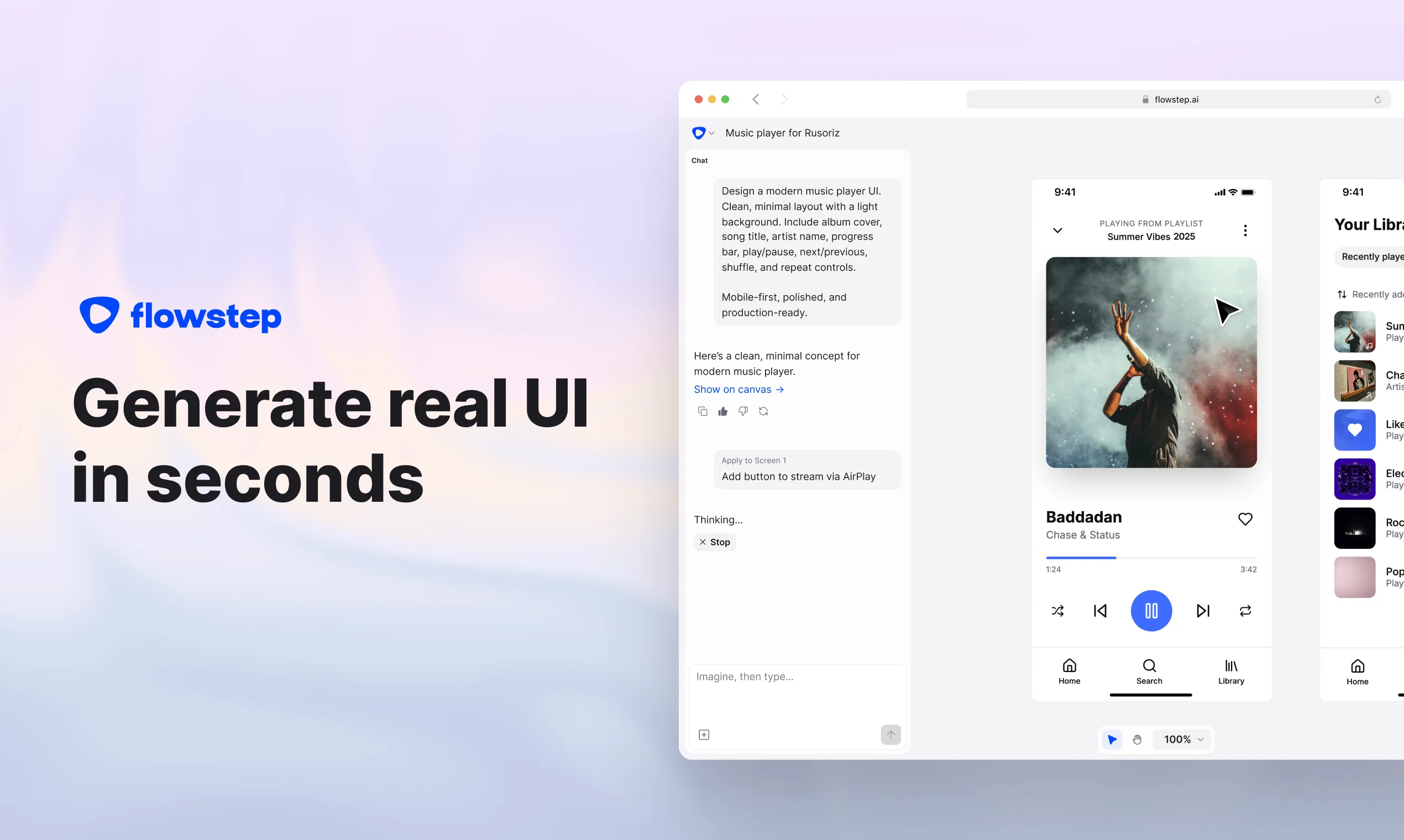
+Generates UI designs instantly
+Infinite canvas
+No complex design tool knowledge required
+Simultaneous multi-screen generation
+Real-time collaboration
+Design using references
+Copy/paste to Figma
+Designs are in sync with code
+Export code or view in the canvas
+Great for beginners and professionals
Cons
−No offline functionality
−Limited manual edits capability
−Doesn't build the backend functionality
−Can't pre-set theme or design system
−No localization
A Professional Framework to Evaluate Flowstep
When considering Flowstep for integration into your organizational workflow, we recommend deploying a structured score card across three critical operational pillars: Security & Compliance, Integration Friction, and long-term Price Scalability. Rather than looking only at basic feature lists, modern procurement teams must assess how a software platform behaves under high load and how well it fits into the team's data security guidelines.
1. Security and Database Compliance
Depending on your operating region and field, ensure that Flowstep supports standard security layers such as SOC 2 Type II certifications, GDPR compliance, or HIPAA-compliant database encryption. If the tool connects directly to client database tables or handles user passwords, verify that they implement multi-factor authentication (MFA), single sign-on (SSO) integrations, and end-to-end data encryption in transit and at rest.
2. API Coverage and Custom Integrations
Siloed data is the primary cause of operational friction. Evaluate if Flowstep has native connectors for your current project trackers, messaging hubs, and customer communication channels. For custom developer requirements, check if they provide a fully documented REST API with reasonable rate limits, comprehensive Webhooks support, and robust SDK packages in your language. A flexible API layer saves hundreds of hours of manual copy-paste overhead.
3. Total Cost of Ownership (TCO)
SaaS pricing packages are often deceptively simple. When reviewing Flowstep's billing structure, map out your team's projected expansion over the next 12 to 24 months. Determine how costs scale as your customer database increases or as you add team members. Factor in setup costs, mandatory support plan upgrades, API access fees, and storage overage rates to understand the true cost before committing to a contract.
By combining verified user reviews from our directory with internal workflow pilot tests, your procurement team can make an informed decision that drives productivity without creating capital waste.
Features of Flowstep
Agent
UI Generation
UI Design
User Interface
AI Design Tool
Graphic Design
Free + From $15/Mo
SaaS1to10 verified reviews for Flowstep
Overall rating
★★★★★5.0
Based on 16 reviews
★★★★★5.02 months ago
“Review”
So I tested out Test Your Idea, and it actually works pretty well. You put in your idea, wait a minute, and it shows you the stuff you've been missing. Got some decent pivot suggestions that helped me refocus from a tiny niche to something way bigger. Saved me from probably wasting a few months in the wrong direction if you're actually gonna build something, not just daydreaming about it
Julio
★★★★★5.02 months ago
“Review”
a friend sent me this the other day. veo, grok, seedance all run from one upload and it's actually fast. ui doesn't fight me. no complaints.
owen_reeves
★★★★★5.02 months ago
“Review”
gets the job done with minimal fuss.. unlike other such platforms that keep hoarding features without actually bringing results. uploaded my resume and turned on automode, the jobs started getting applied within 4-5 minutes.. remains to be seen if I get callbacks from recruiters or not
Warl Ugash
★★★★★5.02 months ago
“Review”
Purely magic. It increases the productivity by a lot and the process is pretty addictive. I've been building websites like there's not tomorrow.
Geo Burlibasa
★★★★★5.02 months ago
“Review”
Great designs
Brian Gacheru
★★★★★5.02 months ago
“Review”
@Base44 is an AI-powered platform for building fully-functional apps with no code and minimal setup hassle. The platform leverages advanced AI technology to translate simple, natural language descriptions into working apps. Let’s make your dream a reality. Right now.
Daniel Edri
★★★★★5.02 months ago
“Review”
I can't explain how impressed i am by this. I've seen tools to help you brainstorm ideas, but not one to break your task down into big steps, then little steps for each of these. Plus "games" to help come up with more ideas for your project. I'm excited to use this!
ImpulseOscar
★★★★★5.02 months ago
“Review”
The most humanly AI i have used so far but the problem is as soon as you start piling up messages in single chat session , it starts getting slow and at some point it starts freezing and also uses a lot of resources. For time being its okay to do 3 4 messages but as soon as we continue it has messages limitation and also starts getting very very slow . For the price of £18 per month this is unacceptable and with the newly introduced feature called project, if we start new chat within the project we cannot continue with the context we provided in other chats within same project. There are lot of improvements for them to work on. And to start with the its speed and its price
Bibash Katel
★★★★★5.02 months ago
“Review”
i would say it gives the mind a sense of clarity
Emmanuella Marshall
★★★★★5.02 months ago
“Review”
Such a great place to start out!
Helli Lang
★★★★★5.02 months ago
“Review”
This tool i found is super cool, I created 5 books from this tool to sell them online, which gives me great profit. I am creating more valuable books to spread knowledge, and earn some bucks as well 🤑.
Bilal Ashraf
★★★★★5.02 months ago
“Review”
Great tool! Was very helpful in content production
Duck Typer
★★★★★5.02 months ago
“Review”
Went from a C to an A in Cognitive Psychology using @Thea!!
Sarah White
★★★★★5.02 months ago
“Review”
I think it's the best @Image Generator I ever found on the net. It gives more accurate image according to the prompt. And thank you for keeping it for free.
My Sawsiri
★★★★★5.02 months ago
“Review”
As a technical entrepreneur, working with designers is often way too slow - when I have an idea, I want a prototype the same day - not days/weeks later. I created UX Canvas because I wanted a better way to communicate my UI/UX ideas to developers, without having to spend thousands on hiring UI/UX designers or opening Figma and spending days/hours manually creating, iterating on, and prototyping designs myself. UX Canvas unlocks the ability for anyone - technical or not - to rapidly prototype their design ideas and instantly share them with team members in minutes. If you can put your idea into words, you can design it. No design skills required. (Although they are helpful) The agent has the ability to do cool things like generate it’s own image assets to be used in the design, and you can even export your designs to clean React/Typescript code - so you can hand the code over to your developers (or other AI tools like Cursor, Windsurf, etc.) to bring your product idea to life. Try it for free and let me know what you think! https://@UXCanvas.ai
Mike Tromba
★★★★★5.02 months ago
“Review”
Thank you everyone for trying @1UI! If you haven't yet, give it a spin and use code ‘TAAFT’ to get $5 credits to try @1UI.