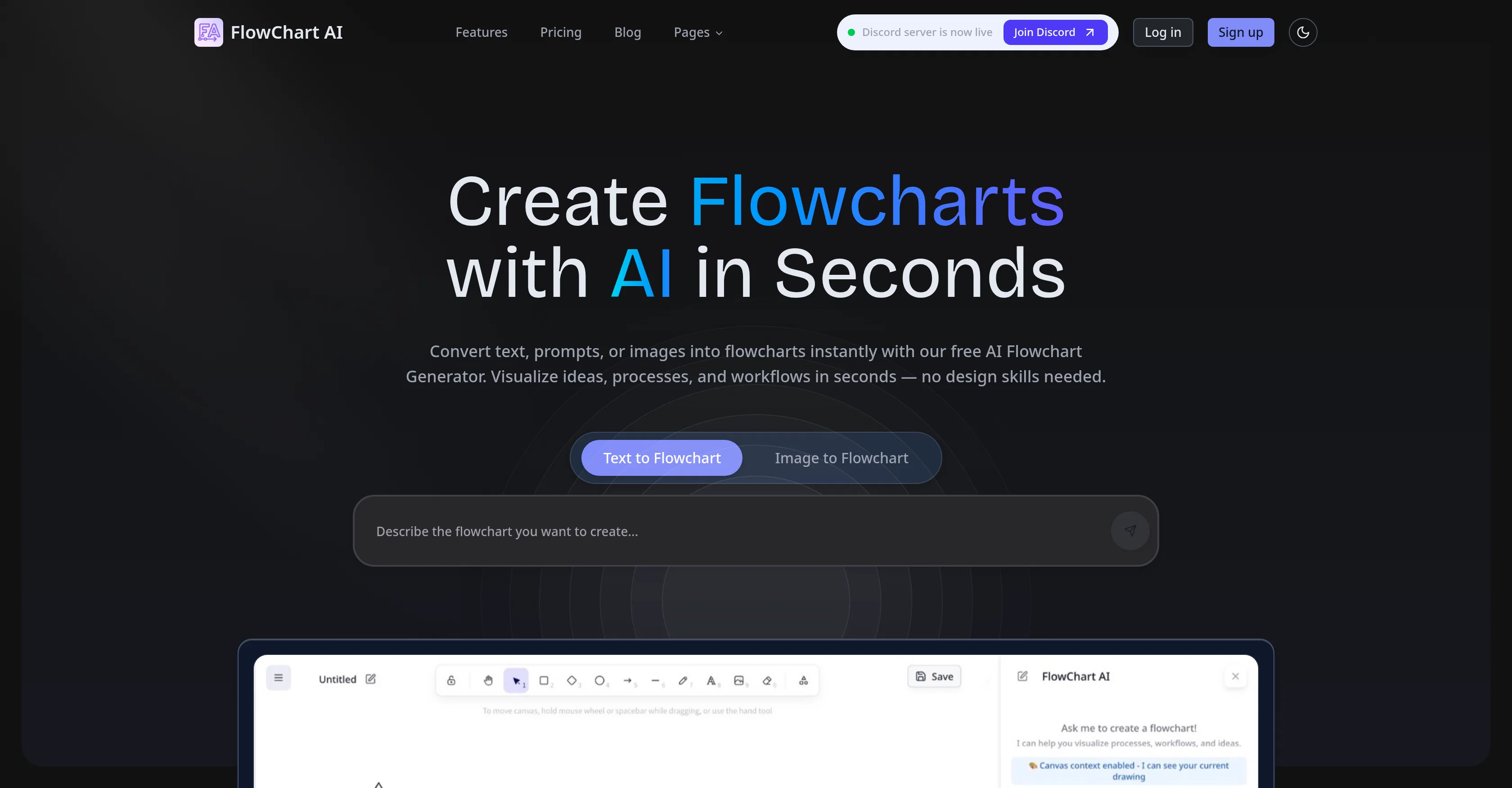
Flowchart AI is an online tool designed to immediately convert text or apperceived images into editable flowcharts. It is engineered to help users visualise ideas, processes, and workflows without needing advanced design skills.
Utilising AI technology, it transforms plain text or images into professional flowcharts by intuitively identifying steps, decisions, and connections, arranging these elements logically to create a clear and structured flow.
The user can then refine, tweak, and polish the generated drafts in the program's built-in graphics editor. The tool is also primed to facilitate the creation of flowcharts from descriptions, acting as an easy-to-use workflow engine which organises user-entered starting points, key actions, and decisions, whilst also adding branches.
Commencing with a draft provided by Flowchart AI allows users to bypass blank canvases and focus on important tweaks. In addition, it features ready-made templates to expedite the flowchart creation process and has a series of tutorials and guides for mastering flowchart creation.
It offers different plans to accommodate various user needs, each unlocking a set of FlowChart AI features.
Help other people by letting them know if this AI was useful.
Add your own prompts and outputs to help others understand how to use this AI.
Screenshot gallery
Pros & Cons
Pros
+Transforms text to flowcharts
+Transforms images to flowcharts
+Automatic steps, decisions identification
+Logical elements arrangement
+Built-in graphics editor
+Flowcharts from user descriptions
+Workflow engine feature
+Automatic branches addition
+Bypassing initial blank canvas
+Ready-made templates
+Tutorials and guides available
+Various plans options
+Refinable generated drafts
+Process mapping feature
+Ideas visualisation
+Process documentation
+Decision trees understanding
+Operational checklists conversion
+Flowchart templates
+Detailed product walkthroughs
+Guidance for symbol usage
+Unlimited diagram storage
+Email & technical support
+Flowchart sharing and collaboration
+Can export in multiple formats
+Data input via text and images
+Ideal for individual or enterprise use
+Support in multiple languages
Cons
−Limited free plan
−No API access
−Non-real-time editing on free plan
−Enterprise features not included
−Lacks team collaboration features
−No document upload for conversion
−Priority support only for professional users
−Graphic editor challenges not specified
−Dependent on quality of input text/image
−Inability to handle extremely complex flowcharts
A Professional Framework to Evaluate Flowchart AI
When considering Flowchart AI for integration into your organizational workflow, we recommend deploying a structured score card across three critical operational pillars: Security & Compliance, Integration Friction, and long-term Price Scalability. Rather than looking only at basic feature lists, modern procurement teams must assess how a software platform behaves under high load and how well it fits into the team's data security guidelines.
1. Security and Database Compliance
Depending on your operating region and field, ensure that Flowchart AI supports standard security layers such as SOC 2 Type II certifications, GDPR compliance, or HIPAA-compliant database encryption. If the tool connects directly to client database tables or handles user passwords, verify that they implement multi-factor authentication (MFA), single sign-on (SSO) integrations, and end-to-end data encryption in transit and at rest.
2. API Coverage and Custom Integrations
Siloed data is the primary cause of operational friction. Evaluate if Flowchart AI has native connectors for your current project trackers, messaging hubs, and customer communication channels. For custom developer requirements, check if they provide a fully documented REST API with reasonable rate limits, comprehensive Webhooks support, and robust SDK packages in your language. A flexible API layer saves hundreds of hours of manual copy-paste overhead.
3. Total Cost of Ownership (TCO)
SaaS pricing packages are often deceptively simple. When reviewing Flowchart AI's billing structure, map out your team's projected expansion over the next 12 to 24 months. Determine how costs scale as your customer database increases or as you add team members. Factor in setup costs, mandatory support plan upgrades, API access fees, and storage overage rates to understand the true cost before committing to a contract.
By combining verified user reviews from our directory with internal workflow pilot tests, your procurement team can make an informed decision that drives productivity without creating capital waste.
Features of Flowchart AI
Flowchart Creation
Text To Flowchart
Image To Flowchart
AI Technology
Workflow Visualization
Data Conversion
Free + From $8/Mo
SaaS1to10 verified reviews for Flowchart AI
Overall rating
★★★★★5.0
Based on 2 reviews
★★★★★5.02 months ago
“Review”
I use AI Flowchart Generator to create flowcharts for my blog posts. It’s incredibly easy to use and saves me so much time. Now, I can turn my text to flowchart and make my posts more interesting and helpful for readers!
wang shiwei
★★★★★5.02 months ago
“Review”
👋 Hey, I'm the founder of Flowova! We built this because we were tired of spending hours dragging boxes in traditional flowchart tools. A few things you might not know: - Works with anything — text, images, PDFs, Word, PPT, Excel, even photos of whiteboard sketches - 40+ themes designed for presentations - Full Mermaid code support for developers Happy to answer any questions! 🚀