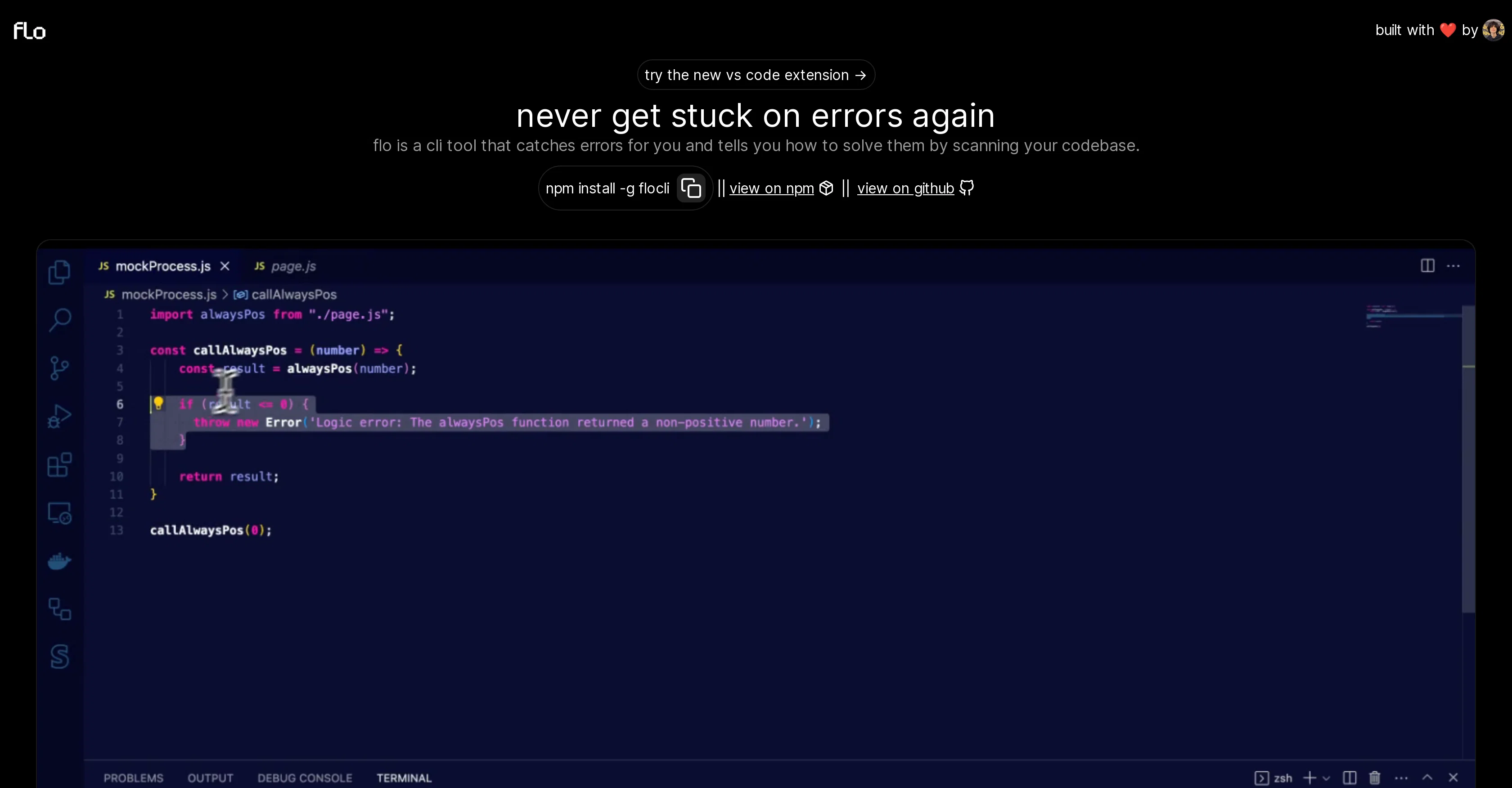
flo is a command-line interface (CLI) tool designed to aid developers by catching programming errors. Once identified, it provides insights on how to resolve these issues, effectively minimizing the time spent on troubleshooting.
It operates by scanning the user's codebase, thereby ensuring coding errors are flagged and solutions are generated almost instantaneously. In today's fast-paced tech environment, flo positions itself as a must-have tool for developers seeking to increase their productivity levels while ensuring their code's quality remains top-notch.
On a practicality note, flo is conveniently integrated into VS Code with a new extension, making the tool that much accessible to a broader range of developers.
For installation, the tool is available on npm as 'flocli', allowing for easy integration into development workflows. Additionally, the code can be viewed on github, encouraging community contributions to the tool's evolution.
Designed intuitively and objectively, flo positions itself not just as a tool but as a partner in navigating the at-times complex world of software development.
Help other people by letting them know if this AI was useful.
Add your own prompts and outputs to help others understand how to use this AI.
Screenshot gallery
Pros & Cons
Pros
+CLI tool
+Scans entire codebase
+Detects coding errors
+Provides error solutions
+Automates error detection
+Easily accessible
+Installed via npm
+Offers code suggestions
+Saves developer time
+Open-source tool
+Community enhancements
+User-centric approach
+Enhances code reliability
+Increases developer productivity
+VS Code extension
+Available on Github
+Empowers efficient coding
+Minimizes troubleshooting time
+Conveniently integrated tool
+Increases code quality
+Code available for viewing
+Encourages community contribution
+Intuitively designed tool
+Flagging of coding errors
Cons
−Limited to command-line interface
−Dependent on npm for installation
−Specific to VS Code extension
−Open-source may lack consistency
−May miss rare coding errors
−Reliance on community contributions
−Potential bias in error-solving suggestions
−No demonstrated support for IDEs
−No multi-language support mentioned
−Lacks in-depth functionality description
A Professional Framework to Evaluate Flo
When considering Flo for integration into your organizational workflow, we recommend deploying a structured score card across three critical operational pillars: Security & Compliance, Integration Friction, and long-term Price Scalability. Rather than looking only at basic feature lists, modern procurement teams must assess how a software platform behaves under high load and how well it fits into the team's data security guidelines.
1. Security and Database Compliance
Depending on your operating region and field, ensure that Flo supports standard security layers such as SOC 2 Type II certifications, GDPR compliance, or HIPAA-compliant database encryption. If the tool connects directly to client database tables or handles user passwords, verify that they implement multi-factor authentication (MFA), single sign-on (SSO) integrations, and end-to-end data encryption in transit and at rest.
2. API Coverage and Custom Integrations
Siloed data is the primary cause of operational friction. Evaluate if Flo has native connectors for your current project trackers, messaging hubs, and customer communication channels. For custom developer requirements, check if they provide a fully documented REST API with reasonable rate limits, comprehensive Webhooks support, and robust SDK packages in your language. A flexible API layer saves hundreds of hours of manual copy-paste overhead.
3. Total Cost of Ownership (TCO)
SaaS pricing packages are often deceptively simple. When reviewing Flo's billing structure, map out your team's projected expansion over the next 12 to 24 months. Determine how costs scale as your customer database increases or as you add team members. Factor in setup costs, mandatory support plan upgrades, API access fees, and storage overage rates to understand the true cost before committing to a contract.
By combining verified user reviews from our directory with internal workflow pilot tests, your procurement team can make an informed decision that drives productivity without creating capital waste.
Features of Flo
Debugging
Error Resolution
Software Development
Programming
Code Quality
Coding
Free
SaaS1to10 verified reviews for Flo
Overall rating
★★★★★5.0
Based on 19 reviews
★★★★★5.02 months ago
“Review”
I use Bolt every day as my main GPT client. Easier to use than ChatGPT, Daniel has made a great app here 👏 He's also very receptive to feedback, and has taken some of my ideas and bug reports on board 👍 Keep up the good work! Recommended ⭐
James Ivings
★★★★★5.02 months ago
“Review”
Reducing manual efforts in first-pass during code-review process helps speed up the "final check" before merging PRs
Sahil Mohan Bansal
★★★★★5.02 months ago
“Review”
Did not work, keeps on thinking
Frank van Tussenbroek
★★★★★5.02 months ago
“Review”
Such a great place to start out!
Helli Lang
★★★★★5.02 months ago
“Review”
I tried using it but the website has too many bugs.
João Neiva
★★★★★5.02 months ago
“Review”
An amazing app, I love the share feature and the comment section summaries
Silvia Cho
★★★★★5.02 months ago
“Review”
After my first use, I think it's surprisingly good. The only drawback so far is the PDF export option for the report which is formatless.
Alejandro Correa
★★★★★5.02 months ago
“Review”
It is the ease of use for me. @DataSquirrel is fast, the UI is super intuitive, and the guided analysis feature is highly convenient. I have officially moved from uploading CSV files from Google sheet to @DataSquirrel. Within minutes, I can visualize my data and interpreting it becomes super simple.
Aakriti Mahajan
★★★★★5.02 months ago
“Review”
I tried NovelGPT a template in @Agentgpt and it did an excellent job writing the first two episodes of my novel complete with character descriptions, setting,plot points and well I think you get the point. Great tool can't wait to see it out of beta.
Kelli Crose
★★★★★5.02 months ago
“Review”
As the service was in beta-testing stage, I created there a dozen of AI-generated courses for free. I wanted to use them. Those courses remained in my account as they started subscription tiers. But recently I have found out that they were deleted. The support didn't answer to my e-mail at all.
Oldfag TV
★★★★★5.02 months ago
“Review”
Easy to use and the crawler is super powerful
Solaya Ma
★★★★★5.02 months ago
“Review”
Finally, a prompt optimizer that makes sense, adding power to my own words. Easy to expand details, easy to go deeper and to get exactly what I need to squeeze out incredible results with ChatGPT. The Prompt_Enhancer setting is something serious. Thanks guys, keep on providing excellent AI tools!
Hollie Arsement
★★★★★5.02 months ago
“Review”
Really amazing! Makes learning content and engaging with things so much easier!
Jamie McDonald
★★★★★5.02 months ago
“Review”
magnificent. perfect. no errors.
Mino F16
★★★★★5.02 months ago
“Review”
Code varies from run to run. Still it is a helpful app. You can specify coding languages that are not in the dropdown menu.
Oran Kangas
★★★★★5.02 months ago
“Review”
O GPT faz uma análise melhor e mais personalizada.
Vinicius Vilela
★★★★★5.02 months ago
“Review”
It's sad to see people want to try your tool out but you have no free sample for them. This may be the best tool out there, but, as mentioned, going through with the AI for minutes to explain what you want, then being prompted to pay, without even knowing if it CAN create something, is discouraging. I hope we can get a free sample or preview at one point, im interested in this one.