5.01 months ago
“Review”
The concept is great.
kanawati

Create stunning videos effortlessly online.
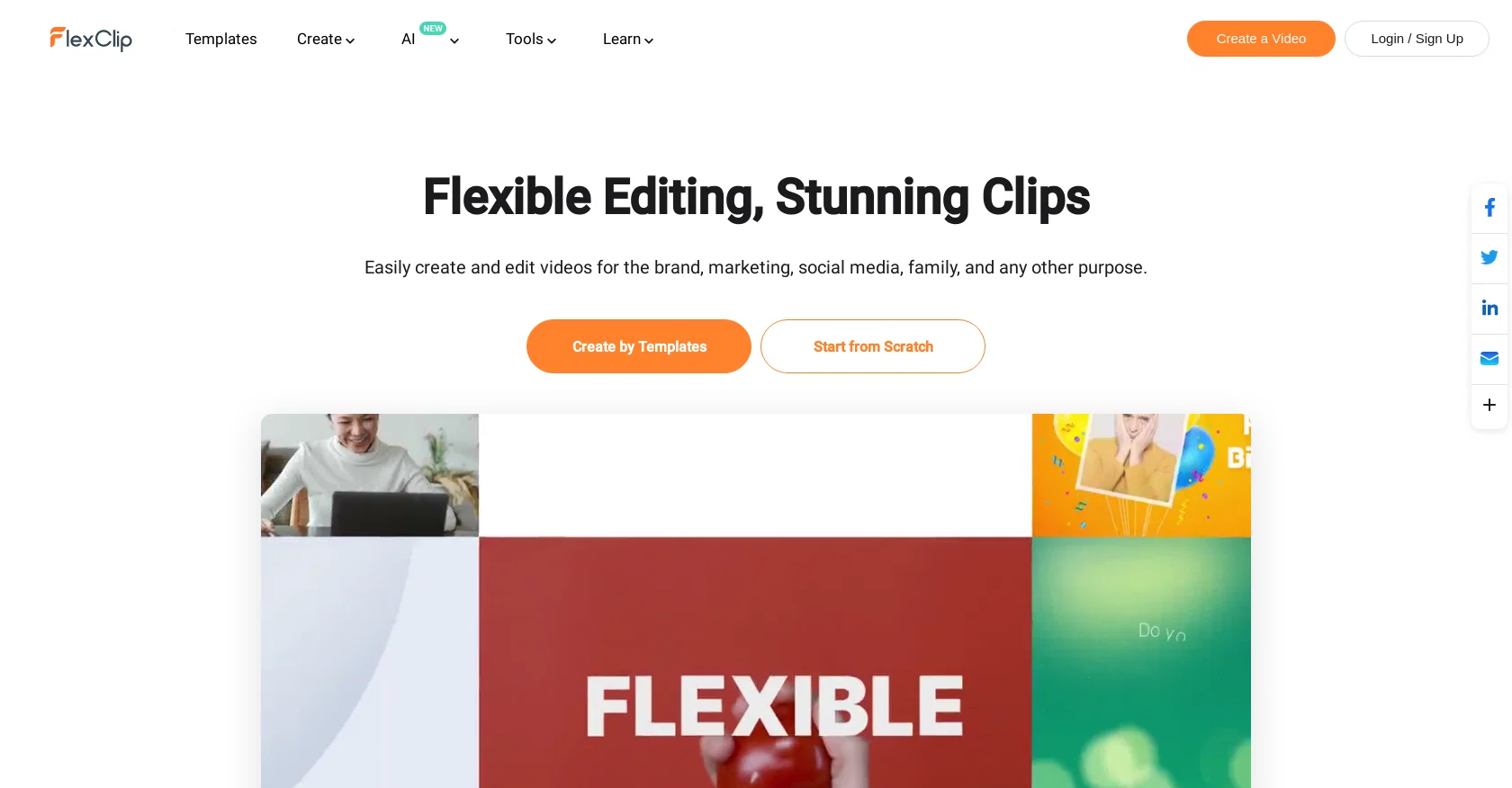
FlexClip is a free online video editor and video maker tool that allows users to create videos with various effects, such as text, music, and animations. The tool is designed to be user-friendly and does not require any video editing skills to use.FlexClip offers a wide range of templates for different purposes, including business, promo videos, real estate videos, news videos, trailer videos, and tutorial videos. It also provides templates for lifestyle-related videos, such as birthday videos, wedding videos, memorial videos, anniversary videos, music videos, and travel videos. Additionally, FlexClip supports social media platforms by offering templates for YouTube, Facebook, Instagram, Twitter, and TikTok videos.In addition to the video editing features, FlexClip offers a variety of other tools for different purposes. These include tools for creating slideshows, generating memes and GIFs, screen recording, audio conversion, video speed changing, video trimming and merging, video compression, video format conversion, and adding various elements to videos like music, text, watermark, and transitions. The tool also provides motion graphics options.FlexClip offers resources for learning about video editing, video recording, video marketing, and video conversion, along with tips and best practices for using the tool. The platform has been trusted by Windows users and provides thousands of ready-to-use templates to help users get started quickly.Overall, FlexClip is a versatile and user-friendly online video editing tool with a range of templates and features that allow users to create professional-looking videos for various purposes. Help other people by letting them know if this AI was useful. Add your own prompts and outputs to help others understand how to use this AI.
When considering Flexclip for integration into your organizational workflow, we recommend deploying a structured score card across three critical operational pillars: Security & Compliance, Integration Friction, and long-term Price Scalability. Rather than looking only at basic feature lists, modern procurement teams must assess how a software platform behaves under high load and how well it fits into the team's data security guidelines.
Depending on your operating region and field, ensure that Flexclip supports standard security layers such as SOC 2 Type II certifications, GDPR compliance, or HIPAA-compliant database encryption. If the tool connects directly to client database tables or handles user passwords, verify that they implement multi-factor authentication (MFA), single sign-on (SSO) integrations, and end-to-end data encryption in transit and at rest.
Siloed data is the primary cause of operational friction. Evaluate if Flexclip has native connectors for your current project trackers, messaging hubs, and customer communication channels. For custom developer requirements, check if they provide a fully documented REST API with reasonable rate limits, comprehensive Webhooks support, and robust SDK packages in your language. A flexible API layer saves hundreds of hours of manual copy-paste overhead.
SaaS pricing packages are often deceptively simple. When reviewing Flexclip's billing structure, map out your team's projected expansion over the next 12 to 24 months. Determine how costs scale as your customer database increases or as you add team members. Factor in setup costs, mandatory support plan upgrades, API access fees, and storage overage rates to understand the true cost before committing to a contract.
By combining verified user reviews from our directory with internal workflow pilot tests, your procurement team can make an informed decision that drives productivity without creating capital waste.
Overall rating
Based on 20 reviews
The concept is great.
kanawati
Instantly deleted my account after first video failed to generate and when tried second time, it says you've reached the limit. NEED MORE IMPROVEMENT
KLOUDXD
This video generator did much better than I expected on complex subjects. Unfortunately, it isn't as free as I wished. I could not iterate my creation to create a resolved result.
Gamaliel yd
Selamat siang saya akan membagikan tutorial gimana caranya mengedit video di aplikasi capcut
Rhyben Rinto
Only available on the iphone... doesn't seem super intuitive to use.
Mental Forge Media
I'm still testing the tool yet it looks very promising. I tested it with a 5.5k words Academic text that I had previously red. I tested the Key points feature, it does work!
Ivana González
Seems to be working for me. Maybe try again?
Aramis
I completely agree with the previous comment. I first purchased the $5 package and then upgraded to the Pro package, hoping to create videos longer than 3.5 minutes. However, I was disappointed to find out that I needed to purchase the $99 package to create longer videos. It was not clear that the 5000 characters of script only equated to 3.5 minutes of video. To make things worse, the company has a strict no-refund policy, which feels unfair. They seem more focused on taking your money than providing quality service. I would highly recommend avoiding this service at all costs.
Yannis P.
Undetectable.wtf is better bypasses everything maintaining thee integrity of the text.
LiteEagle
Works but I cannot understand what's the use. I was expecting it to give me some videos
Samartha Venkatramana
As the service was in beta-testing stage, I created there a dozen of AI-generated courses for free. I wanted to use them. Those courses remained in my account as they started subscription tiers. But recently I have found out that they were deleted. The support didn't answer to my e-mail at all.
Oldfag TV
Very use full video generator nice.......
yuri boyka
The website is pretty good but there are only a limited number of responses
Probal Roy
O GPT faz uma análise melhor e mais personalizada.
Vinicius Vilela
This is phenomenal. I demo it in my sessions all the time.
Beth Ziesenis
It's not free, it forces you to input an email before shoving a price tag in your face.
Arvoly XSL
They're dreaming if they think I'd give them my credit card info just for a free trial. Most useless thing ever...
Noeffen Way
easy onboarding, quick to set up.
Pluto Radigund
You get 300 credits upon signing up, which is enough to test out the app and see its potential. I had a bit of fun with it. It takes a few minutes to generate content, but the results are impressive. There are many styles, modifiers, and customization options available. I would definitely use this for content creation or storytelling.
Daniel Garaiacu
WE USE @D-ID AT THE COLORADO VIRTUAL CREATIVE FACTORY...AND LOVE IT.
Franco Arteseros
Starting Price
Free plan available
Free tier available with optional paid upgrades.