5.02 months ago
“Review”
Great tool! Was very helpful in content production
Duck Typer

Create stunning presentations in seconds with AI.
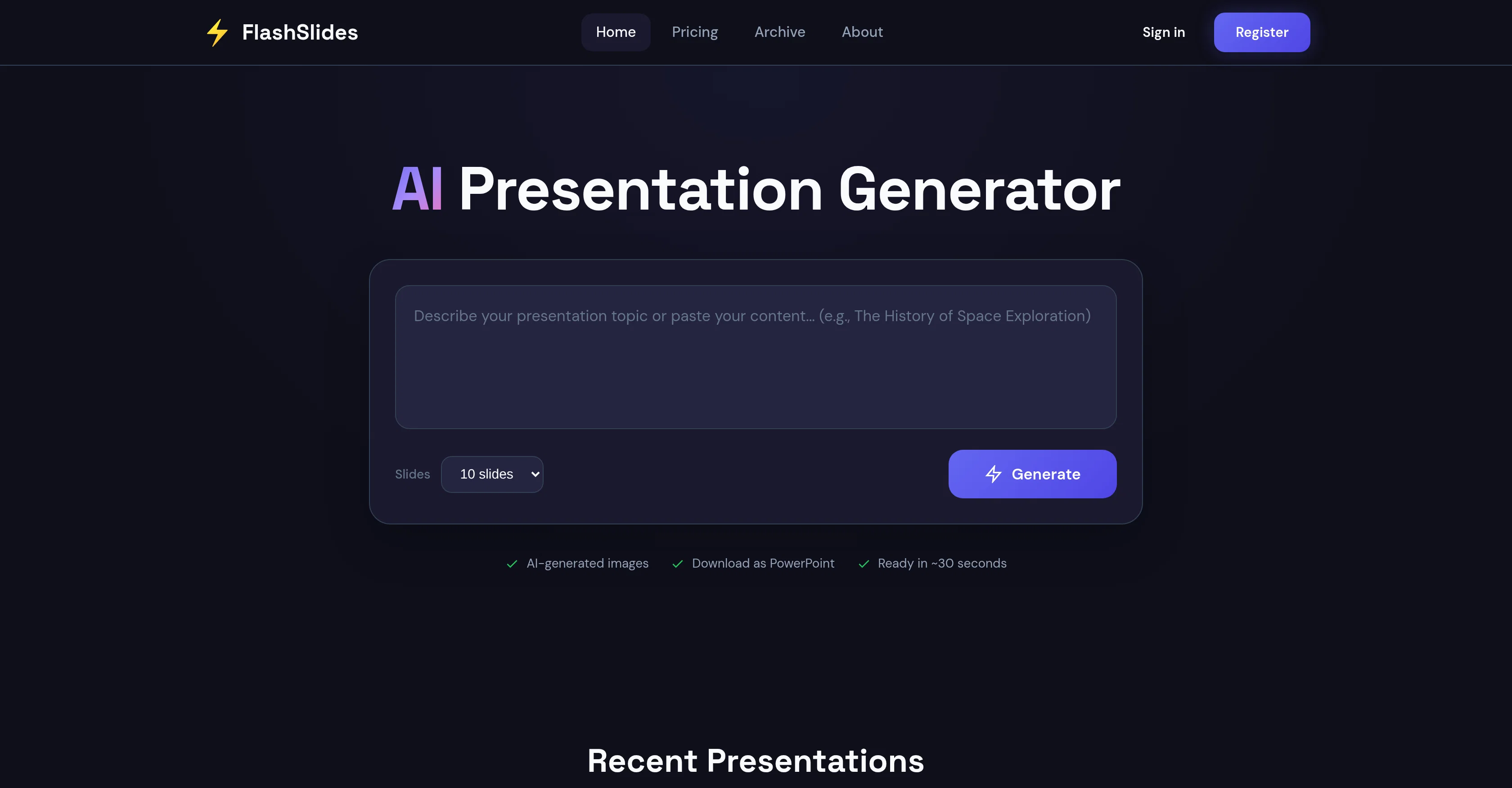
FlashSlides is an AI-powered tool designed to automate the process of creating professional-grade slideshows. Built with the capabilities to cater to a range of users, from students and educators to business professionals and startup founders, it provides a simplified way to generate presentations. Users input a specific topic, and the AI then generates a comprehensive presentation, consisting of slides with relevant written content and custom, AI-constructed images. FlashSlides further extends its utility by allowing users to download their presentations in different formats, including PowerPoint and PDF, and also provides a sharing option via a unique URL. An additional feature includes audience privacy control, where presentations can be set to either public or private according to user preference. Plus, the tool's versatility doesn't end after slide generation; users retain full control over their content and are able to freely edit their downloaded presentation in programs like Microsoft PowerPoint or Google Slides. Help other people by letting them know if this AI was useful. Add your own prompts and outputs to help others understand how to use this AI.
When considering FlashSlides for integration into your organizational workflow, we recommend deploying a structured score card across three critical operational pillars: Security & Compliance, Integration Friction, and long-term Price Scalability. Rather than looking only at basic feature lists, modern procurement teams must assess how a software platform behaves under high load and how well it fits into the team's data security guidelines.
Depending on your operating region and field, ensure that FlashSlides supports standard security layers such as SOC 2 Type II certifications, GDPR compliance, or HIPAA-compliant database encryption. If the tool connects directly to client database tables or handles user passwords, verify that they implement multi-factor authentication (MFA), single sign-on (SSO) integrations, and end-to-end data encryption in transit and at rest.
Siloed data is the primary cause of operational friction. Evaluate if FlashSlides has native connectors for your current project trackers, messaging hubs, and customer communication channels. For custom developer requirements, check if they provide a fully documented REST API with reasonable rate limits, comprehensive Webhooks support, and robust SDK packages in your language. A flexible API layer saves hundreds of hours of manual copy-paste overhead.
SaaS pricing packages are often deceptively simple. When reviewing FlashSlides's billing structure, map out your team's projected expansion over the next 12 to 24 months. Determine how costs scale as your customer database increases or as you add team members. Factor in setup costs, mandatory support plan upgrades, API access fees, and storage overage rates to understand the true cost before committing to a contract.
By combining verified user reviews from our directory with internal workflow pilot tests, your procurement team can make an informed decision that drives productivity without creating capital waste.
Overall rating
Based on 23 reviews
Great tool! Was very helpful in content production
Duck Typer
Suppppeeeeerrr! Wowwww! @Mindsmith is absolutely fantastic! It is incredibly useful, easy to use, and very professional.
Claudia Scilletta
It doesn't want to follow the prompt (only up to 30%), so the strong stylization is too close to "coloring book art" rather than paintings, 2D, 3D, or any "handmade art," as strictly specified in the prompt and shown on the app's demo picture. It simply does whatever it wants, not whatever we want because it's a shiny-fancy rebel like R2D2 ;-) THX
Timeship
The feature of having a file as reference is great, having two files for reference would be better when conceptualizing conplex ideas. Like I want A element from pic A and B element from pic B to make C
Y'zoi Dieux
🌟🌟🌟🌟🌟 This AI prompt generation tool is exceptional! It vividly brought to life the jungle scene I envisioned, capturing every detail with remarkable accuracy. The natural expressions, vibrant colors, and serene atmosphere were perfectly rendered. Highly recommended for creative projects!
Sukul Das PANIKA
after playing around with it for a bit, i am now aware of how much i need this. i can already feel the hours of sleep coming back to me <3
Bru no no no
Really impressive! The suggestions were simple, and the image came out beautifully well too!
Jojo
As the service was in beta-testing stage, I created there a dozen of AI-generated courses for free. I wanted to use them. Those courses remained in my account as they started subscription tiers. But recently I have found out that they were deleted. The support didn't answer to my e-mail at all.
Oldfag TV
nice holistic
Amit ImmI
still background removing accuracy is required. it only 80% not 100%
Krutika Creations
I think it's the best @Image Generator I ever found on the net. It gives more accurate image according to the prompt. And thank you for keeping it for free.
My Sawsiri
Not at all accurate…. The only thing similar between original and generated images were the clothes and accessories… face was absolutely new and unconnected.
Shvetank Sharma
get an error every time. No tech support available.
Steve Cannon
I’ve used Riverside before and it’s a really solid tool for recording and producing high-quality audio and video. If you’re looking for a YouTube transcript generator, I’ve also been using Saveto AI. It’s been pretty handy for turning videos into clean text and quick notes.
tingmin yan
Hey guys, Zeeshaan here, co-founder of AI Motion Transfer. This tech allows AI videos to follow complex human movements, making ai video look more far more realistic than ever before. My goal is to create a simple interface for anyone to take advantage of this new model. Hope you enjoy the tool, and I'm open to all feedback.
Zeeshaan Lakdawala
This tool i found is super cool, I created 5 books from this tool to sell them online, which gives me great profit. I am creating more valuable books to spread knowledge, and earn some bucks as well 🤑.
Bilal Ashraf
Does not know how to spell
Emily Hamilton
⭐⭐⭐⭐⭐ Great AI Presentation Tool! I really liked the Brand PPT feature. It helped me create professional, on-brand presentation slides in under 60 seconds. The AI-generated content was well-structured, the design looked polished, and the editing process was simple. It has saved me a lot of time compared to creating presentations manually. Highly recommended for anyone who needs fast, professional-quality PowerPoint presentations.
Alex Johnson
@Xpptx: Your One-Click Professional PowerPoint Solution. Making PowerPoint & Slides Creation Easier
Bo Zhang
It’s more than just a presentation maker, it also helps organize information.A great alternative to PowerPoint or Google Slides when you need something fast and professional. It has become part of my daily workflow at the office.
poen ai
Did not allow to download the slides.... ideally they should keep it free till sufficient traffic hits the platform and allow people to share feedback.
Pramesh Nair
The PowerPoint presentation I made met my expectations very well
kismettttt
@PPT.AI is an outstanding AI-powered presentation tool that has completely transformed my workflow! With just a few clicks, it turns my ideas, documents, or even YouTube links into polished, professional slides in minutes. The platform offers over 800 premium templates and smart editing tools, making customization both powerful and intuitive. I especially appreciate the real-time cloud collaboration and version control features, which make working in teams seamless. Whether you’re a professional, educator, or entrepreneur, @PPT.AI saves a tremendous amount of time and ensures every presentation looks visually engaging and consistent. Highly recommended—definitely a five-star experience!
Leo Wang
Starting Price
Free plan available
Free tier available with optional paid upgrades.


