5.01 months ago
“Review”
Very happy with this tool. It has everything to make my work loads faster
David Milly

AI expense management made faster and smarter.
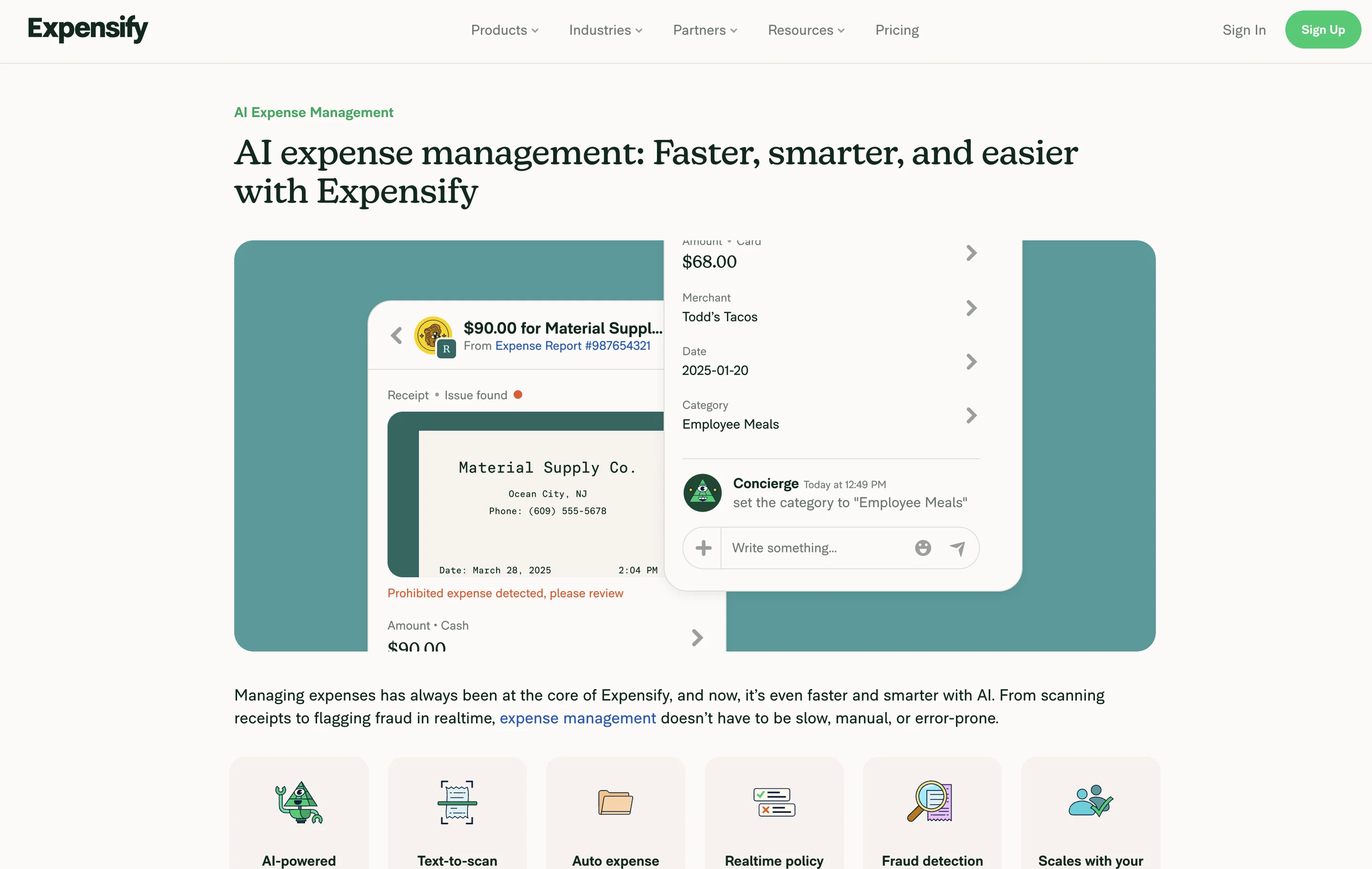
Expensify is an AI-powered expense management tool designed to automate and streamline various phases of expense tracking. It revolves around 'Concierge', an AI assistant that functions within the platform, assisting users, enforcing policies, answering inquiries, and even managing entire expenses. It employs generative AI, configuring responses, tasks, insights, and deploying conversational assistance. The AI-powered tool enhances accuracy in expense tracking and reporting by executing automated data entry, categorizing expenses based on policies and user's past behavior, and promptly identifying discrepancies. Concierge uses an advanced model to analyze receipt details, spot anomalous transactions, and apply policy checks to prevent fraudulent expenses. Users can take a photo of their receipt and have details automatically extracted, or they can forward or text receipts directly to the platform. The software verifies expenses against company policies in real-time and flags transactions that do not comply with set rules to mitigate costly errors. It provides visibility on payment tracking, offering a view of the statuses of expenses, from submission to payment, on a singular dashboard. Existing accounting software can integrate seamlessly with Expensify, including QuickBooks, Xero, NetSuite, and Sage Intacct, providing an uninterrupted transition from expense data to ledger entry. Regardless of whether a user is a freelancer, a small business, or part of a larger team, the software can adapt to any size to enhance time efficiency, accuracy, and guide the way for growth. Help other people by letting them know if this AI was useful. Add your own prompts and outputs to help others understand how to use this AI.
When considering Expensify for integration into your organizational workflow, we recommend deploying a structured score card across three critical operational pillars: Security & Compliance, Integration Friction, and long-term Price Scalability. Rather than looking only at basic feature lists, modern procurement teams must assess how a software platform behaves under high load and how well it fits into the team's data security guidelines.
Depending on your operating region and field, ensure that Expensify supports standard security layers such as SOC 2 Type II certifications, GDPR compliance, or HIPAA-compliant database encryption. If the tool connects directly to client database tables or handles user passwords, verify that they implement multi-factor authentication (MFA), single sign-on (SSO) integrations, and end-to-end data encryption in transit and at rest.
Siloed data is the primary cause of operational friction. Evaluate if Expensify has native connectors for your current project trackers, messaging hubs, and customer communication channels. For custom developer requirements, check if they provide a fully documented REST API with reasonable rate limits, comprehensive Webhooks support, and robust SDK packages in your language. A flexible API layer saves hundreds of hours of manual copy-paste overhead.
SaaS pricing packages are often deceptively simple. When reviewing Expensify's billing structure, map out your team's projected expansion over the next 12 to 24 months. Determine how costs scale as your customer database increases or as you add team members. Factor in setup costs, mandatory support plan upgrades, API access fees, and storage overage rates to understand the true cost before committing to a contract.
By combining verified user reviews from our directory with internal workflow pilot tests, your procurement team can make an informed decision that drives productivity without creating capital waste.
Overall rating
Based on 12 reviews
Very happy with this tool. It has everything to make my work loads faster
David Milly
Most flexible financial tracking tool in the market! - support live connection (US/Canada) - support Google Spreadsheet attached transaction. - support multiple profiles / multiple categorization - document interface, like using Notion / AI to get insights. Great bundle!
Shawn Cao
Hi Federico, Thank you for taking the time to share your feedback. We truly appreciate all kinds of input as it helps us improve @Amigo AI. If you'd like to explore the app further, we’d be more than happy to provide you with a redeem code for free access. Additionally, we're also open to sharing the code with the community if anyone is interested. Please let me know here, and I’ll share the coupon code with you directly! Love Amigo
Amigo AI
Thanks for your feedback! Right now, SimplyBudget allows up to 30 transactions per month before the limit resets. However, we truly appreciate your input and are actively working on removing this limit. Instead, we're exploring a monetization strategy that keeps the app free for users while ensuring we can cover the costs of running it. Stay tuned for updates, and thanks again for trying SimplyBudget! (not ads, lol)
Simply Budget
Really good product, I like that I can take pictures of my receipts and it logged them automatically with all the details.
Etienne Dupuis
I used this tool to generate a financial model for my startup, and it was super intuitive.
Proforma Gen
there really is no assistance
Jamie Bryon
Data extraction is accurate and incredibly efficient. Plus, it's super easy to use - no setup, no onboarding forms, perfectly simple UI. We started using it right away. The bank statements feature quickly imports, categorizes, and matches transactions. Their automatic categorization and matching process fully automates the reconciliation flow in our team.
Fatih Kutluturk
I’m testing the app and would love a language selector, with prices/values localized to the selected language/locale (currency and formatting).
Sr.Hebrews
I love the idea, so simple but also useful
Magnus
Rolly AI offers a "cranky" AI chat and custom advisor personalities for expense tracking, delivering hilarious and savage roasts about your questionable spending choices through the app.
Kent
Solid workflows for expensing items
Joseph Maddox
Starting Price
Free plan available
Free tier available with optional paid upgrades.