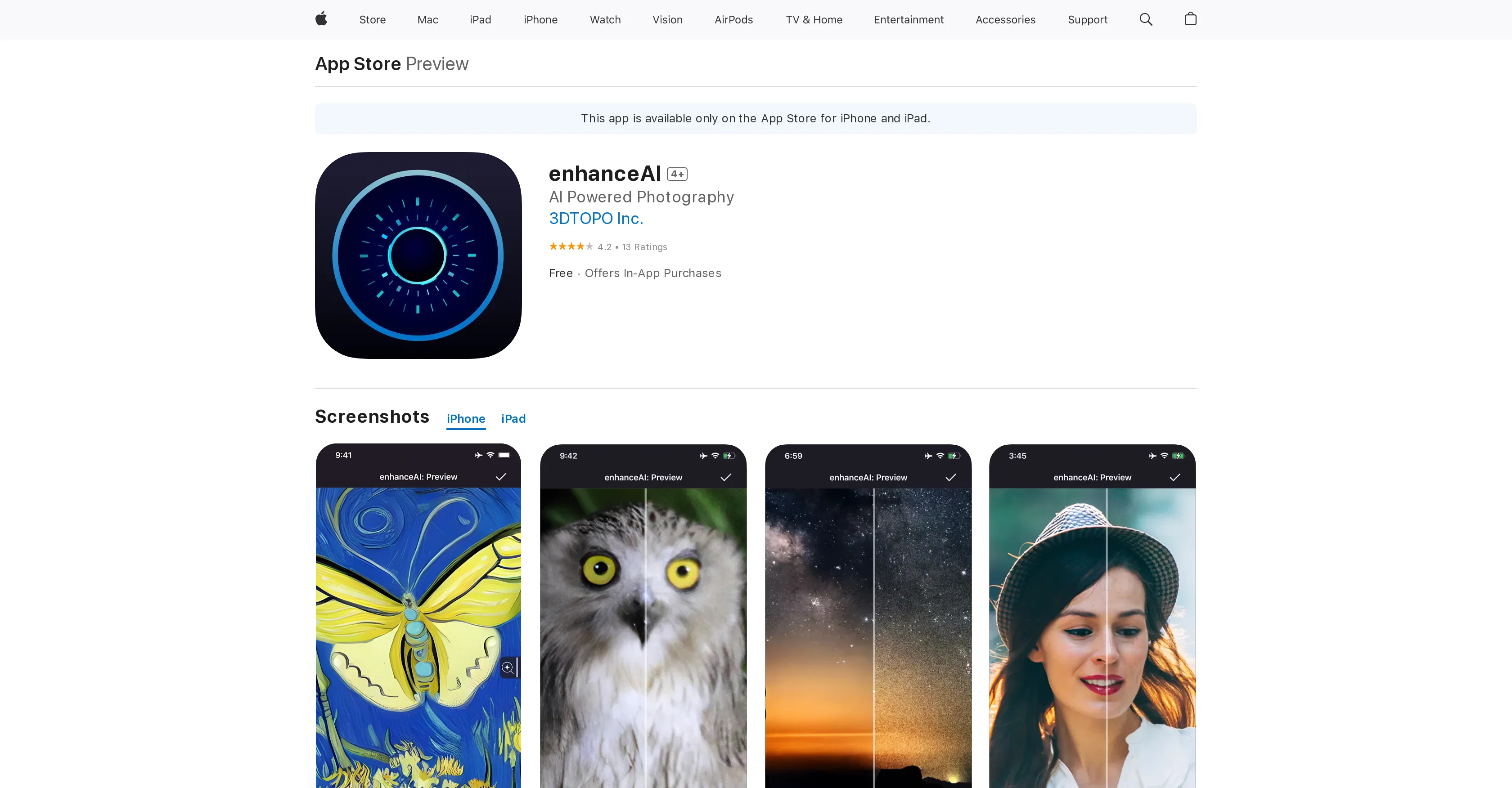
enhanceAI is an AI-powered mobile application developed by 3DTOPO Incorporated. This tool primarily focuses on improving the overall quality of images by automatically processing and refining parameters such as noise, blur and resolution.
enhanceAI leverages machine learning to interpret and enhance low-quality or imperfect images. With features like the optional Super Resolution, the application can amplify the overall detailing of an image by a substantial amount.The application's Image Reconstruction capability uses neural network models trained on high-quality images to properly re-assemble imperfections in a given image - which includes blurry, soft, low-resolution and noisy images - often yielding significantly improved results.Another highlight is the Super Resolution mode, an in-app feature that serves to enlarge images while maintaining quality.
It does so by predicting the high-resolution versions of the images using its trained neural network, thereby enhancing their detail to a considerable degree.Although heavily-built images take time to process, the user is granted the convenience of cropping the image in the app itself, only keeping the parts that need running through Super Resolution.
These set of operations can greatly improve the user experience, especially for processing large-scale prints.Please note that certain features may require an iPhone with an A15 or better processor, an iPad with M1 chips or better, with 5 GB or more RAM for optimum function.
Help other people by letting them know if this AI was useful.
Add your own prompts and outputs to help others understand how to use this AI.
Screenshot gallery
Pros & Cons
Pros
+Enhances photo quality
+Removes blur and noise
+Super Resolution feature
+Up to 8x detailing
+Gigapixel image capability
+Image reconstruction technology
+Reconstruction mode for images
+High-resolution predictions
+Works on iOS devices
+Available for iPads, iPhones
+Supports A15 and M1 chips
+Free to download
+3-day free trial
+Music feature for videos
+Multiple passes for damage
+Super Resolution purchasable
+Can add hyper-realism
+Creates billion-pixel images
+Automatic improvement
+Re-enhance option
+Fast processing option
+Preserves EXIF and IPTC
+Instant switching between modes
Cons
−iOS only
−Requires A15 or M1 processor for full functionality
−Super Resolution is an in-app purchase
−Time-consuming image processing
−No Android support
−Unclear privacy policy
−Free version limitations
−High hardware requirements
−Requires iOS 15.4 or later
−Limited language support
A Professional Framework to Evaluate enhanceAI
When considering enhanceAI for integration into your organizational workflow, we recommend deploying a structured score card across three critical operational pillars: Security & Compliance, Integration Friction, and long-term Price Scalability. Rather than looking only at basic feature lists, modern procurement teams must assess how a software platform behaves under high load and how well it fits into the team's data security guidelines.
1. Security and Database Compliance
Depending on your operating region and field, ensure that enhanceAI supports standard security layers such as SOC 2 Type II certifications, GDPR compliance, or HIPAA-compliant database encryption. If the tool connects directly to client database tables or handles user passwords, verify that they implement multi-factor authentication (MFA), single sign-on (SSO) integrations, and end-to-end data encryption in transit and at rest.
2. API Coverage and Custom Integrations
Siloed data is the primary cause of operational friction. Evaluate if enhanceAI has native connectors for your current project trackers, messaging hubs, and customer communication channels. For custom developer requirements, check if they provide a fully documented REST API with reasonable rate limits, comprehensive Webhooks support, and robust SDK packages in your language. A flexible API layer saves hundreds of hours of manual copy-paste overhead.
3. Total Cost of Ownership (TCO)
SaaS pricing packages are often deceptively simple. When reviewing enhanceAI's billing structure, map out your team's projected expansion over the next 12 to 24 months. Determine how costs scale as your customer database increases or as you add team members. Factor in setup costs, mandatory support plan upgrades, API access fees, and storage overage rates to understand the true cost before committing to a contract.
By combining verified user reviews from our directory with internal workflow pilot tests, your procurement team can make an informed decision that drives productivity without creating capital waste.
Features of enhanceAI
Mobile Application
App
Image Enhancement
Super Resolution
Image Resolution
Noise Reduction
Free + From $1.99/Mo
SaaS1to10 verified reviews for enhanceAI
Overall rating
★★★★★5.0
Based on 24 reviews
★★★★★5.01 months ago
“Review”
Good idea on democratization of AHP based Multiple Criteria Decision Making / Analysis (MCDM / MCDA). Helping common people to get AI powered MCDA at own mobile phone, otherwise only available expencive software with enterprises.
Shashi Bhattarai
★★★★★5.01 months ago
“Review”
Will not let you test on a HD picture without paying. I found a lot of these "programs" do a poor job and I am tired of paying for a test. Maybe offer 1 HD picture, but crop it (user crop)?
Tim Patrie
★★★★★5.01 months ago
“Review”
It was so amazing
Radhakanta Mahananda
★★★★★5.02 months ago
“Review”
It seems to be working fine right now. Maybe try again and double check if you’re using the book’s original or most recognized title. That might make a difference.
Alexandru Bostina
★★★★★5.02 months ago
“Review”
superb, e gratis, merge blana, in EN se aude ideal
jon doe
★★★★★5.02 months ago
“Review”
The website is pretty good but there are only a limited number of responses
Probal Roy
★★★★★5.02 months ago
“Review”
After my first use, I think it's surprisingly good. The only drawback so far is the PDF export option for the report which is formatless.
Alejandro Correa
★★★★★5.02 months ago
“Review”
It's not free, it forces you to input an email before shoving a price tag in your face.
Arvoly XSL
★★★★★5.02 months ago
“Review”
Perfect for image enhancement!
Ali Şefik
★★★★★5.02 months ago
“Review”
Would be nice to try some other feature without paying even if only 5 trys
gale eras
★★★★★5.02 months ago
“Review”
Great idea, but does not find what you are looking for-about the same as Google Scholar
Andy
★★★★★5.02 months ago
“Review”
It's really frustrating when you try to select something you want, only to be immediately redirected to a subscription-based payment model. There's no opportunity to even test things out, which kills the enthusiasm right away. It seems like everything is geared towards subscriptions nowadays, and it's a turn-off. Companies should prioritize transparency and give customers a chance to try out products before committing to a subscription. Practices like these erode consumer trust and deter many potential customers.
X X
★★★★★5.02 months ago
“Review”
you only get 10 credits better to use other upscalers
Requiem of Ice
★★★★★5.02 months ago
“Review”
Really amazing! Makes learning content and engaging with things so much easier!
Jamie McDonald
★★★★★5.02 months ago
“Review”
O GPT faz uma análise melhor e mais personalizada.
Vinicius Vilela
★★★★★5.02 months ago
“Review”
As the service was in beta-testing stage, I created there a dozen of AI-generated courses for free. I wanted to use them. Those courses remained in my account as they started subscription tiers. But recently I have found out that they were deleted. The support didn't answer to my e-mail at all.
Oldfag TV
★★★★★5.02 months ago
“Review”
It's not free. Once it makes you log in with your gmail account and upload your picture, it tells you that you need to buy credits to proceed.
Giti Mortazavi
★★★★★5.02 months ago
“Review”
Free Start with a Free Experience $0 /mo
Vitus Bering
★★★★★5.02 months ago
“Review”
i edited my picture twice because the first time it randomly got deleted. second time i did everything and i pressed download but nothing happened, after repeatedly trying it didn’t work in the end. regardless very good editing tool (fyi you can’t download high res pic without paying)
Georg
★★★★★5.02 months ago
“Review”
I think this is the point of a free trial...
Michael McWilliam
★★★★★5.02 months ago
“Review”
Works wonders for anime, has me taking it in consideration for a tool rotation.
Sean Gandhi
★★★★★5.02 months ago
“Review”
The prompt library is extremely practical.
yang li
★★★★★5.02 months ago
“Review”
I was struggling to create some free Christmas and New Year's e-cards, and these templates are really good. I recommend giving them a try. The only downside is that each free template can only be used once.
youngwind
★★★★★5.02 months ago
“Review”
Not at all accurate…. The only thing similar between original and generated images were the clothes and accessories… face was absolutely new and unconnected.