5.02 months ago
“Review”
I think it's the best @Image Generator I ever found on the net. It gives more accurate image according to the prompt. And thank you for keeping it for free.
My Sawsiri

Convert AI figures into editable vector graphics.
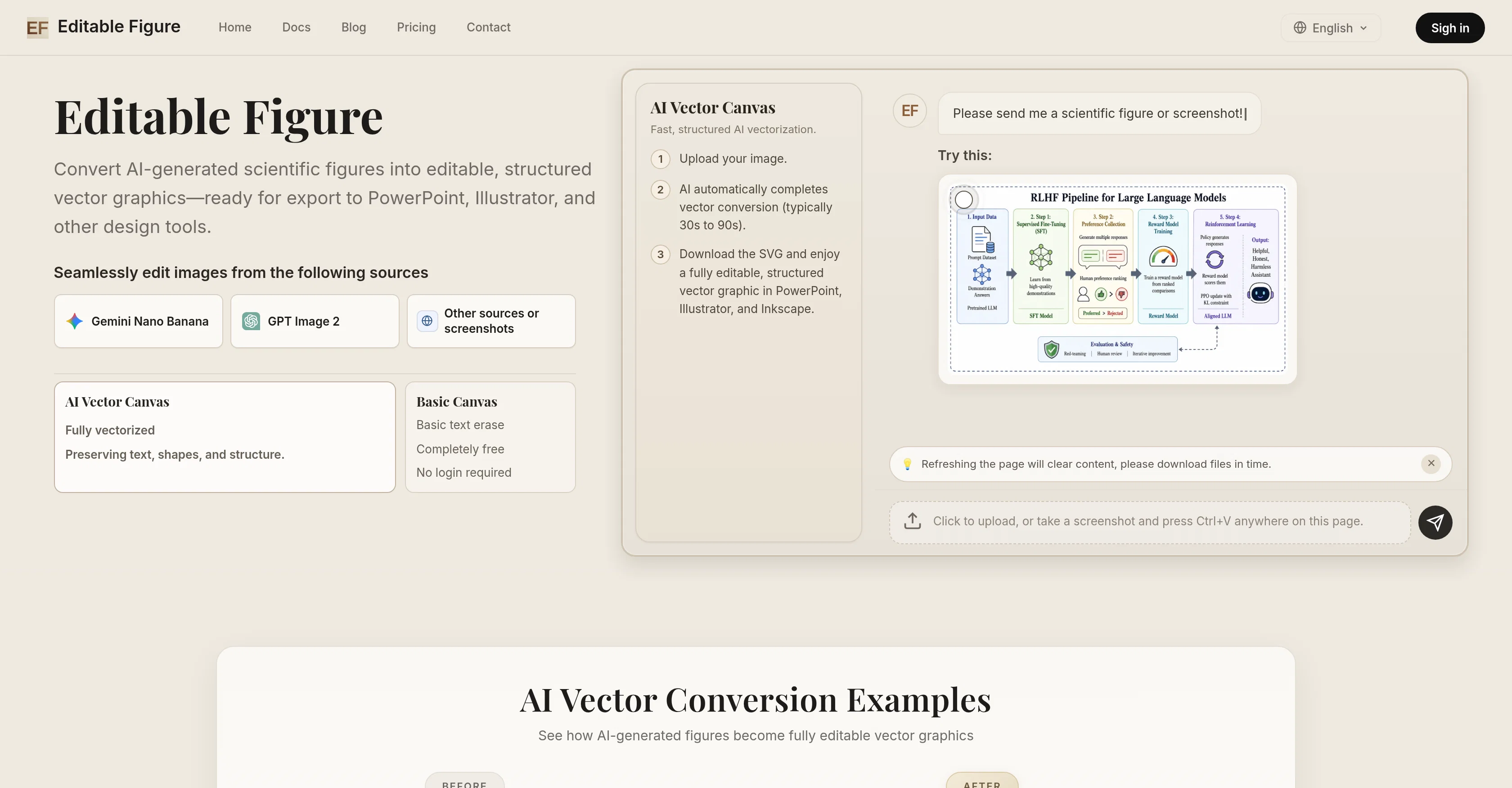
Editable Figure is an AI tool that converts AI-generated scientific figures into structured, editable SVG vector graphics. This tool has been professionally designed to preserve text, shapes, arrows, and structural information during the conversion process, making the resulting figures ready for further editing in PowerPoint, Illustrator, Inkscape, or other design software that can work with SVG files. Within this tool, there are sophisticated features such as the AI Vector Canvas, fast and structured AI vectorization, and the Smart OCR Recognition system. The AI Vector Canvas serves to provide a full vectorization of input images, maintaining shapes and structure. Meanwhile, the fast AI vectorization allows users to easily upload an image and download the converted vector graphic. The tool also implements Smart OCR Recognition, a feature that intelligently recognizes text, frames, arrows, and all structured elements in an image.A notable free feature is the Basic Canvas, which enables users to select and remove unwanted text from figures, add custom text with full font control, and resize or rotate text boxes freely. Editable Figure supports figures generated by a variety of AI image generators, such as Gemini Nano Banana and GPT Image 2 among others. Overall, Editable Figure offers a streamlined workflow to researchers, students, and professionals who regularly work with scientific figures and helps them to make figures from AI tools editable and ready for use for an array of purposes. Help other people by letting them know if this AI was useful. Add your own prompts and outputs to help others understand how to use this AI.
When considering Editable Figure for integration into your organizational workflow, we recommend deploying a structured score card across three critical operational pillars: Security & Compliance, Integration Friction, and long-term Price Scalability. Rather than looking only at basic feature lists, modern procurement teams must assess how a software platform behaves under high load and how well it fits into the team's data security guidelines.
Depending on your operating region and field, ensure that Editable Figure supports standard security layers such as SOC 2 Type II certifications, GDPR compliance, or HIPAA-compliant database encryption. If the tool connects directly to client database tables or handles user passwords, verify that they implement multi-factor authentication (MFA), single sign-on (SSO) integrations, and end-to-end data encryption in transit and at rest.
Siloed data is the primary cause of operational friction. Evaluate if Editable Figure has native connectors for your current project trackers, messaging hubs, and customer communication channels. For custom developer requirements, check if they provide a fully documented REST API with reasonable rate limits, comprehensive Webhooks support, and robust SDK packages in your language. A flexible API layer saves hundreds of hours of manual copy-paste overhead.
SaaS pricing packages are often deceptively simple. When reviewing Editable Figure's billing structure, map out your team's projected expansion over the next 12 to 24 months. Determine how costs scale as your customer database increases or as you add team members. Factor in setup costs, mandatory support plan upgrades, API access fees, and storage overage rates to understand the true cost before committing to a contract.
By combining verified user reviews from our directory with internal workflow pilot tests, your procurement team can make an informed decision that drives productivity without creating capital waste.
Overall rating
Based on 6 reviews
I think it's the best @Image Generator I ever found on the net. It gives more accurate image according to the prompt. And thank you for keeping it for free.
My Sawsiri
Nice service
Multib
Have to sign up, but can't even sign up because they refuse to accept my password.
Lisa Davis
Good tool to generate AI house designs
nooh muhammad
This tool is definitely good for basic stuff, no doubt. Just keep the prompts super duper simple and it gets the job done. But once I put in something a bit more complex at it… it kinda screwed up the thing. Still, I see potential here
Anil Felipe
Our aim is for everyone to easily master at least one foreign language. We created @SpeakPal with artificial intelligence and AI teachers to lower the barriers and costs of learning foreign languages for users around the world.
SpeakPal
Starting Price
Free plan available
Free tier available with optional paid upgrades.


