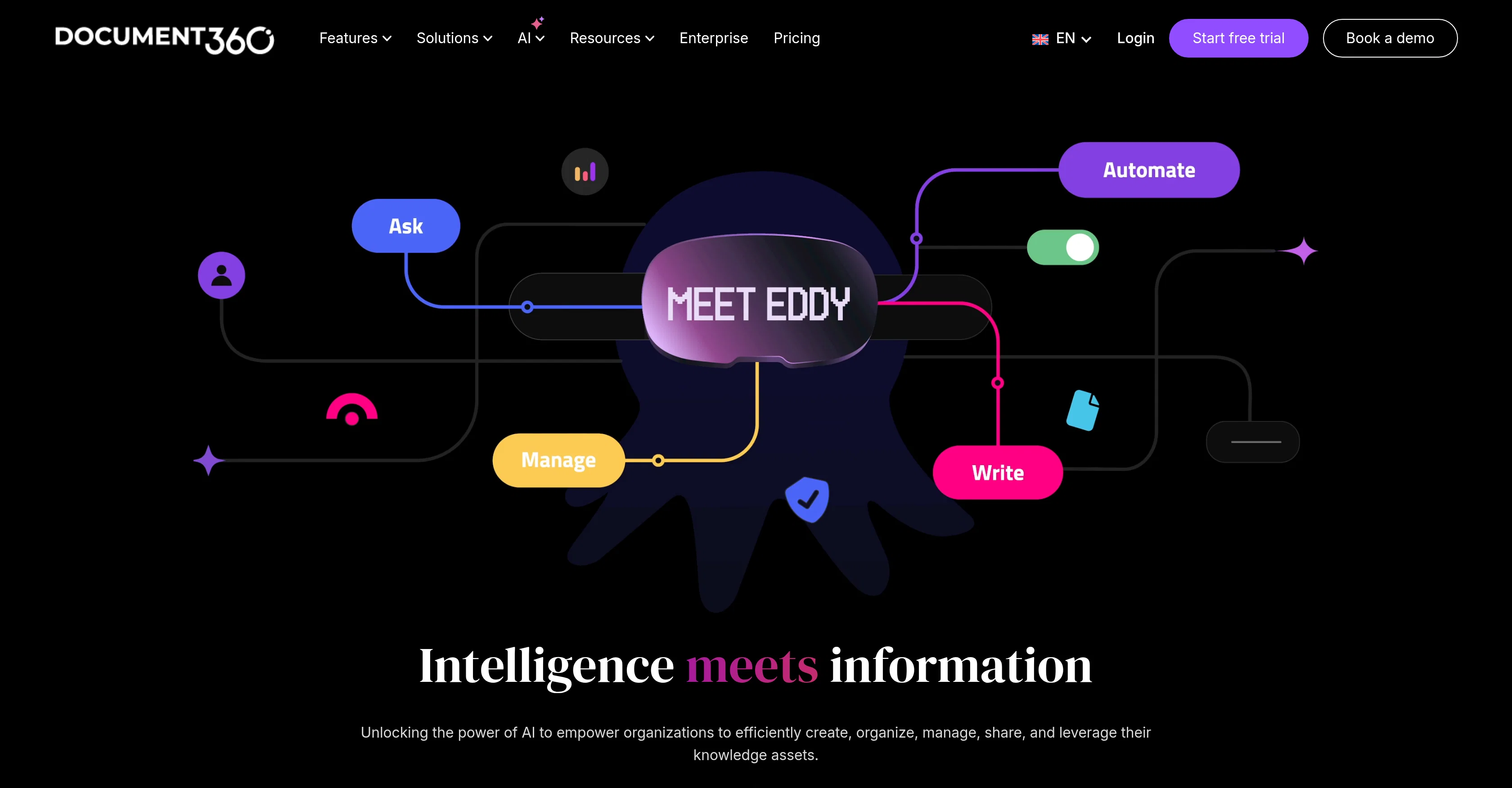
Eddy AI is a sophisticated tool that harnesses artificial intelligence to streamline the processes involved in creating, organizing, managing, and sharing knowledge assets in organizations.
It is designed to seamlessly integrate various workflows, from editing and reviewing to customer and employee engagement. The tool is industry-agnostic, with use-cases across the SaaS, IT and Consulting, Financial Services, Healthcare, Education, Manufacturing, Retail, and Non-Profit sectors.
Users in these sectors commonly use Eddy AI for various purposes ranging from software documentation, writing user manuals, building internal and external knowledge bases, to creating and managing AI Chatbots and API documentation.A standout feature is the AI Writing Agent which aids in turning videos, text files, audio files, or prompts into structured, SEO-optimized documentation minutes.
Users can simply upload a video or a text or audio file, type a prompt, or utilize the tool's glossary generator, FAQ generator, and duplicate content detection features.
Eddy AI handles the transcription, extraction of insights, insertion of relevant screenshots, embedding media, and even SEO optimization tasks. The tool also supports site and SEO customization, integrates a dashboard, offers advanced analytics, allows you to import from PDF & Word, and more.
Users also have the option to add their personalized style guide enabling the creation of consistent, on-brand documentation.Moreover, it improves reader engagement by offering quick article summaries, accurate AI search features and an AI Chatbot that provides automated customer support responses.
Help other people by letting them know if this AI was useful.
Add your own prompts and outputs to help others understand how to use this AI.
Screenshot gallery
Pros & Cons
Pros
+Seamlessly integrates workflows
+Industry-agnostic
+Turns media into documentation
+Glossary generator
+FAQ generator
+Duplicate content detection
+Transcribes uploads
+Extraction of insights
+Inserts relevant screenshots
+Embeds media
+SEO optimization
+Site customization
+SEO customization
+Dashboard integration
+Advanced analytics
+Import from PDF & Word
+Style guide customization
+Quick article summaries
+Automated customer support
+Supports media storage
+Interactive Decision Tree
+Supports Alt Text for Images
+Title Recommending feature
+SEO Description Generator
+Content duplication detection
+Text to Audio feature
+Text to Pie Chart
+Text to Table feature
+Automates admin activities
+Facilitates customer conversations
+Supports API documentation
+Can create from prompts
+Supports multi-lingual content creation
+Simplifies complex terms
+Creates on-brand documentation
+Tags and meta descriptions management
+Generates article titles
+Avoids repetitive content
+Productivity enhancement
+Related article recommendations
+Workflow builder service
+Support ticket deflector
+Custom style guides
+Helps reduce operational risks
+Improves donor trust
+Content engagement optimization
Cons
−Doesn't support non-English languages
−No offline capabilities
−No audio recordings support
−Doesn't offer mobile app
−No multi-user collaboration
−Limited integration options
−No real-time editing
−No version tracking
−Lacks user role management
−No content import from other tools
A Professional Framework to Evaluate Eddy AI
When considering Eddy AI for integration into your organizational workflow, we recommend deploying a structured score card across three critical operational pillars: Security & Compliance, Integration Friction, and long-term Price Scalability. Rather than looking only at basic feature lists, modern procurement teams must assess how a software platform behaves under high load and how well it fits into the team's data security guidelines.
1. Security and Database Compliance
Depending on your operating region and field, ensure that Eddy AI supports standard security layers such as SOC 2 Type II certifications, GDPR compliance, or HIPAA-compliant database encryption. If the tool connects directly to client database tables or handles user passwords, verify that they implement multi-factor authentication (MFA), single sign-on (SSO) integrations, and end-to-end data encryption in transit and at rest.
2. API Coverage and Custom Integrations
Siloed data is the primary cause of operational friction. Evaluate if Eddy AI has native connectors for your current project trackers, messaging hubs, and customer communication channels. For custom developer requirements, check if they provide a fully documented REST API with reasonable rate limits, comprehensive Webhooks support, and robust SDK packages in your language. A flexible API layer saves hundreds of hours of manual copy-paste overhead.
3. Total Cost of Ownership (TCO)
SaaS pricing packages are often deceptively simple. When reviewing Eddy AI's billing structure, map out your team's projected expansion over the next 12 to 24 months. Determine how costs scale as your customer database increases or as you add team members. Factor in setup costs, mandatory support plan upgrades, API access fees, and storage overage rates to understand the true cost before committing to a contract.
By combining verified user reviews from our directory with internal workflow pilot tests, your procurement team can make an informed decision that drives productivity without creating capital waste.
Features of Eddy AI
Knowledge Management
Document Creation
Knowledge Bases
User Manual Building
Workflow Optimization
AI Chatbots
SaaS1to10 verified reviews for Eddy AI
Overall rating
★★★★★5.0
Based on 18 reviews
★★★★★5.01 months ago
“Review”
I mostly use ChatGPT and Claude for writing content. What I like @ChatGBot is that it saves me from multiple monthly payments for different AI tools. Everything works fine, accuracy included. Worth subscribing.
Samantha Stone
★★★★★5.01 months ago
“Review”
Great and easy to use chatbot.... It is my personal advisor...
David Mavashev
★★★★★5.01 months ago
“Review”
Extract wisdom from YT, websites, PDFs, any link. Multiple models catch what single perspectives miss. Organized thematically. Honest about uncertainty. Built for understanding, not compression. All feedback welcome!
CoreWise.Video
★★★★★5.01 months ago
“Review”
Hey everyone, I’m Evaldas, co-founder of @Guideless, the fastest way to turn any browser workflow into a polished, AI-narrated video guide in minutes. No screen recording. No tedious editing. Just turn on the extension, click through your process as you normally would, and instantly get a share-ready guide. We recently shipped a major update: a sleeker UX and new high-quality AI voiceover characters — making guides sound and feel more vibrant than ever. Give @Guideless a try and see how effortless creating high-quality tutorials can be 🪄
Evaldas Bieliūnas
★★★★★5.01 months ago
“Review”
Absolutely in love. I could create my own custom AI and shared it with my colleuges to get instant support from me, i mean digital AI of me :)
Derek W.
★★★★★5.01 months ago
“Review”
Currently, generating course videos is basically free, and everyone is welcome to use it! If you have any problems during use, you can complain and we will quickly iterate! Thank you~!
Bian Heshan
★★★★★5.01 months ago
“Review”
Works for me
Aramis
★★★★★5.01 months ago
“Review”
Interesting and futuristic concept :)
nhta
★★★★★5.01 months ago
“Review”
Been using @BackEngine for more than 3 months now. Way better than direct connectors in claude. reterival quality is way better than most tools on the market.
Talha Baloch
★★★★★5.01 months ago
“Review”
Hi Jake, the model is only capable of conversational usage due to its small size for learning. The GPT connector only activates when its task is not conversational, e.g., coding. Thanks, Tom
Thomas Conway
★★★★★5.01 months ago
“Review”
What's @Knowlee all about? 🤔 🧠 Autonomous Learning: Feed @Knowlee with docs, videos, tweets, news, or financials. It doesn't just respond; it learns. 📚 Tailored Insights: Imagine getting info crafted just for you, thanks to an AI that's continuously updated by what YOU provide. 🔄 Efficiency Boost: Daily tasks, crafting content, or diving into deep insights? @Knowlee's got your back. It's like having a digital twin that's always in the loop and ready to help. Why @Knowlee? 🌟 We envisioned an AI not as a mere tool but as an extension—a seamless part of your digital world. It's about blurring the lines, creating a space where AI truly understands, adapts, and aligns with you.
Matt, Founder @Knowlee
★★★★★5.01 months ago
“Review”
The site is unavailable, I also tried using vpn, but the issue is not solved.
Ghaith Azawi
★★★★★5.02 months ago
“Review”
This is a nice concept. Anyway app needs to be more polished. Can’t delete notes. I was expecting auto assign of topics, or at least suggestions to be more creative instead of just showing some random words from the text I’ve entered.
Andre
★★★★★5.02 months ago
“Review”
You can now ask AI about your typed note. This issue has been fixed.
MyMemo
★★★★★5.02 months ago
“Review”
Impressive, looks like what I needed all these years... Finally I found something useful!
Felix F.
★★★★★5.02 months ago
“Review”
🚀 Supercharge Your AI Workflow with Keymate! AI enthusiasts, researchers, and productivity power-users — meet Keymate, your new favorite AI-powered assistant to collect, manage, search, and chat with your digital knowledge. ✨ Why Keymate? 🔹 Collect any source – PDFs, Google Docs, YouTube videos, emails, web links — all in one private memory space. 🔹 Chat with your content – Ask complex questions and get grounded answers directly from your own documents. 🔹 Add notes and organize collections – Structure your memory the way you think. 🔹 Boost with AI context – Keymate uses a 128K context window and multi-LLM setup to deliver better, focused results. 🔹 Secure
Ali Atasever
★★★★★5.02 months ago
“Review”
I may be wrong, but it seemed like any RAG Agent
kanawati
★★★★★5.02 months ago
“Review”
Love this!! 100x better than Notion, this should get more attention
Troy
Pricing
Starting Price
Contact vendor for pricing
Pricing may vary based on team size and features selected.