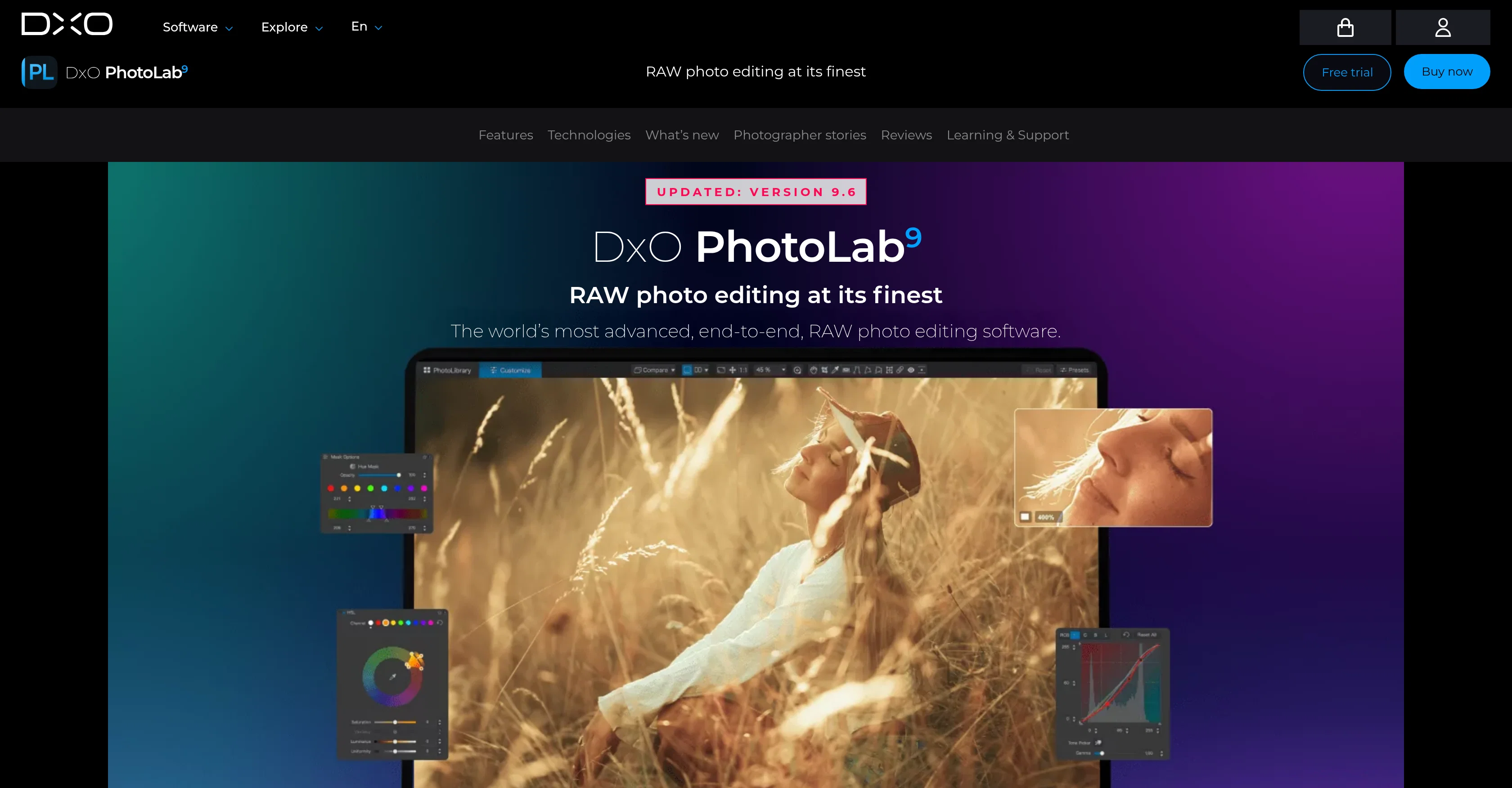
DxO PhotoLab 9 is an advanced, comprehensive RAW photo editing software. Offering a complete end-to-end photo editing experience, this tool incorporates several advanced features that ensure optimal image quality.
A key feature is its DeepPRIME noise reduction, a groundbreaking technology powered by machine learning. This feature reduces noise in photos, improving overall quality and bringing out vibrant colours and detail.
Another prominent feature is DxO Modules, designed to provide unmatched image quality. It optimize lens sharpness by applying tailored corrections, eliminating softness, and maximizing sharpness exactly where it is needed.
Its lens optimization is scientifically-based, using data from thousands of analyzed camera-lens combinations to ensure crisp clarity in all photos. Additionally, DxO PhotoLab 9 introduces AI Masks, complementing the local adjustment tools, offering the possibility of making intuitive local adjustments.
The software also incorporates advanced color science and creative tools for a more enhanced editing experience. Robust file management is another feature ensuring effortless organization of images.
Lastly, laboratory-grade corrections are made available. This aids in achieving unmatched image quality, capable of transforming raw files in a manner unattainable by other similar tools.
Covering all technical aspects of image quality, DxO PhotoLab 9 demonstrates its commitment to deliver the best in image enhancement. It is an indispensable tool for professional photographers as well as hobbyists seeking to elevate their photo editing capabilities.
Help other people by letting them know if this AI was useful.
Add your own prompts and outputs to help others understand how to use this AI.
Screenshot gallery
Pros & Cons
Pros
+DeepPRIME noise reduction
+Advanced color science
+End-to-end photo editing
+Lens sharpness optimization
+Intuitive local adjustments
+Robust file management
+Laboratory-grade corrections
+Tailored corrections
+Transforms raw files
+Improves vibrant colors
+Maximizes image detail
+Lens correction capabilities
+Image enhancement
+Scientifically-based lens optimization
+DxO Modules for quality
+Crisp image clarity
+Easy photography organization
+High-quality RAW editing
+Professional-grade photo editing
+Versatile for pros and hobbyists
Cons
−No plugin suite
−No geometry control
−Missing perspective control
−No shape control
−Limited to RAW conversion
−No Adobe Photoshop integration
−No Lightroom Classic integration
−No free version available
A Professional Framework to Evaluate DxO PhotoLab 9
When considering DxO PhotoLab 9 for integration into your organizational workflow, we recommend deploying a structured score card across three critical operational pillars: Security & Compliance, Integration Friction, and long-term Price Scalability. Rather than looking only at basic feature lists, modern procurement teams must assess how a software platform behaves under high load and how well it fits into the team's data security guidelines.
1. Security and Database Compliance
Depending on your operating region and field, ensure that DxO PhotoLab 9 supports standard security layers such as SOC 2 Type II certifications, GDPR compliance, or HIPAA-compliant database encryption. If the tool connects directly to client database tables or handles user passwords, verify that they implement multi-factor authentication (MFA), single sign-on (SSO) integrations, and end-to-end data encryption in transit and at rest.
2. API Coverage and Custom Integrations
Siloed data is the primary cause of operational friction. Evaluate if DxO PhotoLab 9 has native connectors for your current project trackers, messaging hubs, and customer communication channels. For custom developer requirements, check if they provide a fully documented REST API with reasonable rate limits, comprehensive Webhooks support, and robust SDK packages in your language. A flexible API layer saves hundreds of hours of manual copy-paste overhead.
3. Total Cost of Ownership (TCO)
SaaS pricing packages are often deceptively simple. When reviewing DxO PhotoLab 9's billing structure, map out your team's projected expansion over the next 12 to 24 months. Determine how costs scale as your customer database increases or as you add team members. Factor in setup costs, mandatory support plan upgrades, API access fees, and storage overage rates to understand the true cost before committing to a contract.
By combining verified user reviews from our directory with internal workflow pilot tests, your procurement team can make an informed decision that drives productivity without creating capital waste.
Features of DxO PhotoLab 9
RAW Photo Editing
Noise Reduction
DeepPRIME Technology
Image Quality
Advanced Color Science
Lens Sharpness Optimization
Free + From $239.99
SaaS1to10 verified reviews for DxO PhotoLab 9
Overall rating
★★★★★5.0
Based on 14 reviews
★★★★★5.02 months ago
“Review”
Started out good and has real potential, but the owners got greedy. You used to be charged 1 credit for each generation and got 20 free credits a day. Now you get 30 credits, but (for example Flux pro ultra) costs 9 credits and some change, meaning you get just 3 credits a day in reality. And when a run fails you are still charged so if you click a fourth time and it fails, they subtract and put you into credit debt (negative credits). Greed... the downfall of so many AI art websites. You are better off just buying a miniPC with good memory and good video card and downloading Flux to your computer and running it locally. The pricing? Let's do the math. $2 for 200 credits, but a Flux ultra run will cost you 9.97 credits. So for $2 you get actually 20 runs, and that is what you used to get each day for free. Totally not worth your money, especially when they charge you for failed runs too and the fact that on the average, it will take you 5 or 6 runs to get a decent picture that doesn't have deformed hands or other defects or deviations from what you are looking for. Better to download stable diffusion and run flux on it or uses any of the other local ways to run AI art if you can.
Mic
★★★★★5.02 months ago
“Review”
The generation speed is very fast, and having access to multiple mainstream models on a single platform — including the latest ones like Seedance2 and GPT Image2 — is great. The pricing is really affordable. I've already become an annual member.
GOO DAGE
★★★★★5.02 months ago
“Review”
Great free tool. Simple and easy to use. Best of all don't need any subscriptions.
Ecko Max
★★★★★5.02 months ago
“Review”
Easily the best Chat GPT alternative... A hidden Gem. A few issues with reasoning models but overall awesome product
Ali Morris
★★★★★5.02 months ago
“Review”
I forgot to take videos on my trip, so I gave this a shot with just the photos I had. Surprisingly, it created a short clip that actually looked real, super cool. Just wish it didn’t take forever to render
Noob Gupta
★★★★★5.02 months ago
“Review”
Its a promising project and works well so far. Wishing them all the best and godspeed.
Dipak Rautela
★★★★★5.02 months ago
“Review”
State of the Art
Dmitry G.
★★★★★5.02 months ago
“Review”
I think it's the best @Image Generator I ever found on the net. It gives more accurate image according to the prompt. And thank you for keeping it for free.
My Sawsiri
★★★★★5.02 months ago
“Review”
i edited my picture twice because the first time it randomly got deleted. second time i did everything and i pressed download but nothing happened, after repeatedly trying it didn’t work in the end. regardless very good editing tool (fyi you can’t download high res pic without paying)
Georg
★★★★★5.02 months ago
“Review”
I think this is the point of a free trial...
Michael McWilliam
★★★★★5.02 months ago
“Review”
Works wonders for anime, has me taking it in consideration for a tool rotation.
Sean Gandhi
★★★★★5.02 months ago
“Review”
The prompt library is extremely practical.
yang li
★★★★★5.02 months ago
“Review”
I was struggling to create some free Christmas and New Year's e-cards, and these templates are really good. I recommend giving them a try. The only downside is that each free template can only be used once.
youngwind
★★★★★5.02 months ago
“Review”
Not at all accurate…. The only thing similar between original and generated images were the clothes and accessories… face was absolutely new and unconnected.