5.01 months ago
“Review”
Edisa, thanks for the reply. Didn't know about the confidentiality guarantee.
Kevin Corrigan

Create professional graphics without the prompt engineering hassle
Drawnaq is an AI-powered design platform that caters to a broad spectrum of design needs. From graphics to product design, Drawnaq simplifies the process allowing even the non-designers to create professional-quality visuals with ease. This tool offers a step-by-step process facilitating users to start with a product and create a marketing graphic for it. This could range from creating a graphic for an email campaign, advertisement, or even a physical store presentation. Drawnaq also offers a feature to generate a celebrity product photo for your item, which is ideal for celebrity endorsements or increasing brand awareness. The platform doesnt limit creativity - users can create unique edits, cartoon versions of products, and leverage different styles for interior designs including modern, bohemian, minimalist and more. Users can even recreate spaces by uploading an image of the area to be designed, decorated, or remodeled and generate outstanding designs with the help of this tool. Offering a range of styles from around the world, Drawnaq aids in complete remodeling of both indoor and outdoor spaces, even for those without interior design knowledge or AI expertise. In addition to design creation features, Drawnaq provides cloud storage, team collaboration, version history, and priority support and regular updates. The vision of Drawnaq is to inspire creativity while making the design process effortless. It's trusted by designers worldwide, be it for business, academics, or personal projects. Help other people by letting them know if this AI was useful. Add your own prompts and outputs to help others understand how to use this AI.
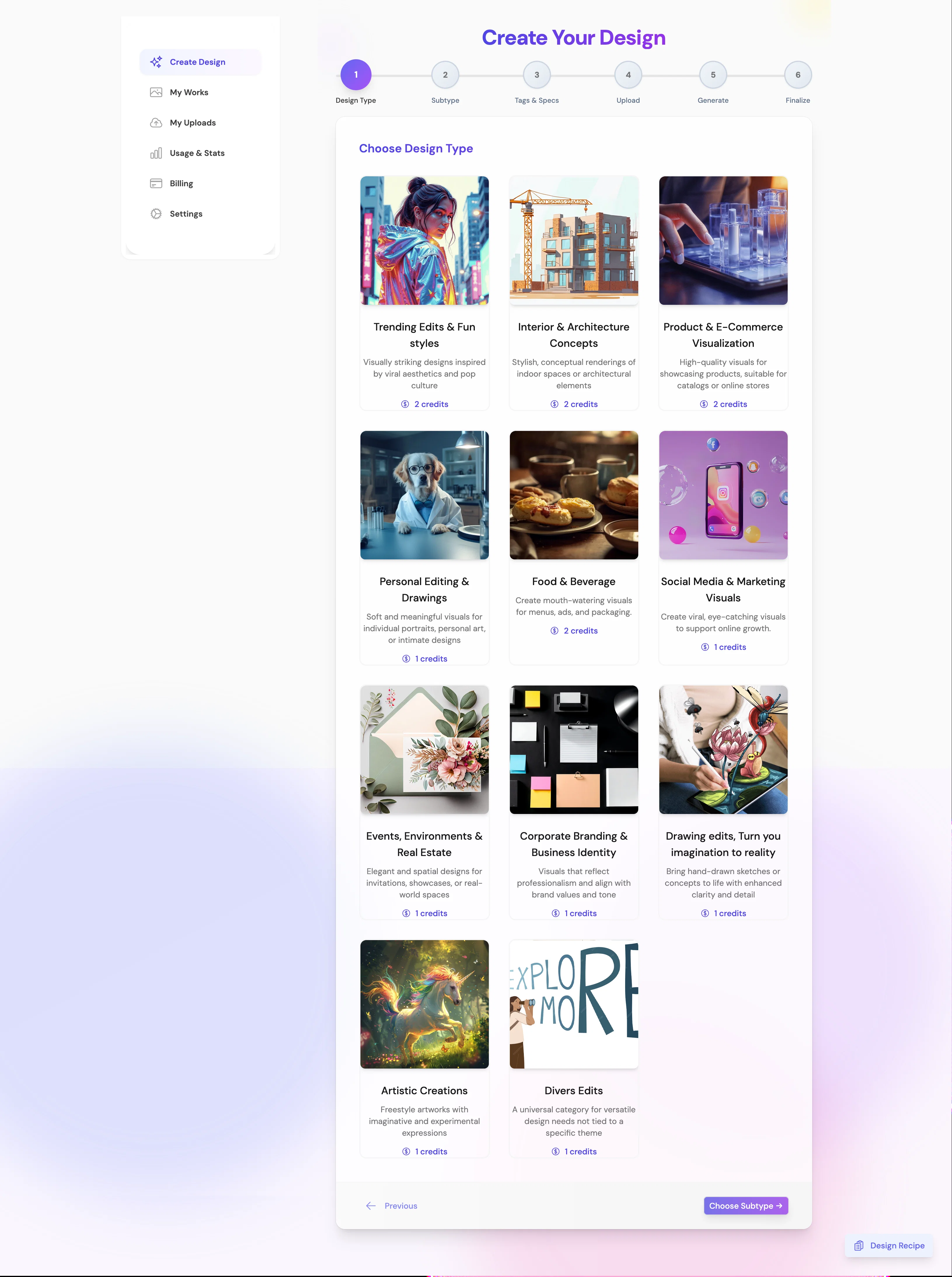
When considering Drawnaq for integration into your organizational workflow, we recommend deploying a structured score card across three critical operational pillars: Security & Compliance, Integration Friction, and long-term Price Scalability. Rather than looking only at basic feature lists, modern procurement teams must assess how a software platform behaves under high load and how well it fits into the team's data security guidelines.
Depending on your operating region and field, ensure that Drawnaq supports standard security layers such as SOC 2 Type II certifications, GDPR compliance, or HIPAA-compliant database encryption. If the tool connects directly to client database tables or handles user passwords, verify that they implement multi-factor authentication (MFA), single sign-on (SSO) integrations, and end-to-end data encryption in transit and at rest.
Siloed data is the primary cause of operational friction. Evaluate if Drawnaq has native connectors for your current project trackers, messaging hubs, and customer communication channels. For custom developer requirements, check if they provide a fully documented REST API with reasonable rate limits, comprehensive Webhooks support, and robust SDK packages in your language. A flexible API layer saves hundreds of hours of manual copy-paste overhead.
SaaS pricing packages are often deceptively simple. When reviewing Drawnaq's billing structure, map out your team's projected expansion over the next 12 to 24 months. Determine how costs scale as your customer database increases or as you add team members. Factor in setup costs, mandatory support plan upgrades, API access fees, and storage overage rates to understand the true cost before committing to a contract.
By combining verified user reviews from our directory with internal workflow pilot tests, your procurement team can make an informed decision that drives productivity without creating capital waste.
Overall rating
Based on 16 reviews
Edisa, thanks for the reply. Didn't know about the confidentiality guarantee.
Kevin Corrigan
filters my spam calls
Robin Haw
It has everything that I need in one place: ChatGPT, Copywriting templates, AI Images, Audio Transcription.
Dmytro
This tool i found is super cool, I created 5 books from this tool to sell them online, which gives me great profit. I am creating more valuable books to spread knowledge, and earn some bucks as well 🤑.
Bilal Ashraf
Great tool! Was very helpful in content production
Duck Typer
It's sad to see people want to try your tool out but you have no free sample for them. This may be the best tool out there, but, as mentioned, going through with the AI for minutes to explain what you want, then being prompted to pay, without even knowing if it CAN create something, is discouraging. I hope we can get a free sample or preview at one point, im interested in this one.
Ron Jayson
B12 exceeded my expectations especially after I tried a few similar tools. Signing up took under a minute and because I offer a very specific set of services as a consultant, I didn't expect the AI to be able to capture my work, but it did a great job with creating content for me. I only had to make a few edits, add my bio, and was able to publish that same day. Now I get lots of compliments on my site and I've even tried their other tools like email marketing, which is great because the emails match my site's appearance. Overall I would recommend B12 as an effective, affordable, and easy to use website solution.
Katie G
It doesn’t include the specified text. It doesn’t allow you to describe the logo
David April
As the service was in beta-testing stage, I created there a dozen of AI-generated courses for free. I wanted to use them. Those courses remained in my account as they started subscription tiers. But recently I have found out that they were deleted. The support didn't answer to my e-mail at all.
Oldfag TV
Does not know how to spell
Emily Hamilton
nice holistic
Amit ImmI
Not at all accurate…. The only thing similar between original and generated images were the clothes and accessories… face was absolutely new and unconnected.
Shvetank Sharma
Great designs
Brian Gacheru
thank you very much for this. i'll add some points: 1. its too fast, i cant make out where and when the pen leaves the paper and when it continues 2. there should be a pause and rewind mechanism, like a video player 3. a pen to paper angle indicator would be nice
A Gh.abolfazl
Reducing manual efforts in first-pass during code-review process helps speed up the "final check" before merging PRs
Sahil Mohan Bansal
I think it's the best @Image Generator I ever found on the net. It gives more accurate image according to the prompt. And thank you for keeping it for free.
My Sawsiri
Starting Price
Free plan available
Free tier available with optional paid upgrades.


