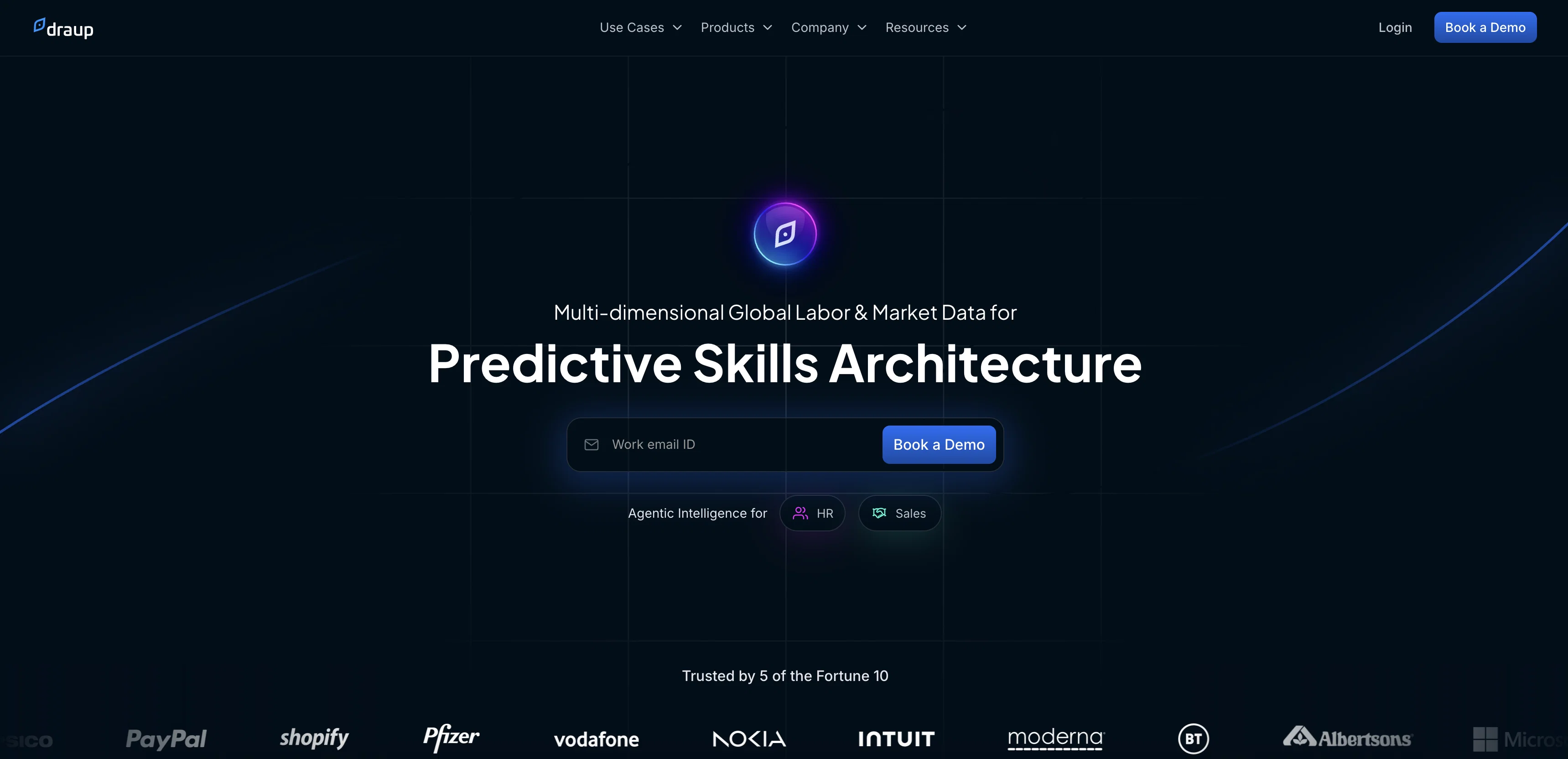
Draup is an AI-powered platform designed for both HR and sales leaders. It offers deep insights and data to support workforce planning, talent recruitment, and skill development for HR leaders.
With real-time talent data, HR leaders can understand industry trends, develop talent pipelines, and create reskilling strategies. Draup also provides insights on emerging roles, talent hotspots, and in-demand skills to help plan future workforce needs.For sales leaders, Draup offers sales intelligence tools that go beyond basic buyer information.
It enables micro-targeting of prospects based on interest, technology needs, and outsourcing relationships. Draup provides detailed account reports, stakeholder mapping, and helps identify the right decision-makers for targeted sales strategies.
It also helps sales teams explore new service provider opportunities across various industries.Draup is built by experts in AI, machine learning (ML), and natural language processing (NLP), combining AI-driven analysis with human curation.
The platform offers hyper-targeted insights based on millions of data points, providing actionable strategies backed by up-to-date and validated data.
Draup's data is vetted by expert researchers and analysts to ensure unbiased information.The platform features rapid onboarding, ongoing support, and agile deployment to cater to changing needs.
It offers near real-time data refresh, flexible delivery models, and predictable fees. Draup provides multi-channel access to its platform, custom reports, and data export/REST APIs for seamless integration into enterprise solutions.Overall, Draup aims to support talent and sales teams in making data-driven decisions and accelerating revenue growth in enterprises worldwide.
Help other people by letting them know if this AI was useful.
Add your own prompts and outputs to help others understand how to use this AI.
Screenshot gallery
Pros & Cons
Pros
+Real-time talent data
+Supports workforce planning
+Supports talent recruitment
+Supports skill development
+Insights on industry trends
+Talent pipeline development
+Reskilling strategies creation
+Emerging roles insights
+Talent hotspots identification
+In-demand skills tracking
+Micro-targeting prospects
+Detailed account reports
+Stakeholder mapping
+Identification of decision-makers
+Sales strategy customization
+New service provider opportunities
+Hyper-targeted insights
+Data vetted by researchers
+Rapid onboarding
+Ongoing support
+Agile deployment
+Near real-time data refresh
+Flexible delivery models
+Predictable fees
+Multi-channel platform access
+Custom reports
+Data export/REST APIs
+Platform training and support
+Unlimited access
+Unmetered account usage
+Direct data export into key systems
+Real insights on talent/sales ecosystem
+Bias-Free, Vetted Data
+Platform features released weekly
+Flexible Delivery Model
+Turnaround SLA of 2-3 business days
+Custom Strategies for your Use Cases
+Seamless integration into enterprise solutions
+Supports both HR and sales leaders
+Accompanies workforce planning
+Can plan future workforce needs
+Identifies technology needs of prospects
+Helps identify outsourcing relationships
+Refreshes data continuously
+Unlimited platform and custom consulting reports access
Cons
−Weekly feature updates too frequent
−No mention of data security
−Bound to specific industries
−Restrictive subscription structure
−Not specialized for HR or Sales
−Requires third-party consultants
−Biased to in-house data sources
−Potential overload of information
−Requires significant platform training
A Professional Framework to Evaluate Draup
When considering Draup for integration into your organizational workflow, we recommend deploying a structured score card across three critical operational pillars: Security & Compliance, Integration Friction, and long-term Price Scalability. Rather than looking only at basic feature lists, modern procurement teams must assess how a software platform behaves under high load and how well it fits into the team's data security guidelines.
1. Security and Database Compliance
Depending on your operating region and field, ensure that Draup supports standard security layers such as SOC 2 Type II certifications, GDPR compliance, or HIPAA-compliant database encryption. If the tool connects directly to client database tables or handles user passwords, verify that they implement multi-factor authentication (MFA), single sign-on (SSO) integrations, and end-to-end data encryption in transit and at rest.
2. API Coverage and Custom Integrations
Siloed data is the primary cause of operational friction. Evaluate if Draup has native connectors for your current project trackers, messaging hubs, and customer communication channels. For custom developer requirements, check if they provide a fully documented REST API with reasonable rate limits, comprehensive Webhooks support, and robust SDK packages in your language. A flexible API layer saves hundreds of hours of manual copy-paste overhead.
3. Total Cost of Ownership (TCO)
SaaS pricing packages are often deceptively simple. When reviewing Draup's billing structure, map out your team's projected expansion over the next 12 to 24 months. Determine how costs scale as your customer database increases or as you add team members. Factor in setup costs, mandatory support plan upgrades, API access fees, and storage overage rates to understand the true cost before committing to a contract.
By combining verified user reviews from our directory with internal workflow pilot tests, your procurement team can make an informed decision that drives productivity without creating capital waste.
Features of Draup
Analysis
Business
Data
Human Resources
Insights
Sales
SaaS1to10 verified reviews for Draup
Overall rating
★★★★★5.0
Based on 18 reviews
★★★★★5.01 months ago
“Review”
Good idea on democratization of AHP based Multiple Criteria Decision Making / Analysis (MCDM / MCDA). Helping common people to get AI powered MCDA at own mobile phone, otherwise only available expencive software with enterprises.
Shashi Bhattarai
★★★★★5.02 months ago
“Review”
Suppppeeeeerrr! Wowwww! @Mindsmith is absolutely fantastic! It is incredibly useful, easy to use, and very professional.
Claudia Scilletta
★★★★★5.02 months ago
“Review”
easy to pick up and you get a few free file imports. it gives you results pretty fast, unfortunately i can't find a way to get back to these, they're locked behind the paid service.
Ron Jayson
★★★★★5.02 months ago
“Review”
The website is pretty good but there are only a limited number of responses
Probal Roy
★★★★★5.02 months ago
“Review”
I tried NovelGPT a template in @Agentgpt and it did an excellent job writing the first two episodes of my novel complete with character descriptions, setting,plot points and well I think you get the point. Great tool can't wait to see it out of beta.
Kelli Crose
★★★★★5.02 months ago
“Review”
Really amazing! Makes learning content and engaging with things so much easier!
Jamie McDonald
★★★★★5.02 months ago
“Review”
after playing around with it for a bit, i am now aware of how much i need this. i can already feel the hours of sleep coming back to me <3
Bru no no no
★★★★★5.02 months ago
“Review”
O GPT faz uma análise melhor e mais personalizada.
Vinicius Vilela
★★★★★5.02 months ago
“Review”
Great! I think @AI Lawyer is the best service I've ever seen. Perfect use. Prompting helps in the work
Yuri Gerasimov
★★★★★5.02 months ago
“Review”
I tried using it but the website has too many bugs.
João Neiva
★★★★★5.02 months ago
“Review”
Works but I cannot understand what's the use. I was expecting it to give me some videos
Samartha Venkatramana
★★★★★5.02 months ago
“Review”
As the service was in beta-testing stage, I created there a dozen of AI-generated courses for free. I wanted to use them. Those courses remained in my account as they started subscription tiers. But recently I have found out that they were deleted. The support didn't answer to my e-mail at all.
Oldfag TV
★★★★★5.02 months ago
“Review”
I really value the sentiment analysis tool—it simplifies understanding customer feedback by picking up on their emotions. Plus, the way it groups comments into topics is super helpful for decision-making.
Prakhar Pratap Mall
★★★★★5.02 months ago
“Review”
Immo currently best solution if you want to convert / enchant your how-to tutorials to more professional!
asusi zuppa
★★★★★5.02 months ago
“Review”
Created a dashboard using my Excel file and it gave insights I didn’t even expect. It can read any kind of Excel file no matter the template. I can even check the accuracy by tracing back which column the data came from Great tool. highly recommended!!
Anubhav Pandey
★★★★★5.02 months ago
“Review”
Signed up for a pro account for Google Drive integration. Works great! Saves me a lot of manual excel work.
Thu Ha Vu
★★★★★5.02 months ago
“Review”
It is the ease of use for me. @DataSquirrel is fast, the UI is super intuitive, and the guided analysis feature is highly convenient. I have officially moved from uploading CSV files from Google sheet to @DataSquirrel. Within minutes, I can visualize my data and interpreting it becomes super simple.
Aakriti Mahajan
★★★★★5.02 months ago
“Review”
Super useful tool that’s reduced my job by 80%
Harishma Reghu
Pricing
Starting Price
Contact vendor for pricing
Pricing may vary based on team size and features selected.