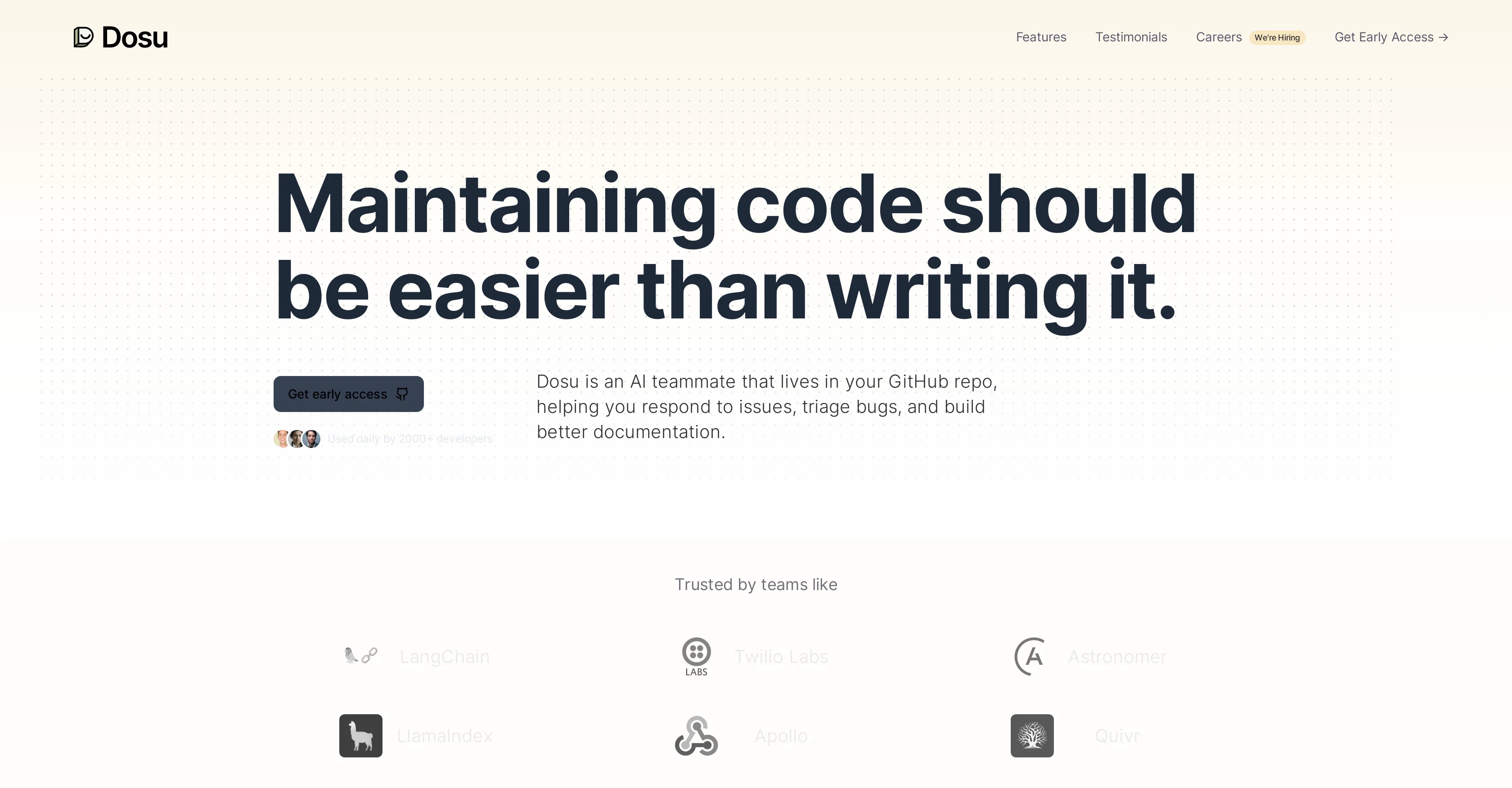
Dosu is an Artificial Intelligence (AI) tool designed to serve as a teammate in your GitHub repository. Its main functions are to assist in responding to issues, triaging bugs, and building more effective documentation.
It does this by actively monitoring queries, identifying potential problems and often solving them on the spot. In doing so, it helps developers by reducing the need for manual involvement in these processes.
Dosu also has features to keep track of stale issues, highlighting potentially missed problems and notifying the user about issues that no longer exist.
Furthermore, Dosu is capable of upholding guidelines and rules that the user has established, ensuring consistency within the codebase. Beyond its primary functions, Dosu offers a feature that automatically generates documentation, reminding users to update their documentation where necessary, and providing real-time assistance while coding new features.
It does this by offering insights derived from external code, similar to working side-by-side with the author.
Help other people by letting them know if this AI was useful.
Add your own prompts and outputs to help others understand how to use this AI.
Screenshot gallery
Pros & Cons
Pros
+Assists in responding to issues
+Triages bugs
+Automated documentation creation
+Keeps track of stale issues
+Upholds coding guidelines
+Real-time assistance while coding
+Allows developer productivity enhancement
+Notifies about non-existent issues
+Reduces need for manual processes
+Unattended problem-solving capability
+Supports code consistency
+Helps to stay updated on documentation
+Keeps an eye on open issues
+Resolves missed issues
+Enforces rules in a machine-like manner
+Automated code insights
+Supports GitHub repository
+Aids in maintaining user-defined rules
+Reminds to update documentation
+Can respond in user's native language
+Imminent integration with Slack, Linear, Jira
+Benefits enjoyed by 2000+ developers
+Installed on 5955+ Repos
+Helped 25000+ users
+Speaks 14+ languages
+Can handle 100 issues per day
+Helps user onboarding experience
Cons
−Limited to GitHub
−No Slack, Jira, Zendesk integrations
−Not self-hostable
−No private repository support
−Documentation generation limited
−Real-time coding assistance limited
−Limited language support
−Reliant on user guidelines
A Professional Framework to Evaluate Dosu
When considering Dosu for integration into your organizational workflow, we recommend deploying a structured score card across three critical operational pillars: Security & Compliance, Integration Friction, and long-term Price Scalability. Rather than looking only at basic feature lists, modern procurement teams must assess how a software platform behaves under high load and how well it fits into the team's data security guidelines.
1. Security and Database Compliance
Depending on your operating region and field, ensure that Dosu supports standard security layers such as SOC 2 Type II certifications, GDPR compliance, or HIPAA-compliant database encryption. If the tool connects directly to client database tables or handles user passwords, verify that they implement multi-factor authentication (MFA), single sign-on (SSO) integrations, and end-to-end data encryption in transit and at rest.
2. API Coverage and Custom Integrations
Siloed data is the primary cause of operational friction. Evaluate if Dosu has native connectors for your current project trackers, messaging hubs, and customer communication channels. For custom developer requirements, check if they provide a fully documented REST API with reasonable rate limits, comprehensive Webhooks support, and robust SDK packages in your language. A flexible API layer saves hundreds of hours of manual copy-paste overhead.
3. Total Cost of Ownership (TCO)
SaaS pricing packages are often deceptively simple. When reviewing Dosu's billing structure, map out your team's projected expansion over the next 12 to 24 months. Determine how costs scale as your customer database increases or as you add team members. Factor in setup costs, mandatory support plan upgrades, API access fees, and storage overage rates to understand the true cost before committing to a contract.
By combining verified user reviews from our directory with internal workflow pilot tests, your procurement team can make an informed decision that drives productivity without creating capital waste.
Features of Dosu
GitHub Enhancement
Developer Aid
Issue Response
AI Assistant
Automated Documentation
Bug Triaging
Free + From $19/Mo
SaaS1to10 verified reviews for Dosu
Overall rating
★★★★★5.0
Based on 17 reviews
★★★★★5.01 months ago
“Review”
This is a great tool! I have a question. The first time I created an Interactive Lesson, the published result had a transcript of the podcast which interacted simultaneously with the mindmap. After navigating out of that window, I can't access this again. Is there a way to access it? Currently it only shows an outline, the podcast and mindmap with no transcript or mindmap interactivity.
Fly Soul O
★★★★★5.01 months ago
“Review”
Comprehensive course outlines, lessons, and assessments within seconds.
Sebastian Cognetta
★★★★★5.01 months ago
“Review”
Useful to quickly explore the content of and interconnections between research papers. Makes it a more fun process.
Jon Hasworth
★★★★★5.01 months ago
“Review”
Use full workspaces multiple people can use this ai
Rajkumar Dyagala
★★★★★5.01 months ago
“Review”
Great accuracy and easy to crosscheck with the provided hyperlinks to the sources.
Marius Schmitt
★★★★★5.01 months ago
“Review”
paid and stuff and not that good
Max Adventures
★★★★★5.01 months ago
“Review”
i edited my picture twice because the first time it randomly got deleted. second time i did everything and i pressed download but nothing happened, after repeatedly trying it didn’t work in the end. regardless very good editing tool (fyi you can’t download high res pic without paying)
Georg
★★★★★5.01 months ago
“Review”
I would highly recommend for researches and students. useful to manage your articles and use AI to get the key points.
Hamed Mousavi
★★★★★5.01 months ago
“Review”
@KeywordSearch creates AI Ad Targeting audiences for YouTube
Aleric Heck
★★★★★5.01 months ago
“Review”
Did not work, keeps on thinking
Frank van Tussenbroek
★★★★★5.01 months ago
“Review”
Suppppeeeeerrr! Wowwww! @Mindsmith is absolutely fantastic! It is incredibly useful, easy to use, and very professional.
Claudia Scilletta
★★★★★5.01 months ago
“Review”
easy to pick up and you get a few free file imports. it gives you results pretty fast, unfortunately i can't find a way to get back to these, they're locked behind the paid service.
Ron Jayson
★★★★★5.01 months ago
“Review”
I tried using it but the website has too many bugs.
João Neiva
★★★★★5.01 months ago
“Review”
An amazing app, I love the share feature and the comment section summaries
Silvia Cho
★★★★★5.01 months ago
“Review”
I tried NovelGPT a template in @Agentgpt and it did an excellent job writing the first two episodes of my novel complete with character descriptions, setting,plot points and well I think you get the point. Great tool can't wait to see it out of beta.
Kelli Crose
★★★★★5.01 months ago
“Review”
I'm still testing the tool yet it looks very promising. I tested it with a 5.5k words Academic text that I had previously red. I tested the Key points feature, it does work!
Ivana González
★★★★★5.01 months ago
“Review”
As the service was in beta-testing stage, I created there a dozen of AI-generated courses for free. I wanted to use them. Those courses remained in my account as they started subscription tiers. But recently I have found out that they were deleted. The support didn't answer to my e-mail at all.