5.02 months ago
“Review”
Absolute BS crap. Don't bother, waste of money and it is just a trap
Douw Jordaan

Add GPT-3 to Google Workspace for AI-powered productivity
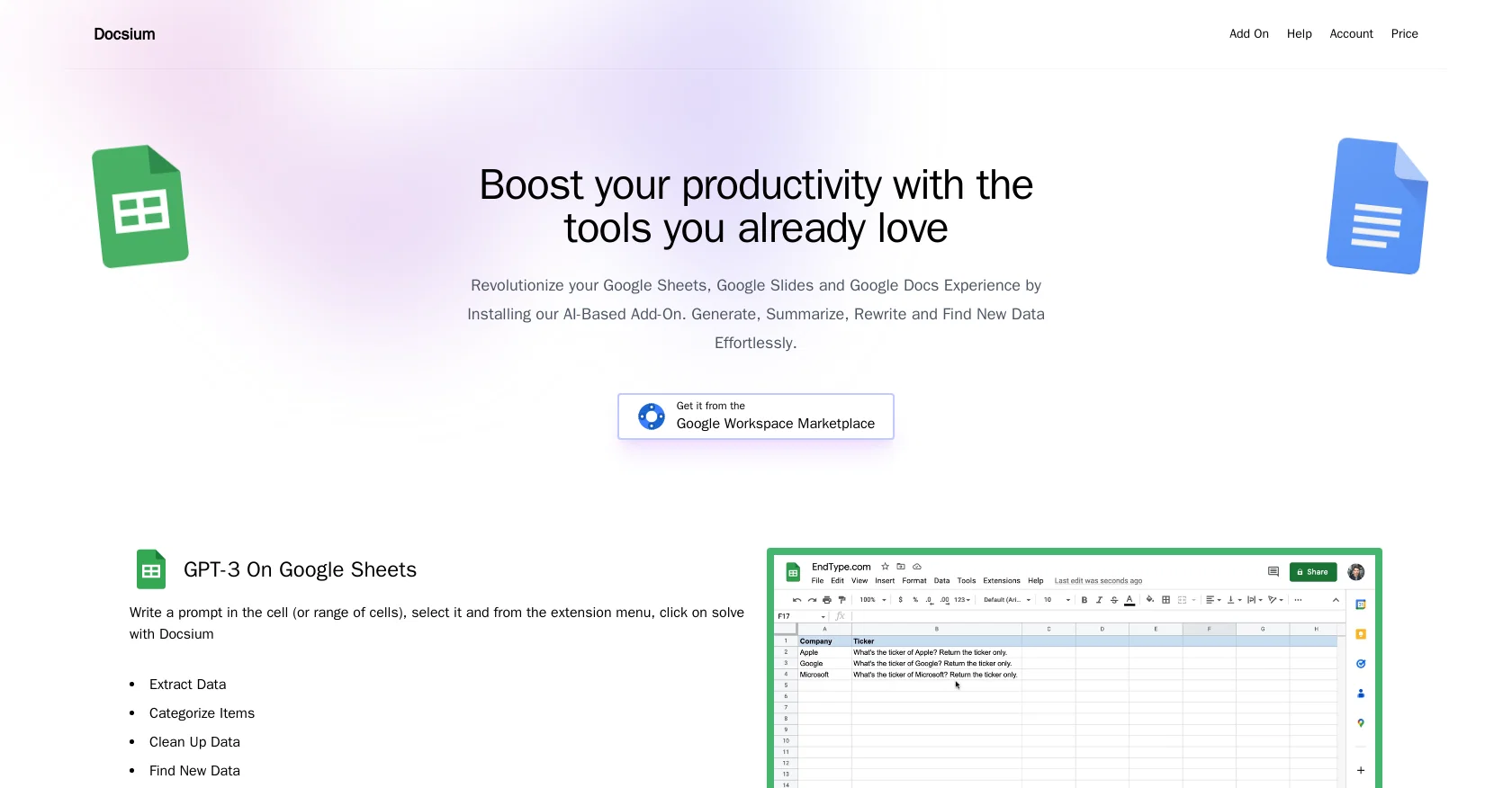
Docsium is an AI-based add-on for Google Sheets, Google Docs, and Google Slides that aims to enhance productivity by integrating the power of GPT-3. With just a few clicks, Docsium can be easily installed and utilized to improve the user experience across these three Google Workspace applications. In Google Sheets, Docsium enables users to generate, summarize, rewrite, and effortlessly find new data. This allows for efficient data extraction, categorization, cleaning, and completion of addresses and public information. In Google Docs, Docsium proves useful for various tasks such as writing blog posts, creating bullet points, generating meeting notes from bullet points, and summarizing existing content. By selecting a prompt and utilizing the extension menu, Docsium assists users in achieving these tasks. Similarly, in Google Slides, Docsium allows users to write prompts directly in the slide, enabling the AI to assist in generating unique text copy. This includes auto-generating slide titles, bullet point generation, content summarization, and text formatting.Overall, Docsium offers an accessible and intuitive way to leverage the capabilities of GPT-3 within the familiar interface of Google Sheets, Google Docs, and Google Slides. By streamlining data management, content creation, and formatting, Docsium aims to boost productivity for users in their preferred Google Workspace applications. Help other people by letting them know if this AI was useful. Add your own prompts and outputs to help others understand how to use this AI.
When considering Docsium for integration into your organizational workflow, we recommend deploying a structured score card across three critical operational pillars: Security & Compliance, Integration Friction, and long-term Price Scalability. Rather than looking only at basic feature lists, modern procurement teams must assess how a software platform behaves under high load and how well it fits into the team's data security guidelines.
Depending on your operating region and field, ensure that Docsium supports standard security layers such as SOC 2 Type II certifications, GDPR compliance, or HIPAA-compliant database encryption. If the tool connects directly to client database tables or handles user passwords, verify that they implement multi-factor authentication (MFA), single sign-on (SSO) integrations, and end-to-end data encryption in transit and at rest.
Siloed data is the primary cause of operational friction. Evaluate if Docsium has native connectors for your current project trackers, messaging hubs, and customer communication channels. For custom developer requirements, check if they provide a fully documented REST API with reasonable rate limits, comprehensive Webhooks support, and robust SDK packages in your language. A flexible API layer saves hundreds of hours of manual copy-paste overhead.
SaaS pricing packages are often deceptively simple. When reviewing Docsium's billing structure, map out your team's projected expansion over the next 12 to 24 months. Determine how costs scale as your customer database increases or as you add team members. Factor in setup costs, mandatory support plan upgrades, API access fees, and storage overage rates to understand the true cost before committing to a contract.
By combining verified user reviews from our directory with internal workflow pilot tests, your procurement team can make an informed decision that drives productivity without creating capital waste.
Overall rating
Based on 14 reviews
Absolute BS crap. Don't bother, waste of money and it is just a trap
Douw Jordaan
threw our docs and a few old support questions into @Chatbase and it cooked a pretty decent bot. answered the basic stuff without me babysitting it, and setup was way less annoying than expected. still had to tighten a couple vague replies, but it could definitely make the inbox quieter.
Liam Therrien
Watch out! I canceled the trial period 2 or 3 days before its end but I was still charged.
Dorota Jurek
@FlowGPT was great... up until the point where all my history disappeared, I stopped being able to see content, and I was unable to do anything without their ever helpful "something went wrong" error message. I'm glad I didn't pay for their currency... it would have all be lost.
David Holden
Litterally the worst AI art i've seen yet, takes forever and the quality is worse than ever
GMLegende
This is phenomenal. I demo it in my sessions all the time.
Beth Ziesenis
Useful tool for visualizing traffic flowing through your website. Does what GA4 does but without the headache and unnecessary learning curve.
Nic Miller
@KeywordSearch creates AI Ad Targeting audiences for YouTube
Aleric Heck
They're dreaming if they think I'd give them my credit card info just for a free trial. Most useless thing ever...
Noeffen Way
Used it for PPT generation and performed extremely well, especially the numbers and data part.
Salina Hook
I’ve been using @Collate to go through technical PDFs, and it’s been surprisingly handy. Summarizing docs and being able to ask questions directly saves me time, especially when I’m skimming through research or API references. No sign-ups, works offline, and everything stays on my device — which I appreciate.
Harman
Miro has massively improved how we collaborate and execute. The AI features have made a real difference in day-to-day productivity, helping us structure ideas quickly and get to decisions faster. What really surprised me is the new prototyping feature: it’s now much easier to turn a workshop board into an actual prototype and iterate with the team. If you’re running product work, workshops, roadmaps, or even GTM planning, Miro is worth it.
Joran Hofman
Works well and connects with my apps easily. I’m considering using it for daily reports and posts
Ron Hardman
Great tool! Was very helpful in content production
Duck Typer
Starting Price
Free plan available
Free tier available with optional paid upgrades.


