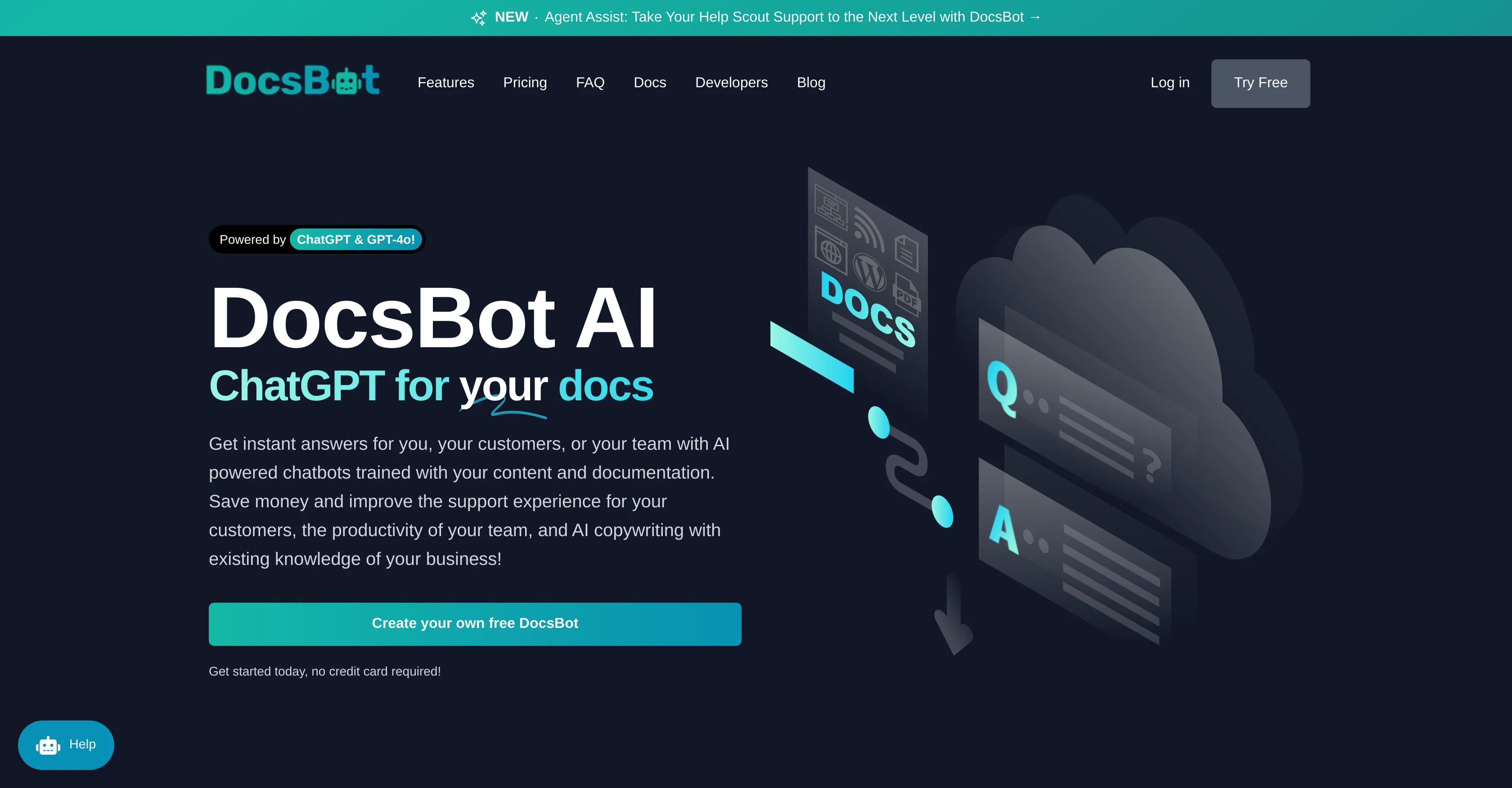
DocsBot AI is a tool that utilizes AI to train custom chatbots based on your documentation and content. These bots can be used for various purposes, such as customer support, presales, research and more.
Additionally, they offer internal knowledge bots to help employees find necessary information quickly, saving time on manual searches. The service aims to automate repetitive tasks, improve productivity, and elevate the customer experience.
Developers can build ChatGPT-powered bots with DocsBot, utilizing the individual business's content and documentation to answer detailed customer queries instantly.
DocsBot also supports automatic ticket replies and interactive Q/A bots, further enhancing customer support efficiency. For customized content creation, DocsBot provides custom copywriting tools.
Users can use the powerful API to integrate AI chat into their own products providing immediate responses directly on their site, app, or WordPress plugin.
The tools provided by DocsBot are vast, simplifying the process of indexing documentation, blog posts, or other content, as well as exporting data directly from numerous sources like Notion, Google Drive, Dropbox, Intercom, or OneDrive accounts.
Help other people by letting them know if this AI was useful.
Add your own prompts and outputs to help others understand how to use this AI.
Screenshot gallery
Pros & Cons
Pros
+Customizable chatbots
+Content generation capabilities
+Intuitive interface
+Versatile API
+Embeddable widgets
+WordPress integration
+Slack integration
+Customizable training data
+Supports various file formats
+Bulk upload option
+Different plan options
+Automatic reply to tickets
+Custom copywriting
+Cloud sources connectivity
+URL and sitemap indexing
+Question/Answer bots functionality
+Internal knowledge bots
+Reliable and efficient
+Usable by all businesses
+ChatGPT-powered
+Data export feature
+Zapier integration
+Unbranded widgets on business plan
+Documentation indexing feature
+Access to custom bots
+Access to advanced analytics
+Supports multiple languages
+Optional self-hosted options
+Interactive Q/A bots
+Automatic content updates
+Customizable user-limit
+Private network features
+Regional restrictions on enterprise level
+Payment via ACH/Wire transfers
+Role-based access control
+Self-hosted options for data protection
+Custom feature development
+Custom invoices and purchase order provision
+Bots trained with own content
+Replicable support history training
+Training from blog content
+Training from YouTube transcripts
+Help Scout integration
+Immediate chat responses on site
+Powerful API
+Strong privacy protections
+Customer support automation
+Productivity improvement through automation
Cons
−Costly pricing plans
−No free plan available
−Limited user per plan
−Free bots deleted after 30 days
−No self-hosting in basic plans
−Limited source refresh frequency
−Anonymity requires Business plan
−No WordPress plugin yet
A Professional Framework to Evaluate DocsBot
When considering DocsBot for integration into your organizational workflow, we recommend deploying a structured score card across three critical operational pillars: Security & Compliance, Integration Friction, and long-term Price Scalability. Rather than looking only at basic feature lists, modern procurement teams must assess how a software platform behaves under high load and how well it fits into the team's data security guidelines.
1. Security and Database Compliance
Depending on your operating region and field, ensure that DocsBot supports standard security layers such as SOC 2 Type II certifications, GDPR compliance, or HIPAA-compliant database encryption. If the tool connects directly to client database tables or handles user passwords, verify that they implement multi-factor authentication (MFA), single sign-on (SSO) integrations, and end-to-end data encryption in transit and at rest.
2. API Coverage and Custom Integrations
Siloed data is the primary cause of operational friction. Evaluate if DocsBot has native connectors for your current project trackers, messaging hubs, and customer communication channels. For custom developer requirements, check if they provide a fully documented REST API with reasonable rate limits, comprehensive Webhooks support, and robust SDK packages in your language. A flexible API layer saves hundreds of hours of manual copy-paste overhead.
3. Total Cost of Ownership (TCO)
SaaS pricing packages are often deceptively simple. When reviewing DocsBot's billing structure, map out your team's projected expansion over the next 12 to 24 months. Determine how costs scale as your customer database increases or as you add team members. Factor in setup costs, mandatory support plan upgrades, API access fees, and storage overage rates to understand the true cost before committing to a contract.
By combining verified user reviews from our directory with internal workflow pilot tests, your procurement team can make an informed decision that drives productivity without creating capital waste.
Features of DocsBot
API
Chatbots
Customer Support
AI Training
Automation
Immediate Response
Free + From $16/Mo
SaaS1to10 verified reviews for DocsBot
Overall rating
★★★★★5.0
Based on 15 reviews
★★★★★5.01 months ago
“Review”
I have dealt with the founder for features that i need, firstly it is a great tool it worked very well for my finance firm. When i asked questions from the support team they are always here to help me and some complext features they agreed to help me out. cant recommend more of @docAnalyzer!
Ning Na
★★★★★5.02 months ago
“Review”
Great tool. I like their free AI slogan generator. You don't even need to sign up to use it. I made a video on it recently
https://youtu.be/ApK-UHMGKDM
J.I.
★★★★★5.02 months ago
“Review”
Doesn't work on a PDF I uploaded. Seems like it just wants to collect (l)users.
Kitty Machine
★★★★★5.02 months ago
“Review”
This could be a really great service that I would love to have. The way it creates documents would be perfect for the philosophical doctrine I'm writing but unfortantilly I couldn't use this because of the hotkey setup. I am very use to pressing CTRL Backspace to backspace by word instead of character and its ingraned in me. Its the hotkey that deletes a node on the canvas so I was deleting my nodes every time I wanted to change a word. There needs to be a way to disable the hotkey. I tried finding a way to email the developer but I couldn't find anything. Based on the idea I would give this 5stars but in its current state I cant use it. Eventually the whole thing locked up on me and I couldn't interact with the canvas in anyway.
Shawn Vybiral
★★★★★5.02 months ago
“Review”
nice! does exatly what i wanted it to do, takes text, makes a nice looking diagram.
Lenny Deus
★★★★★5.02 months ago
“Review”
This is phenomenal. I demo it in my sessions all the time.
Beth Ziesenis
★★★★★5.02 months ago
“Review”
Finally, a prompt optimizer that makes sense, adding power to my own words. Easy to expand details, easy to go deeper and to get exactly what I need to squeeze out incredible results with ChatGPT. The Prompt_Enhancer setting is something serious. Thanks guys, keep on providing excellent AI tools!
Hollie Arsement
★★★★★5.02 months ago
“Review”
Alternative for fast academic writing
Ivan Taslim
★★★★★5.02 months ago
“Review”
Undetectable.wtf is better bypasses everything maintaining thee integrity of the text.
LiteEagle
★★★★★5.02 months ago
“Review”
Really amazing! Makes learning content and engaging with things so much easier!
Jamie McDonald
★★★★★5.02 months ago
“Review”
Good to use even for free. Gives answers related directly to the info in the document, along with references to pages where it can be found. Also does well at analyzing graphs and charts
Brett cc
★★★★★5.02 months ago
“Review”
An amazing app, I love the share feature and the comment section summaries
Silvia Cho
★★★★★5.02 months ago
“Review”
Amazing, fast
Leonel Curra
★★★★★5.02 months ago
“Review”
Nice interface, but no good at PDF answers, especially tables data.
hifive szu
★★★★★5.02 months ago
“Review”
I have been using this application for some time now, and it pleasantly surprises me. At first, this tool seemed to be just something like a smart document search, but I was wrong. It is able to generate brief contents of books and documents. With it, I will be able to create my own knowledge base in various areas, which will be built only on the data I uploaded, which I am sure of. Overall, the app is great, and I can safely recommend it. How do I personally use this product: For example, to summarize medical research and books. I intend to use it for academic research to save time searching for answers to specific questions and searching for links (documents, pages, comments), and I have to say that I am impressed. I upload not only PDF documents, but also transcribe videos of specialists in the right subject and upload them together to the service. Thus, I make my personal library, knowledge base and the quality of knowledge deeper. More recently, I came up with the idea to use the knowledge of some specialists who run their social networks and tell me the information I am interested in on their pages, because I can also collect their posts on social networks. networks in one document and upload to the service. What I liked especially: 1. Simple and user-friendly interface. Everything is in its place and nothing superfluous. 2. The algorithm does not come up with answers, but proceeds from the data in the document, allowing you to ask contextual questions and receive point-to-point answers in real time. Very often, language models sin against this. 3. Unlimited questions in the "chat" You can ask as many questions as you want in real time without using any credits. 4. Unlimited daily download. 5. I can upload documents in any language and get answers in my own. I can make full use of knowledge from all over the world, not just in my language. 6. The file viewer and links work well. Just click on the link and you will open the document in exactly the right place! 7. Chat with documents is quite accurate and fast. 8. The idea of labels is quite convenient and it is possible to add multiple labels to a file. 9. After downloading the document, it will warn you which pages were not recognized or have little content. 10. Understands the context of the correspondence, and does not answer the last question. 11. Responsive support. 12. API Access 13. OCR. 14. Automation of the workflow. 15. The ability to use your OpenAI API key 16. There is a promising roadmap. Separately, I would like to tell you about the workflow automation function, with the help of, when working with a group of documents, which can be processed separately only the necessary sections of documents. This makes it possible to access several documents at once. This is a super opportunity to gain deeper knowledge from documents uploaded to the service. It should be noted that in the end, a lot depends on how correctly you ask the question. This is both a plus and a minus. An experienced user will always be able to bring the algorithm to the conclusions of interest. For novice researchers, it will be a little more difficult to set the right direction to find the right information. My dreams: 1. Although I have no problems with the document loading time, it would be cool to speed up the document processing time. 2. I would like more free language models. At the moment, the service uses OpenAL GPT 3.5 Turbo and Anthropic Claude 3 Haiku. In principle, this is enough, but it would be good if more advanced language models were included, which will allow you to study your documents even more deeply. 3. I would like to be able to add ready-made template queries to documents. 4. I would like to be able to mark the best answers, which I can quickly refer to later. 5. I would like to be able to create folders in the Documents and Options section cataloging my knowledge. 6. I would like to be able to change the title of the document. 7. I would like to have an internal search system for documents or labels, which will become very numerous over time. 8. It would be very useful to be able to add people to work together with configured access rights. 9. The opportunity to create your own knowledge base and post it on your website via html code would be very useful. 10. I would like to be able to highlight the desired fragment or keywords in the document when you click on the link in the response to the document request. What I wanted to draw attention to: It seemed to me that OCR does not work quite correctly, after downloading the document, it writes "you have not enough credits to use OCR", although there are credits. Maybe I was doing something wrong. I'll figure it out. In general, I would like to rate the usage experience at 5 stars. I recommend everyone to try it!