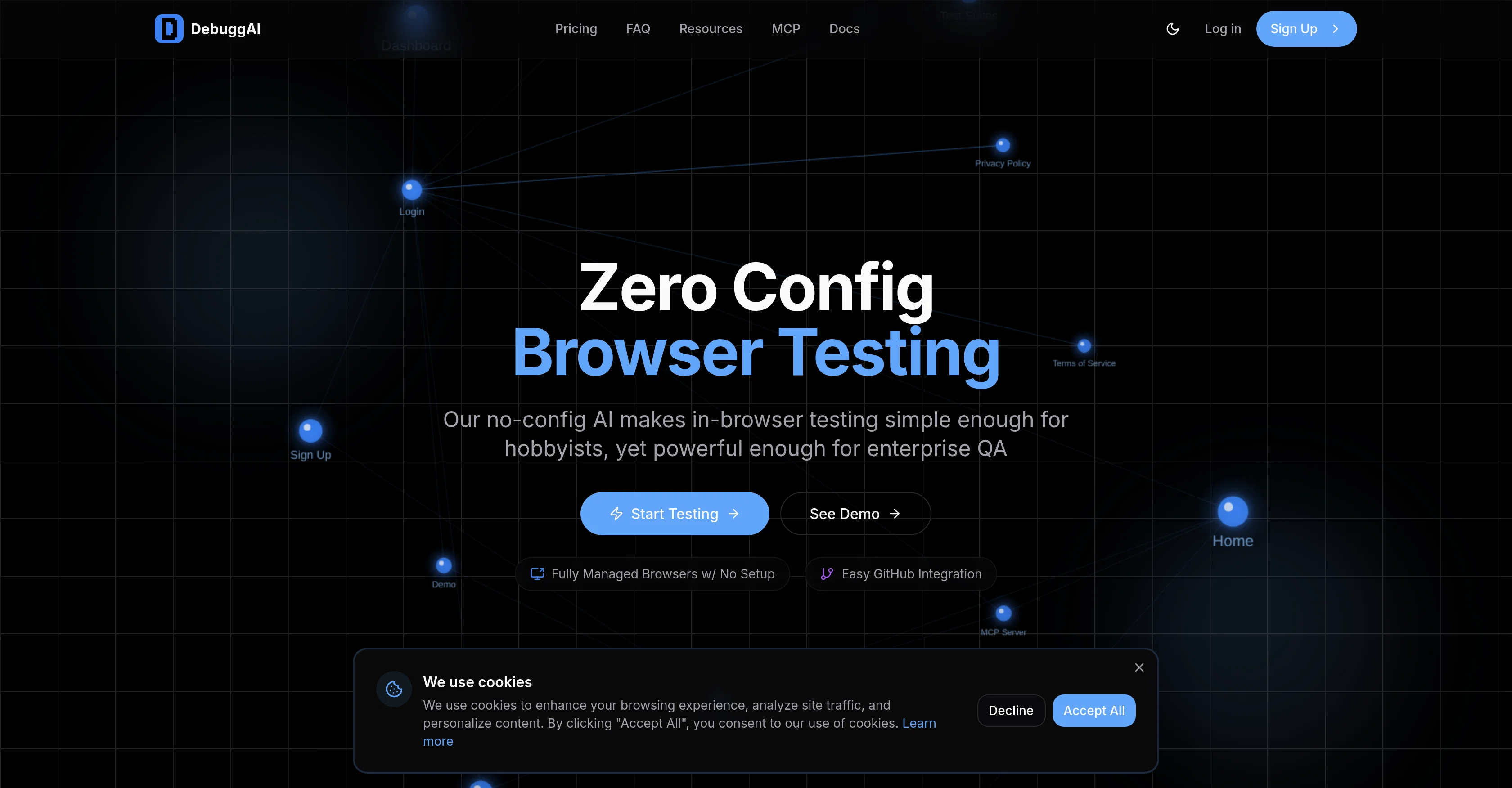
DebuggAI is an AI-powered tool that automates browser testing for software applications. The tool is integrated with GitHub, automating tests on pull requests, thereby ensuring that the code is effective before merge.
DebuggAI requires no configuration, offering a simple setup process that only takes a few minutes. It handles various process, including repository access, dependency installation, build processes, secure tunneling, and browser testing.
With DebuggAI, there is no need for servers, containers, complex configurations, and it provides a GitHub-native experience, installing once and auto-triggering testing as necessary.
Additionally, DebuggAI offers secure remote management, with features like encrypted tunnels, isolated environments, and temporary access to ensure that your code remains safe.
Another key feature of DebuggAI is its AI-powered understanding, which builds a comprehensive knowledge graph of your application, understanding every page, interaction, and user flow to run the right tests at the right time.
The tool also provides real results for every commit, commenting directly on your pull requests with test results, videos, and actionable insights, all in a way that does not require you to check external dashboards.
The AI also analyzes your code diffs on every commit to create and run targeted end-to-end tests.
Help other people by letting them know if this AI was useful.
Add your own prompts and outputs to help others understand how to use this AI.
Screenshot gallery
Pros & Cons
Pros
+Automated browser testing
+Zero configuration need
+Effortless GitHub integration
+PR testing on push
+Posts results as GitHub comments
+No external dashboard checking
+Creates comprehensive knowledge graph
+Analyzes code differences per commit
+Runs targeted end-to-end tests
+Encrypted secure remote management
+Temporary access for security
+Isolated secure environments
+Works with any stack
+Setup in under two minutes
+No code changes
+Inline PR test results
+Comprehensive test coverage
+Automatic PR detection
+Managed repository access
+Managed dependency installation
+Automated build processes
+Secured code tunneling
+GitHub-native Experience
+Posts videos, action insights on PR
+Performs Real-time commit results
+Automatic browser testing per PR
+Connects with GitHub repo in 2 mins
+No DevOps expertise required
+No infrastructure setup
+Installs once, auto-trigger testing
+Tests actual user flows
+Reduces production bugs
+Faster PR approvals
+Simple learning curve
+Managed browser orchestration
+Clone and Build feature
+Active monitoring of PRs
+Code safety measures
+Runs detailed purpose tests
+Direct links to debugging information
+No servers or containers needed
+No complex configurations
+Analyzes code diffs for targeted tests
Cons
−GitHub only integration
−No API mentioned
−No external dashboard
−No configuration flexibility
−Mandatory automated testing
−Only end-to-end tests
−Dependent on secure tunneling
−Limited to browser testing
−No non-browser testing
−Doesn't support multiple users
A Professional Framework to Evaluate DebuggAI
When considering DebuggAI for integration into your organizational workflow, we recommend deploying a structured score card across three critical operational pillars: Security & Compliance, Integration Friction, and long-term Price Scalability. Rather than looking only at basic feature lists, modern procurement teams must assess how a software platform behaves under high load and how well it fits into the team's data security guidelines.
1. Security and Database Compliance
Depending on your operating region and field, ensure that DebuggAI supports standard security layers such as SOC 2 Type II certifications, GDPR compliance, or HIPAA-compliant database encryption. If the tool connects directly to client database tables or handles user passwords, verify that they implement multi-factor authentication (MFA), single sign-on (SSO) integrations, and end-to-end data encryption in transit and at rest.
2. API Coverage and Custom Integrations
Siloed data is the primary cause of operational friction. Evaluate if DebuggAI has native connectors for your current project trackers, messaging hubs, and customer communication channels. For custom developer requirements, check if they provide a fully documented REST API with reasonable rate limits, comprehensive Webhooks support, and robust SDK packages in your language. A flexible API layer saves hundreds of hours of manual copy-paste overhead.
3. Total Cost of Ownership (TCO)
SaaS pricing packages are often deceptively simple. When reviewing DebuggAI's billing structure, map out your team's projected expansion over the next 12 to 24 months. Determine how costs scale as your customer database increases or as you add team members. Factor in setup costs, mandatory support plan upgrades, API access fees, and storage overage rates to understand the true cost before committing to a contract.
By combining verified user reviews from our directory with internal workflow pilot tests, your procurement team can make an informed decision that drives productivity without creating capital waste.
Features of DebuggAI
Automated Browser Testing
Pull Request Testing
Automated Testing
Browser Testing
Software Development
Zero Configuration
Free + From $20/Mo
SaaS1to10 verified reviews for DebuggAI
Overall rating
★★★★★5.0
Based on 13 reviews
★★★★★5.02 months ago
“Review”
This tool removes all of the prep work of getting an LLM API endpoint running. I can try out ideas quickly and see within minutes whether an endpoint concept actually works. And when it does, moving it into a production app is about as easy as it gets.
Leonie
★★★★★5.02 months ago
“Review”
Hi there, I’m Alix, co-founder of Invent. We’re building the future of Customer Support UX, where humans and AI truly collaborate. Would love to read&hear your thoughts. DM for any questions. We ship fast!
Alix Gallardo
★★★★★5.02 months ago
“Review”
It works surprisingly well. Clean plus you can actually try it first without having to drop money right away. helps if you are not sure it'll fit your needs. Solid stuff.
Tushar Ford
★★★★★5.02 months ago
“Review”
It’s an very interesting project, it helps me a lot to speed up my process.
Max Reverey
★★★★★5.02 months ago
“Review”
Being able to tell it to create an app for anything I want - for myself or for the AI to use is the coolest thing!
Seth
★★★★★5.02 months ago
“Review”
You get 300 credits upon signing up, which is enough to test out the app and see its potential. I had a bit of fun with it. It takes a few minutes to generate content, but the results are impressive. There are many styles, modifiers, and customization options available. I would definitely use this for content creation or storytelling.
Daniel Garaiacu
★★★★★5.02 months ago
“Review”
Ideal for stock-watchlist and not missing trade setups that correspond to my strategy.
Builder
★★★★★5.02 months ago
“Review”
Very interesting
Béatrice Duval
★★★★★5.02 months ago
“Review”
State of the Art
Dmitry G.
★★★★★5.02 months ago
“Review”
I just used for a couple of scientific tasks and its output was as good as ChatGPT 4 and Gemini Pro. This is an interesting tool and I will be exploring it further
Farooq Rathore
★★★★★5.02 months ago
“Review”
I think it's the best @Image Generator I ever found on the net. It gives more accurate image according to the prompt. And thank you for keeping it for free.
My Sawsiri
★★★★★5.02 months ago
“Review”
Not at all accurate…. The only thing similar between original and generated images were the clothes and accessories… face was absolutely new and unconnected.
Shvetank Sharma
★★★★★5.02 months ago
“Review”
Reducing manual efforts in first-pass during code-review process helps speed up the "final check" before merging PRs