5.02 months ago
“Review”
This one was really nice. In that it could also generate a white paper to go with the diagram
Marcy

AI-powered workflows in your team chat
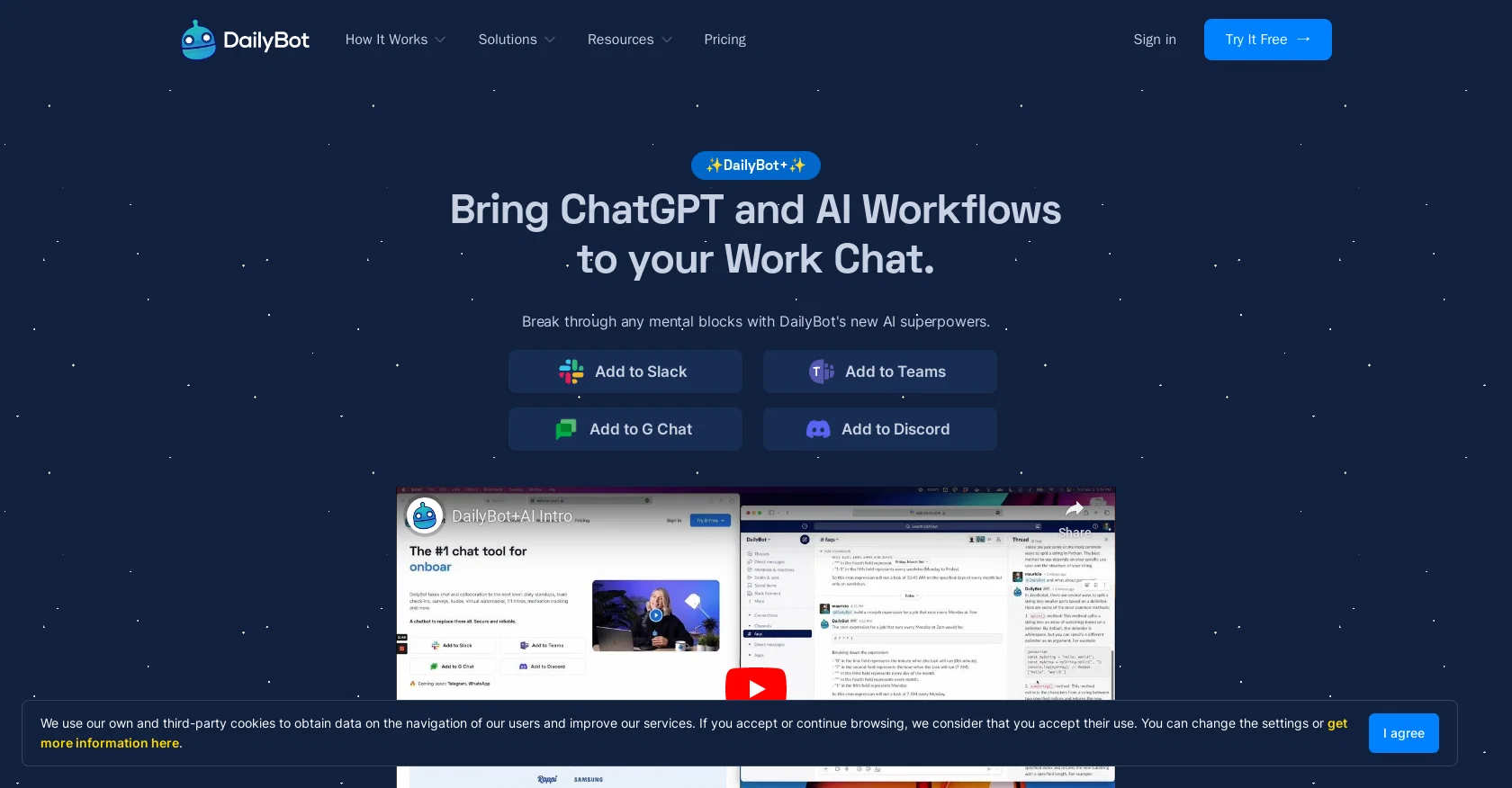
DailyBot is an AI-powered tool that enhances daily workflows and communication within team chat platforms such as Slack, Google Chat, Microsoft Teams, and Discord. The tool offers a variety of features, including automated workflows, surveys, peer recognition, mood tracking, and more, which aims to streamline processes and save time for team members. DailyBot's AI capabilities allow it to quickly process and analyze data and provide accurate and helpful answers to a wide range of questions without having to leave the chat. It can also help users prioritize tasks, keep track of deadlines, and make informed decisions quickly. Additionally, its approachable and friendly personality makes it easy for users to interact with, can potentially reduce work-related stress, and improve work-life balance.The tool offers different solution kits tailored to specific team functions, including daily standups, remote work, marketing, and social wellness. DailyBot has integrations with leading chat platforms and provides various resources, including quick-start guides, automation sheets, and API docs to help users understand the tool's full potential. With thousands of startups and Fortune 500 companies using DailyBot daily, the tool aims to enhance communication, improve workflows, and ultimately increase productivity within teams. Help other people by letting them know if this AI was useful. Add your own prompts and outputs to help others understand how to use this AI.
When considering DailyBot for integration into your organizational workflow, we recommend deploying a structured score card across three critical operational pillars: Security & Compliance, Integration Friction, and long-term Price Scalability. Rather than looking only at basic feature lists, modern procurement teams must assess how a software platform behaves under high load and how well it fits into the team's data security guidelines.
Depending on your operating region and field, ensure that DailyBot supports standard security layers such as SOC 2 Type II certifications, GDPR compliance, or HIPAA-compliant database encryption. If the tool connects directly to client database tables or handles user passwords, verify that they implement multi-factor authentication (MFA), single sign-on (SSO) integrations, and end-to-end data encryption in transit and at rest.
Siloed data is the primary cause of operational friction. Evaluate if DailyBot has native connectors for your current project trackers, messaging hubs, and customer communication channels. For custom developer requirements, check if they provide a fully documented REST API with reasonable rate limits, comprehensive Webhooks support, and robust SDK packages in your language. A flexible API layer saves hundreds of hours of manual copy-paste overhead.
SaaS pricing packages are often deceptively simple. When reviewing DailyBot's billing structure, map out your team's projected expansion over the next 12 to 24 months. Determine how costs scale as your customer database increases or as you add team members. Factor in setup costs, mandatory support plan upgrades, API access fees, and storage overage rates to understand the true cost before committing to a contract.
By combining verified user reviews from our directory with internal workflow pilot tests, your procurement team can make an informed decision that drives productivity without creating capital waste.
Overall rating
Based on 16 reviews
This one was really nice. In that it could also generate a white paper to go with the diagram
Marcy
Instantly deleted my account after first video failed to generate and when tried second time, it says you've reached the limit. NEED MORE IMPROVEMENT
KLOUDXD
Great functions, perfect AI search.
Matheus Cavalieri
I wasn't able to use this one (I have my API key)
Pauline LeBlanc
It took me less than 20 minutes to create infographic perfection- all the other AI design sites I tried, and I tried them all, weren't able to give me what I wanted in 1 way or another. Outline Ninja helped me create my infographic
Gay Shirer
There isn't a way to upload an Excel file or copy/paste. what's the point if you have to re-enter everything?
Ansley Jax
It created some decent logos. They are great as a start point
Samuel Barlet
I tried using it but the website has too many bugs.
João Neiva
It's sad to see people want to try your tool out but you have no free sample for them. This may be the best tool out there, but, as mentioned, going through with the AI for minutes to explain what you want, then being prompted to pay, without even knowing if it CAN create something, is discouraging. I hope we can get a free sample or preview at one point, im interested in this one.
Ron Jayson
After my first use, I think it's surprisingly good. The only drawback so far is the PDF export option for the report which is formatless.
Alejandro Correa
O GPT faz uma análise melhor e mais personalizada.
Vinicius Vilela
If you are just starting a company and need an All in one place for your operation, this is the tool you need!
Ling Chang
Great idea, but does not find what you are looking for-about the same as Google Scholar
Andy
As the service was in beta-testing stage, I created there a dozen of AI-generated courses for free. I wanted to use them. Those courses remained in my account as they started subscription tiers. But recently I have found out that they were deleted. The support didn't answer to my e-mail at all.
Oldfag TV
pretty useful for quick fact-checking and comparisons. the answers are laid out clearly, but it can feel like overkill for really simple questions. still a nice tool to have around.
Vansh Thakur
Improving your public speaking skills for professional presentations can be achieved through practice, preparation, and persistence. Here are some tips to help you enhance your public speaking skills: Practice and Preparation Building Confidence Start small: Begin with small presentations or group discussions to build your confidence. Focus on your message: Focus on the value of your message rather than your own nervousness. Delivery Techniques Make eye contact: Engage with your audience by making eye contact with different people in the room. Vary your tone and pace: Use vocal variety to add emphasis and keep your audience engaged. Use visual aids: Use visual aids like slides, videos, or props to support your message and add visual interest. Managing Nervousness Take deep breaths: Take deep breaths before your presentation to calm your nerves. Use positive self-talk: Encourage yourself with positive affirmations, such as "I am well-prepared" or "I can do this." Focus on your audience: Focus on your audience's needs and interests rather than your own nervousness. Seeking Feedback Ask for feedback: Ask colleagues or mentors for feedback on your presentations. Be open to constructive criticism: Use feedback to identify areas for improvement and work on making changes. Continuously improve: Continuously work on improving your public speaking skills through practice, feedback, and self-reflection. By following these tips, you can improve your public speaking skills and deliver confident, effective presentations in a professional setting.
Abul Kashem
Starting Price
Free plan available
Free tier available with optional paid upgrades.


