5.02 months ago
“Review”
So do I have to take off all my clothes?
Kailash

Put your inbox on autopilot with AI
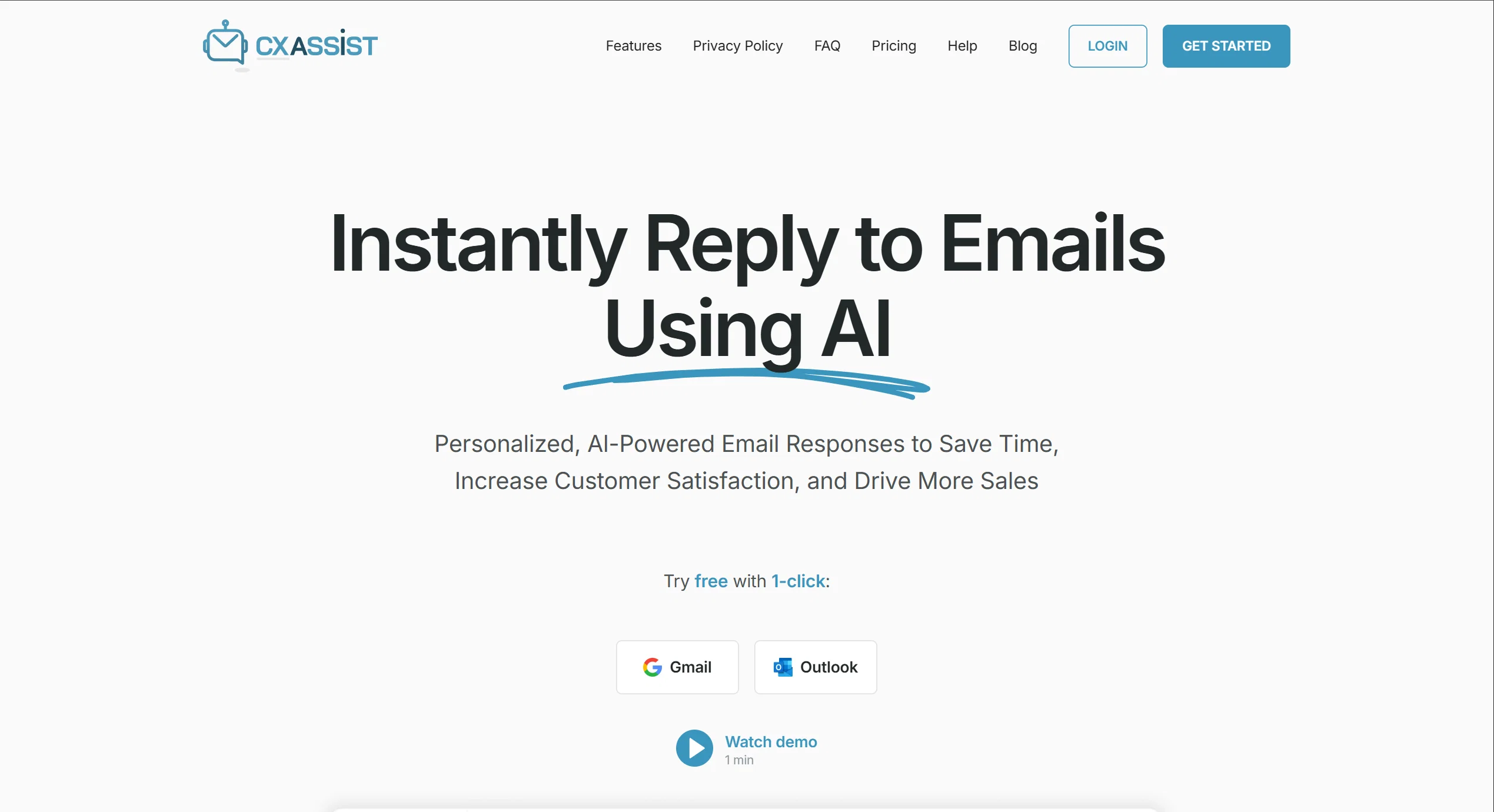
CX Assist is an AI-powered tool that automates email responses to boost efficiency and enhance customer experience. It offers personalized, AI-driven email responses tailored to individual clients. The tool allows users to upload their existing knowledge base in various formats, such as txt, csv, doc, or pdf, and the platform's AI analyzes and extracts key insights to power the email assistant. Users can set personalized rules, including personality, urgency, and keywords, to assign emails to human representatives or the AI assistant, striking a balance between automation and human interaction.Once the knowledge base is uploaded and rules are set, the powerful email assistant takes over, freeing up the user's team to focus on high-impact activities. CX Assist offers features like custom personas for replies (Sales, Support, Generalist), inbox autopilot to read and reply to unread messages, custom check intervals to set response frequency, ignore lists to exclude specific domains or emails, and auto-assigning specific emails to a human for manual review and reply. The tool supports training the AI using company content, product documents, and more.CX Assist offers simple, transparent pricing with plans based on the number of emails it responds to per month and provides additional features like basic support, premium support, and the option for custom volume plans. It supports Google email accounts for integration. Users can easily set up and manage their email accounts through the platform, and train the AI using their own training materials in multiple formats. Help other people by letting them know if this AI was useful. Add your own prompts and outputs to help others understand how to use this AI.
When considering CXassist for integration into your organizational workflow, we recommend deploying a structured score card across three critical operational pillars: Security & Compliance, Integration Friction, and long-term Price Scalability. Rather than looking only at basic feature lists, modern procurement teams must assess how a software platform behaves under high load and how well it fits into the team's data security guidelines.
Depending on your operating region and field, ensure that CXassist supports standard security layers such as SOC 2 Type II certifications, GDPR compliance, or HIPAA-compliant database encryption. If the tool connects directly to client database tables or handles user passwords, verify that they implement multi-factor authentication (MFA), single sign-on (SSO) integrations, and end-to-end data encryption in transit and at rest.
Siloed data is the primary cause of operational friction. Evaluate if CXassist has native connectors for your current project trackers, messaging hubs, and customer communication channels. For custom developer requirements, check if they provide a fully documented REST API with reasonable rate limits, comprehensive Webhooks support, and robust SDK packages in your language. A flexible API layer saves hundreds of hours of manual copy-paste overhead.
SaaS pricing packages are often deceptively simple. When reviewing CXassist's billing structure, map out your team's projected expansion over the next 12 to 24 months. Determine how costs scale as your customer database increases or as you add team members. Factor in setup costs, mandatory support plan upgrades, API access fees, and storage overage rates to understand the true cost before committing to a contract.
By combining verified user reviews from our directory with internal workflow pilot tests, your procurement team can make an informed decision that drives productivity without creating capital waste.
Overall rating
Based on 15 reviews
So do I have to take off all my clothes?
Kailash
Its Not Free Its fully paid even you cant access few seconds without payment. not recommended.
Nikhil Nishad
Very wide range of possibilities. Very creative, easy to use. Good price-performance ratio.
Archie Bunker
It's completely free, I created lots of posts with it
Antonia Mitrea
Working great as of 30/11/2024. Let me tell you why I'm so happy about this, because I was desperate: - Firecrawl.dev? Inconsistent API documentation. Apify scrapers? Couldn't work on my target URL. - I spent $150 over 4-5 OTHER tools before finding this one, which is free to use locally right now. Wow. I'm dumb. - My target URL was a broken site, with 500 javascript errors, content violations, bad cookies, etc. - Not a single scraper worked that I tried, except for this one. So yeah, I'd say I'm pretty happy
Sha Ok
This is exactly what we have been looking for. Can't wait to run it
Simon
i edited my picture twice because the first time it randomly got deleted. second time i did everything and i pressed download but nothing happened, after repeatedly trying it didn’t work in the end. regardless very good editing tool (fyi you can’t download high res pic without paying)
Georg
Isn't it intriguing how all three other reviews for this "website builder" share the exact same profile photo?
Desiree Miller
Think its a fab tool but why wont it allow you to save your workflows?
Azmat Yusaf
Hey Dillon, email me at bobby@revmo.ai and let’s see if we can figure out what’s going on.
Revmo
It is the ease of use for me. @DataSquirrel is fast, the UI is super intuitive, and the guided analysis feature is highly convenient. I have officially moved from uploading CSV files from Google sheet to @DataSquirrel. Within minutes, I can visualize my data and interpreting it becomes super simple.
Aakriti Mahajan
Really like how it finds connection in the content that I save. I don't think any other tool can do that.
amix ffx
The website is pretty good but there are only a limited number of responses
Probal Roy
It's not free, it forces you to input an email before shoving a price tag in your face.
Arvoly XSL
As the service was in beta-testing stage, I created there a dozen of AI-generated courses for free. I wanted to use them. Those courses remained in my account as they started subscription tiers. But recently I have found out that they were deleted. The support didn't answer to my e-mail at all.
Oldfag TV
Starting Price
Free plan available
Free tier available with optional paid upgrades.