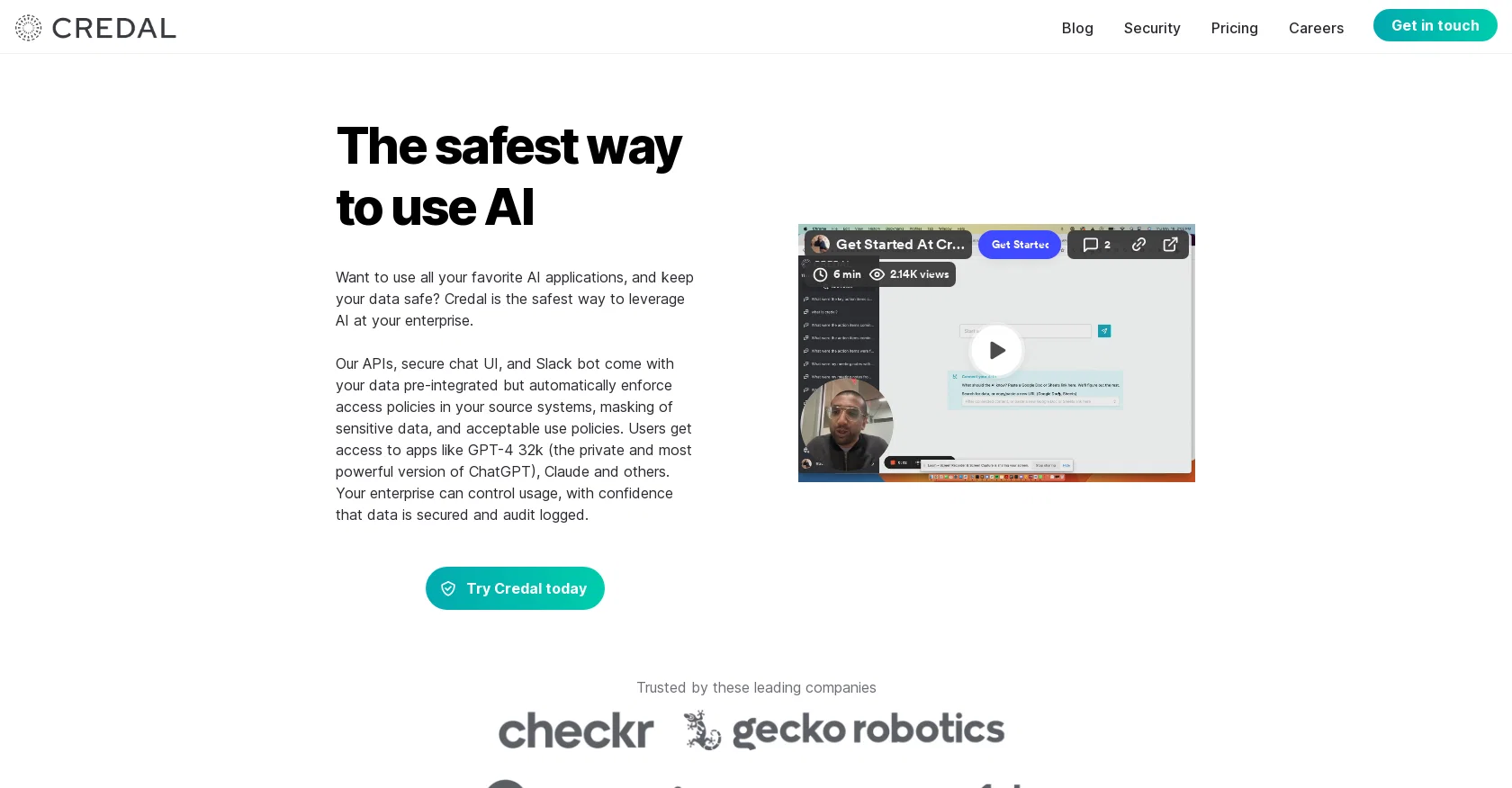
Credal.ai is an AI tool designed to protect sensitive data while leveraging AI applications within an enterprise. It provides a secure solution for utilizing popular AI apps such as ChatGPT, ensuring that business secrets and protected data like PII remain secure.
The tool offers APIs, a secure chat UI, and a Slack bot that integrates seamlessly with your data sources such as Google Drive, Confluence, and Slack.
It automatically enforces access policies, masks sensitive data, and ensures acceptable use policies are followed. Credal allows enterprises to define, enforce, and audit access to AI tools, whether internally built or externally procured, all from a single place.
It enables developers to build custom applications on secure APIs while respecting source permissions, generating automatic audit logs, and masking sensitive data.
For increased security, Credal can be deployed fully on-premise, including the large language models themselves, ensuring data never leaves the network and leveraging existing investments in platforms like Azure OpenAI and AWS Bedrock.
The tool provides granular audit logs that track data shared with AI providers, offering transparency into who is sharing what data and the applicable terms and agreements.
It also offers automatic redaction of sensitive keywords and phrases before data leaves the organization and syncs permissions with source systems like Google documents and Confluence pages.
Credal is popular among developers as it offers drop-in replacements for OpenAI and Anthropic APIs and allows them to build apps on top of enterprise data while maintaining data security.
Trusted by leading companies, Credal ensures the secure adoption of AI within an enterprise, providing the necessary security controls and features to protect sensitive data while leveraging the benefits of AI applications.
Help other people by letting them know if this AI was useful.
Add your own prompts and outputs to help others understand how to use this AI.
Screenshot gallery
Pros & Cons
Pros
+API offerings
+Includes secure chat UI
+Comes with Slack bot integration
+Pre-integrated with various data sources
+Automatic enforcement of access policies
+Sensitive data masker
+Supports custom application building
+Automatic audit log creation
+Data security with on-premise deployment
+Large language model support
+Detailed audit logs for data transparency
+Redaction of sensitive keywords or phrases
+Syncs permissions with source systems
+Protects enterprise data security while building apps
+Data never leaves your network
+Supported by leading companies
+Granular audit logs
+Automatic redaction
+Permissions syncing
+Integration with Google Drive, Confluence, Slack
+Enterprise data sources integration
+Ease-of-use with secure chat UI
+Secure APIs for custom apps
+Option for full on-premise deployment
+Protection against data training on your models
+Removal of all data from LLM servers
+Prevent sending data to the LLM
+Trust from proven industry leaders
+Transparency into data sharing
+Relevant context provision
+Inclusion of source system permissions
+Python libraries support
Cons
−No option for cloud deployment
−Lacks multi-language support
−Dependent on Azure, AWS
−No self-service troubleshooting features
−Limited data source integrations
−Specific to enterprise usage
−No individual user tier
−High reliance on APIs
−High learning curve for non-tech users
A Professional Framework to Evaluate Credal
When considering Credal for integration into your organizational workflow, we recommend deploying a structured score card across three critical operational pillars: Security & Compliance, Integration Friction, and long-term Price Scalability. Rather than looking only at basic feature lists, modern procurement teams must assess how a software platform behaves under high load and how well it fits into the team's data security guidelines.
1. Security and Database Compliance
Depending on your operating region and field, ensure that Credal supports standard security layers such as SOC 2 Type II certifications, GDPR compliance, or HIPAA-compliant database encryption. If the tool connects directly to client database tables or handles user passwords, verify that they implement multi-factor authentication (MFA), single sign-on (SSO) integrations, and end-to-end data encryption in transit and at rest.
2. API Coverage and Custom Integrations
Siloed data is the primary cause of operational friction. Evaluate if Credal has native connectors for your current project trackers, messaging hubs, and customer communication channels. For custom developer requirements, check if they provide a fully documented REST API with reasonable rate limits, comprehensive Webhooks support, and robust SDK packages in your language. A flexible API layer saves hundreds of hours of manual copy-paste overhead.
3. Total Cost of Ownership (TCO)
SaaS pricing packages are often deceptively simple. When reviewing Credal's billing structure, map out your team's projected expansion over the next 12 to 24 months. Determine how costs scale as your customer database increases or as you add team members. Factor in setup costs, mandatory support plan upgrades, API access fees, and storage overage rates to understand the true cost before committing to a contract.
By combining verified user reviews from our directory with internal workflow pilot tests, your procurement team can make an informed decision that drives productivity without creating capital waste.
Features of Credal
Chatbot
Data
GPT
Monitor
Privacy
Security
SaaS1to10 verified reviews for Credal
Overall rating
★★★★★5.0
Based on 23 reviews
★★★★★5.01 months ago
“Review”
Good idea on democratization of AHP based Multiple Criteria Decision Making / Analysis (MCDM / MCDA). Helping common people to get AI powered MCDA at own mobile phone, otherwise only available expencive software with enterprises.
Shashi Bhattarai
★★★★★5.02 months ago
“Review”
@Fabric is kind of like a combo of bookmarking/webclipper/summarizer/knowledgebase. Basically you can add information and it will auto organize it as well as let you chat with this information and search through it. It is not a “search engine tool” I wouldn’t say. Maybe you will be able to create a knowledge, base and information repository of everything relevant to you and be able to search through that information… But that is still different than a “search engine, tool” in my opinion. So far I think they are shooting for individuals and not enterprise users. Which is great because I have been wanting to find a product that will allow me to add information from PDFs, websites and videos and then be able to search/query/chat with that. But so many of the companies I have found that offer anything close to along these lines are developing knowledge bases with only company customers in mind. I get that that is where the money is, but @Fabric appears to be for actual people to use. The product is definitely underdevelopment, and I have the TestFlight of their iOS app. I wouldn’t say the app is perfect yet or anything, but they are actively developing it, and some of their ideas are changing and evolving not just minor changes to their user interface. I am using @Fabric and Mem at the same time and I will be interested to see which turns put to be more for me. Definitely check it out if you have not already done so they have the opportunity to make an extremely useful tool and kind of even changing the way individuals think about storing/accessing information important to them.
Extra Google Account
★★★★★5.02 months ago
“Review”
There isn't a way to upload an Excel file or copy/paste. what's the point if you have to re-enter everything?
Ansley Jax
★★★★★5.02 months ago
“Review”
Wish it had a 1-7 day trial or short demo.
Daniel Garaiacu
★★★★★5.02 months ago
“Review”
i dont recommend
Miguel Conceicao
★★★★★5.02 months ago
“Review”
the search functionality is a bit limited i think. like i save lots of webpages but it can't really know the pages content themselves
Lilly Walsh
★★★★★5.02 months ago
“Review”
It seems to be working fine right now. Maybe try again and double check if you’re using the book’s original or most recognized title. That might make a difference.
Alexandru Bostina
★★★★★5.02 months ago
“Review”
I didn't get to the voices. I don't give my credit card information up front. I clicked away as soon as I saw that. It's a shame too, the pricing structure looked great.
David Marshall
★★★★★5.02 months ago
“Review”
Did not work, keeps on thinking
Frank van Tussenbroek
★★★★★5.02 months ago
“Review”
Nice interface, but no good at PDF answers, especially tables data.
hifive szu
★★★★★5.02 months ago
“Review”
Such an impressive platform for all of us who are looking for more efficient ways to do the investigation. @OpenRead has the potential to solve our problems.
Zhuohang Tong
★★★★★5.02 months ago
“Review”
Really like how it finds connection in the content that I save. I don't think any other tool can do that.
amix ffx
★★★★★5.02 months ago
“Review”
Such a great place to start out!
Helli Lang
★★★★★5.02 months ago
“Review”
Great! I think @AI Lawyer is the best service I've ever seen. Perfect use. Prompting helps in the work
Yuri Gerasimov
★★★★★5.02 months ago
“Review”
I'm still testing the tool yet it looks very promising. I tested it with a 5.5k words Academic text that I had previously red. I tested the Key points feature, it does work!
Ivana González
★★★★★5.02 months ago
“Review”
after playing around with it for a bit, i am now aware of how much i need this. i can already feel the hours of sleep coming back to me <3
Bru no no no
★★★★★5.02 months ago
“Review”
O GPT faz uma análise melhor e mais personalizada.
Vinicius Vilela
★★★★★5.02 months ago
“Review”
Undetectable.wtf is better bypasses everything maintaining thee integrity of the text.
LiteEagle
★★★★★5.02 months ago
“Review”
This is a fantastic tool for creating a bespoke chatbot that understands the nuances of your business. It's so easy to set up, works with all the platforms I use, like Slack, Google Drive, Notion, and Zapier, and it's massively helped with customer service queries. Would definitely recommend.
Amanda GreenWood
★★★★★5.02 months ago
“Review”
Amazing, easy-to-use tool. Would definitely recommend it to anyone who wants to automate in a customer-friendly way!
Fleur Nouwens
★★★★★5.02 months ago
“Review”
We used @Rumora for our SaaS app and went from 512 to 23,956 signed up users in 3 months, here's the case study with screenshots: https://@Rumora.ai/case-studies/olovka
Rade Joksimovic
★★★★★5.02 months ago
“Review”
Easy to start and made a customer support agent for my website in a few minutes!
PeersIdea Inc.
★★★★★5.02 months ago
“Review”
Absolutely in love. I could create my own custom AI and shared it with my colleuges to get instant support from me, i mean digital AI of me :)