5.02 months ago
“Review”
The website is pretty good but there are only a limited number of responses
Probal Roy

Your space for notes, tasks, and big ideas.
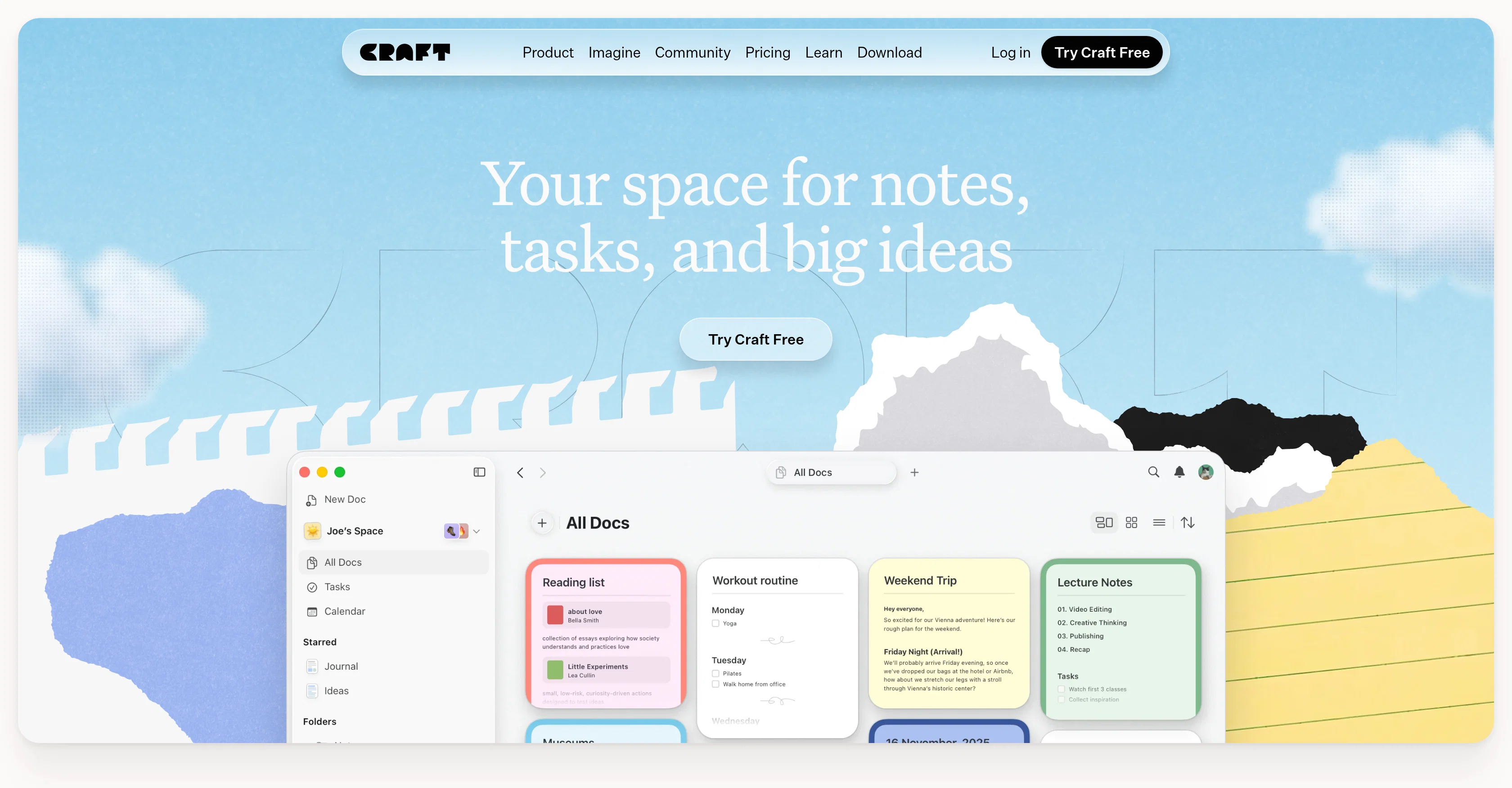
Craft is a versatile productivity tool designed to facilitate note-taking, task management, project planning, and documentation with a focus on simplicity and an aesthetically pleasing user interface. Designed for a diverse range of professional and personal applications, Craft serves as a workspace for content ranging from meeting notes, project plans, to creative ideas. Offering a flexible platform across devices, Craft provides seamless workflow where users can jot down ideas and refine them at their convenience. In addition to its core features, Craft supports various templates, whiteboards, and AI-powered writing tools, providing a diverse set of resources for content creation. One of Craft's key features includes publishing options, which allows documents created within the platform to be shared easily. Craft also offers integration options, enabling users to connect to third-party tools, thereby extending the functionality and utility of the platform. The tool is said to be user-centric, allowing customization of functions to fit individual needs. It embeds tasks directly into documents, connecting ideas with execution. While it offers free usage, additional premium features are also accessible. Help other people by letting them know if this AI was useful. Add your own prompts and outputs to help others understand how to use this AI.
When considering Craft for integration into your organizational workflow, we recommend deploying a structured score card across three critical operational pillars: Security & Compliance, Integration Friction, and long-term Price Scalability. Rather than looking only at basic feature lists, modern procurement teams must assess how a software platform behaves under high load and how well it fits into the team's data security guidelines.
Depending on your operating region and field, ensure that Craft supports standard security layers such as SOC 2 Type II certifications, GDPR compliance, or HIPAA-compliant database encryption. If the tool connects directly to client database tables or handles user passwords, verify that they implement multi-factor authentication (MFA), single sign-on (SSO) integrations, and end-to-end data encryption in transit and at rest.
Siloed data is the primary cause of operational friction. Evaluate if Craft has native connectors for your current project trackers, messaging hubs, and customer communication channels. For custom developer requirements, check if they provide a fully documented REST API with reasonable rate limits, comprehensive Webhooks support, and robust SDK packages in your language. A flexible API layer saves hundreds of hours of manual copy-paste overhead.
SaaS pricing packages are often deceptively simple. When reviewing Craft's billing structure, map out your team's projected expansion over the next 12 to 24 months. Determine how costs scale as your customer database increases or as you add team members. Factor in setup costs, mandatory support plan upgrades, API access fees, and storage overage rates to understand the true cost before committing to a contract.
By combining verified user reviews from our directory with internal workflow pilot tests, your procurement team can make an informed decision that drives productivity without creating capital waste.
Overall rating
Based on 17 reviews
The website is pretty good but there are only a limited number of responses
Probal Roy
An amazing app, I love the share feature and the comment section summaries
Silvia Cho
like the other person said, you have to pay. Normally, I wouldn't care, but this particular group advertised itself as free for quite some time. A lot of the materials about it still suggest it's free. And then it engages in basically the same pricing structure that people use this tool to protect themselves from.
comrade circuits
It has everything that I need in one place: ChatGPT, Copywriting templates, AI Images, Audio Transcription.
Dmytro
I've tried to find the exact articles via WoS, Google, or Scopus. Despite using a very advised and complicated search query, it was just a waste of time. Perplexity didn't help either. The Jenni AI, which may add useful links when generating text, finds nothing but trash. SciScape gave exactly what I needed from the first query! A couple of fresh relative articles with very exact topics!
Elijah
Such an impressive platform for all of us who are looking for more efficient ways to do the investigation. @OpenRead has the potential to solve our problems.
Zhuohang Tong
After my first use, I think it's surprisingly good. The only drawback so far is the PDF export option for the report which is formatless.
Alejandro Correa
Really amazing! Makes learning content and engaging with things so much easier!
Jamie McDonald
easy to pick up and you get a few free file imports. it gives you results pretty fast, unfortunately i can't find a way to get back to these, they're locked behind the paid service.
Ron Jayson
I'm still testing the tool yet it looks very promising. I tested it with a 5.5k words Academic text that I had previously red. I tested the Key points feature, it does work!
Ivana González
after playing around with it for a bit, i am now aware of how much i need this. i can already feel the hours of sleep coming back to me <3
Bru no no no
Easy to implement into my workflow and helps save time reviewing and drafting various legal documents
Meaghan Hounslow
O GPT faz uma análise melhor e mais personalizada.
Vinicius Vilela
As the service was in beta-testing stage, I created there a dozen of AI-generated courses for free. I wanted to use them. Those courses remained in my account as they started subscription tiers. But recently I have found out that they were deleted. The support didn't answer to my e-mail at all.
Oldfag TV
Pretty good tool for writing assignments or essays even, easy to use, gives a structured way to use AI and the outputs are better than expected, looks human.
Random
Hey Michael 🙂 Thanks for the honest feedback , and I totally understand where you're coming from. We recently added the tutorial to help new users understand the app quickly, but we hear you , we’ll look into making it optional. Also, just to clarify: we do offer a free plan! You should be able to create and preview documents without paying. If you ran into any issues, please reach out to us at support@WriteDoc.ai , we’d be happy to give you extra free credits and make things right. We’d love the chance to turn that 2⭐️ into a 5⭐️ , and your input helps us get better. Appreciate you giving it a shot! Best, The @WriteDoc.ai Team
Ezzaky Ab.
I would say this is the best document and researsh creation assistant, but it's more than an Assistant it basically does all the work while you comfortably instruct it.
Youss Eff
Starting Price
Free plan available
Free tier available with optional paid upgrades.


