
Connector | Hostingerv2.1.1
Deploy and manage websites directly from your IDE.
Connector | Hostingerv2.1.1 Overview
What is Connector | Hostingerv2.1.1?
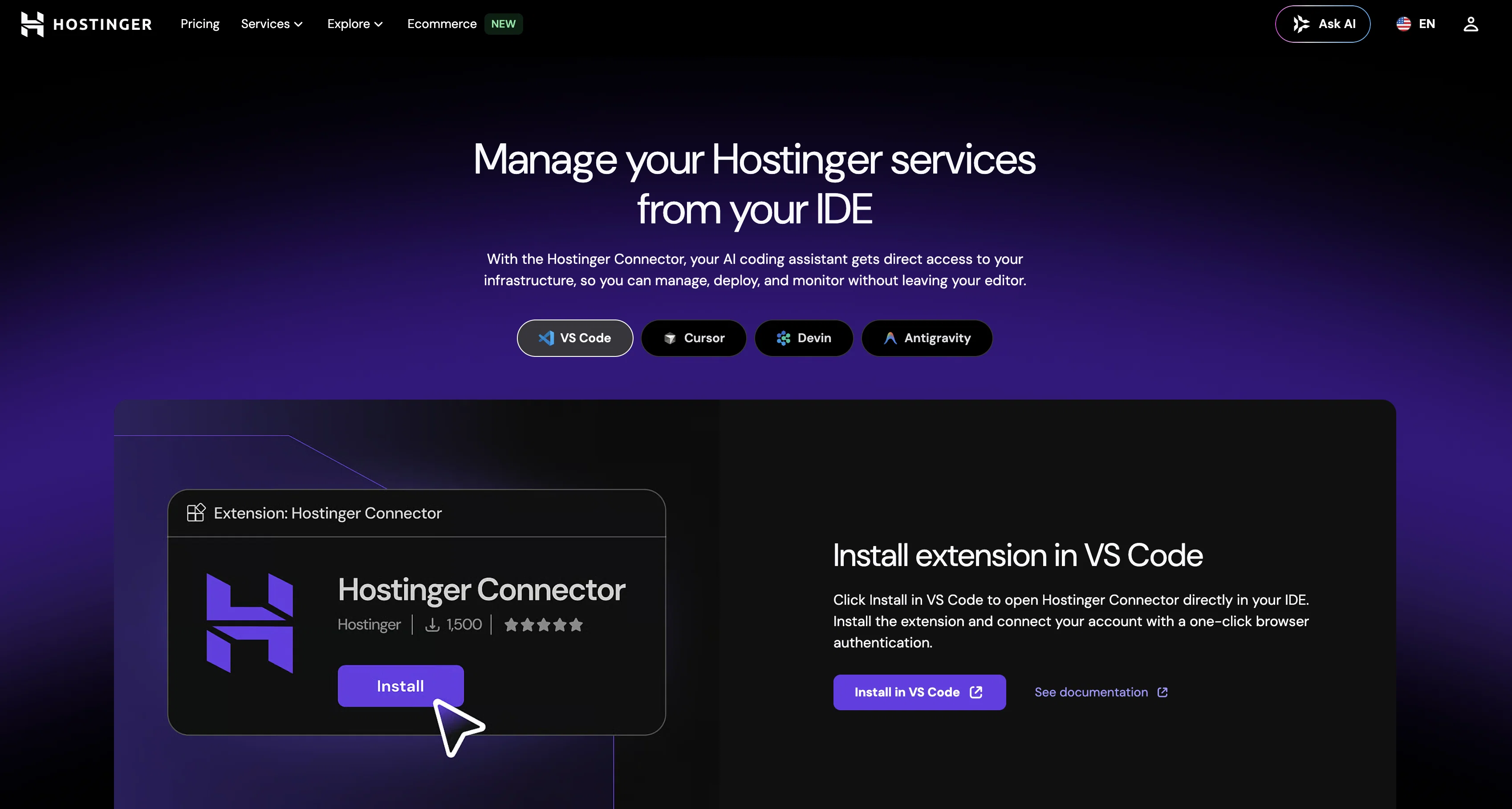
The Hostinger Connector is a multi-functional control panel (MCP) server tool designed to work in collaboration with your AI coding assistant within an Integrated Development Environment (IDE). This tool fundamentally enhances productivity as it facilitates the hosting, deployment, and real-time monitoring of websites without leaving the IDE. The tool integrates directly into your coding workflow, significantly reducing context-switching by providing a unified operational environment. It offers seamless access to manage servers, update the Domain Name System (DNS), and to deploy websites directly. Interestingly, it can also convert a screenshot into a live website, where the AI is capable of recreating the page from a screenshot within the IDE, and then publish it directly to Hostinger. The Hostinger Connector supports the development of WordPress sites, allowing the creation, deployment and customization of WordPress tools within the AI workflows. The Connector also comprises AI management for tasks such as database management, DNS configuration, and server settings control. The Connector ensures security with OAuth authentication which requires no manual key management or storing of credentials in config files. In essence, it gives your AI agent scoped, secure access to your infrastructure.Moreover, it allows real-time monitoring of server metrics such as CPU, memory, and bandwidth usage, along with malware scanning and backup restoration right from the chat. Other features include the deployment of operating systems and firewalls, as well as domain management capabilities. Minor bugs fixed and better optimisation, new features coming next week Minor bugs fixed and better optimisation, new features coming next week Help other people by letting them know if this AI was useful. Add your own prompts and outputs to help others understand how to use this AI.
Screenshot gallery
Pros & Cons
Pros
- Integrated within IDE
- Reduces context-switching
- DNS management
- WordPress site development
- Database management
- Server settings control
- Secure OAuth authentication
- Real-time server monitoring
- Malware scanning
- Backup restoration
- Operating system deployment
- Firewall deployment
- Domain management
- Managed within coding workflow
- Live website creation from screenshot
- Direct website deployment
- WP plugin creation within workflow
- Scalability monitoring
- Multifunctional control panel
- One-click browser authentication
- VPS deployment from chat
- Malware scanning from chat
- Backup restoration from chat
- From-IDE WordPress deployment
- DNS record update
- Domain routing management
- Integrated domain name search
- Integrated domain purchase
- Integrated domain transfer
- Integrated business email creation
- In-built hostinger integration
- Seamlessly integrate with GitHub
- Drag-and-drop website builder
- WooCommerce store management
- Unlimited bandwidth
- Managed MySQL database
- Managed SSL certificates
- Web application firewall
Cons
- Limited to Hostinger services
- MCP usage complexity
- Depends on stable internet
- OAuth barriers
- No support for non-WordPress
- Live site from screenshot limitations
- Might clash with other IDE plugins
- Real-time monitoring limitations
- No mentioned API sandbox/testing
- Strict API rate limits
A Professional Framework to Evaluate Connector | Hostingerv2.1.1
When considering Connector | Hostingerv2.1.1 for integration into your organizational workflow, we recommend deploying a structured score card across three critical operational pillars: Security & Compliance, Integration Friction, and long-term Price Scalability. Rather than looking only at basic feature lists, modern procurement teams must assess how a software platform behaves under high load and how well it fits into the team's data security guidelines.
1. Security and Database Compliance
Depending on your operating region and field, ensure that Connector | Hostingerv2.1.1 supports standard security layers such as SOC 2 Type II certifications, GDPR compliance, or HIPAA-compliant database encryption. If the tool connects directly to client database tables or handles user passwords, verify that they implement multi-factor authentication (MFA), single sign-on (SSO) integrations, and end-to-end data encryption in transit and at rest.
2. API Coverage and Custom Integrations
Siloed data is the primary cause of operational friction. Evaluate if Connector | Hostingerv2.1.1 has native connectors for your current project trackers, messaging hubs, and customer communication channels. For custom developer requirements, check if they provide a fully documented REST API with reasonable rate limits, comprehensive Webhooks support, and robust SDK packages in your language. A flexible API layer saves hundreds of hours of manual copy-paste overhead.
3. Total Cost of Ownership (TCO)
SaaS pricing packages are often deceptively simple. When reviewing Connector | Hostingerv2.1.1's billing structure, map out your team's projected expansion over the next 12 to 24 months. Determine how costs scale as your customer database increases or as you add team members. Factor in setup costs, mandatory support plan upgrades, API access fees, and storage overage rates to understand the true cost before committing to a contract.
By combining verified user reviews from our directory with internal workflow pilot tests, your procurement team can make an informed decision that drives productivity without creating capital waste.
Features of Connector | Hostingerv2.1.1
- API
- Website Deployment
- Website Management
- IDE Integration
- Server Tool
- Real Time Monitoring
- From $3.79/Mo
SaaS1to10 verified reviews for Connector | Hostingerv2.1.1
Overall rating
Based on 10 reviews
No reviews yet. Be the first to write one.
Pricing
Starting Price
From $24.00/user/month
Pricing may vary based on team size and features selected.
Where can Connector | Hostingerv2.1.1 be deployed?
- Cloud, SaaS, Web-Based