5.01 months ago
“Review”
Highly recommend it for anyone dealing with high-volume document processing. Simplifies the process of extracting data from multiple PDFs into clean, accurate spreadsheets.
Tarang

AI-powered CSV processing made simple
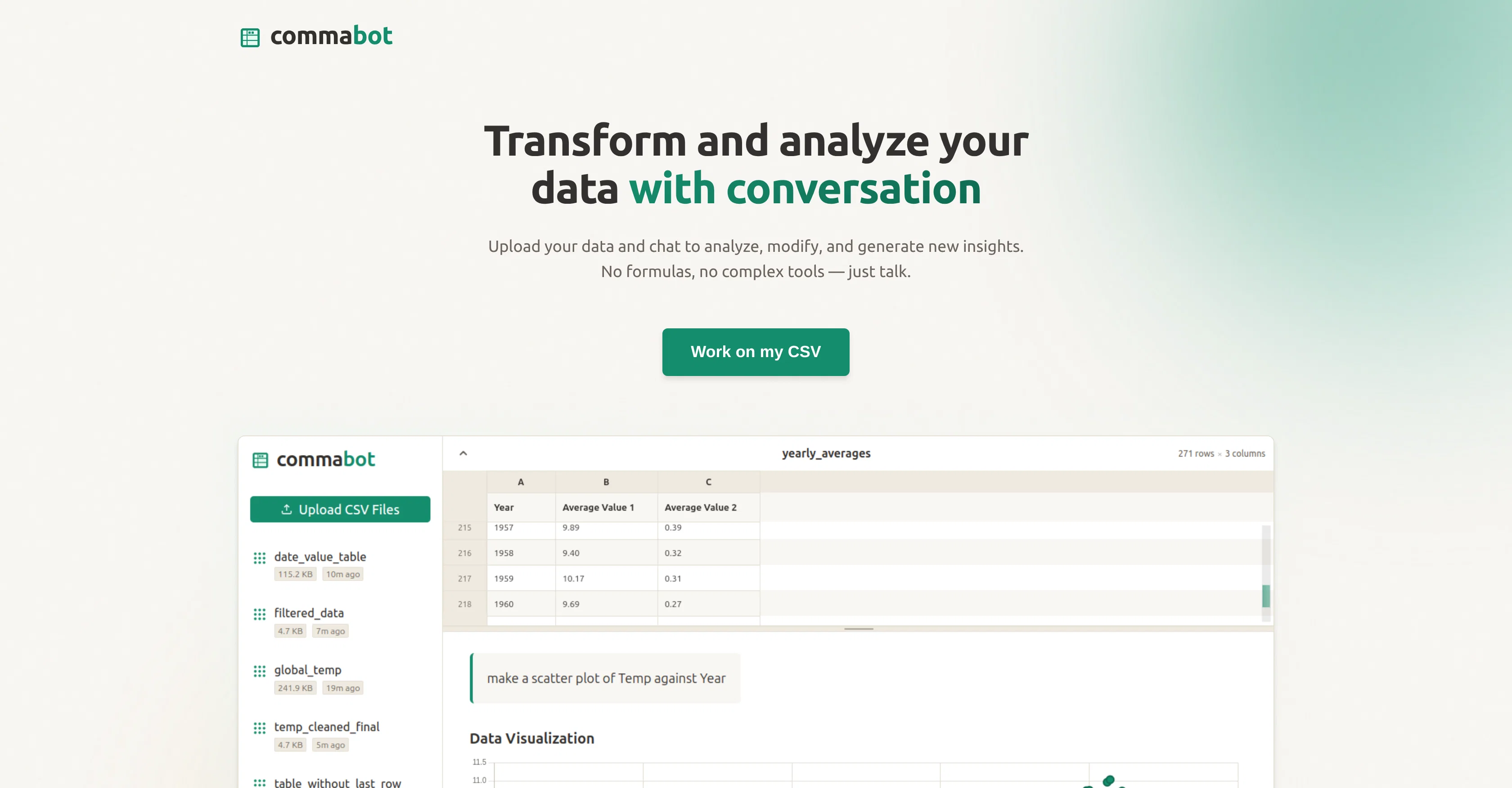
Commabot is an advanced Artificial Intelligence tool specifically designed to streamline the task of processing CSV files. Utilizing cutting-edge AI technology, it's proficient in handling, automating and optimizing CSV file operations, effectively simplifying the tasks for users. It leverages AI capabilities to process large datasets and manage complex tasks associated with CSV files, thus reducing manual effort significantly.The tool can manage data processing operations ranging from basic CSV handling tasks, like sorting, merging, and filtering data records, to complex operations that require an understanding of the data, such as identifying patterns, clustering related data, etc. Unlike its standard counterparts that might struggle with large data volumes, Commabot is designed to manage and negotiate big datasets efficiently.Great for anyone who regularly works with CSV files, it takes on the labor-intensive tasks and frees up time for users to focus on other critical aspects of their work. The tool swiftly learns from the usage patterns, enabling it to make intelligent suggestions and improve its service over time. While Commabot can handle most CSV operations autonomously, users also possess the flexibility to control and customize the processes based on their requirements.Another feature that sets Commabot apart is its ability to integrate seamlessly with various other tools and platforms. This makes it a flexible and handy tool for project environments needing interactions between multiple different applications. Additionally, it also features user-friendly interfaces and operational guidelines, making it easy for people of all levels of expertise to use.In sum, it's a comprehensive solution for CSV file processing that combines technological innovation, convenience, and efficiency in service. Help other people by letting them know if this AI was useful. Add your own prompts and outputs to help others understand how to use this AI.
When considering Commabot for integration into your organizational workflow, we recommend deploying a structured score card across three critical operational pillars: Security & Compliance, Integration Friction, and long-term Price Scalability. Rather than looking only at basic feature lists, modern procurement teams must assess how a software platform behaves under high load and how well it fits into the team's data security guidelines.
Depending on your operating region and field, ensure that Commabot supports standard security layers such as SOC 2 Type II certifications, GDPR compliance, or HIPAA-compliant database encryption. If the tool connects directly to client database tables or handles user passwords, verify that they implement multi-factor authentication (MFA), single sign-on (SSO) integrations, and end-to-end data encryption in transit and at rest.
Siloed data is the primary cause of operational friction. Evaluate if Commabot has native connectors for your current project trackers, messaging hubs, and customer communication channels. For custom developer requirements, check if they provide a fully documented REST API with reasonable rate limits, comprehensive Webhooks support, and robust SDK packages in your language. A flexible API layer saves hundreds of hours of manual copy-paste overhead.
SaaS pricing packages are often deceptively simple. When reviewing Commabot's billing structure, map out your team's projected expansion over the next 12 to 24 months. Determine how costs scale as your customer database increases or as you add team members. Factor in setup costs, mandatory support plan upgrades, API access fees, and storage overage rates to understand the true cost before committing to a contract.
By combining verified user reviews from our directory with internal workflow pilot tests, your procurement team can make an informed decision that drives productivity without creating capital waste.
Overall rating
Based on 24 reviews
Highly recommend it for anyone dealing with high-volume document processing. Simplifies the process of extracting data from multiple PDFs into clean, accurate spreadsheets.
Tarang
We can use this AI effortlessly
Mohammed Sabiq
The Idea is good, but... It seems it only connects to a google account... Can't find a way to connect to my office 365 account.
Eduardo Magalhaes
I have been using @Life Note for months and this has improved my own mental health and self-discovery journey. I learn new things about my self from people who inspire me while I journal. It's really helpful for me to go deeper with self-introspection and growth.
Vicky Lee
The site has a fantastic presentation and from what we tested the features are perfect. Congratulations to the development team
Tudonumclic Consultoria
Absolutely in love. I could create my own custom AI and shared it with my colleuges to get instant support from me, i mean digital AI of me :)
Derek W.
Finally, a prompt optimizer that makes sense, adding power to my own words. Easy to expand details, easy to go deeper and to get exactly what I need to squeeze out incredible results with ChatGPT. The Prompt_Enhancer setting is something serious. Thanks guys, keep on providing excellent AI tools!
Hollie Arsement
I rarely leave reviews, but Elsa amazed me. After a few weeks of using it, I'm still excited. Props, guys.
Anton
Useful tool for visualizing traffic flowing through your website. Does what GA4 does but without the headache and unnecessary learning curve.
Nic Miller
It's genius. Amazing tool. PDF generation might be improved, but apart from that is amazing.
Aleksander Lukashou
I joined Kin's beta program on my iPhone XR. After upgrading to an iPhone 13, I found that I couldn't log into my existing account on the new phone, forcing me to create a new account. Now, I have two separate Kin accounts on different phones. Today, when I accessed the beta version of Kin, I got a notification stating that the test version ended on Monday, September 23rd. It instructed me to back up my data and move to the official Kin app. I did as advised—backed up my data, confirmed, uninstalled the beta app via TestFlight, and installed the official Kin app. However, when I attempted to “log in”, I was still unable to access my existing account. This issue hasn't been resolved yet. I have been trying desperately to get in contact with the support team. I left feedback through the test flight app and sent emails. No response. Now trying to find a forums, Reddit posts, TAAFT comments☻
Desiree Miller
We will give you guys a go! thanks!
Silent Co
Really like how it finds connection in the content that I save. I don't think any other tool can do that.
amix ffx
This tool i found is super cool, I created 5 books from this tool to sell them online, which gives me great profit. I am creating more valuable books to spread knowledge, and earn some bucks as well 🤑.
Bilal Ashraf
Great tool! Was very helpful in content production
Duck Typer
I tried using it but the website has too many bugs.
João Neiva
the best to analyze data
Oussama Benkia
tried it, setup is fast, ui clean, but the bot sometimes misses context on tough questions. even so it halves reply time, and adding docs is painless. if u need a light support boost, give it a shot. ;)
Monika Den
I really value the sentiment analysis tool—it simplifies understanding customer feedback by picking up on their emotions. Plus, the way it groups comments into topics is super helpful for decision-making.
Prakhar Pratap Mall
Immo currently best solution if you want to convert / enchant your how-to tutorials to more professional!
asusi zuppa
Created a dashboard using my Excel file and it gave insights I didn’t even expect. It can read any kind of Excel file no matter the template. I can even check the accuracy by tracing back which column the data came from Great tool. highly recommended!!
Anubhav Pandey
Signed up for a pro account for Google Drive integration. Works great! Saves me a lot of manual excel work.
Thu Ha Vu
It is the ease of use for me. @DataSquirrel is fast, the UI is super intuitive, and the guided analysis feature is highly convenient. I have officially moved from uploading CSV files from Google sheet to @DataSquirrel. Within minutes, I can visualize my data and interpreting it becomes super simple.
Aakriti Mahajan
Super useful tool that’s reduced my job by 80%
Harishma Reghu
Starting Price
Free plan available
Free tier available with optional paid upgrades.


