5.02 months ago
“Review”
Export code is impressive for them after the ai site generation.
Amarnath CD

Build stunning websites from a simple prompt in seconds.
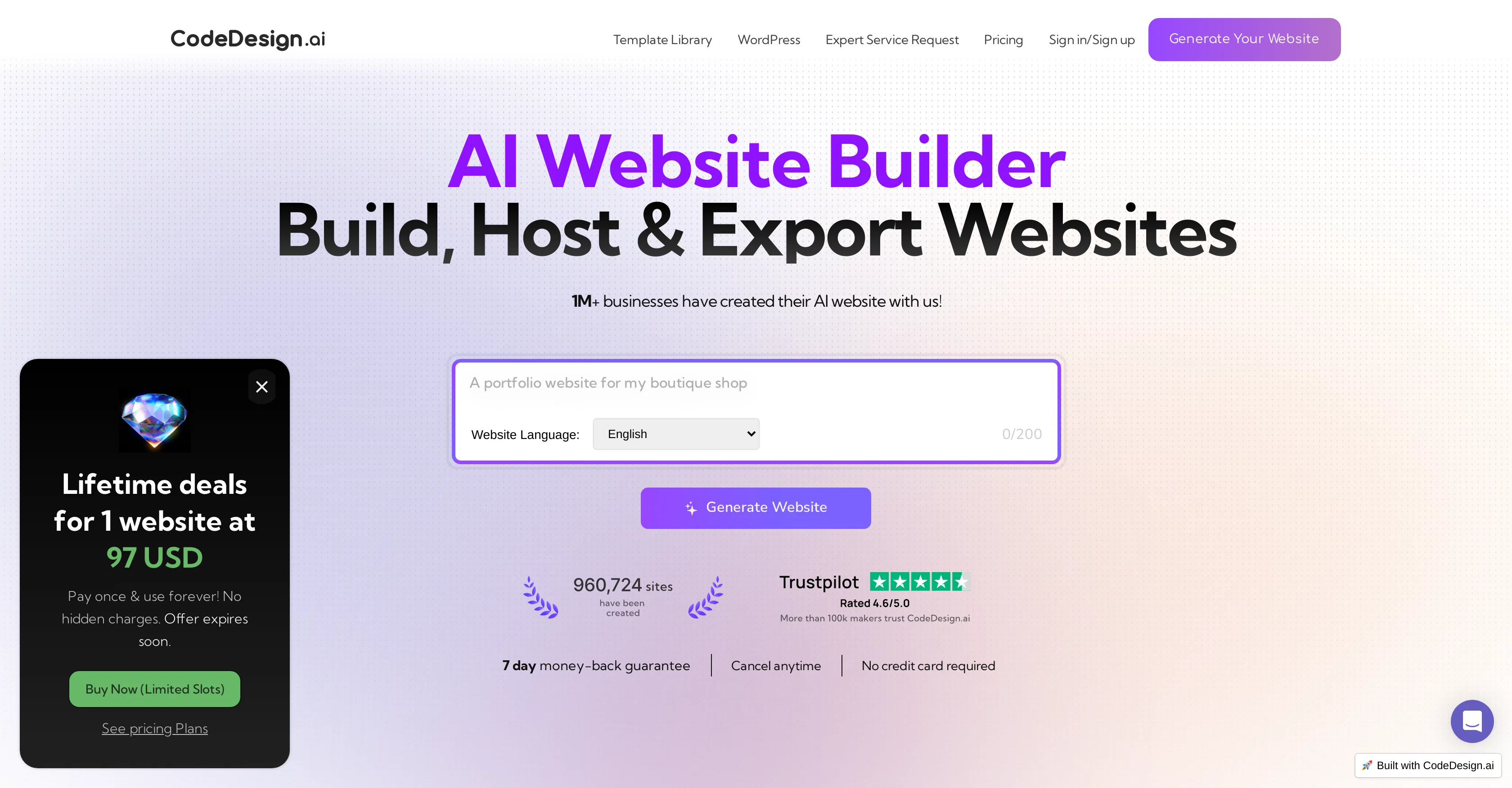
CodeDesign.ai is an artificial intelligence-powered website builder designed to simplify the process of creating a website. It enables users to generate, export, and host their websites with high levels of convenience. With this tool, businesses can create a range of web offerings from components to full-fledged pages in one place, and in real time. Further notable features include cloud hosting, allowing users to own their components, websites, and assets all in one secure place, namely, the cloud. There's also the provision for exercising control over content, through 'AI Magic' which helps in creating enticing marketing copy. Users can also customize and edit designs based on their preferences without any need for coding knowledge. It also facilitates responsive design, making created websites adaptable for desktops, mobile phones, or tablets. This tool is designed to assist in form data collection and provide real-time insights with analytics. Additionally, the platform simplifies building landing pages, websites, sales funnels, and portfolios. It supports code export, allowing you to reuse the HTML code elsewhere when needed. Offering SEO optimization facilities, it also caters to collaborative needs by letting you share your project with your team. CodeDesign.ai also enables the ability to connect a custom domain to a project. Help other people by letting them know if this AI was useful. Add your own prompts and outputs to help others understand how to use this AI.
When considering CodeDesign for integration into your organizational workflow, we recommend deploying a structured score card across three critical operational pillars: Security & Compliance, Integration Friction, and long-term Price Scalability. Rather than looking only at basic feature lists, modern procurement teams must assess how a software platform behaves under high load and how well it fits into the team's data security guidelines.
Depending on your operating region and field, ensure that CodeDesign supports standard security layers such as SOC 2 Type II certifications, GDPR compliance, or HIPAA-compliant database encryption. If the tool connects directly to client database tables or handles user passwords, verify that they implement multi-factor authentication (MFA), single sign-on (SSO) integrations, and end-to-end data encryption in transit and at rest.
Siloed data is the primary cause of operational friction. Evaluate if CodeDesign has native connectors for your current project trackers, messaging hubs, and customer communication channels. For custom developer requirements, check if they provide a fully documented REST API with reasonable rate limits, comprehensive Webhooks support, and robust SDK packages in your language. A flexible API layer saves hundreds of hours of manual copy-paste overhead.
SaaS pricing packages are often deceptively simple. When reviewing CodeDesign's billing structure, map out your team's projected expansion over the next 12 to 24 months. Determine how costs scale as your customer database increases or as you add team members. Factor in setup costs, mandatory support plan upgrades, API access fees, and storage overage rates to understand the true cost before committing to a contract.
By combining verified user reviews from our directory with internal workflow pilot tests, your procurement team can make an informed decision that drives productivity without creating capital waste.
Overall rating
Based on 35 reviews
Export code is impressive for them after the ai site generation.
Amarnath CD
@CodeDesign.ai is a powerful website builder that combines AI with ease of use. Perfect for quickly launching responsive sites without code.
ENRIQUE PEREZ
If you're looking for a fast, customizable website builder, @CodeDesign.ai is the one. It makes creating sites effortless yet highly flexible.
JoseRodríguez JoseRodríguez
What I really like about @CodeDesign is how fast it works. I can go from an idea to a live landing page in under an hour, and it still looks clean and professional.
Ana Martínez Ana Martínez
The AI site generation is cool, but being able to export the actual code takes it to another level. I love that I can edit it later or host it anywhere I want.
Andrea Gonzalez
The export code button felt like magic one click and I had a fully structured project folder ready to use in VS Code. That’s next-level convenience.
Crux Rivera
I wasn’t expecting such clean code output.Usually AI builders generate junk,but @CodeDesign’s export looked like something a frontend dev would write.
Dolores Morales
I’ve used a lot of AI website builders, but @CodeDesign is the first one where the layouts actually look intentional instead of random blocks thrown together. The results feel like something a real designer made.
Felipe Sanchez
Most AI builders lock you in, but @CodeDesign’s export code feature is the real deal. One click and I can edit everything directly in VS Code. Perfect for developers who want flexibility.
Carla Romero
What stands out to me about @CodeDesign.ai is the speed and structure. The AI generates clean layouts quickly, and the editor makes it easy to refine details without breaking the design.
Beatriz González
What I like about @CodeDesign.ai is the balance between AI automation and manual control. The generated layouts follow modern UI practices, and customization stays flexible. It’s efficient without feeling restrictive.
ceciliagonzale
The performance of sites built with @CodeDesign.ai is solid. Pages load quickly and remain responsive across devices. The AI-generated structure feels optimized rather than bloated.
Hugo Thiago
I’ve had a solid experience using @CodeDesign.ai so far. Pages load quickly, responsiveness across devices is consistent, and the generated layouts feel optimized rather than heavy. From a performance perspective, it’s reliable and well thought out.
Javier Gonzalez
I was impressed by how polished the AI-generated designs look right from the start. @CodeDesign.ai speeds up the process of getting a site live while maintaining quality. It’s especially helpful when time and simplicity matter.
LAURA RAMIREZ
From a more technical standpoint, the code export after AI generation is well implemented. @CodeDesign.ai provides a clean and usable base that can be extended further if needed. This makes it useful for both non-technical and technical workflows.
Luciana Vega
I’ve had a very good experience with @CodeDesign.ai so far. The AI-generated layouts are clean, structured, and aligned with modern design standards. What I appreciate most is how quickly a website can be built without sacrificing quality or performance.
Patricia Lopez
@CodeDesign.ai makes website creation much more accessible. The interface is clear, and the AI guidance feels helpful rather than intrusive. I was able to launch a professional-looking site with minimal effort and without technical frustration.
Natalia González
I found @CodeDesign.ai easy to work with, even without a technical background. The editor is intuitive, and the AI-generated sections are visually consistent across pages. It’s a practical solution for small businesses.
Marta Marta Ramírez
no free option available... packages shown after spending ..not cool
Meta Boxers
Looks like they removed that feature, now you can see the prices listed on their website and you can get started right away
Antonia Mitrea
Looks promising. Joined waitlist.
JP Pannell
it looks like crap. a ripoff
Ima Boxer
not bad, but few templates
Sonya Salenko
I do recommend this platform for layout and basic designing. It can help for you to show a first draft to your client. It's easy to use and precise. I think it's good for building "one page" or landing pages. I am showing my finished web page to a programmer so he can have a guide line and build a more personalized web page outside this @Unicorn platform.
Forum Agencia
After my first use, I think it's surprisingly good. The only drawback so far is the PDF export option for the report which is formatless.
Alejandro Correa
Very very beautiful I tell you again
Idriss Bilal
O GPT faz uma análise melhor e mais personalizada.
Vinicius Vilela
Slick landing page, but no trial period, no showcase, testimonials seem vague, feel there are tons of better options out there. Don't even bother.
Vineet Sinha
It's sad to see people want to try your tool out but you have no free sample for them. This may be the best tool out there, but, as mentioned, going through with the AI for minutes to explain what you want, then being prompted to pay, without even knowing if it CAN create something, is discouraging. I hope we can get a free sample or preview at one point, im interested in this one.
Ron Jayson
You have the option to waitlist or you can login with your email/pass or google account. I chose google. Once inside you have a suite of tools but im sure when you go to publish you have to sign up for a paid plan. So if your looking for a free option it will be branded. Use at your own risk. Thanks
Col Cooper
Isn't it intriguing how all three other reviews for this "website builder" share the exact same profile photo?
Desiree Miller
I tested. Loved it. Tried with 3 different websites. Full Marks to the output! Worth paying for!
SANTOSH SAHU
Great designs
Brian Gacheru
usefull for intial landing page design
WEB5LAB
B12 exceeded my expectations especially after I tried a few similar tools. Signing up took under a minute and because I offer a very specific set of services as a consultant, I didn't expect the AI to be able to capture my work, but it did a great job with creating content for me. I only had to make a few edits, add my bio, and was able to publish that same day. Now I get lots of compliments on my site and I've even tried their other tools like email marketing, which is great because the emails match my site's appearance. Overall I would recommend B12 as an effective, affordable, and easy to use website solution.
Katie G
Starting Price
From $15.00/user/month
Pricing may vary based on team size and features selected.


