5.01 months ago
“Review”
I tried using it twice at different times but it didn't work.
Lucas Sales

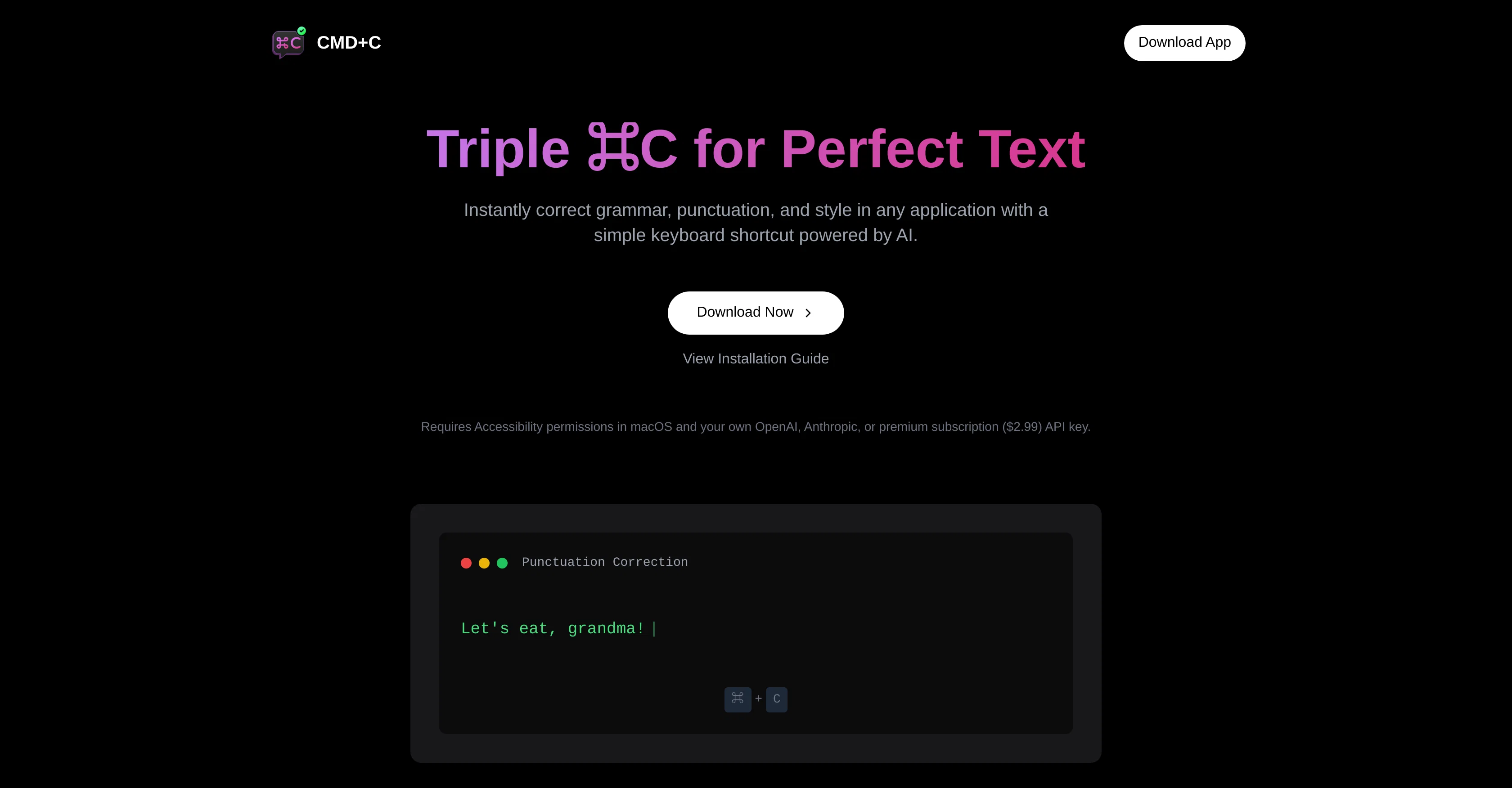
Triple CMD-C for instant text perfection on macOS.
CMD-C.app is an AI-powered tool for macOS devices, primarily aimed at enhancing text quality across diverse applications. This tool provides users with an easy to use interface that takes advantage of a shortcut key sequence, triggered by pressing CMD-C three times, to perform checks on text contents. Its scope of functionalities includes grammar correction, punctuation check, and style improvement, which are integral to crafting high-quality write-ups in any context. For users juggling various tasks across different apps, CMD-C.app offers the convenience of error-proofing written content without the need to switch applications or copy-paste text into dedicated grammar correction apps. All corrections and suggestions are generated in real-time, marking an innovative approach to on-the-go editing and proofreading. Relying on AI, CMD-C.app goes beyond simple spellcheck to understand the context, nuance, and rules of language, providing more sophisticated corrections and stylistic enhancement suggestions. This makes it a handy tool for a wide range of users - be it professional writers, content creators, academic researchers, or everyday communicators. However, it should be noted that while AI can be a powerful assistant, it is advised that users always review suggestions to ensure they align with the intended tone and content of the writing. Help other people by letting them know if this AI was useful. Add your own prompts and outputs to help others understand how to use this AI.
When considering CMD-C.app for integration into your organizational workflow, we recommend deploying a structured score card across three critical operational pillars: Security & Compliance, Integration Friction, and long-term Price Scalability. Rather than looking only at basic feature lists, modern procurement teams must assess how a software platform behaves under high load and how well it fits into the team's data security guidelines.
Depending on your operating region and field, ensure that CMD-C.app supports standard security layers such as SOC 2 Type II certifications, GDPR compliance, or HIPAA-compliant database encryption. If the tool connects directly to client database tables or handles user passwords, verify that they implement multi-factor authentication (MFA), single sign-on (SSO) integrations, and end-to-end data encryption in transit and at rest.
Siloed data is the primary cause of operational friction. Evaluate if CMD-C.app has native connectors for your current project trackers, messaging hubs, and customer communication channels. For custom developer requirements, check if they provide a fully documented REST API with reasonable rate limits, comprehensive Webhooks support, and robust SDK packages in your language. A flexible API layer saves hundreds of hours of manual copy-paste overhead.
SaaS pricing packages are often deceptively simple. When reviewing CMD-C.app's billing structure, map out your team's projected expansion over the next 12 to 24 months. Determine how costs scale as your customer database increases or as you add team members. Factor in setup costs, mandatory support plan upgrades, API access fees, and storage overage rates to understand the true cost before committing to a contract.
By combining verified user reviews from our directory with internal workflow pilot tests, your procurement team can make an informed decision that drives productivity without creating capital waste.
Overall rating
Based on 19 reviews
I tried using it twice at different times but it didn't work.
Lucas Sales
Thank you for the detailed feedback! We will make sure to improve these.
Caspian Moon
We are launching first of its kind AI Vision Search App.
Dos James
Rolly AI offers a "cranky" AI chat and custom advisor personalities for expense tracking, delivering hilarious and savage roasts about your questionable spending choices through the app.
Kent
I have been using @Life Note for months and this has improved my own mental health and self-discovery journey. I learn new things about my self from people who inspire me while I journal. It's really helpful for me to go deeper with self-introspection and growth.
Vicky Lee
very impressive, will use again
josh Rawlinson
A very useful thing :)
A. G.
interesting ai tool, quickly let you create a good looking website.. thumbs up
avoda mehabait
The site has a fantastic presentation and from what we tested the features are perfect. Congratulations to the development team
Tudonumclic Consultoria
Amazing title choices! I put in a title idea with a one sentence video description and got back amazing title options.
Caroline Flansbaum
B12 exceeded my expectations especially after I tried a few similar tools. Signing up took under a minute and because I offer a very specific set of services as a consultant, I didn't expect the AI to be able to capture my work, but it did a great job with creating content for me. I only had to make a few edits, add my bio, and was able to publish that same day. Now I get lots of compliments on my site and I've even tried their other tools like email marketing, which is great because the emails match my site's appearance. Overall I would recommend B12 as an effective, affordable, and easy to use website solution.
Katie G
Really cool tool. Looking forward to new updates
Daniel A.
Seamless to setup and works as an excellent alternative to GitHub Copilot.
Sree Sankari
That is a really awesome product!
Nevo David
typed in my prompts and boooooom. clean descriptions in secs lol. handy if you suck at writing (like me). lowkey a cheat code (no san andreas)
Liam Therrien
It's very helpful
Syed Zaid i
Good tool for academic writing.
Grammar Tips
Every time i switch to a new mac -> this is the first tool i install
Robert Lukoshko
The fact that it's available as a Chrome and Firefox extension makes it super convenient to integrate into my workflow. I love how it not only helps with proofreading and editing but also tracks changes, which is incredibly useful.
Magnus
Starting Price
Free plan available
Free tier available with optional paid upgrades.


