
CloudHQ ChatGPT for Gmail
Enhance your email communication with artificial intelligence.
CloudHQ ChatGPT for Gmail Overview
What is CloudHQ ChatGPT for Gmail?
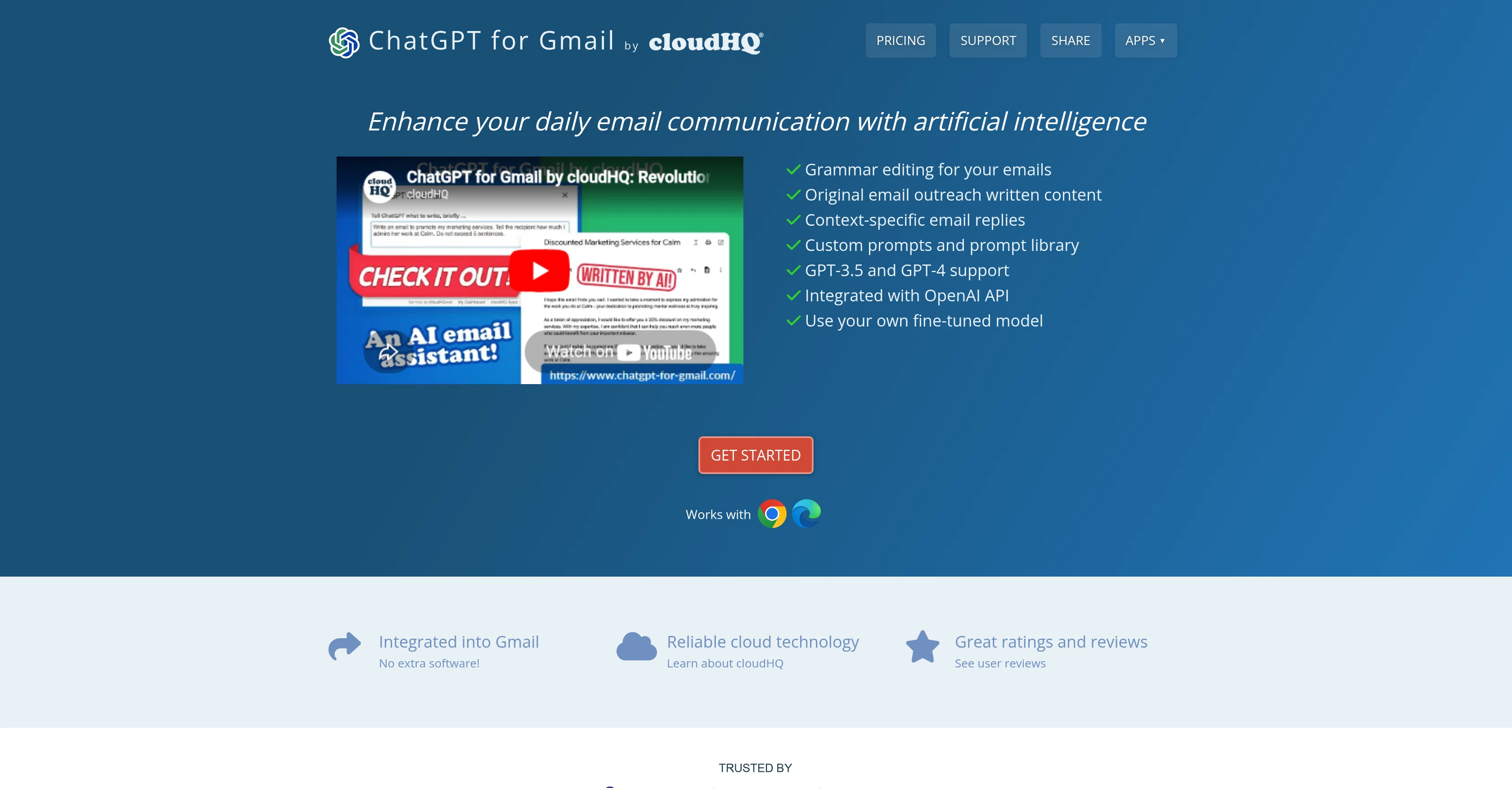
ChatGPT for Gmail by cloudHQ is an app designed to elevate daily email communication by leveraging artificial intelligence. It is integrated into Gmail and requires no additional software or downloads. The user interacts with it directly in Gmail via a unique icon, feeding it prompts to initiate actions. The tool's primary functionalities include grammar editing, original email outreach writing, and context-specific email replies. For grammar editing, the app analyzes the written content of an email, identifies potential errors or areas for improvement and suggests edits. As for original email outreach, the tool can write tailored content based on context details provided by the user, such as target audience, outreach purpose, and messaging or branding guidelines. Similarly, ChatGPT can create context-specific email replies by analyzing the email to which it is replying and other factors like purpose, style, and desired points of emphasis. ChatGPT for Gmail can be installed from the Chrome Web Store or Microsoft Edge Store, and it seamlessly integrates with a user's Gmail account upon installation. Users range from small business owners and non-native language speakers to sales professionals, teachers, and students, all benefiting from its refinement in written email communication and the time saved in crafting emails. The tool is praised for its time-efficient email writing assistance and its ability to improve the overall quality of email correspondence. Help other people by letting them know if this AI was useful. Add your own prompts and outputs to help others understand how to use this AI.
Screenshot gallery
Pros & Cons
Pros
- Integrated with Gmail
- No additional software required
- Grammar editing feature
- Context-specific email replies
- Personalized email outreach
- Chrome Web Store availability
- Microsoft Edge Store availability
- Broad user range
- Time-efficient email writing
- Improved email quality
- Ability to use customized fine-tuned models
- Near universal 5-star ratings
- Quick installation
- Supports small business owners
- Tool for non-native language speakers
- Assistance for sales professionals
- Education sector usability
- Helpful for students
- Useful for enhancing professional correspondence
- Improves overall communication clarity
- Increases productivity
- Can handle bulk email
- Easy adaptation to individual email style
- Custom prompts and prompt library
- Assists in achieving communication goals
Cons
- Limited to Gmail integration
- Only Chrome and Edge extensions
- Reliant on user prompts
- Doesn't work offline
- Potential for context misinterpretation
- May not capture unique voice
- Dependent on user's grammar ability
- May lack domain-specific expertise
- Requires Gmail account
- No mobile app version
A Professional Framework to Evaluate CloudHQ ChatGPT for Gmail
When considering CloudHQ ChatGPT for Gmail for integration into your organizational workflow, we recommend deploying a structured score card across three critical operational pillars: Security & Compliance, Integration Friction, and long-term Price Scalability. Rather than looking only at basic feature lists, modern procurement teams must assess how a software platform behaves under high load and how well it fits into the team's data security guidelines.
1. Security and Database Compliance
Depending on your operating region and field, ensure that CloudHQ ChatGPT for Gmail supports standard security layers such as SOC 2 Type II certifications, GDPR compliance, or HIPAA-compliant database encryption. If the tool connects directly to client database tables or handles user passwords, verify that they implement multi-factor authentication (MFA), single sign-on (SSO) integrations, and end-to-end data encryption in transit and at rest.
2. API Coverage and Custom Integrations
Siloed data is the primary cause of operational friction. Evaluate if CloudHQ ChatGPT for Gmail has native connectors for your current project trackers, messaging hubs, and customer communication channels. For custom developer requirements, check if they provide a fully documented REST API with reasonable rate limits, comprehensive Webhooks support, and robust SDK packages in your language. A flexible API layer saves hundreds of hours of manual copy-paste overhead.
3. Total Cost of Ownership (TCO)
SaaS pricing packages are often deceptively simple. When reviewing CloudHQ ChatGPT for Gmail's billing structure, map out your team's projected expansion over the next 12 to 24 months. Determine how costs scale as your customer database increases or as you add team members. Factor in setup costs, mandatory support plan upgrades, API access fees, and storage overage rates to understand the true cost before committing to a contract.
By combining verified user reviews from our directory with internal workflow pilot tests, your procurement team can make an informed decision that drives productivity without creating capital waste.
Features of CloudHQ ChatGPT for Gmail
- Email Composition
- Gmail Integration
- Communication Tool
- Email Outreach
- Tailored Content Creation
- Context Specific Replies
- Free + From $4.90/Mo
SaaS1to10 verified reviews for CloudHQ ChatGPT for Gmail
Overall rating
Based on 2 reviews
No reviews yet. Be the first to write one.
Pricing
Starting Price
Free plan available
Free tier available with optional paid upgrades.
Where can CloudHQ ChatGPT for Gmail be deployed?
- Cloud, SaaS, Web-Based