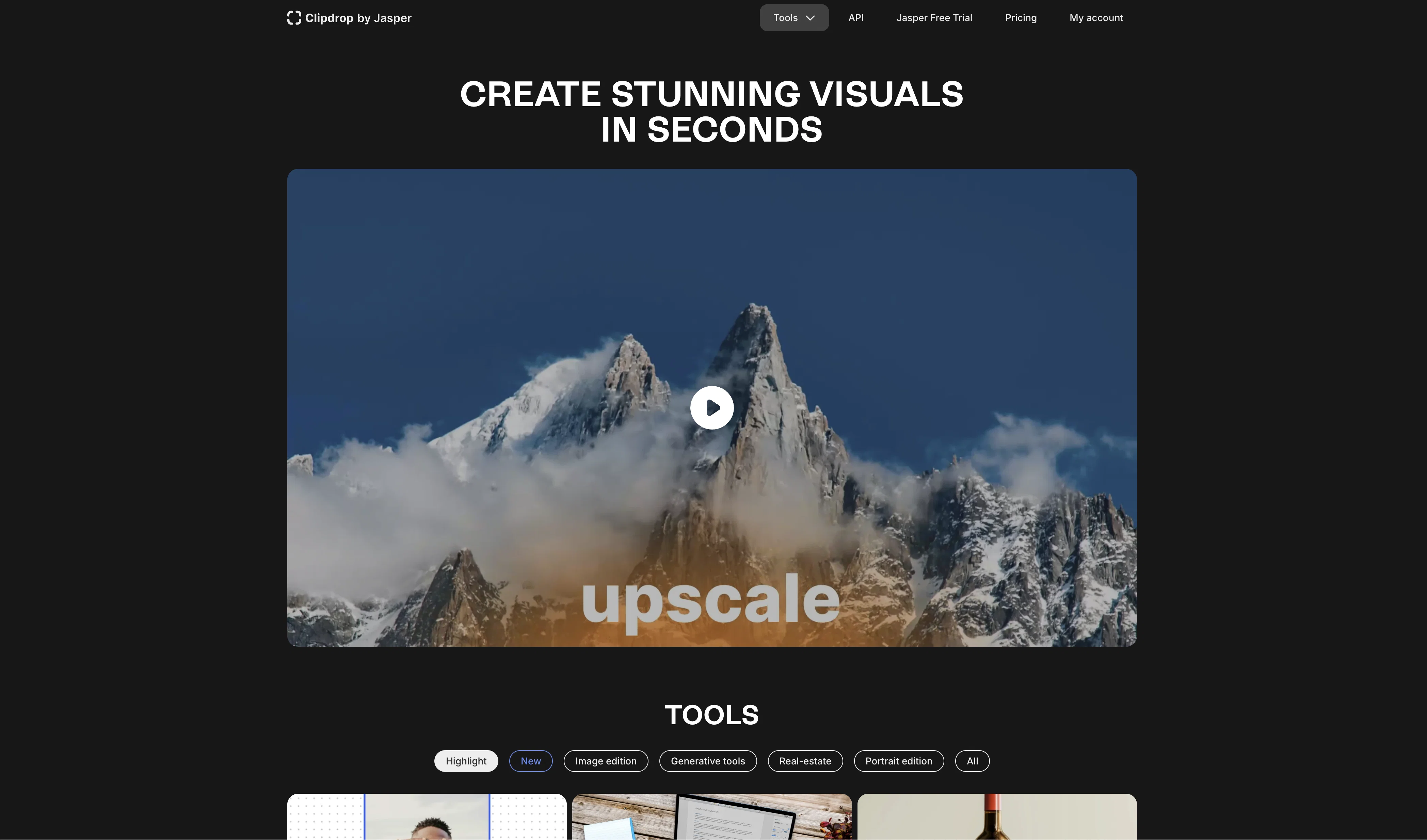
ClipDrop is an Artificial Intelligence powered ecosystem of apps, plugins, and resources for creators. It provides a revolutionary workflow to create stunning visuals in seconds.
ClipDrop's tools can be used to remove objects, people, text, and defects from pictures, extract main subjects with incredible accuracy, relight images, upscale images, generate realistic images with AI, and remove text from images.
It is integrated with popular tools such as Adobe Photoshop and Figma, and also has an API so that developers can integrate it into their own apps. ClipDrop is also available as an iOS and Android app, and provides tools to remove backgrounds, remove watermarks, remove people, and remove text from images.
It is free to try and easy to use, making it a great option for creators of all levels.
Help other people by letting them know if this AI was useful.
Add your own prompts and outputs to help others understand how to use this AI.
Screenshot gallery
Pros & Cons
Pros
+Removes image backgrounds
+Enhances image quality
+Integrated with Adobe Photoshop
+Integrated with Figma
+iOS and Android app
+Removes watermarks
+Removes people from images
+Removes text from images
+Free trial version
+Text to image feature
+Image upscaling
+Image relighting
+Object removal tool
+Defect removal from images
+Can teleport anything
+Supports on-device image processing
+Inpainting algorithm for removing people
+API for developer integration
+Supports Adobe Photoshop plugins
+Background replacement options
+Precise background removal
+Useful for eCommerce
+Effective for Real Estate photography
+Helpful for team portraits
+Time and cost efficient
+Helpful for car resellers
+High-resolution image generation
+Supports multiple use cases
+Consistent visuals across catalogue
+Fast and secured API
+Removes noise from images
+Enhances image details
+Useful for mobile developers
+Provides cleanup feature
+Used by global brands
+Good for visuals in seconds
+Supports automatic image enhancement
+Changes image lighting
+Useful for professional visuals
+Compatible with powerpoint
+Provides a user guide
+Has an affiliate program
+Community support available
+Recognized by wired.it
+Offers OpenSource demos
+Creates high-quality gallery
+Good for personal and business use
Cons
−Limited image enhancement capabilities
−No batch processing
−Limited re-lighting functionality
−Upscaling lacks fine-tuning control
−Text Remover lacks accuracy
−Possible over-simplification of tools
−Requires integration with other software
−No standalone desktop application
−Limited creative control
−Inconsistent results in object removal
A Professional Framework to Evaluate Clipdrop
When considering Clipdrop for integration into your organizational workflow, we recommend deploying a structured score card across three critical operational pillars: Security & Compliance, Integration Friction, and long-term Price Scalability. Rather than looking only at basic feature lists, modern procurement teams must assess how a software platform behaves under high load and how well it fits into the team's data security guidelines.
1. Security and Database Compliance
Depending on your operating region and field, ensure that Clipdrop supports standard security layers such as SOC 2 Type II certifications, GDPR compliance, or HIPAA-compliant database encryption. If the tool connects directly to client database tables or handles user passwords, verify that they implement multi-factor authentication (MFA), single sign-on (SSO) integrations, and end-to-end data encryption in transit and at rest.
2. API Coverage and Custom Integrations
Siloed data is the primary cause of operational friction. Evaluate if Clipdrop has native connectors for your current project trackers, messaging hubs, and customer communication channels. For custom developer requirements, check if they provide a fully documented REST API with reasonable rate limits, comprehensive Webhooks support, and robust SDK packages in your language. A flexible API layer saves hundreds of hours of manual copy-paste overhead.
3. Total Cost of Ownership (TCO)
SaaS pricing packages are often deceptively simple. When reviewing Clipdrop's billing structure, map out your team's projected expansion over the next 12 to 24 months. Determine how costs scale as your customer database increases or as you add team members. Factor in setup costs, mandatory support plan upgrades, API access fees, and storage overage rates to understand the true cost before committing to a contract.
By combining verified user reviews from our directory with internal workflow pilot tests, your procurement team can make an informed decision that drives productivity without creating capital waste.
Features of Clipdrop
API
Image Extraction
Image Enhancement
Background Removal
Image Processing
Workflow Optimization
Free + From $11.87/Mo
SaaS1to10 verified reviews for Clipdrop
Overall rating
★★★★★5.0
Based on 24 reviews
★★★★★5.02 months ago
“Review”
I was on their premium plan. 9 usd per month. Good features with alot of bugs and zero user support. I wrote them more than 10 support requests without even one reply. At last i lost control to my account and every try to login was unsuccessful because of an unknown error message. They didn't even help me to rectify the problem. 9 usd has been wasted .
persiannova.ps4 ps4
★★★★★5.02 months ago
“Review”
tested the free version of the tool and tried out some of its free features and honestly was surprised how good it was. the text remover, background remover and cleanup all worked pretty well, especially for something that doesn’t cost anything. not perfect every time, but definitely better than expected. solid option if you need quick edits
Jason Bowers
★★★★★5.02 months ago
“Review”
as someone into djing and mixing, this was actually pretty fun to mess around with. cool seeing how different sounds work together. not sure how often i’ll use it, but def feels like it could be useful in production one day xD
Georgina Ahmad
★★★★★5.02 months ago
“Review”
Is this a joke? creator of this web must be deaf, otherwise i honestly don't understand how he/she can make that absolute crap
Xavi Ayllon
★★★★★5.02 months ago
“Review”
Diffusion pulls out extremely good images from simple prompts. Renders were a little slow on higher quality, but totally worth it for the results. The controls feel clear enough and the outputs look legit. Good one here!
Harsh Nether
★★★★★5.02 months ago
“Review”
worked insanely well and super fast. lots of customization options too. honestly just a W tool all around.
Daniel Galatioto
★★★★★5.02 months ago
“Review”
Will not let you test on a HD picture without paying. I found a lot of these "programs" do a poor job and I am tired of paying for a test. Maybe offer 1 HD picture, but crop it (user crop)?
Tim Patrie
★★★★★5.02 months ago
“Review”
Classic tool 😮💨 Loving Gen 4, it's wild how good the motion consistency is. It feels like a full studio in your browser. Big W guys keep it up!
Chris Studioz
★★★★★5.02 months ago
“Review”
hmm it is un-real...literally...sounds robotic....far awy from Real
Dhhaval Joshi
★★★★★5.02 months ago
“Review”
O GPT faz uma análise melhor e mais personalizada.
Vinicius Vilela
★★★★★5.02 months ago
“Review”
Super easy for batch processing. Love bgeraser
Olivia
★★★★★5.02 months ago
“Review”
Nice, but low resolution output.
Peter
★★★★★5.02 months ago
“Review”
WE USE @D-ID AT THE COLORADO VIRTUAL CREATIVE FACTORY...AND LOVE IT.
Franco Arteseros
★★★★★5.02 months ago
“Review”
Looks promising and allows free image generation after signing up (with a daily limit).
Jaroslav Osicka
★★★★★5.02 months ago
“Review”
It works! It is fast and you have many choices for the background. Also the pricing seems to be ok
Fabio Ferraris
★★★★★5.02 months ago
“Review”
Loved the search engine ideas.
Amr عمرو Amin امين
★★★★★5.02 months ago
“Review”
@Removal.ai is fast and easy to use, especially useful when removing backgrounds in batches. However, with complex backgrounds, manual adjustments are sometimes required. Overall, this is a useful tool that is fast and saves time.
Seol Jeon
★★★★★5.02 months ago
“Review”
This one gives some pretty decent logo directions quickly. The first concepts are useful, but I’d still want finer control over typography and spacing before calling anything final.
Josh KUMAR
★★★★★5.02 months ago
“Review”
Such a great place to start out!
Helli Lang
★★★★★5.02 months ago
“Review”
Love how it offers stuff for both free and premium users. huge thanks to the devs and keep it up!
Burner Cruz
★★★★★5.02 months ago
“Review”
Free Start with a Free Experience $0 /mo
Vitus Bering
★★★★★5.02 months ago
“Review”
It's not free, it forces you to input an email before shoving a price tag in your face.
Arvoly XSL
★★★★★5.02 months ago
“Review”
I think it's the best @Image Generator I ever found on the net. It gives more accurate image according to the prompt. And thank you for keeping it for free.
My Sawsiri
★★★★★5.02 months ago
“Review”
The app offers useful free features. I'm curious about the paid ones, like background replacement, but overall it works quickly and is reliable.