5.01 months ago
“Review”
It's genius. Amazing tool. PDF generation might be improved, but apart from that is amazing.
Aleksander Lukashou

AI-powered expense tracking that optimizes your spending.
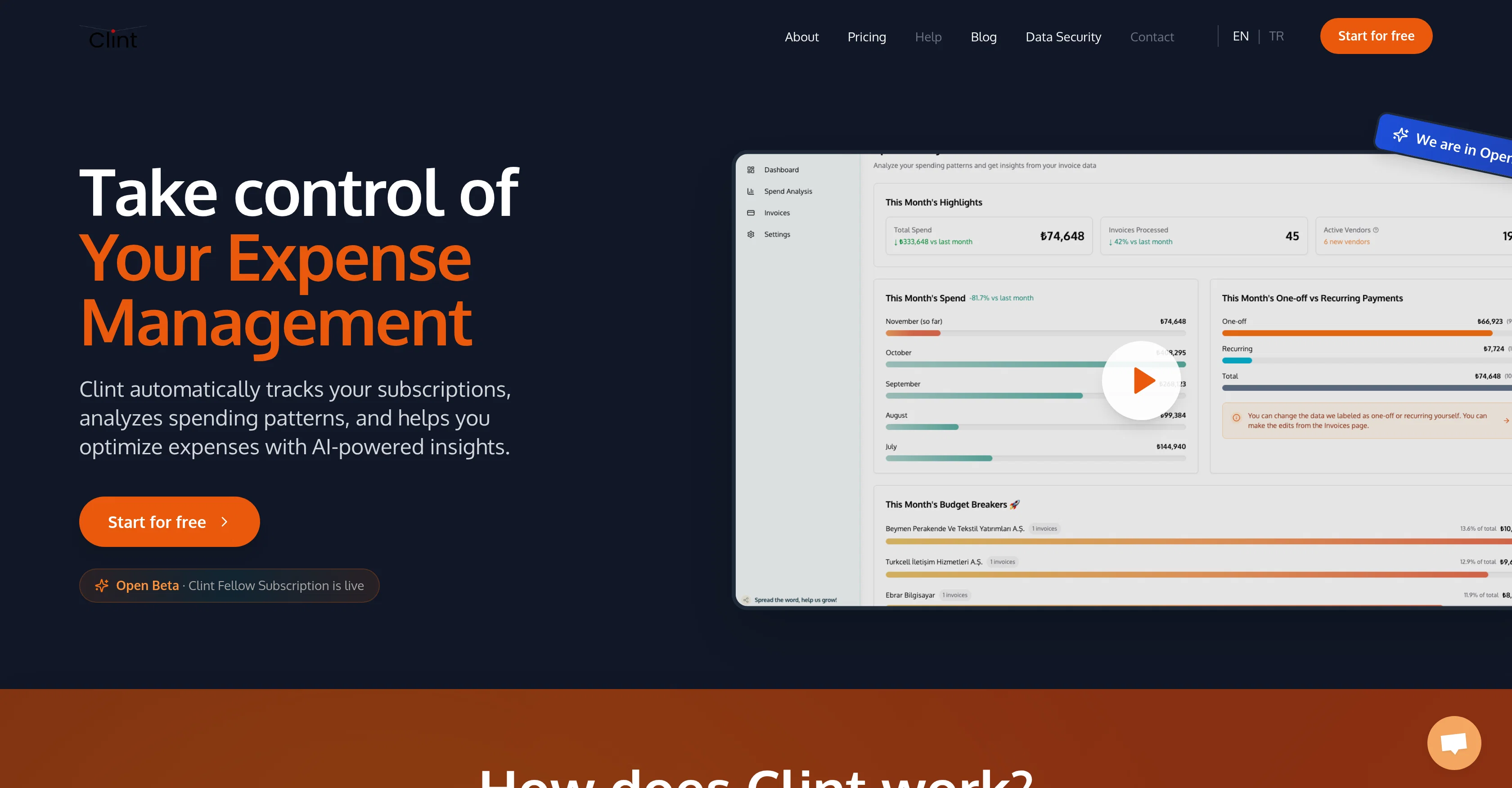
Clint is an Artificial Intelligence-powered personal expense manager. The primary function of Clint is to automatically track and manage your various subscriptions, taking note of any regular payments and organizing this data in a coherent and accessible way. Utilizing advanced AI technology, it analyzes your spending habits and identifies patterns in your financial behavior. This analysis allows Clint to provide users with a comprehensive understanding of their expenditure and to pinpoint areas that may benefit from optimization. The platform aids in the scrutinization of expenses, highlighting areas of unnecessary expenditure or irregular patterns that may lead to financial leaks (such as infrequent, unnoticed subscriptions). With this, opportunities for savings are identified and presented back to the user in a concise report. By providing valuable insights about spending habits, Clint encourages financial literacy and promotes responsible spending. The tool's functionalities set it as an essential asset for individuals aiming for better budget management, reduced financial waste, and improved savings. Help other people by letting them know if this AI was useful. Add your own prompts and outputs to help others understand how to use this AI.
When considering Clint for integration into your organizational workflow, we recommend deploying a structured score card across three critical operational pillars: Security & Compliance, Integration Friction, and long-term Price Scalability. Rather than looking only at basic feature lists, modern procurement teams must assess how a software platform behaves under high load and how well it fits into the team's data security guidelines.
Depending on your operating region and field, ensure that Clint supports standard security layers such as SOC 2 Type II certifications, GDPR compliance, or HIPAA-compliant database encryption. If the tool connects directly to client database tables or handles user passwords, verify that they implement multi-factor authentication (MFA), single sign-on (SSO) integrations, and end-to-end data encryption in transit and at rest.
Siloed data is the primary cause of operational friction. Evaluate if Clint has native connectors for your current project trackers, messaging hubs, and customer communication channels. For custom developer requirements, check if they provide a fully documented REST API with reasonable rate limits, comprehensive Webhooks support, and robust SDK packages in your language. A flexible API layer saves hundreds of hours of manual copy-paste overhead.
SaaS pricing packages are often deceptively simple. When reviewing Clint's billing structure, map out your team's projected expansion over the next 12 to 24 months. Determine how costs scale as your customer database increases or as you add team members. Factor in setup costs, mandatory support plan upgrades, API access fees, and storage overage rates to understand the true cost before committing to a contract.
By combining verified user reviews from our directory with internal workflow pilot tests, your procurement team can make an informed decision that drives productivity without creating capital waste.
Overall rating
Based on 16 reviews
It's genius. Amazing tool. PDF generation might be improved, but apart from that is amazing.
Aleksander Lukashou
A little biased, but I think it's great.
Dawson Whitfield
Such a great place to start out!
Helli Lang
Great tool! Was very helpful in content production
Duck Typer
Went from a C to an A in Cognitive Psychology using @Thea!!
Sarah White
Old man with white short hair and bard
Dom Cauv
your answer is much too general, so useless. You could have just tell me to ask Perplexity.
Ta
Not at all accurate…. The only thing similar between original and generated images were the clothes and accessories… face was absolutely new and unconnected.
Shvetank Sharma
Great to hear, glad it was helpful for you.
Simon Gelfand
super reliable and fast to build agents that automate in the background for me! i like the daily *help me prep for my meetings* agent alot!
Manas Ojha
👋 Hey, I'm the founder of Flowova! We built this because we were tired of spending hours dragging boxes in traditional flowchart tools. A few things you might not know: - Works with anything — text, images, PDFs, Word, PPT, Excel, even photos of whiteboard sketches - 40+ themes designed for presentations - Full Mermaid code support for developers Happy to answer any questions! 🚀
Jimmy
Really like how it finds connection in the content that I save. I don't think any other tool can do that.
amix ffx
I think it's the best @Image Generator I ever found on the net. It gives more accurate image according to the prompt. And thank you for keeping it for free.
My Sawsiri
Very interesting
Béatrice Duval
I love the idea, so simple but also useful
Magnus
Rolly AI offers a "cranky" AI chat and custom advisor personalities for expense tracking, delivering hilarious and savage roasts about your questionable spending choices through the app.
Kent
Starting Price
Free plan available
Free tier available with optional paid upgrades.