
Cleanvoice AI
Remove filler sounds and polish your audio effortlessly.
Cleanvoice AI Overview
What is Cleanvoice AI?
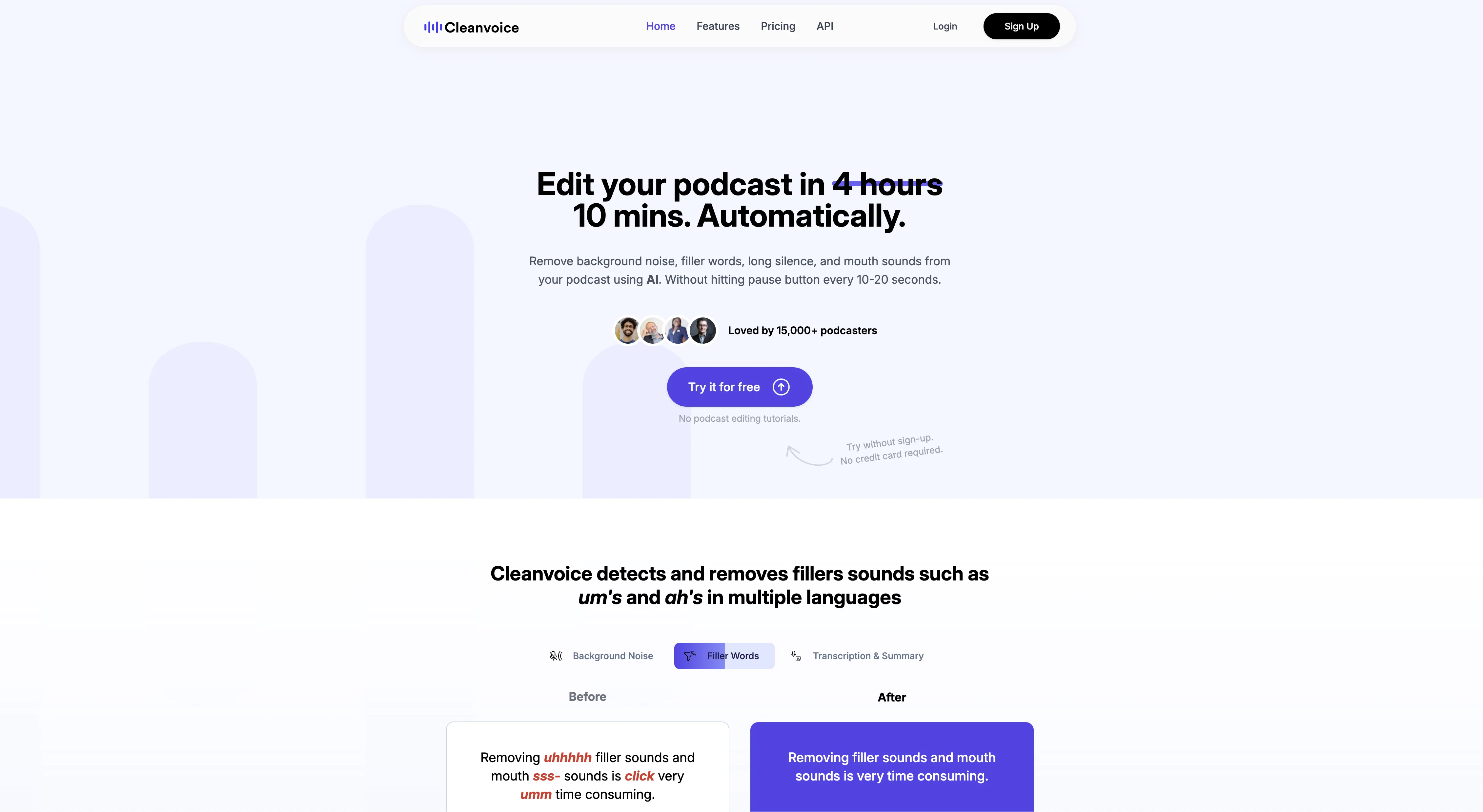
Cleanvoice AI is an artificial intelligence tool designed to de-clutter audio recordings. It primarily removes filler sounds such as 'uh's and 'um's, unwanted mouth sounds like lip-smacking, and instances of stuttering from podcast recordings or other audio material. The tool's capabilities are multilingual, able to identify and eliminate filler sounds in different languages, including, but not limited to, German and French and even works with various international accents. Cleanvoice AI also features a 'Deadair Remover' which shortens overly long silences in recordings, making the output more engaging for listeners. It further offers 'Audio Enhancement' that removes unwanted background noise from recordings, providing clearer and more professional sounding output. Another notable feature of Cleanvoice AI is their 'Podcast Summary' which generates AI-written show notes and highlights key points in episodes. Automated chapter markers are also provided to help listeners navigate the audio more easily. To use, it's mostly a simple process of dragging and dropping files into the interface, letting the AI process, and downloading or exporting the cleaned-up results. Help other people by letting them know if this AI was useful. Add your own prompts and outputs to help others understand how to use this AI.
Screenshot gallery
Pros & Cons
Pros
- Removes filler words
- Eliminates mouth sounds
- Deletes stuttering and dead air
- Multilingual capabilities
- Accommodates various accents
- Timeline export feature
- Free 30-minute trial
- No credit card required
- Background noise removal
- Audio cleaning
- Silence shortening
- Audio enhancement
- Removes clicking
- Lip-smacking reduction
- Generates automated chapter markers
- Simple drag and drop functionality
- Deadair Remover feature
- User friendly API
- Recognizes 20+ languages
- Automatic audio enhancement
- Podcast Summary feature
- Easy download or export results
- Removal of unwanted cafe noise
- Reduction of traffic sounds
- Removes white noise
- Handles multiple audio file types
- Accommodates international variations of language
- Assists in podcast audience engagement
- Efficient processing time
- Loved by 15,000+ users
- Various editing features
- Integrates with other platforms
- Offers transcript services
- Removes long and pointless silences
- Helpful for podcast mixing
- Assists in generating episode titles
- Helpful for generating podcast names
- Effective cleaning of audio recordings
- Hosts podcast audit feature
- Hosts podcast questions generator
- Provides detailed audio analysis
Cons
- Dragging and dropping files
- No multiple file upload
- Silence shortening can be disruptive
- Multilingual feature imperfect
- Potential quality loss post-processing
- Lack of batch processing
- Audio enhancement removes wanted noise
- Timeline export can be confusing
- Removing accents may distort meaning
A Professional Framework to Evaluate Cleanvoice AI
When considering Cleanvoice AI for integration into your organizational workflow, we recommend deploying a structured score card across three critical operational pillars: Security & Compliance, Integration Friction, and long-term Price Scalability. Rather than looking only at basic feature lists, modern procurement teams must assess how a software platform behaves under high load and how well it fits into the team's data security guidelines.
1. Security and Database Compliance
Depending on your operating region and field, ensure that Cleanvoice AI supports standard security layers such as SOC 2 Type II certifications, GDPR compliance, or HIPAA-compliant database encryption. If the tool connects directly to client database tables or handles user passwords, verify that they implement multi-factor authentication (MFA), single sign-on (SSO) integrations, and end-to-end data encryption in transit and at rest.
2. API Coverage and Custom Integrations
Siloed data is the primary cause of operational friction. Evaluate if Cleanvoice AI has native connectors for your current project trackers, messaging hubs, and customer communication channels. For custom developer requirements, check if they provide a fully documented REST API with reasonable rate limits, comprehensive Webhooks support, and robust SDK packages in your language. A flexible API layer saves hundreds of hours of manual copy-paste overhead.
3. Total Cost of Ownership (TCO)
SaaS pricing packages are often deceptively simple. When reviewing Cleanvoice AI's billing structure, map out your team's projected expansion over the next 12 to 24 months. Determine how costs scale as your customer database increases or as you add team members. Factor in setup costs, mandatory support plan upgrades, API access fees, and storage overage rates to understand the true cost before committing to a contract.
By combining verified user reviews from our directory with internal workflow pilot tests, your procurement team can make an informed decision that drives productivity without creating capital waste.
Features of Cleanvoice AI
- API
- Audio Cleaning
- Podcast Editing
- Background Noise Removal
- Audio Enhancement
- Filler Sound Removal
SaaS1to10 verified reviews for Cleanvoice AI
Overall rating
Based on 20 reviews
No reviews yet. Be the first to write one.
Pricing
Starting Price
Contact vendor for pricing
Pricing may vary based on team size and features selected.
Where can Cleanvoice AI be deployed?
- Cloud, SaaS, Web-Based