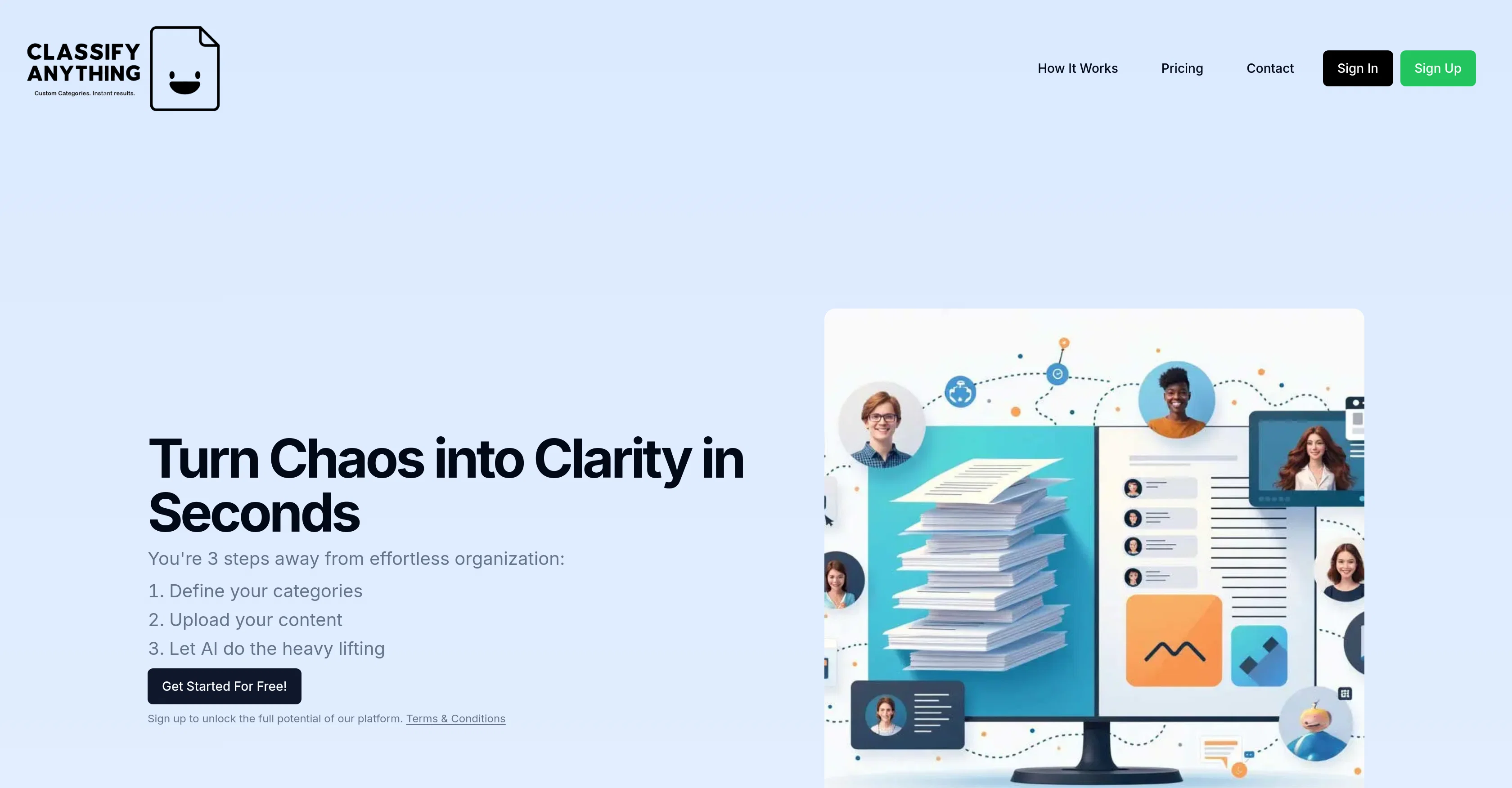
Classify Anything is an AI tool designed to provide custom classifications of text and image data based on user-defined criteria. The solution is equipped to straightforwardly categorize any user-uploaded content, transforming unorganized data into structured and meaningful information within seconds.
The tool can be used in various contexts. It can be used by Customer Support Managers to classify customer feedback for product improvement, Categorizing different sentiments, feature mentions, and actions required.
For example, it can identify positive or negative sentiments, specific features mentioned, and whether immediate action is required for a problem.Particularly, it proves transformative in the management of physical goods and spaces through image classification.
For instance, by uploading photos from routine checks, ship managers can instantly get evaluations of pump presence, switch status, and debris levels, enabling them to prioritize maintenance tasks efficiently.The tool is easy to use, users begin by defining the categories to be classified, optionally provide some pre-classified examples to help the AI in learning, and finally upload the texts or images for the classification process.
Whether you're a coffee roastery owner evaluating your coffee bean inventory or an AR Content Strategist assessing museum exhibits - this tool can be adapted to fit a myriad of use-cases with flexible custom classifications.
Help other people by letting them know if this AI was useful.
Add your own prompts and outputs to help others understand how to use this AI.
Screenshot gallery
Pros & Cons
Pros
+Custom text and image classifications
+User-defined criteria for classification
+Quick transformation of unstructured data
+Application across various contexts
+Positive/negative sentiment analysis
+Feature detection in feedback
+Action detection in customer feedback
+Effective in physical goods management
+Efficient maintenance prioritization via images
+Easy categorization setup
+Adaptable use-cases from inventory to AR content
+Speedy content organization
+Consistent classification results
+Fleet maintenance assessment via images
+Customizable categories for classification
+Facilitates research papers classification
+Assists in product images inspection
+Classify text from coffee bean inventory
+Vintage clothing condition evaluation
+Home office setups classification
+AR experiences classification and assessment
+Podcast episodes classification for ad matching
+Sustainability classification of clothing items
+Capabilities for complex categorizations
+No IT expertise required
+Exports results in Excel or CSV
+Helps in workspace optimization
+Supports text and image classification
+Up to 1000 classifications monthly
+Supports up to 10 classifiers
+First 5 classifications for free
+Roastery owner-friendly features
+AR content strategist-friendly features
+Workspace optimization consultant-friendly features
+Digital audio advertising specialist-friendly features
+Circular economy specialist-friendly features
+Vintage clothing store owner-friendly features
+Customer feedback categorization for improvement
+Effective tool for customer support managers
+Flexible classification categories
+Content strategy analysis
+Automated inventory evaluation
+Instant pump presence evaluation
+Immediate switch status assessment
+Rapid debris level evaluation
+IT friendly with CSV/JSON import capabilities
Cons
−Requires manual category definition
−Potential classification inaccuracies
−Pre-classified examples sometimes necessary
−No transparency in learning algorithm
−No multi-language support mentioned
−Limited to text and image
−Doesn't specify file formats supported
−Limited free plan
−Pricing information opaque beyond Pro Plan
A Professional Framework to Evaluate Classify Anything
When considering Classify Anything for integration into your organizational workflow, we recommend deploying a structured score card across three critical operational pillars: Security & Compliance, Integration Friction, and long-term Price Scalability. Rather than looking only at basic feature lists, modern procurement teams must assess how a software platform behaves under high load and how well it fits into the team's data security guidelines.
1. Security and Database Compliance
Depending on your operating region and field, ensure that Classify Anything supports standard security layers such as SOC 2 Type II certifications, GDPR compliance, or HIPAA-compliant database encryption. If the tool connects directly to client database tables or handles user passwords, verify that they implement multi-factor authentication (MFA), single sign-on (SSO) integrations, and end-to-end data encryption in transit and at rest.
2. API Coverage and Custom Integrations
Siloed data is the primary cause of operational friction. Evaluate if Classify Anything has native connectors for your current project trackers, messaging hubs, and customer communication channels. For custom developer requirements, check if they provide a fully documented REST API with reasonable rate limits, comprehensive Webhooks support, and robust SDK packages in your language. A flexible API layer saves hundreds of hours of manual copy-paste overhead.
3. Total Cost of Ownership (TCO)
SaaS pricing packages are often deceptively simple. When reviewing Classify Anything's billing structure, map out your team's projected expansion over the next 12 to 24 months. Determine how costs scale as your customer database increases or as you add team members. Factor in setup costs, mandatory support plan upgrades, API access fees, and storage overage rates to understand the true cost before committing to a contract.
By combining verified user reviews from our directory with internal workflow pilot tests, your procurement team can make an informed decision that drives productivity without creating capital waste.
Features of Classify Anything
Classification
Data Organization
Text Classification
Image Classification
Customer Support
Product Improvement
Free + From $39.90/Mo
SaaS1to10 verified reviews for Classify Anything
Overall rating
★★★★★5.0
Based on 15 reviews
★★★★★5.01 months ago
“Review”
okay so the timing on when it makes you review is kinda creepy accurate? like it'll pop up right when i'm about to forget something. been using it for bio and actually remembering lecture stuff past the exam for once.
Shewag Ferk
★★★★★5.01 months ago
“Review”
Cool idea dude! Video looks beyond insane, tho i'm sure you need lots of pre-existing data to make it work well?
Johnny Campbell
★★★★★5.01 months ago
“Review”
Very Useful information to enable any user to elaborate, learn, and structure information foundation to obtain proper information to execute your creative desire. Just make sure it follows terms of service of every aspect of this useful domain!! Thank you and Peace and Love Always.
Soutta Thipharacksa
★★★★★5.01 months ago
“Review”
Unite is amazing! The ultimate tool for marketing teams.
Pedro Matiotti Bassan
★★★★★5.01 months ago
“Review”
killer. this guy is a genius
Deus
★★★★★5.01 months ago
“Review”
Amazing app and really easy-to-use! It has all the things I need to create a neat, functional, and clear-cut mindmap.
Matt Short
★★★★★5.01 months ago
“Review”
Thanks for your great feedback Gregory. A feature in @Macky that is designed for more specific industry-specific information is the "Ask @Macky" one. In this feature you can use your own promopting to get outputs that are specific to the business question being asked. Also, at the end of each output you have an opportunity to ask any detailed question you want about the output to get more specific responses. You can drill down several times to get further insights using this feature. Hope this helps!
Kinetic Consulting
★★★★★5.01 months ago
“Review”
@Emergent is the first agentic vibecoding platform built for serious builders. If you’re pouring time, money, and energy into building a product that matters, you deserve a platform that takes your ambition seriously. As your AI-native product engineering partner—wired to think in systems, not snippets—@Emergent transforms natural conversations into production-grade, full-stack applications without requiring developers. It doesn’t just ”help you code”—it builds end-to-end: real databases, working APIs, secure authentication, production-ready infrastructure, and all the glue in between. @Emergent conducts thorough research and deep product planning, developing
Prashant
★★★★★5.01 months ago
“Review”
Although not very detailed, the key points are almost all included. Not only can PDFs be uploaded, but other text files as well, and can be translated into the specified language, Overall, it's quite practical!
Chen Ye
★★★★★5.01 months ago
“Review”
I swear this actually saved me a lot. 100% recommend to anyone.
307LLL
★★★★★5.01 months ago
“Review”
I’ve been using @Collate to go through technical PDFs, and it’s been surprisingly handy. Summarizing docs and being able to ask questions directly saves me time, especially when I’m skimming through research or API references. No sign-ups, works offline, and everything stays on my device — which I appreciate.
Harman
★★★★★5.01 months ago
“Review”
Can’t use it without an invite code.
Steven
★★★★★5.01 months ago
“Review”
It is useful in the free version too..you get credits inviting people!