5.02 months ago
“Review”
Would love to see this in other lenguages. works great.
Son Dan

Convert YouTube videos to text fast and free
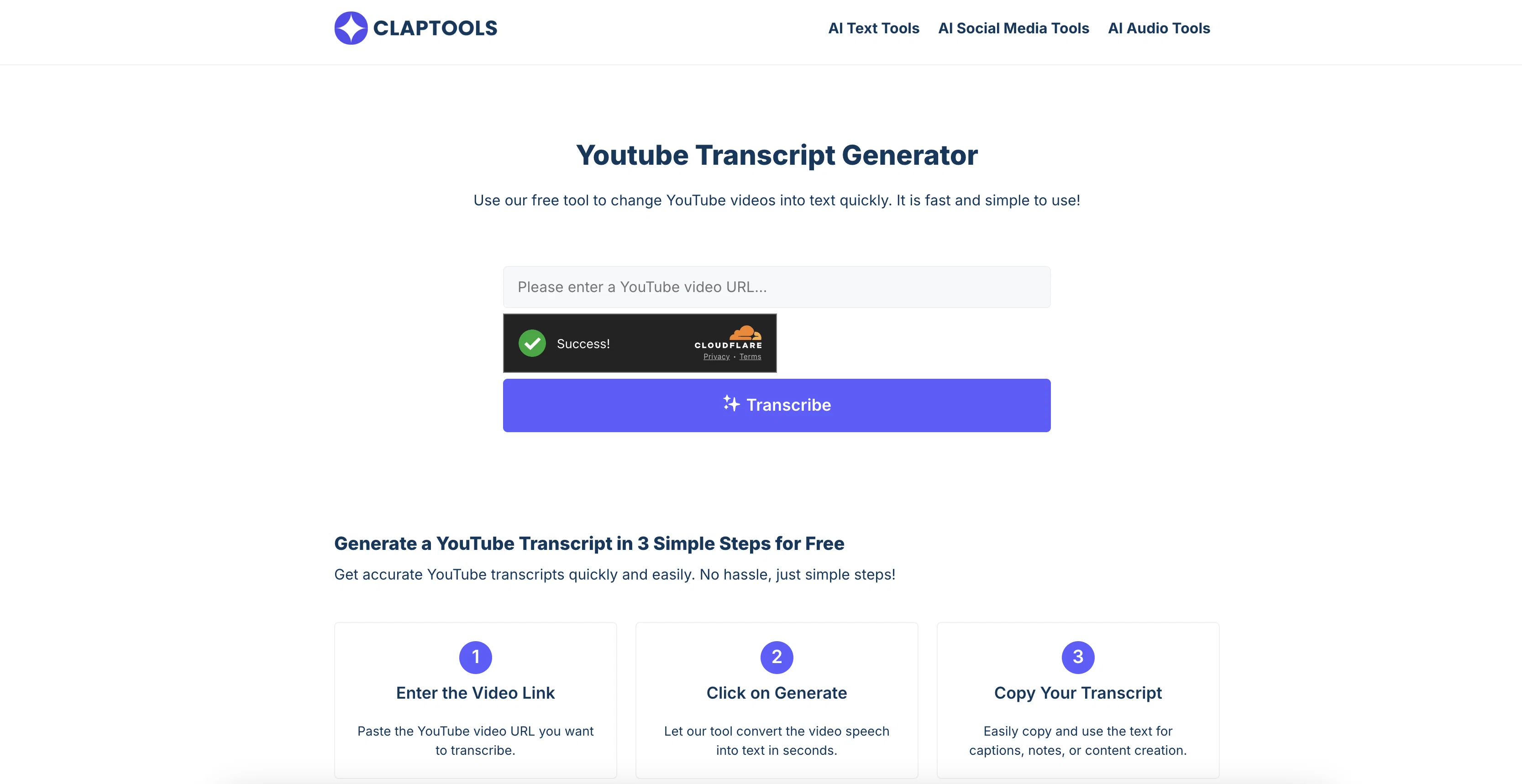
This tool is designed to convert spoken words from a YouTube video into a Readable text format. It does so by examining the audio content within the video and transforming it into an easily accessible written transcript. This feature is particularly beneficial for individuals who prefer reading over watching videos, including students taking notes, professionals researching content, or those with hearing impairments. Using the tool involves a simple process of inputting the video URL; the system then processes the video, producing its transcript on-screen. In addition to simply interpreting audio content, the tool can also extract video subtitles for high-accuracy transcription. Once produced, the transcript can be read on-page, copied for personal use, study notes, or content creation. This rapid and easy-to-use process alleviates the need to manually write down everything or listen to the whole clip. An additional feature includes an embedded video player, allowing simultaneous reading of the transcript and viewing of the video enhancing comprehension and convenience for users. Help other people by letting them know if this AI was useful. Add your own prompts and outputs to help others understand how to use this AI.
When considering Claptools Free Youtube Transcriptor for integration into your organizational workflow, we recommend deploying a structured score card across three critical operational pillars: Security & Compliance, Integration Friction, and long-term Price Scalability. Rather than looking only at basic feature lists, modern procurement teams must assess how a software platform behaves under high load and how well it fits into the team's data security guidelines.
Depending on your operating region and field, ensure that Claptools Free Youtube Transcriptor supports standard security layers such as SOC 2 Type II certifications, GDPR compliance, or HIPAA-compliant database encryption. If the tool connects directly to client database tables or handles user passwords, verify that they implement multi-factor authentication (MFA), single sign-on (SSO) integrations, and end-to-end data encryption in transit and at rest.
Siloed data is the primary cause of operational friction. Evaluate if Claptools Free Youtube Transcriptor has native connectors for your current project trackers, messaging hubs, and customer communication channels. For custom developer requirements, check if they provide a fully documented REST API with reasonable rate limits, comprehensive Webhooks support, and robust SDK packages in your language. A flexible API layer saves hundreds of hours of manual copy-paste overhead.
SaaS pricing packages are often deceptively simple. When reviewing Claptools Free Youtube Transcriptor's billing structure, map out your team's projected expansion over the next 12 to 24 months. Determine how costs scale as your customer database increases or as you add team members. Factor in setup costs, mandatory support plan upgrades, API access fees, and storage overage rates to understand the true cost before committing to a contract.
By combining verified user reviews from our directory with internal workflow pilot tests, your procurement team can make an informed decision that drives productivity without creating capital waste.
Overall rating
Based on 22 reviews
Would love to see this in other lenguages. works great.
Son Dan
Although not very detailed, the key points are almost all included. Not only can PDFs be uploaded, but other text files as well, and can be translated into the specified language, Overall, it's quite practical!
Chen Ye
2 times I tried and it threw error. it is not clear how to use it.
marcelo prizmic
It’s good tool, but needs work when I write what supposed to be written is not working properly
Omar Ibrahim
It doesn’t include the specified text. It doesn’t allow you to describe the logo
David April
It's too good tool
Shiva Kumar
I’ve been using @Collate to go through technical PDFs, and it’s been surprisingly handy. Summarizing docs and being able to ask questions directly saves me time, especially when I’m skimming through research or API references. No sign-ups, works offline, and everything stays on my device — which I appreciate.
Harman
🌟🌟🌟🌟🌟 This AI prompt generation tool is exceptional! It vividly brought to life the jungle scene I envisioned, capturing every detail with remarkable accuracy. The natural expressions, vibrant colors, and serene atmosphere were perfectly rendered. Highly recommended for creative projects!
Sukul Das PANIKA
There were no aristocratic Asians and Africans in ancient Rome.
Sándor Gajdos
Amazing title choices! I put in a title idea with a one sentence video description and got back amazing title options.
Caroline Flansbaum
Great tool! Was very helpful in content production
Duck Typer
As far as generating anything useful for product design, the results are pretty useless. the prompt I interfered was quite detailed. Not for me.
James Weitz
i would say it gives the mind a sense of clarity
Emmanuella Marshall
Not at all accurate…. The only thing similar between original and generated images were the clothes and accessories… face was absolutely new and unconnected.
Shvetank Sharma
This is a cool little generator for a quick clip! Could see some potential quick use cases if you needed to generate something with an accent on the fly. Not a bad little tool!
Cain
Went from a C to an A in Cognitive Psychology using @Thea!!
Sarah White
nice holistic
Amit ImmI
I think it's the best @Image Generator I ever found on the net. It gives more accurate image according to the prompt. And thank you for keeping it for free.
My Sawsiri
Hands down the best ai tool for content creators. Their free YouTube transcriptor is always on point
El Mehdi
I’ve used Riverside before and it’s a really solid tool for recording and producing high-quality audio and video. If you’re looking for a YouTube transcript generator, I’ve also been using Saveto AI. It’s been pretty handy for turning videos into clean text and quick notes.
tingmin yan
i use it myself all the time
Robert Youssef
YouTube to Doc is freaking awesome! Total lifesaver for turning videos into text. Just paste the URL → boom, you’ve got a doc. Perfect for notes or quotes. 10/10 recommend!
Linda Lin
Starting Price
Free plan available
Free tier available with optional paid upgrades.


