Citely
Find sources in seconds, cite only what's real.
Citely Overview
What is Citely?
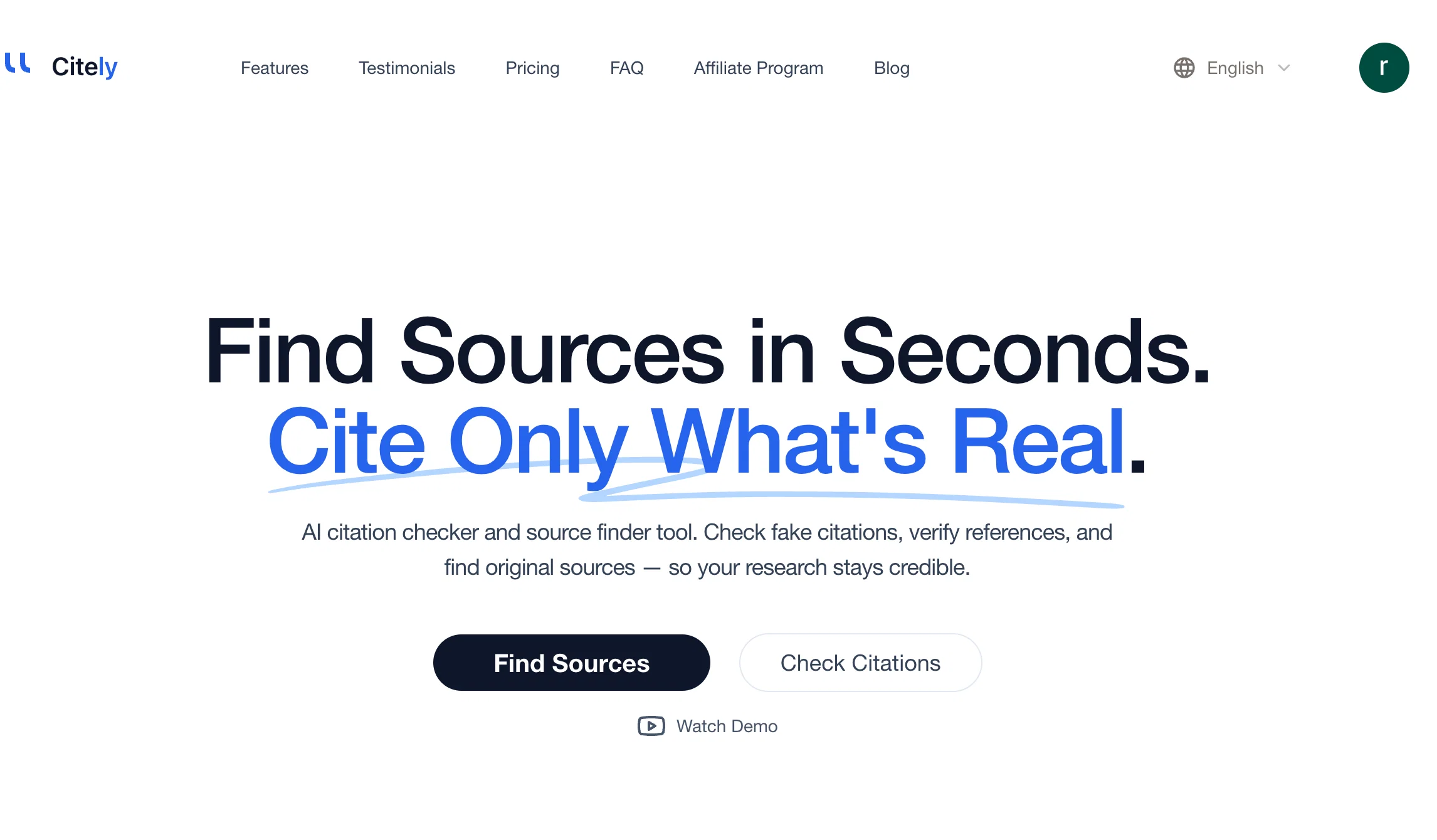
Citely is an AI-powered tool purposed for verifying citations and finding sources. Its primary aim is to maintain credibility in your research by verifying references and detecting fake citations. Powered by advanced AI algorithms, the tool works by automatically identifying and verifying the authenticity of the citations you intended to use. The AI source finder feature allows immediate location of original sources of citations. To ensure thoroughness, the tool is directly integrated with leading academic databases, including CrossRef, PubMed, arXiv, and Google Scholar, in order to validate sources comprehensively. False citations detection is another salient feature of Citely, an AI-powered capability to automatically detect and signal fake citations. The tool, furthermore, supports exporting citations in various formats and sharing verification reports with team members. To uphold vigorous academic standards and expedite your research workflow, Citely offers features like instant authenticity verification for academic references and citations, automatic discovery of credible academic sources for various research topics, and a citation management system which automatically formats citations in renowned academic styles like APA, MLA, and Chicago. The tool is particularly useful for researchers, students, and academics who want to maintain the highest standards of citation integrity in their work. Help other people by letting them know if this AI was useful. Add your own prompts and outputs to help others understand how to use this AI.
Screenshot gallery
Pros & Cons
Pros
- Identifies and verifies citations
- Automatically detects false citations
- Validation feature for references
- Integration with academic databases
- Instant original sources finding
- Real-time citation authenticity feedback
- Citation management feature
- Automatic citation formatting
- Supports various academic styles
- Export citations in multiple formats
- Verification report sharing
- Finds credible academic sources
- Streamlines research workflow
- Maintains academic integrity
- Applicable across academic fields
- Automatic detection of fake references
- Helps maintain research credibility
- Instant authenticity verification
- Supports collaborative research
- Enhances scholarly publishing
- Efficient in fact checking
- Automatic source discovery
- Maintains citation integrity in work
- Checks fake citations
- Generates properly formatted citations
- Keeps sources organized
- Accessible sources for future research
- Integrated with leading academic databases
- Real-time verification feedback
- Supports export in APA, MLA, Chicago
- Assists in consistent citation standards
- Boosts confidence in citation legitimacy
- Seamless database integration
- Thorough verification reports
- Helps identify questionable submissions
- Advanced source verification
- Supports 1000+ characters analysis
- Supports all major citation styles
- Automatic style conversion
- Shared citation libraries for collaboration
- 95% accuracy in citation detection
- Secures research data
- Suggests relevant, peer-reviewed sources
- Integrates with reference management software
Cons
- No offline mode
- Limited collaboration features
- No mobile app
- No integration with textbooks
- Lacks subject-specific databases
- No multi-language support
- Subscription can be pricey
- No scanning physical sources
- No support for lesser-known citation styles
- Doesn't integrate with all reference managers
A Professional Framework to Evaluate Citely
When considering Citely for integration into your organizational workflow, we recommend deploying a structured score card across three critical operational pillars: Security & Compliance, Integration Friction, and long-term Price Scalability. Rather than looking only at basic feature lists, modern procurement teams must assess how a software platform behaves under high load and how well it fits into the team's data security guidelines.
1. Security and Database Compliance
Depending on your operating region and field, ensure that Citely supports standard security layers such as SOC 2 Type II certifications, GDPR compliance, or HIPAA-compliant database encryption. If the tool connects directly to client database tables or handles user passwords, verify that they implement multi-factor authentication (MFA), single sign-on (SSO) integrations, and end-to-end data encryption in transit and at rest.
2. API Coverage and Custom Integrations
Siloed data is the primary cause of operational friction. Evaluate if Citely has native connectors for your current project trackers, messaging hubs, and customer communication channels. For custom developer requirements, check if they provide a fully documented REST API with reasonable rate limits, comprehensive Webhooks support, and robust SDK packages in your language. A flexible API layer saves hundreds of hours of manual copy-paste overhead.
3. Total Cost of Ownership (TCO)
SaaS pricing packages are often deceptively simple. When reviewing Citely's billing structure, map out your team's projected expansion over the next 12 to 24 months. Determine how costs scale as your customer database increases or as you add team members. Factor in setup costs, mandatory support plan upgrades, API access fees, and storage overage rates to understand the true cost before committing to a contract.
By combining verified user reviews from our directory with internal workflow pilot tests, your procurement team can make an informed decision that drives productivity without creating capital waste.
Features of Citely
- Citation Verification
- Academic Integrity
- AI Citation Checker
- Citation Integrity
- Real Time Citation Authenticity Feedback
- Research Tool
- Free + From $9
SaaS1to10 verified reviews for Citely
Overall rating
Based on 12 reviews
No reviews yet. Be the first to write one.
Pricing
Starting Price
Free plan available
Free tier available with optional paid upgrades.
Where can Citely be deployed?
- Cloud, SaaS, Web-Based


