5.02 months ago
“Review”
It's not free, it forces you to input an email before shoving a price tag in your face.
Arvoly XSL

Supercharge Google Sheets with ChatGPT - no API needed
This tool aims to empower users by providing direct access to ChatGPT in Google Sheets without requiring OpenAI API access. It focuses on amplifying the users' productivity by seamlessly integrating with Google Sheets, providing instant access to ChatGPT and fitting perfectly into an existing workflow. This tool claims to offer an easy-to-use and versatile ChatGPT integration, reducing the setup time significantly. Moreover, it offers a comprehensive video tutorial to assist with the setup. The tool opens up the prospect of utilizing ChatGPT for various purposes ranging from data cleanup, text classification to translation, summarization, and data enrichment. It encourages users to explore innovative ways to utilize ChatGPT in their work. The tool comes with a dedicated support team to assist users along the journey. In addition, an optional use of ChatGPT3.5 is provided for users who exceed their GPT4.0 quota or for those utilizing a free account. Javascript is required to buy this tool. Notably, this tool does not require OpenAI API access as it leverages your ChatGPT account. Help other people by letting them know if this AI was useful. Add your own prompts and outputs to help others understand how to use this AI.
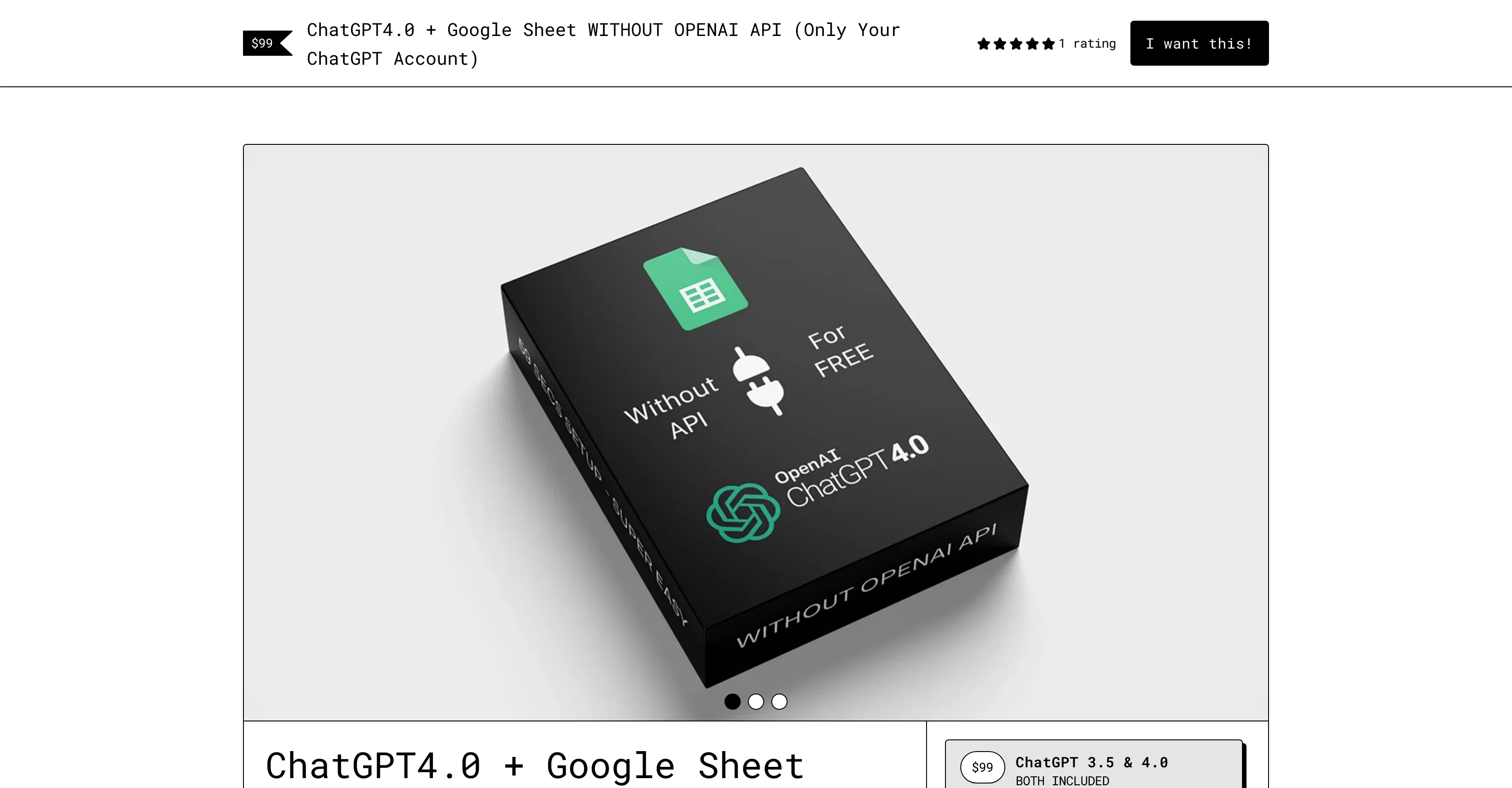
When considering ChatGPT+ Google Sheet for integration into your organizational workflow, we recommend deploying a structured score card across three critical operational pillars: Security & Compliance, Integration Friction, and long-term Price Scalability. Rather than looking only at basic feature lists, modern procurement teams must assess how a software platform behaves under high load and how well it fits into the team's data security guidelines.
Depending on your operating region and field, ensure that ChatGPT+ Google Sheet supports standard security layers such as SOC 2 Type II certifications, GDPR compliance, or HIPAA-compliant database encryption. If the tool connects directly to client database tables or handles user passwords, verify that they implement multi-factor authentication (MFA), single sign-on (SSO) integrations, and end-to-end data encryption in transit and at rest.
Siloed data is the primary cause of operational friction. Evaluate if ChatGPT+ Google Sheet has native connectors for your current project trackers, messaging hubs, and customer communication channels. For custom developer requirements, check if they provide a fully documented REST API with reasonable rate limits, comprehensive Webhooks support, and robust SDK packages in your language. A flexible API layer saves hundreds of hours of manual copy-paste overhead.
SaaS pricing packages are often deceptively simple. When reviewing ChatGPT+ Google Sheet's billing structure, map out your team's projected expansion over the next 12 to 24 months. Determine how costs scale as your customer database increases or as you add team members. Factor in setup costs, mandatory support plan upgrades, API access fees, and storage overage rates to understand the true cost before committing to a contract.
By combining verified user reviews from our directory with internal workflow pilot tests, your procurement team can make an informed decision that drives productivity without creating capital waste.
Overall rating
Based on 17 reviews
It's not free, it forces you to input an email before shoving a price tag in your face.
Arvoly XSL
after playing around with it for a bit, i am now aware of how much i need this. i can already feel the hours of sleep coming back to me <3
Bru no no no
I didn't get to the voices. I don't give my credit card information up front. I clicked away as soon as I saw that. It's a shame too, the pricing structure looked great.
David Marshall
It's sad to see people want to try your tool out but you have no free sample for them. This may be the best tool out there, but, as mentioned, going through with the AI for minutes to explain what you want, then being prompted to pay, without even knowing if it CAN create something, is discouraging. I hope we can get a free sample or preview at one point, im interested in this one.
Ron Jayson
I'm still testing the tool yet it looks very promising. I tested it with a 5.5k words Academic text that I had previously red. I tested the Key points feature, it does work!
Ivana González
Amazing, fast
Leonel Curra
Nice interface, but no good at PDF answers, especially tables data.
hifive szu
Great! I think @AI Lawyer is the best service I've ever seen. Perfect use. Prompting helps in the work
Yuri Gerasimov
I tried NovelGPT a template in @Agentgpt and it did an excellent job writing the first two episodes of my novel complete with character descriptions, setting,plot points and well I think you get the point. Great tool can't wait to see it out of beta.
Kelli Crose
I tried using it but the website has too many bugs.
João Neiva
Really amazing! Makes learning content and engaging with things so much easier!
Jamie McDonald
O GPT faz uma análise melhor e mais personalizada.
Vinicius Vilela
As the service was in beta-testing stage, I created there a dozen of AI-generated courses for free. I wanted to use them. Those courses remained in my account as they started subscription tiers. But recently I have found out that they were deleted. The support didn't answer to my e-mail at all.
Oldfag TV
unclear what is in, no trial
Nadja Petranovskaja
@TabTabTab has been so useful to me since starting a company!
Francois Laberge
I use Sourcetable for quick data analysis and visualizations with natural-language queries. I'm working with Excel files and our Postgres database. It feels like an AI analyst built into a spreadsheet for turning raw data into clear reports. (Like ChatGPT + Excel, but better.)
Eoin McMillan
SheetAI was very handy in sorting, fixing and all sorts of tools. This tool is also well documented, so if you need help figuring something out, chances are they will have the info you need.
Jorelle Joseph
Starting Price
From $5.00/user/month
Pricing may vary based on team size and features selected.


