
ChatDaddy
Automate WhatsApp to grow your business
ChatDaddy Overview
What is ChatDaddy?
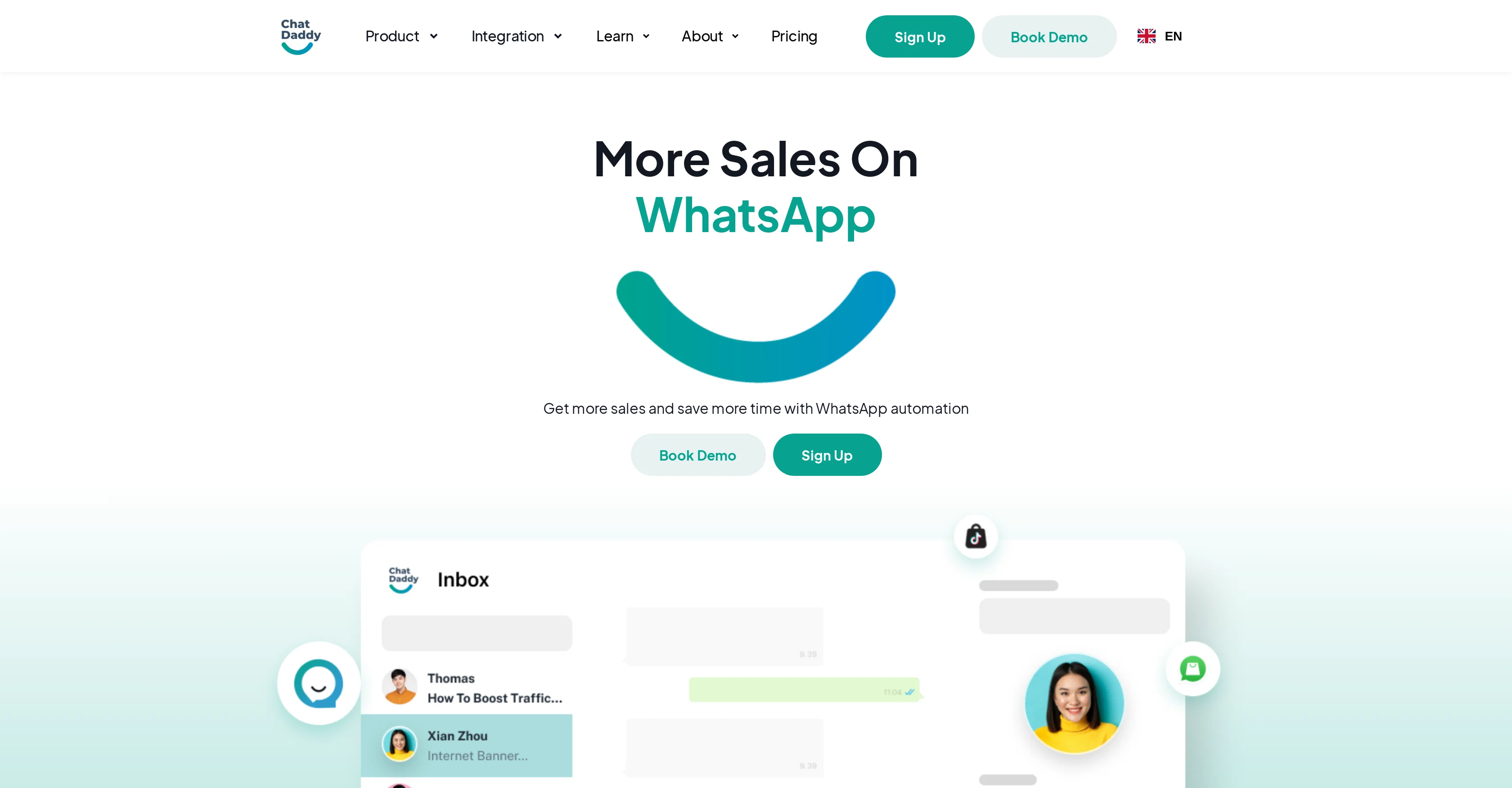
ChatDaddy is an AI-powered, WhatsApp-dedicated platform designed to automate customer interactions, manage prospects, and elevate business growth. The tool has a range of features including AI chatbots that autonomously answer support inquiries, instant message reply suggestions, and tone alterations to better suit client needs. Cloud-based team inbox allows efficient collaboration among teammates, while assignments prioritizes tasks and optimizes workflow. The platform also offers multi-agent access and ticketing for complex problem resolution; internal note for sharing customer-specific information among team members; and omnichannel for integrating all conversations into a single platform. Another key feature is the no-code chatbot builder that creates and deploys powerful chatbots without requiring technical skills. The customizable flow tailors chatbots to specific business need with keyword reply ensuring swift and relevant responses. ChatDaddy also offers WhatsApp-specific features including broadcasting tailored messages to large audiences and sending real-time shop notifications. Lastly, the platform seamlessly integrates with numerous popular eCommerce, CRM, automation, and productivity tools. Help other people by letting them know if this AI was useful. Add your own prompts and outputs to help others understand how to use this AI.
Screenshot gallery
Pros & Cons
Pros
- WhatsApp-dedicated platform
- Automates customer interactions
- Manages prospects
- Elevates business growth
- Instant message recommendations
- Tone alterations for clients
- Cloud-based team inbox
- Optimized workflow with assignments
- Multi-agent access
- Integrated ticketing system
- Internal note sharing
- Omnichannel conversation integration
- No-code chatbot builder
- Customizable chatbot flow
- Keyword reply feature
- Broadcasting tailored messages
- Real-time shop notifications
- Seamless integration with popular tools
- Centralized CRM platform
- Effortless chatbot creation
- Time and cost savings
- ChatDaddy GPT-4-powered bot
- Recaps conversations for agents
- Support volume reduction
- Collaborative ticketing system
- Effective team collaboration
- Targeted outreach feature
- Boosted customer loyalty
- Real-time analytical reports
- Instant customer connection
- Custom action capabilities
- 300+ app integrations
- Easy-to-use APIs and webhooks
- Customizable reports
- Bot performance monitoring
- Message flow without coding
- Pre-designed chatbot templates
- Guided product tours
- Onboarding checklists
- Broadcast software for promos
- Efficient task assigning
- WhatsApp specific features
- Training document based support
- Conversational learning for replies
- Workflow building with bots and triggers
- Boosted customer engagement
- Personalized support and customer communications
- Built-in CRM for customer profiles
- Wide array of eCommerce, CRM, automation, and productivity tool integrations
- Unified platform for all conversations
Cons
- Limited to WhatsApp
- No desktop client
- No voice support
- Missing advanced analytics features
- Lack structured workflow management
- Limited CRM integrations
- Doesn't support less known ecommerce platforms
- No multi-language support
- Dependent on WhatsApp's policy changes
- Limited customization options
A Professional Framework to Evaluate ChatDaddy
When considering ChatDaddy for integration into your organizational workflow, we recommend deploying a structured score card across three critical operational pillars: Security & Compliance, Integration Friction, and long-term Price Scalability. Rather than looking only at basic feature lists, modern procurement teams must assess how a software platform behaves under high load and how well it fits into the team's data security guidelines.
1. Security and Database Compliance
Depending on your operating region and field, ensure that ChatDaddy supports standard security layers such as SOC 2 Type II certifications, GDPR compliance, or HIPAA-compliant database encryption. If the tool connects directly to client database tables or handles user passwords, verify that they implement multi-factor authentication (MFA), single sign-on (SSO) integrations, and end-to-end data encryption in transit and at rest.
2. API Coverage and Custom Integrations
Siloed data is the primary cause of operational friction. Evaluate if ChatDaddy has native connectors for your current project trackers, messaging hubs, and customer communication channels. For custom developer requirements, check if they provide a fully documented REST API with reasonable rate limits, comprehensive Webhooks support, and robust SDK packages in your language. A flexible API layer saves hundreds of hours of manual copy-paste overhead.
3. Total Cost of Ownership (TCO)
SaaS pricing packages are often deceptively simple. When reviewing ChatDaddy's billing structure, map out your team's projected expansion over the next 12 to 24 months. Determine how costs scale as your customer database increases or as you add team members. Factor in setup costs, mandatory support plan upgrades, API access fees, and storage overage rates to understand the true cost before committing to a contract.
By combining verified user reviews from our directory with internal workflow pilot tests, your procurement team can make an informed decision that drives productivity without creating capital waste.
Features of ChatDaddy
- API
- Chatbot
- Customer Support
- Lead Management
- Message Broadcasting
- From $19/Mo
SaaS1to10 verified reviews for ChatDaddy
Overall rating
Based on 16 reviews
No reviews yet. Be the first to write one.
Pricing
Starting Price
From $14.00/user/month
Pricing may vary based on team size and features selected.
Where can ChatDaddy be deployed?
- Cloud, SaaS, Web-Based