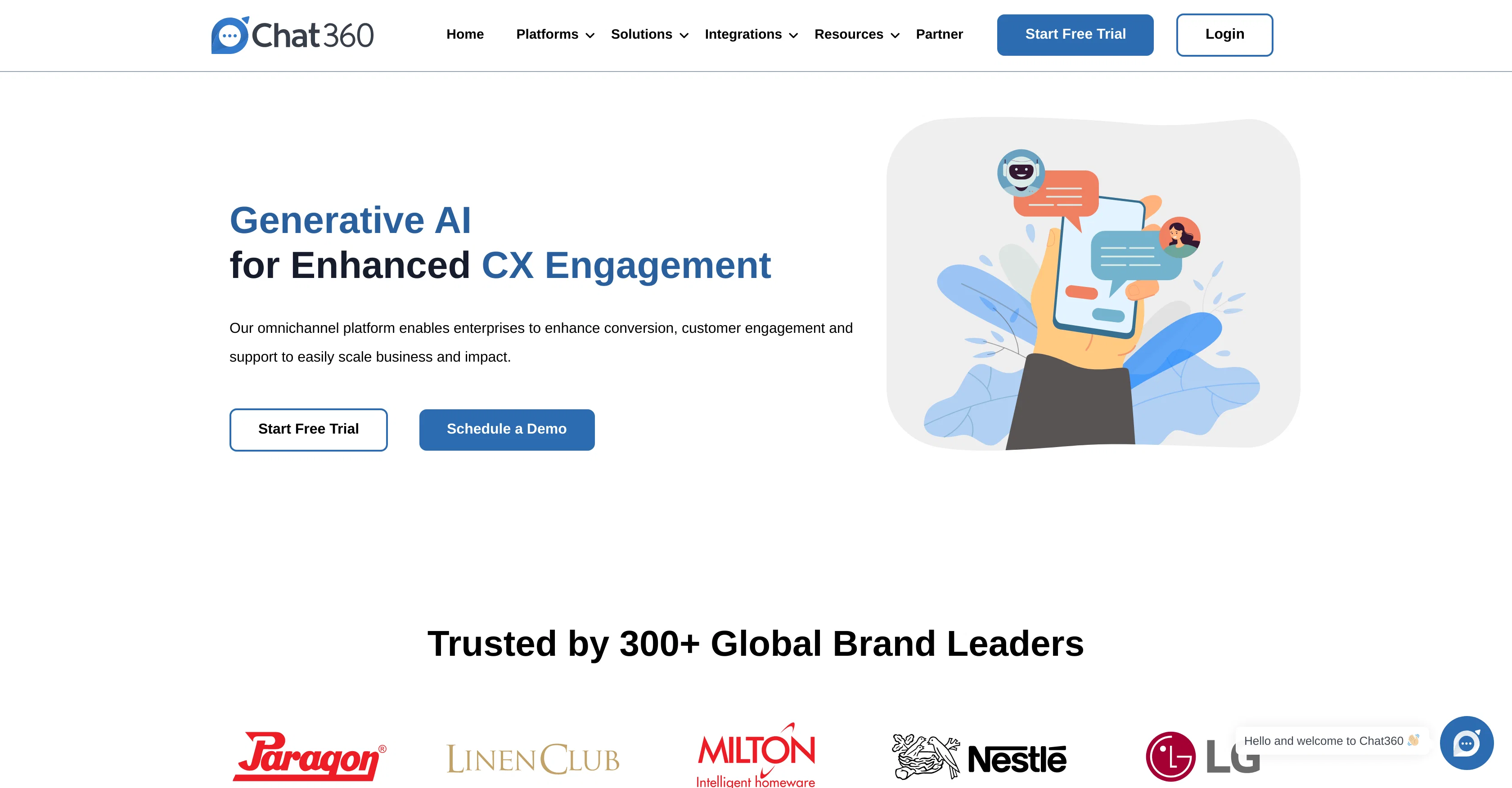
Chat360 is a conversational AI chatbot builder designed to enhance customer engagement and conversion. Its omnichannel platform serves as a comprehensive solution for businesses looking to scale through conversational sales, marketing, and customer support.
Chat360 boasts compatibility with numerous popular platforms, including WhatsApp, Facebook Messenger, Instagram, and websites, allowing businesses to reach customers through their preferred channels.
Additionally, the service offers various integrations to expand its capabilities, such as Google Sheets, Shopify, Stripe, Gmail, Google Dialogflow, LeadSquared, Setu and Razorpay.
It is engineered to cater to all types of industries and is trusted by a diverse range of global brand leaders. It's no-code interface enables the creation of bots that can generate leads, provide customer support and engagement, and facilitate business growth through conversational marketing.
Further, the platform facilitates the automation of Instagram DMs and Facebook Messenger to leverage widespread user engagement. Chat360 also prioritizes lead generation by enhancing visitor to lead ratio on websites and offers features for WhatsApp Business API to generate increased leads, orders, and customer satisfaction.
Lastly, through Chat360's resource center, users gain access to blogs and guides as well as potential partnership options.
Help other people by letting them know if this AI was useful.
Add your own prompts and outputs to help others understand how to use this AI.
Screenshot gallery
Pros & Cons
Pros
+Omnichannel platform
+Enhances customer engagement
+Boosts conversion rate
+Popular platform compatibility
+Integrates with WhatsApp
+Integrates with Facebook Messenger
+Integrates with Instagram
+Integrates with websites
+Expansive integrations
+Google Sheets integration
+Shopify integration
+Stripe integration
+Gmail integration
+Google Dialogflow integration
+LeadSquared integration
+Setu integration
+Razorpay integration
+Suits all industries
+Trusted by global brands
+No-code interface
+Lead generation
+Customer support
+Facilitates business growth
+Conversational marketing
+Automation of Instagram DMs
+Automation of Facebook Messenger
+Enhances visitor to lead ratio
+WhatsApp Business API features
+Access to blogs and guides
+Partnership opportunities
+Increases customer satisfaction
+Sales and marketing automation
+Social media integration
+Website integration
+Customer support automation
+Increases leads and orders
Cons
−Specific platform compatibility
−No-code interface complexity
−Limited industry versatility
−Automation limited to Instagram and Facebook Messenger
−Potential integration complexities
−Undefined pricing
−Limited customization options
A Professional Framework to Evaluate Chat360
When considering Chat360 for integration into your organizational workflow, we recommend deploying a structured score card across three critical operational pillars: Security & Compliance, Integration Friction, and long-term Price Scalability. Rather than looking only at basic feature lists, modern procurement teams must assess how a software platform behaves under high load and how well it fits into the team's data security guidelines.
1. Security and Database Compliance
Depending on your operating region and field, ensure that Chat360 supports standard security layers such as SOC 2 Type II certifications, GDPR compliance, or HIPAA-compliant database encryption. If the tool connects directly to client database tables or handles user passwords, verify that they implement multi-factor authentication (MFA), single sign-on (SSO) integrations, and end-to-end data encryption in transit and at rest.
2. API Coverage and Custom Integrations
Siloed data is the primary cause of operational friction. Evaluate if Chat360 has native connectors for your current project trackers, messaging hubs, and customer communication channels. For custom developer requirements, check if they provide a fully documented REST API with reasonable rate limits, comprehensive Webhooks support, and robust SDK packages in your language. A flexible API layer saves hundreds of hours of manual copy-paste overhead.
3. Total Cost of Ownership (TCO)
SaaS pricing packages are often deceptively simple. When reviewing Chat360's billing structure, map out your team's projected expansion over the next 12 to 24 months. Determine how costs scale as your customer database increases or as you add team members. Factor in setup costs, mandatory support plan upgrades, API access fees, and storage overage rates to understand the true cost before committing to a contract.
By combining verified user reviews from our directory with internal workflow pilot tests, your procurement team can make an informed decision that drives productivity without creating capital waste.
Features of Chat360
Chatbot Builder
Conversational AI
Customer Engagement
Lead Generation
Omni Channel Platform
Website Integration
SaaS1to10 verified reviews for Chat360
Overall rating
★★★★★5.0
Based on 14 reviews
★★★★★5.01 months ago
“Review”
pretty clean tool, i tried a couple product images fast and the controls make sense. model picks, image-to-image and quick batch runs are handy for ad shots or thumbnails. the free tier is tiny at 2 credits, so it's more of a taste test than real use.
Emad Almasri
★★★★★5.01 months ago
“Review”
Great tool for writing SEO content on autopilot. I use it on 3 different websites.
Vincenzo Ruggiero
★★★★★5.01 months ago
“Review”
The conversation with the ai felt really nice. And the even the narrative part is well executed.
Dillan
★★★★★5.01 months ago
“Review”
It is so nice to use it
Elleni J Mekasha
★★★★★5.01 months ago
“Review”
Love this app. Easy to use and feels like it gives very personalized advice based on the conversation history I've been building up with it.
J Granc
★★★★★5.01 months ago
“Review”
This is the first AI marketing tool I’ve used that actually helps me get things done, not just suggest generic ideas. The mix of AI-powered strategy and real experts executing the work makes it feel like having a high-performance marketing team without the overhead
Zach Chmael
★★★★★5.01 months ago
“Review”
How has this not received a single review. It’s a brilliant analytical writer of up to 5,000 words
L Jenkins
★★★★★5.01 months ago
“Review”
im not receiving the code in my email
aiden shop
★★★★★5.01 months ago
“Review”
has been an absolute game changer. Easy to use and offers the flexibility of enterprise level integrations at a fraction of the cost of some other tools. Training models are easy.
navin jeno
★★★★★5.01 months ago
“Review”
The concept is great.
kanawati
★★★★★5.01 months ago
“Review”
Very interesting
Béatrice Duval
★★★★★5.02 months ago
“Review”
TDGesk's multi-account messaging feature is highly efficient and user-friendly. It simplifies communication across multiple accounts, saving time and effort. Highly recommended for businesses seeking streamlined messaging solutions.
Zhang Xiaotong
★★★★★5.02 months ago
“Review”
We replaced our demo request form with Perspective and our show rate went up overnight. Prospects actually tell us what they need before the call — no more showing up blind. Wish we'd done it sooner.
Nate Richardson
★★★★★5.02 months ago
“Review”
This is a great tool! I have a question. The first time I created an Interactive Lesson, the published result had a transcript of the podcast which interacted simultaneously with the mindmap. After navigating out of that window, I can't access this again. Is there a way to access it? Currently it only shows an outline, the podcast and mindmap with no transcript or mindmap interactivity.
Fly Soul O
Pricing
Starting Price
Contact vendor for pricing
Pricing may vary based on team size and features selected.